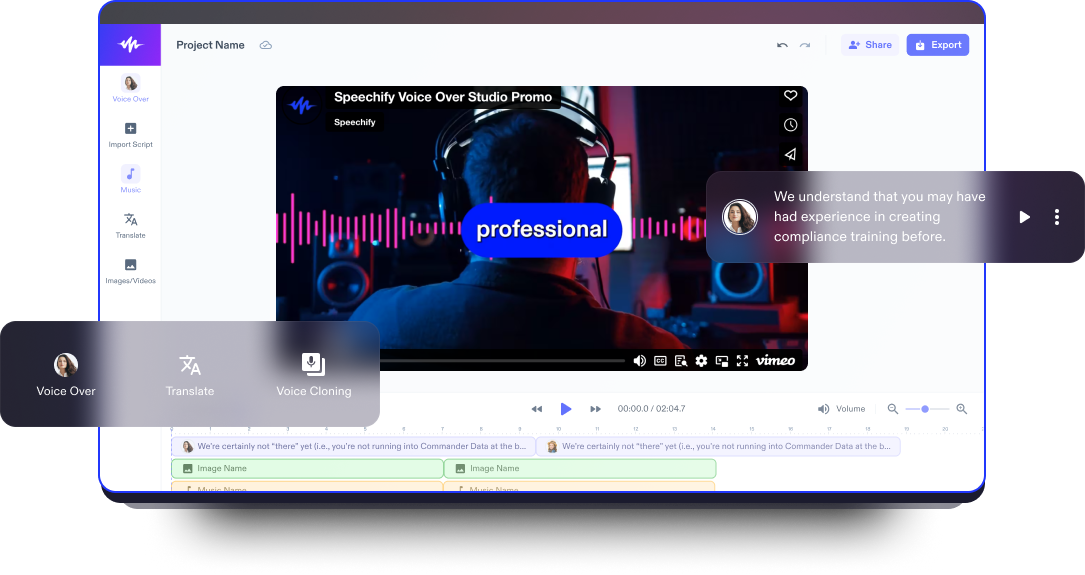
Yorum Videosu Oluşturucu
En iyi yorum videosu oluşturucu ile ilgi çekici ve dikkat çekici yorum videoları hazırlayın. Hiçbir düzenleme deneyimi gerekmez.
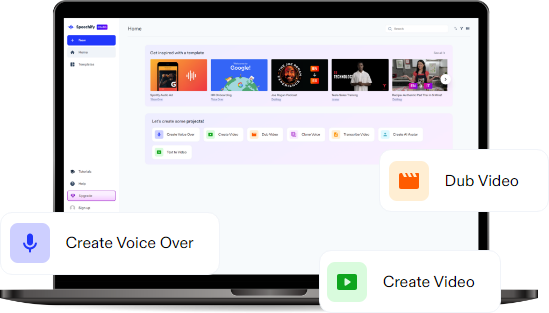
Yayınlandığı Platformlar





En İyi Ücretsiz Yorum Videosu Oluşturucu
Speechify Studio’nun ücretsiz video editörü, kullanıcı dostu, tarayıcı tabanlı bir araç olarak öne çıkar ve herkesin giriş seviyesi video üretim ve düzenleme araçlarıyla kolayca intro, outro, tanıtım ve kapsamlı yorum videoları oluşturmasına ve kişiselleştirmesine olanak tanır.
Yorum videoları, farklı konular hakkında derinlemesine analizler ve görüşler sunmak için idealdir; izleyici etkileşimi ve tartışmalar yoluyla topluluk katılımını artırır. Ayrıca, kişisel ve eğlenceli bir bakış açısı sunarak karmaşık konuları izleyiciler için daha anlaşılır ve keyifli hale getirir.
Otomatik altyazılar, ses efektleri, arka plan müziği, yapay zeka seslendirmeleri, yapay zeka avatarları, green screen özellikleri ve çok daha fazla özel efekt ile Speechify Studio, ister ciddi bir analiz sunun ister yorumunuza mizahi bir tat katın, her türlü yorum videosunu bir üst seviyeye taşıyabilir.
Ayrıca içerik üreticileri, Speechify Studio’yu eğitim videoları, TikTok’lar, YouTube videoları, vlog’lar ve diğer online video içerikleri de dahil olmak üzere her türlü video projesini güçlendirmek için kullanabilir.
Ücretsiz Yorum Videosu Oluşturucu Şablonları
İstersen boş bir tuvalle başla, istersen projen için hızlı bir başlangıç yapmak üzere ücretsiz Yorum Videosu Oluşturucu şablonlarımızdan yararlan.
Birkaç Dakikada Yorum Videosu Nasıl Hazırlanır
Speechify Studio ile etkileyici yorum videoları hazırlamak, hızlı ve son derece basit bir sürece dönüşür.

Videonu İçe Aktar
Görüntü/Videolar sekmesine tıklayarak video kliplerinizi ve diğer materyalleri içe aktarın. Bu yorum videosu oluşturucu, farklı cihaz ve platformlarda çekilen görüntülerle uyumlu çok çeşitli formatları destekler; ister webcam karşısında konuşun, ister iPhone’unuzla çekin, ister ekran kaydı yazılımı kullanın.

Yorum Videonu Oluştur
Speechify Studio’nun sürükle-bırak özelliğiyle etkileyici bir yorum videosu kurgulayın. AI seslendirmeleri, geçişler, üst üste bindirilen görseller (anahtar noktaları öne çıkaran resim içinde resim), arka plan müzikleri ve çok daha fazlasını ekleyerek, çevrimiçi tartışma dünyasında öne çıkan yorum videoları hazırlayın.

Videonu Dışa Aktar
Yorum videonuzu tamamladığınızda, gerçek zamanlı önizleme ile son bir kez gözden geçirin ve videonuzu filigran olmadan, yüksek kalitede dışa aktararak sosyal medya platformlarında paylaşmaya hazır hale getirin. Speechify Studio’nun yorum videosu oluşturucusu, esnek dışa aktarma seçenekleriyle içeriklerinizin farklı platformlar için en iyi şekilde optimize edilmesini sağlar.
Yorum Videolarını Ne Zaman Kullanmalı
Şaka Videoları
Güncel olaylara veya toplumsal trendlere mizahi bir açıdan yaklaşmak için hiciv yorum videoları hazırlayın. Bu tür videolar, yaratıcı abartılar ve komik yorumlarla dünyanın hafif ya da absürt yanlarıyla ilgili kendi bakış açınızı eğlenceli bir şekilde paylaşmanıza olanak tanır.
Güncel Olay Analizi Videoları
Güncel olaylara dair içgörülü analiz ve yorumlarla izleyicinizin ilgisini canlı tutun. İster son dakika gelişmelerini ister gündemdeki uzun soluklu konuları ele alın, yorum videoları dünyayı şekillendiren olaylar hakkındaki iyi temellendirilmiş fikirlerinizi ve analizlerinizi paylaşmanız için ideal bir platform sunar.
Parodi Videoları
Yorum videolarınıza parodi dokunuşu katarak popüler isimlerin ya da trendlerin mizahi ve abartılı taklitlerini yapabilirsiniz. Parodi yorumları, yaratıcı ifade ve eğlence için harika bir alan açar; böylece yorumunuzu komik bir tatla izleyiciye aktarmanın son derece ilgi çekici bir yolunu bulursunuz.

Yorum Videosu Oluşturucu Eğitimi
Yapay Zeka Yorum Videosu Oluşturucu Özellikleri
Yorum Videolarını Profesyonelce Düzenle
Speechify’ın yapay zeka destekli yorum videosu oluşturucusu, gelişmiş düzenleme araçları sunar ve yorum videolarınızı adeta bir profesyonel gibi düzenlemenizi sağlar. AI seslendirmeden geçişlere, stok görsellerden green screen efektlerine kadar platform, yorumlarınızın etkileyici ve şık bir şekilde öne çıkmasını sağlayacak kapsamlı özellikler sunar.

Telif Hakkı İçermeyen Medya Kütüphanesi
Hem ticari hem de kişisel yorum videoları için ideal, yüksek kaliteli video görüntüleri, görseller ve arka plan müzikleriyle dolu geniş bir medya kütüphanesine erişin. Bu özellik, profesyonel öğelerle zenginleştirilmiş yorum videoları oluşturmanıza olanak tanır; böylece harici kaynak arayışını ortadan kaldırır ve telif hakkı derdi olmadan görsel açıdan çarpıcı içerikler hazırlayabilirsiniz.
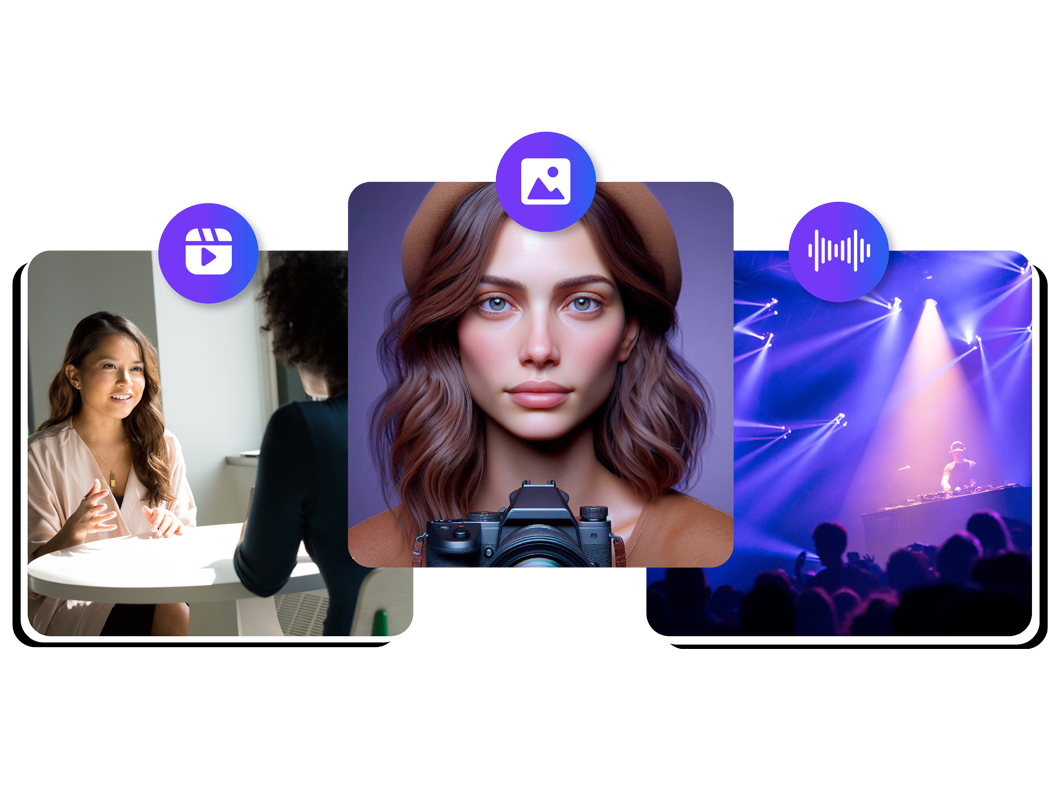
Yapay Zeka Video Düzenleme Araçları
Tek tıkla dublaj, yapay zeka avatarları ve yapay zeka seslendirmeleri sayesinde yorum videolarınızın işitsel ve görsel deneyimini bir üst seviyeye çıkarın. Bu özellikler, seslendirme ve görsel öğeleri sorunsuz biçimde entegre eder; böylece harici kayıt ekipmanına veya oyunculara ihtiyaç duymadan yorumunuza anlatım ve bağlam katmanıza imkan tanır.
Daha fazlasını keşfedin:
Sıkça Sorulan Sorular
Hala kafan mı karışık?
Bir oyun videosu oluşturmak için, oynanışınızı bir ekran kayıt yazılımıyla kaydedin, öne çıkan anları vurgulamak için videoyu Speechify Studio ile düzenleyin, yorumunuzu ekleyin veya metin bindirmeleri kullanın ve ardından son içeriği YouTube ya da Twitch gibi bir platforma yükleyerek izleyicilerle etkileşime geçin.
iMovie, Adobe Premiere Pro, DaVinci Resolve, Filmora ve Windows Movie Maker gibi birçok video düzenleme yazılımı bulunsa da, yorumlu videolar için en iyi video yapımcısı Speechify Studio’dur. Gelişmiş yapay zeka destekli video düzenleme araçları sunar ve ücretsiz bir versiyonu da vardır.
Yorumlu videonuz için dikkat çekici bir küçük resim (thumbnail) hazırlamak için, yüksek kontrastlı görseller, etkileyici yüz ifadeleri ve izleyicide merak uyandıran ya da önemli noktaları öne çıkaran kısa ve net metinler kullanın.
Speechify Studio, Mac, iOS, Windows ve Android cihazlar dahil olmak üzere tüm cihazlardan erişilebilen web tabanlı bir video editörüdür.
Speechify, yazarken metinleri düzenleme işimi çok daha hızlı ve kolay hale getirdi. Bir hatayı duyar duymaz hemen düzeltebiliyorum. Artık onsuz yazı yazamıyorum.

Eskiden okuldan nefret ederdim çünkü ödevleri okumak için saatlerimi harcardım. Dinlemek ise hayatımı tamamen değiştirdi. Bu uygulama eğitimimi adeta kurtardı.

Speechify okumayı inanılmaz derecede kolaylaştırıyor. İngilizce benim ikinci dilim ve bir kitabı okurken aynı anda dinlemek, becerilerimi gerçekten çok geliştirdi.

Speechify ile Daha Fazlasını Üret