Fitness Video Maker
En iyi ücretsiz fitness video oluşturucu ile viral fitness videoları hazırlayın. Profesyonel videolar üretmek için hiçbir düzenleme deneyimi gerekmez.
Yayınlandığı Platformlar





En İyi Ücretsiz Fitness Video Düzenleyici
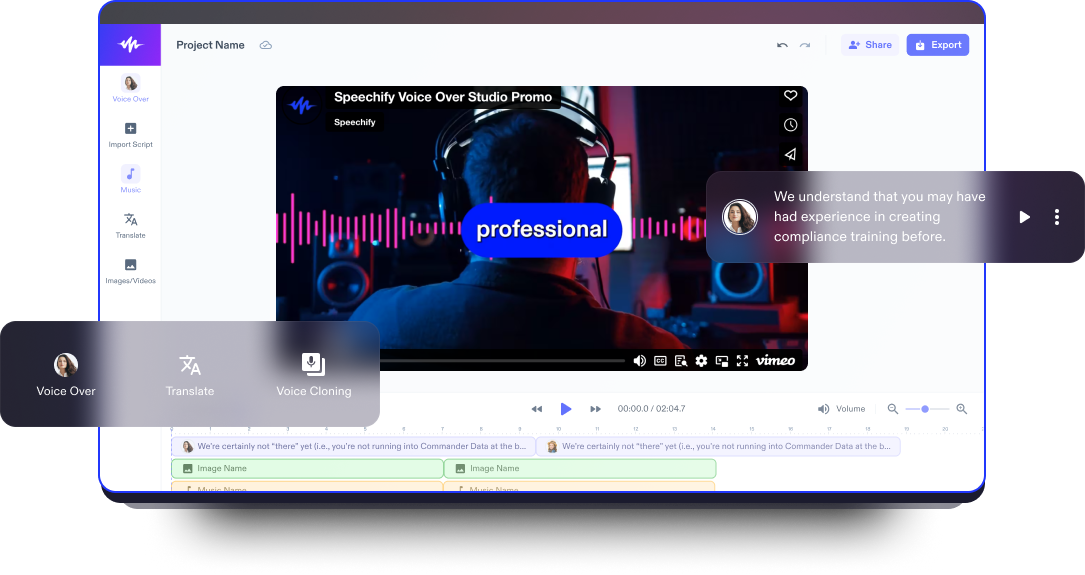
Fitness içerik üretiminin dinamik dünyasında, en iyi ücretsiz fitness video oluşturucuyu keşfetmek; antrenman rutinlerini, egzersiz ipuçlarını ve wellness yolculuklarını paylaşmak isteyen influencerlar, fitness tutkunları ve eğitmenler için kritik öneme sahiptir. Speechify Studio, kullanıcı dostu arayüzü ve akıcı deneyimiyle gelişmiş özellikler sunar; yeni başlayanlardan deneyimli içerik üreticilerine kadar herkesin yüksek kaliteli, ilham veren ve bilgilendirici videolar hazırlamasını sağlar.
Kişiselleştirilebilir şablonlar, yazı tipleri, telifsiz stok videolar (video klipler, arka plan müzikleri, görseller), dinamik geçişler ve yapay zeka video düzenleme araçları ile Speechify Studio video editörü; hem egzersizleri etkili biçimde aktaran hem de görsel açıdan çarpıcı görünen fitness videoları hazırlamanızı sağlar ve fitness içerik üreticilerinin çeşitlenen ihtiyaçlarını karşılar.
Speechify Studio'yla eğlenceli ve bilgilendirici fitness – antrenman videoları veya spor salonu videoları oluşturmakla kalmaz; bu video düzenleme yazılımı, intro ve outro'lar, tanıtım videoları, slayt gösterileri, eğitim içerikleri, video reklamlar, YouTube videoları, video pazarlama materyalleri ve çok daha fazlası için de idealdir.
Ücretsiz Fitness Video Oluşturucu Şablonları
Boş bir tuvalle başlayın ya da ücretsiz Fitness Video Maker şablonlarımızdan birini seçerek projenize anında başlayın.
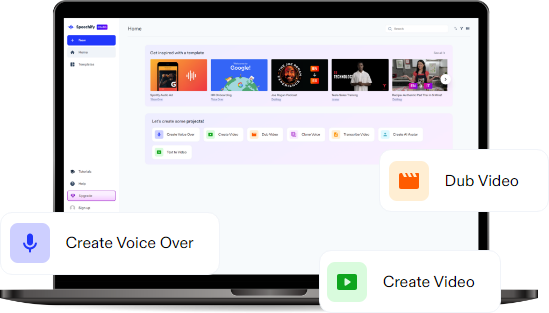
Dakikalar İçinde Fitness Videosu Nasıl Oluşturulur
Speechify Studio ile ilgi çekici fitness videoları hazırlayın, fitness bilginizi dakikalar içinde paylaşın.

Videonuzu İçe Aktarın
Fitness video oluşturma sürecine, Resimler/Videolar'a tıklayıp antrenman çekimlerinizi editöre aktararak başlayın. Antrenman rutinlerinizi ister mobil uygulamanızla ister profesyonel ekipmanla kaydetmiş olun, görüntülerinizi zahmetsizce entegre edin ve fitness bilginizi dünyayla paylaşın.

Fitness Videonuzu Oluşturun
Sürükle-bırak özelliğiyle etkileyici bir fitness videosu tasarlayın. Geçiş efektleri, bindirmeler, müzik, yapay zekâ seslendirmeleri, metin animasyonları ve daha fazlasını ekleyin; böylece antrenman rutinlerinizi görsel olarak çarpıcı ve etkili fitness videolarına dönüştürün.

Fitness Videonuzu Dışa Aktarın
Fitness şaheserinizi tamamladıktan sonra, filigran olmadan yüksek kalitede dışa aktarın ve sosyal medya platformlarında, fitness bloglarında veya YouTube kanalınızda paylaşmaya hazır hale getirin. Böylece başkalarını da daha sağlıklı bir yaşama adım atmaya teşvik edin.
Fitness Videoları Ne Zaman Kullanılır
Egzersiz Videoları
Takipçilerinize etkili antrenman rutinleri sunmak için kapsamlı egzersiz videoları hazırlayın. Güç antrenmanından kardiyo egzersizlerine kadar fitness videoları, evde formda kalmak isteyenler ve doğru egzersiz tekniklerini öğrenmek isteyenler için değerli rehberlerdir.
Sosyal Medya Videoları
Instagram Reels, TikTok ve Facebook gibi sosyal medya platformlarında pratik fitness ipuçları ve kısa antrenman rutinlerini paylaşın. Kısa ve dikkat çekici fitness videoları, sosyal medya kullanıcılarının ilgisini çekmek ve onları günlük rutinlerine hareket katmaya teşvik etmek için idealdir.
Pazarlama Videoları
Fitness videolarını pazarlama amacıyla kullanarak fitness derslerinizi, kişisel antrenörlük hizmetlerinizi veya antrenman programlarınızı öne çıkarın. Etkileyici pazarlama videoları uzmanlığınızı sergiler, müşteri başarı hikayelerini vurgular ve fitness işleriniz için yeni müşteriler çekmenize yardımcı olur.
Fitness Video Oluşturucu Eğitimi
Yapay Zekalı Fitness Video Oluşturucu Özellikleri
Fitness Videolarını Profesyonel Gibi Düzenleyin
Speechify Studio’nun yapay zekâ destekli fitness video düzenleyicisi, gelişmiş düzenleme araçları sunar ve fitness videolarınızı profesyonelce kurgulamanızı sağlar. Antrenman görüntülerini iyileştirmekten geçişleri mükemmelleştirmeye, otomatik altyazı eklemekten çok daha fazlasına kadar; platform, fitness içeriklerinizin dikkat çekici ve kaliteli olmasını sağlayan kapsamlı bir araç seti sunar.

Telif Ücretsiz Medya Kütüphanesi
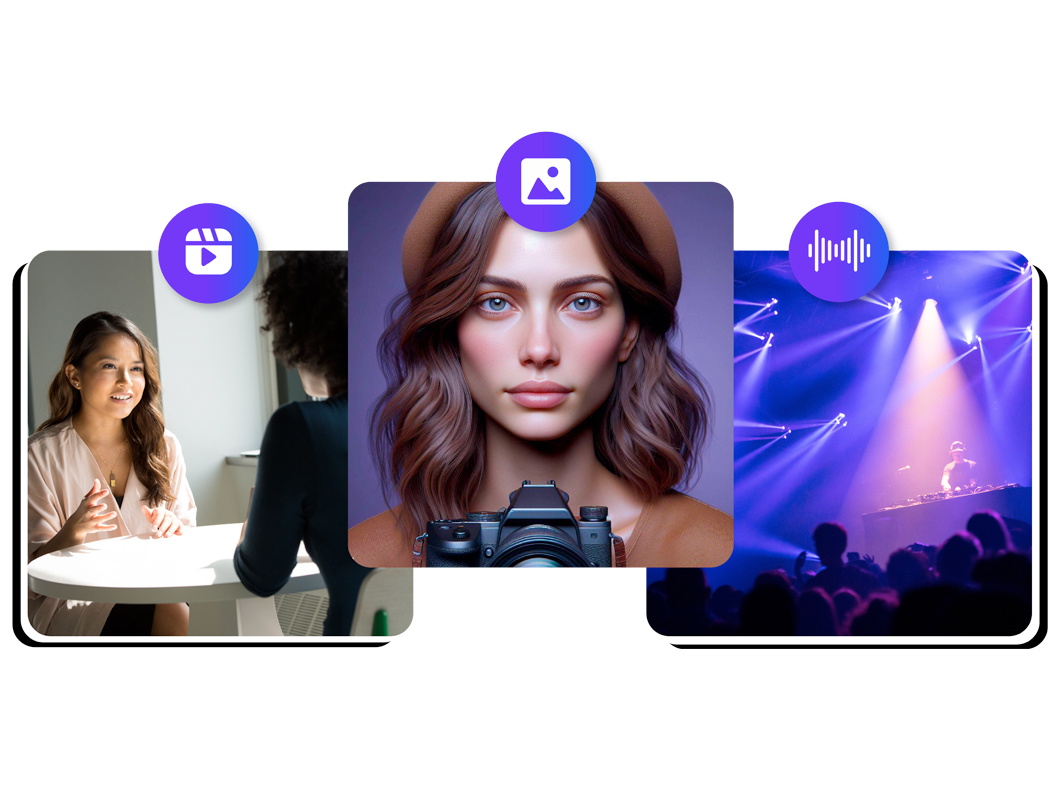
Fitness sektörüne özel kişisel ve ticari videolarınızı zenginleştirmek için telif hakkı gerektirmeyen geniş bir medya kütüphanesine erişin; görseller, video klipler ve arka plan müzikleri gibi pek çok materyalle içeriklerinizi destekleyin. Bu özellik; fitness videolarınızı ek dış kaynaklara ihtiyaç duymadan profesyonel öğelerle güçlendirmenize ve görsel olarak etkileyici içerikler üretmenize imkan verir.
Yapay Zeka Çok Dilli Seslendirmeler
Speechify Studio ile kendi seslendirmelerinizi ekleyebilir veya 200'den fazla insan benzeri yapay zekâ seslendirme seçeneği arasından, farklı aksan ve dillerde dublaj yapabilirsiniz. Yapay zekâ destekli çeviri özelliğiyle herhangi bir videoyu tek tıkla istediğiniz dile uyarlayarak TikTok, vlog, YouTube videolarınız ve daha fazlasını küresel bir kitleye ulaştırabilirsiniz.
Daha fazlasını keşfedin:
Sıkça Sorulan Sorular
Hâlâ kafanız karışık mı?
Instagram hikayeleri için en boy oranı 9:16'dır, ancak Instagram videolarının en boy oranı değişebilir; genellikle 1:1 (kare), 4:5 veya 16:9 kullanılır.
Hayır, Final Cut Pro Windows cihazlarında kullanılamaz çünkü yalnızca Mac için geliştirilmiş bir yazılımdır. Ancak Windows kullanıcıları Speechify Studio'yu tüm cihazlarında kullanabilir.
Evet, seçtiğiniz fiyatlandırma planına bağlı olarak Speechify Studio'nun ücretsiz veya premium sürümüyle hareketli grafikler oluşturabilirsiniz.
Speechify, yazarken metinleri düzenleme işimi çok daha hızlı ve kolay hale getirdi. Bir hatayı duyar duymaz hemen düzeltebiliyorum. Artık onsuz yazı yazamıyorum.

Eskiden okuldan nefret ederdim çünkü ödevleri okumak için saatlerimi harcardım. Dinlemek ise hayatımı tamamen değiştirdi. Bu uygulama eğitimimi adeta kurtardı.

Speechify okumayı inanılmaz derecede kolaylaştırıyor. İngilizce benim ikinci dilim ve bir kitabı okurken aynı anda dinlemek, becerilerimi gerçekten çok geliştirdi.

Speechify ile Daha Fazlasını Yaratın