Makyaj Eğitimi Video Oluşturucu
Makyaj fırçalarınızı kapın ve en iyi makyaj eğitimi video düzenleme yazılımını kullanarak izleyicilerinizi büyüleyecek güzellik içerikleri üretmeye başlayın.
Yayınlandığı Platformlar





En İyi Ücretsiz Makyaj Eğitimi Video Oluşturucu
Trend eyeliner görünümlerinden kusursuz kapatıcı uygulamalarına kadar Speechify Studio’nun ücretsiz makyaj eğitimi video editörü, içerik üreticilerinin çarpıcı ve bilgilendirici makyaj eğitimlerini zahmetsizce hazırlamasını sağlar.
Makyaj eğitimi videoları, yetenekli güzellik tutkunlarının veya profesyonel makyaj sanatçılarının izleyicilere farklı teknikler, ürün uygulamaları ve ipuçları göstererek belirli makyaj görünümlerine ulaşmalarına yardımcı olduğu adım adım rehberlerdir.
İster YouTube kanalınızı büyütmek isteyen bir güzellik içerik üreticisi olun ister profesyonel bir makyaj sanatçısı olarak yeteneklerinizi sergileyin, Speechify Studio’nun yeni başlayanlara uygun yapay zeka video düzenleme araçları, makyaj eğitim videolarınızın kalabalık güzellik topluluğunda öne çıkmasına yardımcı olur.
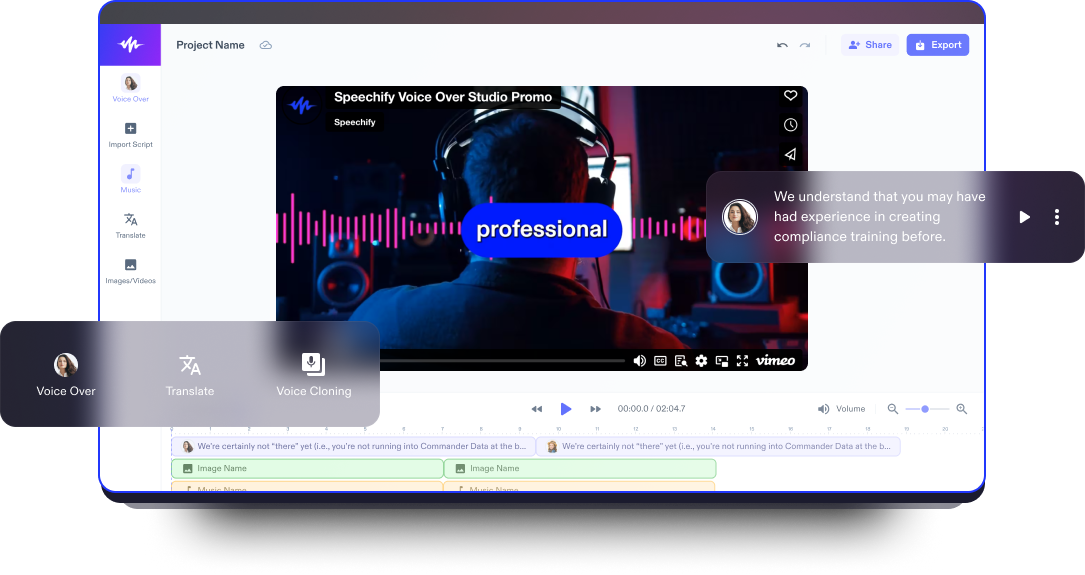
Giriş, kapanış, tanıtım veya tam uzunlukta makyaj videolarınızı; görseller, video klipler, arka plan müziği, yazı tipleri, geçişler, video efektleri, animasyonlar, çıkartmalar, bindirmeler, yapay zeka seslendirmeleri ve çok daha fazlasını kullanarak hazırlayın.
Ayrıca Speechify Studio’nun video editörüyle sosyal medya videoları, video pazarlama reklamları ve diğer tüm video projelerinizi de bir üst seviyeye taşıyın.
Ücretsiz Makyaj Eğitimi Video Oluşturucu Şablonları
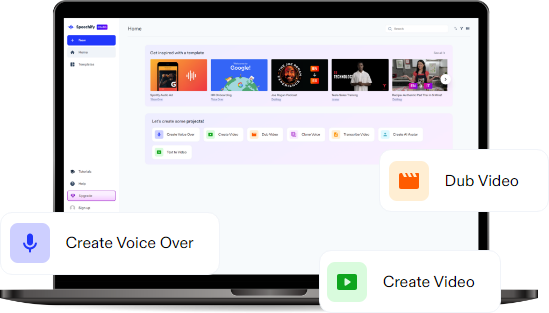
Boş bir tuvalle başlayın ya da projenize hızlıca başlamak için ücretsiz Makyaj Eğitimi Video Oluşturucu şablonlarımızı kullanın.
Dakikalar İçinde Makyaj Eğitimi Videosu Nasıl Hazırlanır
Bu adım adım rehberle makyaj eğitimi videosu hazırlamak artık her zamankinden daha kolay.

Videonuzu İçe Aktarın
Makyaj görünümünüzü halka ışığınız ve kameranız, iPhone’unuz veya Android cihazınızla çekin; ardından Görüntüler/Videolar’a dokunarak makyaj kliplerinizi zahmetsizce içe aktarın. Bu çok yönlü özellik içerik üretme sürecinizi pratikleştirir ve enerjinizi makyaj görünümlerinizi mükemmelleştirmeye ayırmanızı sağlar.

Makyaj Videonuzu Kurgulayın
Makyaj eğitimi videolarınızı kusursuz geçişler, bindirmeler, animasyonlar, yazı tipleri, çıkartmalar, seslendirmeler ve daha fazlasıyla kişiselleştirin. Speechify Studio’nun düzenleme araçları ayrıca belirli makyaj tekniklerine yakınlaştırma imkânı sunarak hem bilgilendirici hem de görsel açıdan etkileyici eğitimler hazırlamanıza yardımcı olur.

Makyaj Videonuzu Dışa Aktarın
Makyaj eğitimi başyapıtınız hazır olduğunda, onu farklı sosyal medya platformlarına uygun, yüksek kaliteli bir formatta dışa aktarın. İster TikTok’ta, ister YouTube’da ya da Instagram Reels’de paylaşın; Speechify Studio içeriğinizin her platform için optimize edilmesini sağlar ve daha geniş bir kitleye ulaşmanıza yardımcı olur.
Makyaj Eğitimi Videolarını Ne Zaman Kullanmalısınız?
Makyaj Nasıl Yapılır Videoları
Makyaj “nasıl yapılır” videoları sanal güzellik rehberleri görevi görür ve izleyicilere, günlük ışıltıdan özel gün makyajlarına kadar farklı görünümlere ulaşmaları için adım adım tüyolar sunar. Bu videolar, izleyicilerin kendi makyajlarını denerken özgüven kazanmalarına ve trendleri yakından takip etmelerine yardımcı olur.
Makyaj Pazarlama Videoları
Güzellik içerik üreticileri ve makyaj sanatçıları, pazarlama amacıyla makyaj eğitimi videolarından yararlanabilir. Bu yüksek kaliteli videolar, güzellik ürünlerini tanıtmak, iş birlikleri yapmak ve profesyonel becerileri sergilemek için idealdir; potansiyel müşterileri ve markalarla iş ortaklıklarını cezbetmeye yardımcı olur.
Makyaj İnceleme Videoları
İster en yeni far paletini ister piyasaya çıkan son makyaj ürünlerini inceliyor olun, makyaj eğitimi videoları, güzellik tutkunlarının izleyicileriyle etkileşime geçmesi için etkileyici bir format sunar; samimi görüşler, tercihler ve bakış açılarını paylaşarak güçlü bir topluluk duygusu oluşturur.
Makyaj Eğitimi Video Oluşturucu Eğitimi
Yapay Zeka Destekli Makyaj Eğitimi Video Oluşturucu Özellikleri
Makyaj Eğitimi Videolarını Profesyonel Gibi Düzenleyin
Makyaj eğitimi videolarını profesyonelce düzenleyebilmeniz için gelişmiş video düzenleme özelliklerinin kilidini açın. Hassas geçişler, altyazılar, bindirmeler, yeşil perde efektleri, telifsiz arka plan müzikleri ve benzersiz animasyonlarla Speechify Studio, içeriğinizi hem göz alıcı hem de güncel güzellik trendleriyle uyumlu hâle getirmeniz için gereken tüm ögeleri sunar.
Tek Tıkla Dublaj
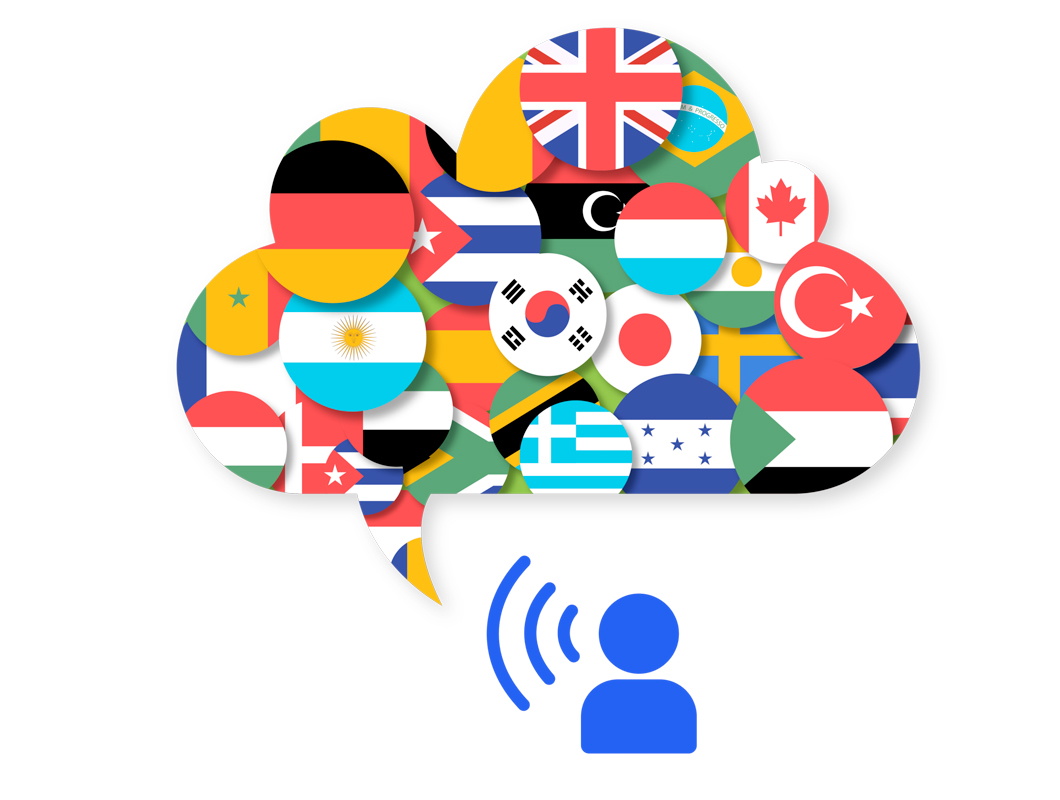
Tek tıkla dublaj ile izleyici kitlenizi büyütün. Speechify Studio, makyaj eğitimi videolarınızı farklı dillere dublajlama sürecini zahmetsiz hâle getirir; böylece makyaj talimatlarınızı küresel kitlelere net bir şekilde iletebilirsiniz. Yalnızca istediğiniz dili seçin ve videonuzu anında başka bir dile çevirin.
Yapay Zeka Seslendirmeleri
Makyaj eğitimi videolarınızın anlatımını yapay zeka destekli seslendirmelerle güçlendirin. Speechify Studio’nun 200’den fazla gerçekçi, farklı dil ve aksanlardaki seslendirme seçeneği, içerik üreticilerin makyaj tekniklerini ve ürün önerilerini detaylı şekilde açıklamasına imkân tanıyarak eğitimlerin daha bilgilendirici ve ilgi çekici olmasına yardımcı olur.
Daha fazlasını keşfedin:
Sıkça Sorulan Sorular
Hâlâ kafanız karışık mı?
Adım 1: Önce makyaj eğitimi videonuzu planlayın; göstermek istediğiniz belirli makyaj stilini belirleyin ve ihtiyacınız olan tüm ürün ve araçların hazır olduğundan emin olun. Adım 2: İyi aydınlatılmış, düzenli bir çekim alanı hazırlayın; kameranızı uygulama sürecini net bir şekilde gösterecek bir açıya yerleştirin. Adım 3: Kayda başlayın ve makyajın her adımını sakin sakin, anlaşılır ve net talimatlarla anlatın; samimi, doğal ve ilgi çekici bir anlatım tarzı kullanın. Adım 4: Çekiminizi Speechify Studio'da düzenleyin.
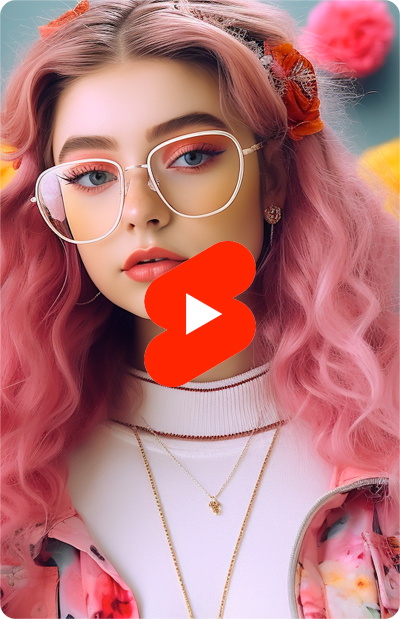
Makyaj eğitimi videonuz için dikkat çekici bir YouTube küçük resmi hazırlarken, final görünümünüzün net, yakın plan bir fotoğrafını ve canlı renkleri tercih edin; böylece hem eğitimde anlattığınız makyajı öne çıkaran hem de izleyiciyi tıklamaya teşvik eden bir görsellik yakalamış olursunuz.
Speechify Studio, makyaj eğitimleri için ideal, kullanımı kolay ve çok yönlü bir video düzenleyicidir. Görsellerinizi güçlendirmek ve profesyonel, etkileyici bir sonuç elde etmek için pek çok yapay zekâ destekli araç ve özellikle gelir.
Evet, "YouCam Makeup" gibi makyaj eğitimi uygulamaları, adım adım yönlendirmeler ve sanal deneme özellikleriyle kullanıcıların makyaj yapmayı etkili bir şekilde öğrenmesine yardımcı olur.
Çekim için makyaj yaparken, cilt tonunu eşitlemeye, parlaklığı kontrol altına alan ürünler kullanmaya ve doğal bir görünüm korurken yüz hatlarını belirginleştirmeye odaklanın. Böylece kamerada en iyi sonucu elde edebilirsiniz.
Makyaj sanatçıları, video içerik üretirken genellikle Speechify Studio’nun çevrim içi video düzenleyicisini kullanır; kullanıcı dostu araç ve özellikleriyle videolarını görsel açıdan zenginleştirir ve izleyiciyle daha güçlü bir etkileşim kurar. Speechify Studio’nun mobil uygulaması yoktur, ancak herhangi bir tarayıcıdan kolayca erişilebilir.
Speechify, yazarken metinleri düzenleme işimi çok daha hızlı ve kolay hale getirdi. Bir hatayı duyar duymaz hemen düzeltebiliyorum. Artık onsuz yazı yazamıyorum.
Eskiden okuldan nefret ederdim çünkü ödevleri okumak için saatlerimi harcardım. Dinlemek ise hayatımı tamamen değiştirdi. Bu uygulama eğitimimi adeta kurtardı.
Speechify okumayı inanılmaz derecede kolaylaştırıyor. İngilizce benim ikinci dilim ve bir kitabı okurken aynı anda dinlemek, becerilerimi gerçekten çok geliştirdi.

Speechify ile Daha Fazlasını Üretin