Foto Video Yapıcı
Foto video yapıcımızla nefes kesen fotoğraf videolarını zahmetsizce oluşturun.
Yayınlandığı Platformlar





En İyi Ücretsiz Foto Video Yapıcı
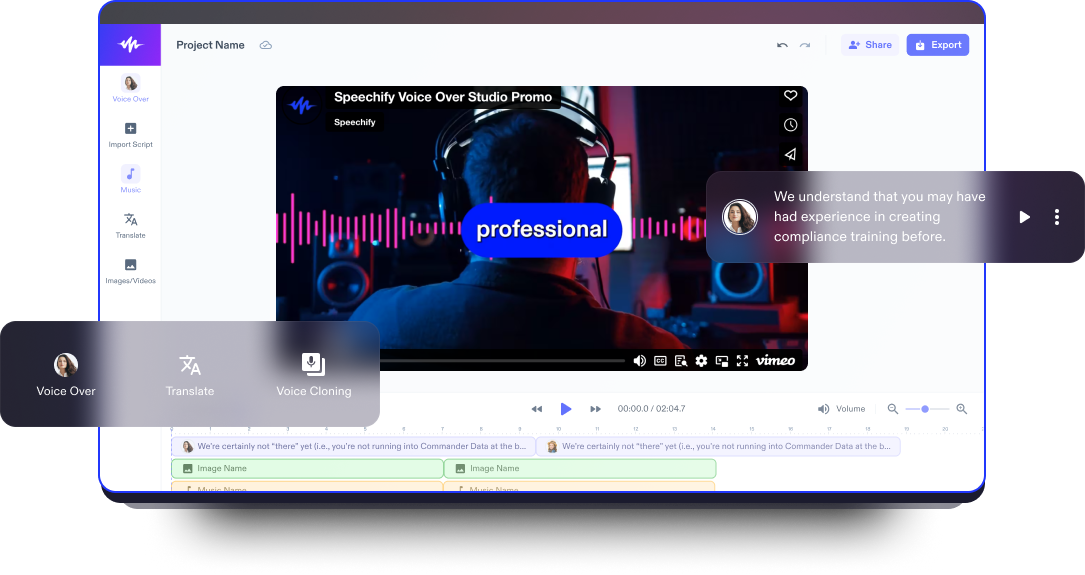
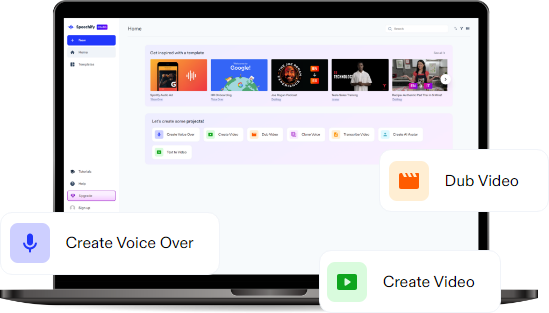
Speechify Studio’nun foto video yapıcısı tarayıcınızda sorunsuzca çalışır. Sürükle-bırak arayüzüyle kullanıcılar fotoğraf veya videoları ekleyebilir, arka plan müziği seçebilir ya da fotoğraf videoları için yapay zeka seslendirmeleri tercih edebilir. Çeşitli efektler, geçişler, telifsiz stok görüntüler ve yüksek kaliteli yapay zeka düzenleme araçları sunan Speechify Studio’nun ücretsiz video düzenleme yazılımıyla kullanıcılar dikkat çeken sunumlar hazırlayabilir.
Fotoğraf videoları; hareketsiz görüntüler, video klipler, müzik ve kimi zaman metin ya da seslendirmeleri bir araya getirerek duyguları harekete geçiren, etkileyici bir hikaye anlatan dinamik görsel anlatımlarla anıları yakalamak ve tekrar tekrar yaşamak için idealdir.
İster özel bir günü ölümsüzleştirin, ister seyahatlerinizi sergileyin ya da sosyal medyada paylaşım yapın; çevrimiçi video editörümüz son derece kullanıcı dostudur. Hem yeni başlayanlar hem de profesyonel video düzenleyiciler yalnızca fotoğraf videoları değil, müzik videolarından video kolajlara, eğitim içeriklerinden tam uzunlukta filmlere kadar her türden video içeriğini kolayca hazırlayabilir.
Ücretsiz Foto Video Yapıcı Şablonları
İsterseniz boş bir sayfayla başlayın, isterseniz ücretsiz Foto Video Yapıcı şablonlarımızdan birini seçerek projeye anında başlayın.
Dakikalar İçinde Fotoğraf Videosu Nasıl Yapılır
Her türlü özel an için harika fotoğraf videolarını çevrimiçi foto video yapıcımızla göz açıp kapayıncaya kadar hazırlayın.

Videonu İçeri Aktar
Kendi fotoğraf veya video içeriklerinizi eklemek için Fotoğraflar/Videolar'a dokunun. Stok görüntüye mi ihtiyacınız var? Hiç sorun değil. Hem kişisel hem de ticari projelerinizde kullanabileceğiniz içeriklerle dolu medya kütüphanemize göz atın.

Fotoğraf Videonu Oluştur
Klipleri düzenleyip efektler, geçişler, sesler, yapay zeka seslendirmeleri, arka plan müziği, ses efektleri, altyazılar veya animasyonlar ekleyerek fotoğraf videonu adım adım oluştur. İzleyicini etkilemek için başlıklar, fotoğraflar, altyazılar ya da kendi müziğini ekleyerek videona hayat ver.

Fotoğraf Videonu Dışa Aktar
Düzenlenmiş videonu tamamladığında, başyapıtını dışa aktarmak çocuk oyuncağı. Tek yapman gereken Kaydet ve Dışa Aktar butonuna basmak. Ayrıca, fotoğraf videonu farklı sosyal medya platformlarına uygun hale getirmek için çeşitli en-boy oranlarına göre yeniden boyutlandırabilirsin.
Video İntroları Ne Zaman Kullanılır
Slayt Gösterisi Videoları
Slayt gösterisi videoları; düğün, doğum günü veya yıl dönümü gibi özel anları anmak için idealdir. Müzik eşliğinde art arda gelen fotoğraflarla oluşturulan bu videolar, izleyicilere hem nostaljik hem de görsel açıdan etkileyici bir deneyim sunar.
Seyahat Videoları
Seyahat videoları, unutulmaz yolculukları kaydetmek ve paylaşmak için mükemmeldir. Kullanıcılar; nefes kesen manzaralar, macera klipleri ve kendi yorumlarını bir araya getirerek etkileyici anlatılar oluşturabilir, seyahat deneyimlerini canlı ve ilham verici bir şekilde aktarabilir.
Sosyal Medya Tanıtım Videoları & Teaser'lar
Sosyal medya tanıtım videoları; Instagram veya TikTok gibi platformlarda ürün, hizmet ya da etkinliklerinizi öne çıkarmak için güçlü araçlardır. Dikkat çekici fotoğraflar, müzik ve metin kullanarak izleyicinin ilgisini hızla yakalar ve onları daha fazlasını keşfetmeye teşvik eder.
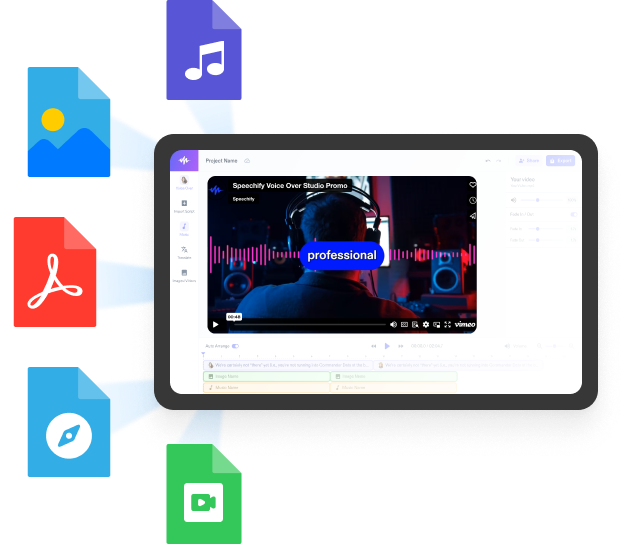
Foto Video Yapıcı Eğitimi
Yapay Zeka Foto Video Yapıcı Özellikleri
Fotoğraf Videolarını Profesyonel Gibi Düzenle
Birbirinden farklı efektler, kişiselleştirme seçenekleri ve geçişlerle profesyonel düzeyde düzenleme yapın. Kaplamalardan çıkartmalara ve emojilere, yazı tipi animasyonlarından geçişlere ve yapay zeka özelliklerine kadar Speechify Studio’nun fotoğraf video yapıcısı; videolarınızı öne çıkarmak ve izleyicilerinizi etkilemek için geniş bir yelpaze sunar.

Telifsiz Stok Görüntü Kütüphanesi
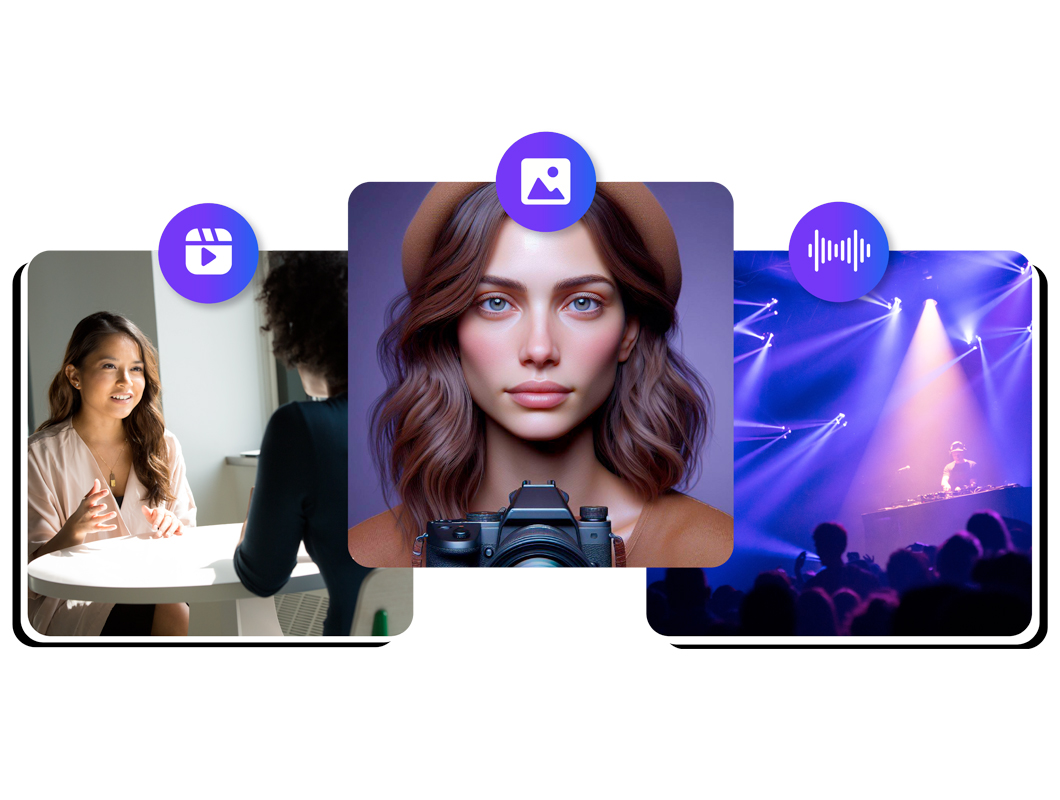
Stok görüntü kütüphanemiz binlerce telifsiz ve etkileyici video, fotoğraf ve müzik parçası barındırır; kişisel veya ticari projeler için kapsamlı bir kaynak sunar. Her yaratıcı ihtiyaca uygun, özenle seçilmiş yüksek kaliteli içerikleri keşfedin, projelerinizin görsel çekiciliğini artırın.
Yapay Zeka Seslendirmeler ve Dublaj
200'den fazla gerçekçi yapay zeka seslendirmemizin gücünden yararlanın. Farklı dil ve aksanlarda fotoğraf videonuza etkileyici bir anlatım ekleyin. Tek tıkla dublaj özelliğimiz sayesinde videolarınızı otomatik olarak farklı dillere çevirebilir, hikayenizin erişimini küresel ölçekte genişletebilirsiniz.
Daha Fazlasını Keşfet:
Sıkça Sorulan Sorular
Hâlâ kafanız karışık mı?
Fikri mülkiyetinizi, marka kimliğinizi veya içeriğinizi izinsiz kullanımdan korumak, doğru atfı sağlamak ve olası kötüye kullanımı önlemek istediğinizde videolarınıza filigran ekleyin.
Speechify Studio, en iyi video slayt gösterisi oluşturucularından biridir. Herhangi bir web tarayıcısı üzerinden kullanılabilir; bu da onu Apple, Android, Windows, Mac ve iPhone cihazlarından kolayca erişilebilir kılar. Ayrıca ücretsiz bir sürümü de vardır, böylece kullanıcılar fiyatlandırma konusunda endişelenmeden deneyebilir.
Evet, Speechify Studio, Windows Movie Maker'da bulunmayan gelişmiş yapay zeka özellikleri sunar.
Speechify Studio ile zahmetsizce GIF oluşturabilirsiniz.
Speechify, yazarken metinleri düzenleme işimi çok daha hızlı ve kolay hale getirdi. Bir hatayı duyar duymaz hemen düzeltebiliyorum. Artık onsuz yazı yazamıyorum.

Eskiden okuldan nefret ederdim çünkü ödevleri okumak için saatlerimi harcardım. Dinlemek ise hayatımı tamamen değiştirdi. Bu uygulama eğitimimi adeta kurtardı.

Speechify okumayı inanılmaz derecede kolaylaştırıyor. İngilizce benim ikinci dilim ve bir kitabı okurken aynı anda dinlemek, becerilerimi gerçekten çok geliştirdi.

Speechify ile Daha Fazlasını Oluşturun