Tepki Videosu Oluşturucu
Gerçek tepkilerinizi paylaşın, en iyi tepki videosu oluşturucu ile videolarınıza hayat verin.
Yayınlandığı Platformlar





En İyi Ücretsiz Tepki Videosu Oluşturucu
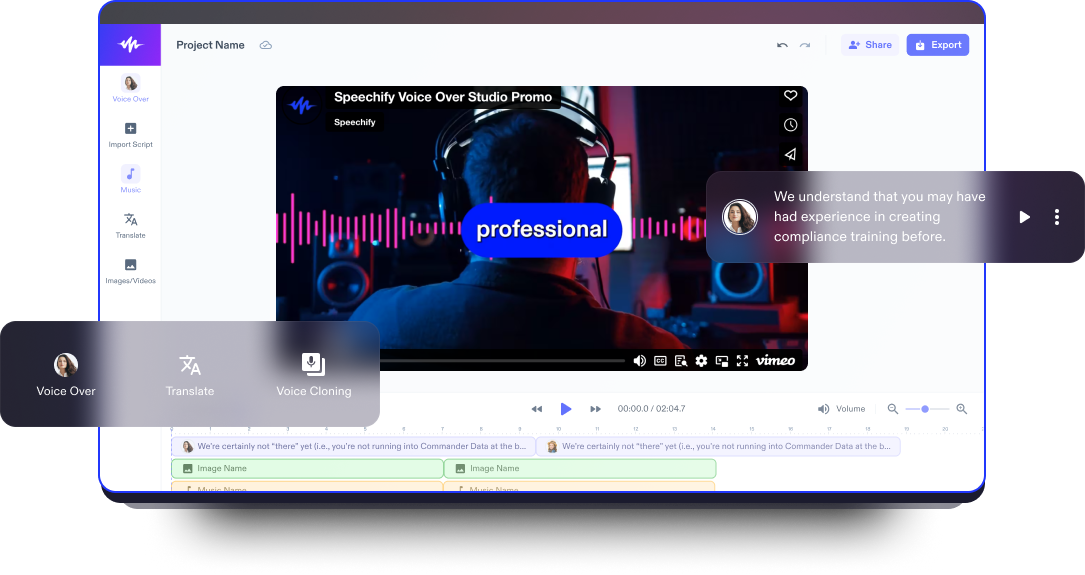
Speechify Studio’nun ücretsiz video editörüyle kullanıcılar; giriş, çıkış, teaser ve tam uzunlukta tepki videolarını görseller veya videolar, arka plan müziği, efektler, animasyonlar, bindirmeler, yapay zeka seslendirmeleri ve daha fazlasını zahmetsizce ekleyerek düzenleyebilir.
Tepki videoları, YouTube gibi platformlarda son derece popüler bir türdür. Kişiler müzik videoları, fragmanlar veya viral klipler gibi farklı içeriklere gerçek zamanlı tepkilerini paylaşır. Bu videolar izleyiciler için hem ilgi çekici hem de kolayca bağ kurulabilen içerikler sunar; tepkilerin ve yorumların paylaşıldığı bir topluluk hissi oluşturur.
İçeriğinizi bir üst seviyeye taşıyın, izleyicinizle etkileşime geçin ve dikkat çekici, eğlenceli tepki videolarıyla akılda kalın. Speechify Studio’nun sürükle-bırak video düzenleme arayüzü sayesinde,
ister deneyimli bir içerik üreticisi olun ister yeni başlıyor olun, Speechify Studio ile dilediğiniz video içeriğini eğlenceli ve paylaşılabilir videolara dönüştürebilirsiniz; eğitim videolarından YouTube içeriklerine kadar her tür formatta kullanabilirsiniz.
Ücretsiz Tepki Videosu Şablonları
İstersen boş bir sayfadan başlayabilir, istersen de ücretsiz Tepki Videosu Oluşturucu şablonlarımızla projene anında giriş yapabilirsin.
Dakikalar İçinde Tepki Videosu Nasıl Hazırlanır
Speechify Studio’nun çevrimiçi video editörüyle tepki videoları hazırlamak hiç bu kadar kolay olmamıştı.

Videonu İçe Aktar
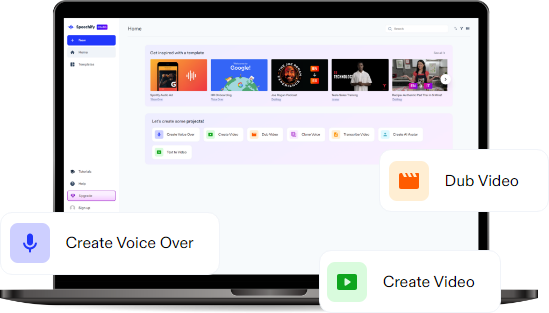
Yeni projenize, tepki vermek istediğiniz video, müzik veya görseli içe aktararak başlayın. Ardından kendi tepkinizi kaydedin ya da elinizdeki tepki videosu kaydını içe aktarın. Speechify Studio ile iPhone, iPad, webcam, ekran kaydedici, Android ve diğer cihazlardan görüntü ve videoları kolayca aktarabilirsiniz. Yalnızca Resimler/Videolar’a dokunmanız yeterli.

Tepki Videonu Oluştur
Yaratıcı olanaklarla dolu bir dünyaya adım atın. Düzenleme araçlarıyla görüntüleri yeniden boyutlandırabilir, metin, bindirme, özel efektler, altyazılar, seslendirmeler ve çok daha fazlasını ekleyebilirsiniz. Hatta videonuza küçük resim, picture-in-picture veya geçiş efektleriyle dinamik bir izleme deneyimi sunabilirsiniz. Tepki videonuzu görsel olarak çarpıcı ve izlerken keyif veren bir hale getirin.

Tepki Videonu Dışa Aktar
Ortaya çıkan eserin hazır olduğunda, dışa aktar butonuna tıklayarak farklı platformlara uygun, yüksek kaliteli formatlarda dışa aktarabilirsin. Videondaki filigranları kaldır ve paylaşmadan önce son halinin kusursuz olduğundan emin ol. İster sosyal medyada, ister YouTube kanalında, TikTok’ta ya da başka bir platformda paylaş.
Tepki Videoları Ne Zaman Kullanılır?
YouTube ve Açılış Kutusu Videoları
Yeni ürünlerin kutusunu açarken kendi gerçek tepkilerinizi ekleyerek heyecanı artırın, izleyicilerinizle çok daha güçlü bir bağ kurun. Açılış kutusu videoları; içerik üreticiler yeni ürünleri keşfederken heyecan ve beklenti anlarını yakalar. Genellikle ürün özelliklerini, malzeme kalitesini ve ilk izlenimleri anlatır, izleyicilere ürün hakkında ilk elden bir deneyim sunar.
İnceleme Videoları
Filmler, diziler veya ürünler hakkında hazırladığınız tepki videolarıyla görüş ve fikirlerinizi paylaşın; eğlenceyi bilgilendirici yorumlarla harmanlayarak dikkat çekici içerikler üretin. İnceleme videoları, içerik üreticilerin kendi deneyimlerini ve kişisel görüşlerini aktarmasına olanak tanır; izleyicilere ürün ya da hizmetin performansı, işlevselliği ve genel değeri hakkında fikir vererek daha bilinçli kararlar almalarına yardımcı olur.
Alışveriş Videoları
İster moda, ister teknoloji ürünleri ya da başka ilgi çekici alışverişler olsun; kendi tepkilerinizi ekleyerek deneyimi izleyiciniz için hem eğlenceli hem de samimi ve bağ kurulabilir hale getirin. Alışveriş videolarında içerik üreticiler; yakın zamanda aldıkları moda, güzellik, teknoloji ve yaşam ürünlerini tanıtır, koleksiyonlarını gösterir ve tavsiyelerini izleyicilerle paylaşır.
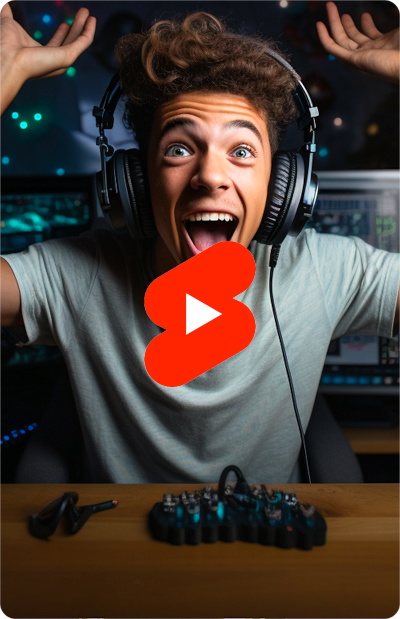
Tepki Videosu Oluşturucu Eğitimi
Yapay Zeka Destekli Tepki Videosu Oluşturucu Özellikleri
Tepki Videolarınızı Profesyonelce Düzenleyin
Speechify Studio’nun profesyonel video düzenleme araçlarıyla yaratıcılığınızı ortaya çıkarın. Yapay zeka efektleri, gelişmiş özellikleri ve telifsiz, serbest kullanım sunan video klip, görsel ve arka plan müziği kütüphanesiyle videonuz için kusursuz bir görünüme ulaşabilirsiniz.

Tek Tıkla Dublaj
Speechify Studio’nun yapay zeka dublaj özelliği sayesinde tepki videolarınızla küresel bir izleyici kitlesine ulaşın. Sadece tek tıkla videonuzu dilediğiniz dile kolayca çevirebilir, erişilebilirliğini katlayabilirsiniz.
Yapay Zeka Seslendirmeleri
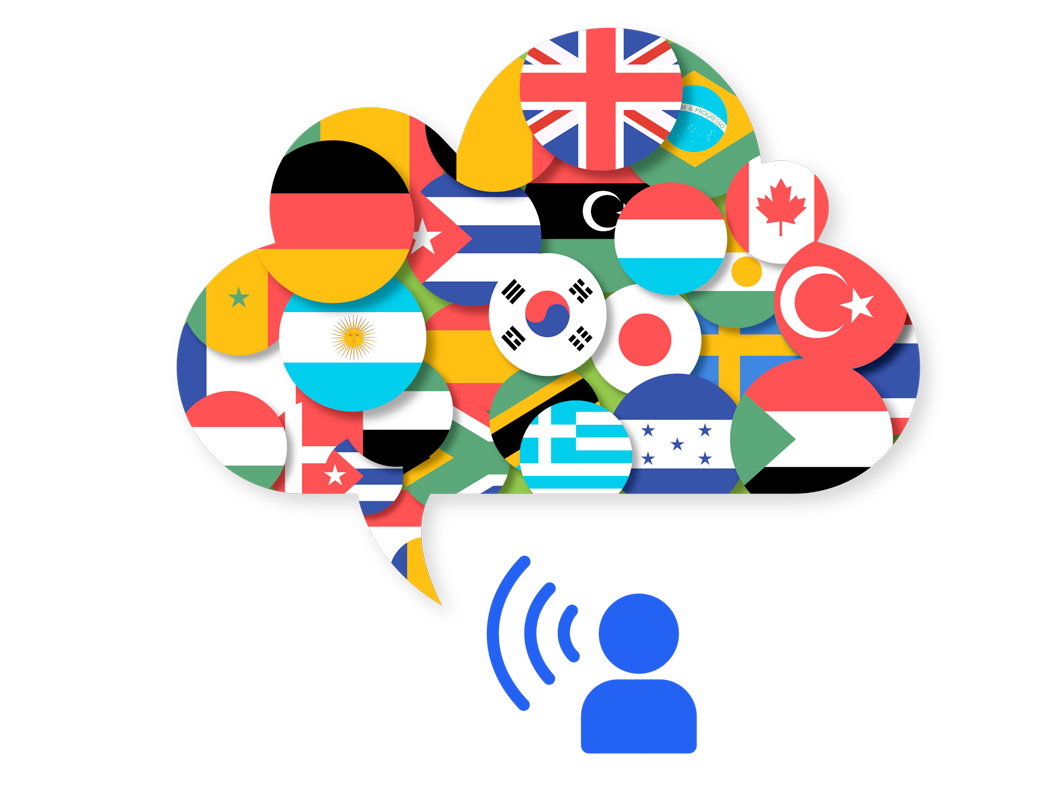
Tepki videolarınızın ses kalitesini 200’den fazla insan benzeri yapay zeka sesiyle yükseltin; farklı dil ve aksan seçenekleriyle ton ve tarzı içeriğinize birebir uyacak şekilde özelleştirin. İzleyiciniz için pürüzsüz ve profesyonel bir ses deneyimi sunun.
Daha fazlasını keşfedin:
Sıkça Sorulan Sorular
Hala Kafanız Karışık mı?
Speechify Studio, ücretsiz bir sürümü bulunan web tabanlı bir video editörüdür. Web tarayıcınız üzerinden kullanabildiğiniz için ayrıca bir şey indirmeniz gerekmez.
iOS için iMovie gibi birçok video düzenleme uygulaması olsa da, Speechify Studio gelişmiş yapay zeka destekli video düzenleme araçları sunar ve doğrudan web tarayıcınızdan erişilebilir. Herhangi bir uygulama indirmenize gerek yoktur.
Mac, Windows ve hatta mobil cihazlarda tepki videoları hazırlamak için Speechify Studio'yu kullanabilirsiniz.
OBS, yani Open Broadcaster Software, video kaydı ve canlı yayın için kullanılan ücretsiz ve açık kaynaklı bir yazılımdır. İçerik üreticileri ve oyuncular, bilgisayar ekranı aktivitelerini kaydetmek ve yayınlamak için sıklıkla OBS'den yararlanır.
1. Adım: İlgi çekici içerik seçin: Hedef kitlenize hitap eden, eğlenceli, düşündürücü veya güçlü tepkiler uyandıran video ya da medyaları seçin. 2. Adım: Kayda başlayın: Işığı doğru ayarlayın, kameranızı hem tepki verdiğiniz içeriği hem de yüz ifadelerinizi net görecek şekilde konumlandırın ve kaydı başlatın. 3. Adım: Doğal tepkiler verin: İzleyicilerin “filtresiz” tepkileri sevdiğini unutmayın; gerçek duygularınızın ve spontane reaksiyonlarınızın doğal akışında ortaya çıkmasına izin verin. 4. Adım: Etki için düzenleyin: Gereksiz kısımları kırpmak, ses kalitesini iyileştirmek, sonrasında altyazı veya ekran üstü öğeler (overlay) eklemek için Speechify Studio'yu kullanın. Böylece izleyiciyi baştan sona ekrana kilitleyen, pürüzsüz ve profesyonel bir son ürün elde edersiniz.
Speechify, yazarken metinleri düzenleme işimi çok daha hızlı ve kolay hale getirdi. Bir hatayı duyar duymaz hemen düzeltebiliyorum. Artık onsuz yazı yazamıyorum.

Eskiden okuldan nefret ederdim çünkü ödevleri okumak için saatlerimi harcardım. Dinlemek ise hayatımı tamamen değiştirdi. Bu uygulama eğitimimi adeta kurtardı.

Speechify okumayı inanılmaz derecede kolaylaştırıyor. İngilizce benim ikinci dilim ve bir kitabı okurken aynı anda dinlemek, becerilerimi gerçekten çok geliştirdi.

Speechify ile Daha Fazlasını Üretin