Kutu Açılış Videosu Yapıcı
İster en yeni teknolojik cihazın kutusunu açın, ister güzellik ürünlerini ortaya çıkarın; en iyi kutu açılış videosu düzenleme yazılımıyla videonuzu zahmetsizce kişiselleştirin.
Yayınlandığı Platformlar





En İyi Ücretsiz Kutu Açılış Videosu Yapıcı
Speechify Studio’nun ücretsiz video editörüyle içerik üreticiler, kutu açılışı deneyimindeki heyecanı zahmetsizce yakalayıp dünyayla paylaşabilir. Eğlenceli giriş, çıkış, tanıtım ve tam uzunlukta kutu açılış videolarını kolayca düzenleyebilirler.
Kutu açılış videoları; influencer’ların en yeni teknolojik cihazlardan lüks güzellik ürünlerine kadar pek çok ürünü kutusundan çıkarıp incelediği, ambalajı, özellikleri ve ilk tepkileri gösterdiği; izleyicilere karar süreçlerinde yardımcı olacak sürükleyici ve bilgilendirici bir deneyim sunduğu içeriklerdir.
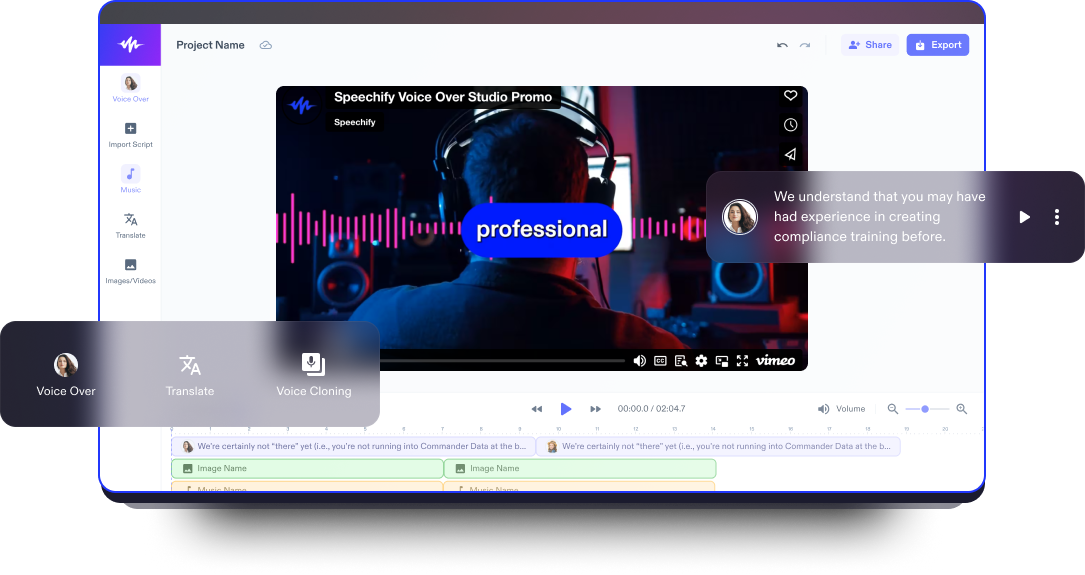
Speechify Studio’nun çevrimiçi video editörü, ilk kez video hazırlayanlardan profesyonel editörlere kadar herkesin kolayca yüksek kaliteli kutu açılış videoları oluşturmasını sağlar. Yeni başlayan dostu arayüzü; görseller, videolar, arka plan müziği, efektler, yazı tipleri, animasyonlar, üst görseller, yapay zekâ seslendirmeleri ve çok daha fazlasını sunar.
Ayrıca Speechify Studio, influencer’lardan film yapımcılarına kadar herkesin TikTok, eğitim, vlog ve YouTube videoları gibi popüler video fikirlerini göz alıcı, paylaşılmaya değer içeriklere dönüştürmesini sağlar.
Ücretsiz Kutu Açılış Videosu Şablonları
Boş bir sayfadan başlayın veya projenize hızlıca başlamak için ücretsiz Kutu Açılış Videosu Yapıcı şablonlarımızı kullanın.
Birkaç Dakikada Kutu Açılış Videosu Nasıl Hazırlanır
Speechify Studio ile etkileyici kutu açılış videolarınızı kısa sürede hazırlayın ve düzenleyin.

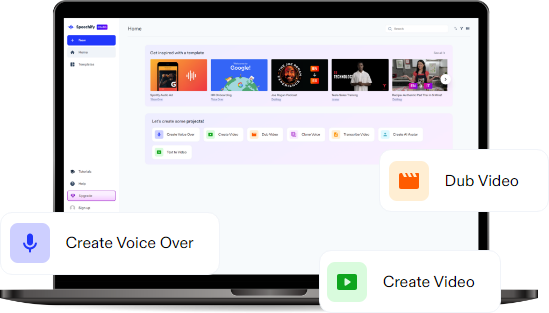
Videonuzu İçe Aktarın
Kutu açılış videosu hazırlama sürecine başlamak için Görüntüler/Videolar kısmına dokunarak video kliplerinizi içe aktarın ve açılışın her anını yakalayın. Speechify Studio, çok sayıda video formatını destekler ve kutu açılış içeriğinizi projeye sorunsuzca dahil etmenizi sağlar.

Kutu Açılış Videonuzu Oluşturun
Varlıklarınızı içe aktardıktan sonra düzenleme araçlarını kullanarak kutu açılış videonuzu yaratıcı bir şekilde kurgulayın. Geçişler ekleyin, detay çekimler için yakınlaştırma özelliğinden yararlanın, kişisel bir dokunuş katmak için üst görseller veya çıkartmalar ekleyin ve izleyici deneyimini güçlendirmek için etkileyici yorumlar ekleyin.

Kutu Açılış Videonuzu Dışa Aktarın
Kutu açılış başyapıtınızı son hâline getirdikten sonra, son adım oluşturduğunuz videoyu yüksek kaliteli formatlarda dışa aktarmaktır. Filigranları kaldırın ve ortaya çıkan videonun kusursuz olduğundan emin olun; ardından YouTube kanalınızda, TikTok’ta veya diğer sosyal medya platformlarında paylaşın.
Kutu Açılış Videoları Ne Zaman Kullanılır?
İnceleme veya Tepki Videoları
Kutu açılış videoları, ürün inceleme veya tepki içerikleri oluşturmak için idealdir. İçerik üreticileri yeni ürünlere verdikleri gerçek tepkileri paylaşarak, ürünleri ilk kez kutusundan çıkarırken izleyicilere değerli fikirler sunabilir. Bu inceleme videoları, izleyicilere ürünün özellikleri, kalitesi ve işlevselliği hakkında doğrudan deneyim ve değerlendirme imkânı tanır.
Pazarlama Videoları
Kutu açılış videoları, e-ticaret markaları için güçlü bir pazarlama aracıdır. Yeni bir ürünün kutu açılış deneyimini sergilemek ya da influencer’larla iş birliği yaparak ürünleri tanıtmak fark etmeksizin; bu videolar marka bilinirliğini artırır, potansiyel müşterilerde marka etrafında heyecan ve ayrıcalık hissi oluşturur.
Alışveriş Videoları
Alışveriş kutu açılış videoları; içerik üreticilerinin genellikle alışveriş çılgınlığı ya da belirli bir tema kapsamında birden fazla yeni ürünü gösterdiği, heyecanlarını paylaştığı, kısa incelemeler sunduğu ve seçimleriyle ilgili düşüncelerini aktardığı videolardır. Bu tür alışveriş videoları, izleyiciler arasında hem bağ kurar hem de ilham verir.
Kutu Açılış Videosu Yapıcı Eğitimi
Yapay Zekâ Destekli Kutu Açılış Videosu Yapıcı Özellikleri
Kutu Açılış Videolarını Profesyonelce Düzenleyin
Yapay zekâ destekli kutu açılış videosu yapıcılar, gelişmiş düzenleme özellikleriyle kullanıcılara profesyonel ve kusursuz içerikler üretme imkânı sunar. Gerçek zamanlı düzenlemeden etkileşimli ögeler eklemeye kadar bu araçlar, içerik üreticilerine ilgi çekici kutu açılış videoları hazırlamada hem hassasiyet hem de kolaylık sağlar.

Telif Ücretsiz Medya Kütüphanesi
Speechify Studio’nun öne çıkan özelliklerinden biri, geniş ve telif ücretsiz medya kütüphanesidir. Telif derdi olmadan yüksek kaliteli arka plan müzikleri, ses efektleri, görseller ve video kliplerine erişin; böylece kutu açılış videolarınızın görsel ve işitsel dünyasını zenginleştirin.
Tek Tıkla Dublaj & Yapay Zekâ Seslendirme
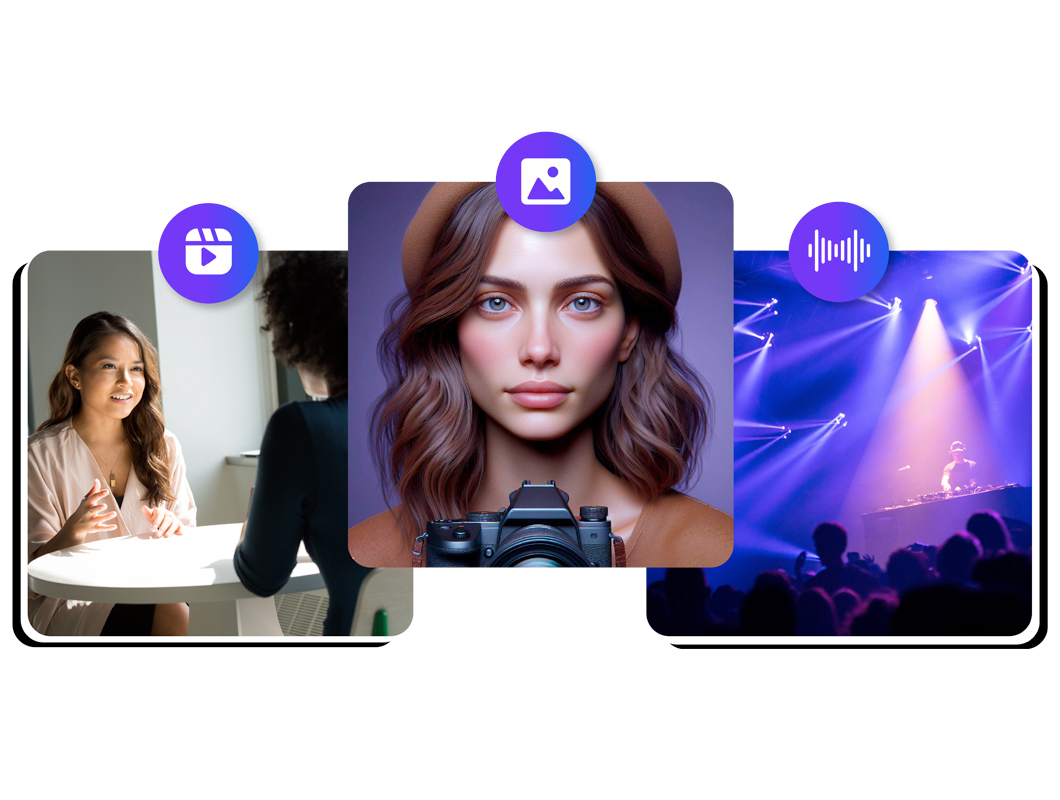
Speechify Studio, kendi seslendirmelerinizi eklemenin yanı sıra 200’den fazla insansı yapay zekâ sesiyle farklı aksan ve dillerde profesyonel çözümler sunar. Yapay zekâ ile dublaj özelliği sayesinde tek bir tıkla istediğiniz videoyu istediğiniz dile çevirebilir, TikTok, vlog ve YouTube videolarınızı küresel bir izleyici kitlesine ulaştırabilirsiniz.

Daha fazlasını keşfedin:
Sıkça Sorulan Sorular
Hâlâ kafanız mı karışık?
YouTube kanalınızdan en iyi şekilde gelir elde etmek için reklamları etkinleştirin, marka sponsorlukları alın, bağlı kuruluş (affiliate) pazarlamasını kullanın ve izleyici desteğini üyelikler ya da bağışlar yoluyla teşvik edin; böylece sürdürülebilir kazanç için çok yönlü bir gelir modeli oluşturmuş olursunuz.
Unbox Therapy, Lewis Hilsenteger'in sunduğu, kutu açılış videoları ve teknoloji incelemeleriyle tanınan popüler bir YouTube kanalıdır; burada, teknolojik ürünlerden elektronik eşyalara kadar uzanan geniş bir yelpazedeki ürünler tanıtılır ve değerlendirilir.
Etkileyici bir kutu açılış videosu hazırlamak için önce iyi aydınlatılmış bir çekim alanı belirleyin, kamerayı ürün net şekilde görünecek biçimde konumlandırın ve ürünü açarken bilgilendirici yorumlarınız ile doğal tepkilerinizi ekleyin; videoyu ise izleyici etkileşimini ve geri bildirimi teşvik edecek bir çağrı ya da kısa bir özetle bitirin.
iPhone videonuzu LinkedIn'e yüklemek için LinkedIn uygulamasını açın, paylaşım kutusundaki kamera simgesine dokunun, videonuzu film rulosundan seçin, bir başlık ile ilgili detayları ekleyin ve ardından "Paylaş"a dokunarak videonuzu LinkedIn ağınızla yayınlayın.
İlk YouTube videonuz için kendinizi tanıttığınız, ilgi alanlarınızı ve tutkularınızı paylaştığınız ve izleyicilerin kanalınızda neler bulabileceğini anlattığınız bir giriş videosu çekebilirsiniz; bu da izleyicilerle güçlü bir bağ kurmanız için sağlam bir başlangıç sağlar.
Speechify, yazarken metinleri düzenleme işimi çok daha hızlı ve kolay hale getirdi. Bir hatayı duyar duymaz hemen düzeltebiliyorum. Artık onsuz yazı yazamıyorum.

Eskiden okuldan nefret ederdim çünkü ödevleri okumak için saatlerimi harcardım. Dinlemek ise hayatımı tamamen değiştirdi. Bu uygulama eğitimimi adeta kurtardı.

Speechify okumayı inanılmaz derecede kolaylaştırıyor. İngilizce benim ikinci dilim ve bir kitabı okurken aynı anda dinlemek, becerilerimi gerçekten çok geliştirdi.

Speechify ile Daha Fazlasını Üretin