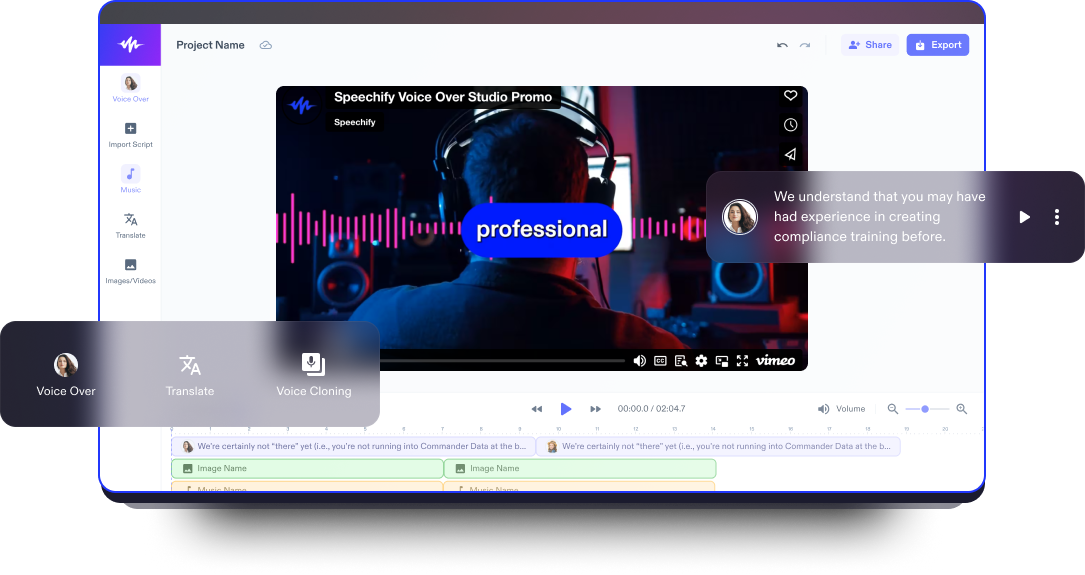
Video Düzenleyici
Yaratıcılığı ve sadeliği kusursuz şekilde buluşturan en iyi ücretsiz online video düzenleyiciyle etkileyici video içerikleri hazırlayın.
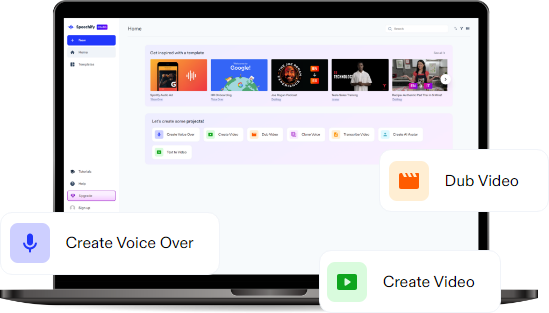
Yayınlandığı Platformlar





En İyi Ücretsiz Video Düzenleyici
Speechify Studio’nun ücretsiz video düzenleme yazılımı ile profesyonel video düzenlemenin inceliklerini keşfedin. Sürükle-bırak arayüzümüzü, özelleştirilebilir video şablonlarımızı ve gelişmiş yapay zeka destekli video düzenleme özelliklerimizi kullanarak içeriklerinizi zahmetsizce bir üst seviyeye taşıyın.
Videolar, bilgiyi aktarmanın etkileyici ve sürükleyici bir yoludur; görsel ve işitsel unsurları bir araya getirerek anlaşılırlığı artırır. Esnek yapıları sayesinde pazarlamadan eğitime, hikaye anlatımından etkileşime kadar çok geniş bir amaç yelpazesinde kullanılabilir ve izleyiciler üzerinde kalıcı bir etki bırakır.
İster yeni başlıyor olun ister deneyimli bir editör olun, hepsi bir arada video düzenleyicimiz kolay kullanımlı bir düzenleme deneyimi ve yaratıcı bir zemin sunar. YouTube kanalınız için sosyal medya kliplerinden uzun metrajlı filmlere, animasyonlardan introsuna, eğitimlerden yavaş çekim videolara ve slayt gösterilerine kadar aklınızdaki her video projesini zahmetsizce hayata geçirebilirsiniz.
Ücretsiz Video Düzenleyici Şablonları
İsterseniz boş bir sayfadan başlayın, isterseniz projenize hızlı bir giriş yapmak için ücretsiz Video Düzenleyici şablonlarımızdan yararlanın.
Dakikalar İçinde Nasıl Video Oluşturulur
Speechify Studio’nun video düzenleyicisiyle dakikalar içinde dikkat çekici ve yüksek kaliteli videolar hazırlayın.

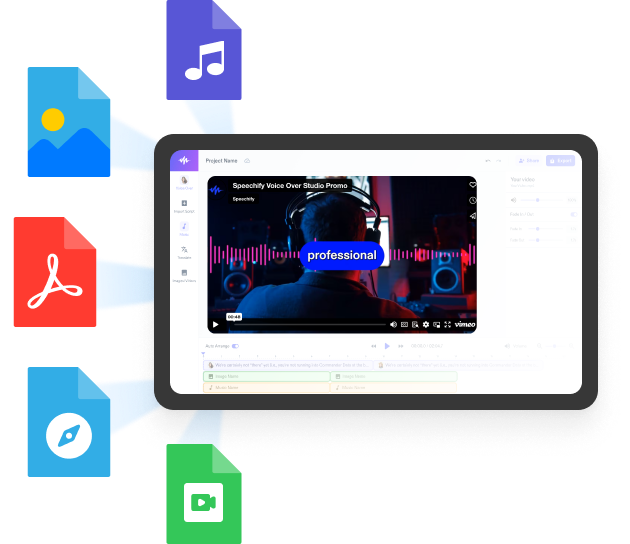
Videonuzu İçe Aktarın
Fotoğraflarınızı, müziklerinizi veya video dosyalarınızı eklemek için Görseller/Videolar’a tıklayın. Stok görüntüye mi ihtiyacınız var? Hiç sorun değil. Telifsiz ve kullanıma hazır içeriklerle dolu stok kütüphanemizi keşfedin; hem kişisel hem de ticari projelerinizde içiniz rahat bir şekilde kullanın.

Girişinizi Oluşturun
Videonuzu; yapay zeka video efektleri, geçişler, yazı tipleri, katmanlar, hazır ayarlar, filigranlar, stok görüntüler, ses efektleri, çıkartmalar, altyazılar, seslendirmeler ve çok daha fazlasını ekleyerek şekillendirin. Video editör araçlarımız hem yeni başlayanlara hem de ileri düzey özellik arayanlara hitap eder, düzenleme imkanlarını adeta sınırsız kılar.

Dışa Aktar
Videonuz hazır olduğunda dışa aktarmak çocuk oyuncağı. Sadece Dışa Aktar butonuna tıklayın veya video projenizi farklı en-boy oranlarında ve formatlarda yeniden boyutlandırıp, paylaşmak istediğiniz platforma en uygun hale getirin.
Videolar Ne Zaman Kullanılır?
Sosyal Medya Videoları
Kısa dikkat süresine sahip kullanıcılar için hazırlanan kısa ve akıcı videolar, Instagram, Facebook ve TikTok gibi platformlardaki hızlı gezinme alışkanlıklarına tam uyum sağlar. Kısa ve ilgi çekici bir deneyim sunarak sosyal medya videoları, mesajları etkili biçimde iletir, ürünleri öne çıkarır ve sosyal medya ile dijital ekosistemde kullanıcı etkileşimini artırır.
Video Reklamlar
Hikaye anlatımı, duygu ve etkileyici görselleri bir arada kullanan video reklamlar, izleyici üzerinde kalıcı bir etki bırakabilir ve marka bilinirliğini artırabilir. İster televizyonda, ister çevrimiçi platformlarda, ister sosyal medya kampanyalarında gösterilsin, video reklamları ürün veya hizmetlerinizi dinamik biçimde tanıtma ve tüketici davranışını şekillendirme gücüne sahiptir.
Eğitici Videolar
İster geleneksel sınıflarda ister online eğitim ortamlarında kullanılsın, eğitici videolar görseller, anlatım ve etkileşimli unsurları bir araya getirerek karmaşık kavramların anlaşılmasını kolaylaştırır. Eğitici videolar; farklı konu ve disiplinlerde öğrenmek isteyenlere esnek ve erişilebilir bir bilgi edinme yolu sunan son derece çok yönlü araçlardır.
Video Düzenleyici Eğitimi
Yapay Zeka Video Düzenleyici Özellikleri
Videoları Profesyonelce Düzenleyin
Platformumuz, sürükle-bırak arayüzü, özelleştirilebilir şablonları, efektleri ve geçişleriyle her seviyeden kullanıcı için zahmetsiz bir düzenleme deneyimi sunar. Videonuza kolayca havalı bir dokunuş katabilir, izleyicinizin ilgisini çekecek görsel açıdan çarpıcı içerikler ortaya çıkarabilirsiniz.

Telifsiz Stok Görüntüler
Yüksek kaliteli görseller, video klipler ve arka plan müzikleriyle dolu geniş bir stok kütüphanesine erişin; etkinliğinizin atmosferini belirleyecek en uygun görüntüleri seçin. Video içeriklerinizi başka yerlerden arama derdi olmadan kaliteli medya dosyalarıyla zenginleştirin.
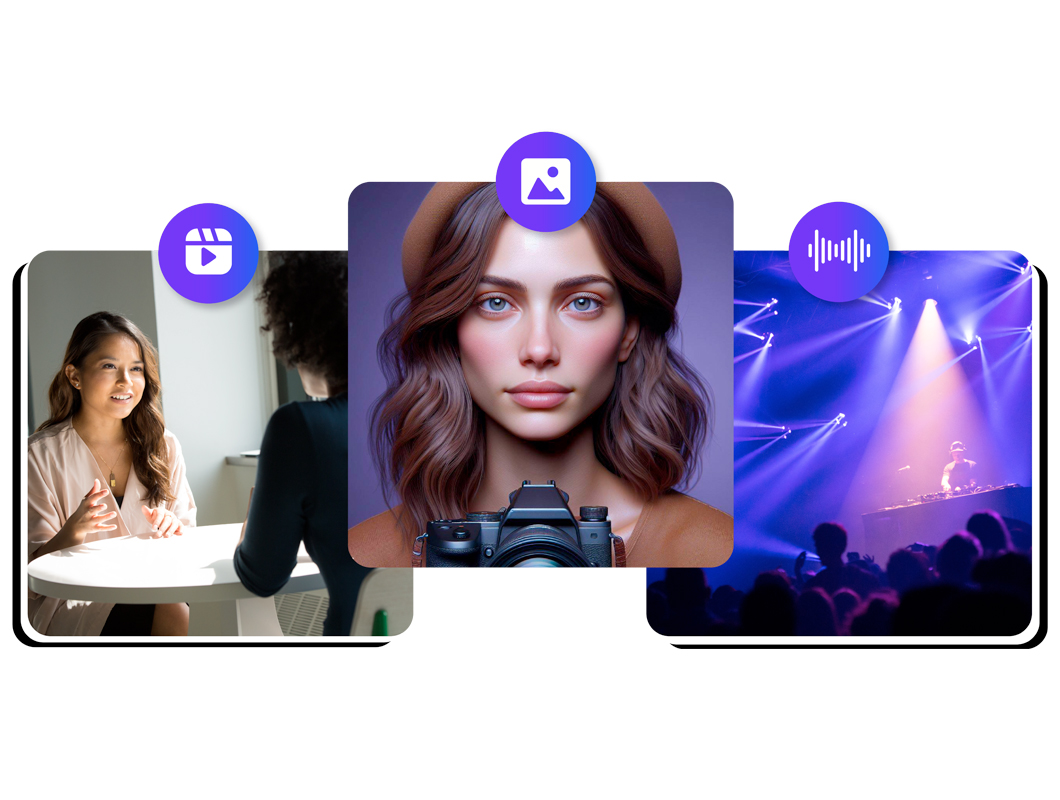
Gelişmiş Yapay Zeka Efektleri
Videolarınızı yapay zeka seslendirmeleri, tek tıkla dublaj ve özelleştirilebilir AI avatarlarıyla güçlendirin. Bu gelişmiş özellikler, uzun sürebilecek düzenleme süreçlerini pratik hale getirir, video düzenleme süresini ciddi ölçüde kısaltır ve içeriğinize profesyonel bir dokunuş ekleyerek dijital dünyada öne çıkmanıza yardımcı olur.
Daha fazlasını keşfedin:
Sık Sorulan Sorular
Hala kafanız karışık mı?
Speechify Studio ile zahmetsizce GIF oluşturabilirsiniz.
Evet, Speechify Studio hem yeşil ekran efekti hem de birçok gelişmiş özellik sunar.
Speechify Studio, hem ekran kaydedici hem de kamera kaydedici özellikleri sunar.
Bir video marka seti genellikle logolar, renk paletleri, tipografi, müzik ve marka kimliğini güçlendiren rehberler gibi temel görsel ve işitsel öğeleri içerir. Bu unsurlar, videolarınızda tutarlılık sağlamaya yardımcı olur.
Evet, Speechify Studio'nun ücretsiz bir sürümü vardır ve Windows, Mac, iOS ve Android de dahil olmak üzere her cihazda, herhangi bir tarayıcı üzerinden erişilebilir.
iPhone'da bir fotoğrafın renklerini düzeltmek için fotoğrafı "Fotoğraflar" uygulamasında açın, "Düzenle"ye dokunun, ardından ayar simgesini (üst üste üç daire) seçin ve pozlama, kontrast ve doygunluk kaydırıcılarını kullanarak renkleri ince ayar yapın.
Evet, Speechify Studio web tabanlı bir araçtır ve tüm tarayıcılardan erişilebilir.
Evet, Speechify Studio projeleri gerçek zamanlı olarak kaydeder; böylece çalışmalarınız asla kaybolmaz.
Speechify, yazarken metinleri düzenleme işimi çok daha hızlı ve kolay hale getirdi. Bir hatayı duyar duymaz hemen düzeltebiliyorum. Artık onsuz yazı yazamıyorum.

Eskiden okuldan nefret ederdim çünkü ödevleri okumak için saatlerimi harcardım. Dinlemek ise hayatımı tamamen değiştirdi. Bu uygulama eğitimimi adeta kurtardı.

Speechify okumayı inanılmaz derecede kolaylaştırıyor. İngilizce benim ikinci dilim ve bir kitabı okurken aynı anda dinlemek, becerilerimi gerçekten çok geliştirdi.

Speechify ile Daha Fazla Üretin