Speechify for Mac
语音写作或随时收听文本,让你在 Mac 上更高效完成任务,解放双手
 下载 macOS 版
开口即写作
在任意应用中语音输入,速度最快可达打字的 5 倍
键盘输入
每分钟 40 字
Speechify 语音输入
每分钟 160 字
AI 为你朗读
将 PDF、文档等转换为自然流畅的音频
自然音色

语速可调
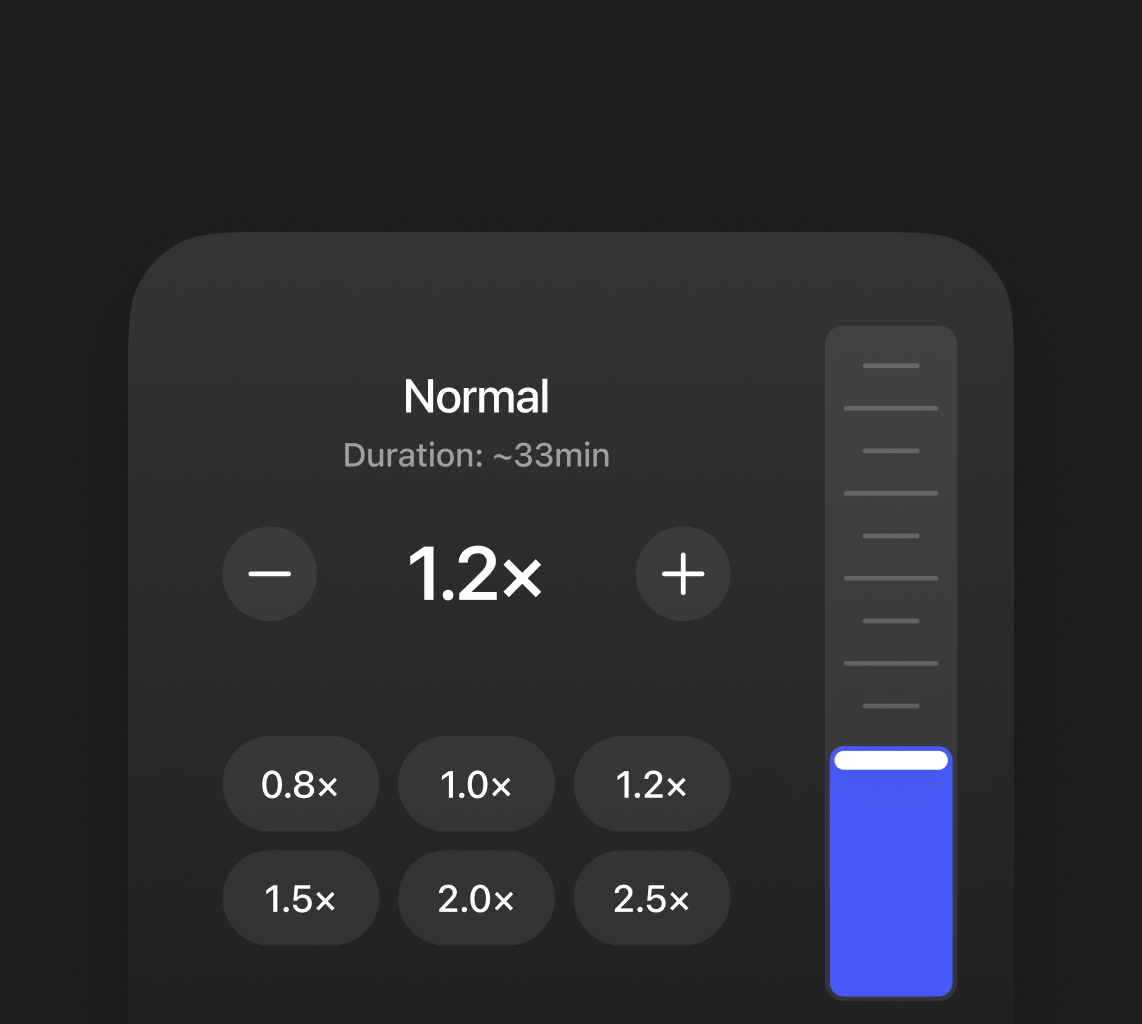

说话和收听通常比打字和阅读更快,让你更高效处理邮件、文档和文章

无需在打字和阅读之间来回切换。随时用语音表达或收听内容,把注意力放在重要事务上

多听少看、多说少打,减轻眼部负担。即使长时间工作,也不易疲劳
用户如何使用 Speechify

学习
将教材、PDF 和笔记转换为音频,或在学习时用语音记录想法,效率更高

提升工作效率
用语音撰写邮件和文档,或在多任务处理时收听报告和笔记

休闲阅读
将文章和电子书转成音频,在散步、通勤或休息时轻松收听

多任务处理
做饭、通勤或工作时,也能用语音收听内容或记录想法

语言学习
通过聆听自然语音,提升发音和听力,并练习口语表达

语言学习
通过聆听自然语音,提升发音和听力,并练习口语表达
立即体验 Speechify
随时随地用语音写作或收听文本
 下载 macOS 版
语音输入
只需自然开口,Speechify 就能自动转换为清晰、结构完整的文本
语音输入时,Speechify 会自动修正错误,智能调整标点和语句,生成自然流畅的文本

Gmail、Docs、Notion、Slack、ChatGPT 等,任意应用和网页都支持语音输入
无需打字也能写作和回复,适合多任务处理,或思路快于输入的人

在安全性、可用性和数据保护方面均符合严格标准,保障内容始终安全

文字转语音
把阅读变成聆听,Speechify 让任何文本都能自然发声
文本高亮辅助跟读,让你更专注、理解更深入
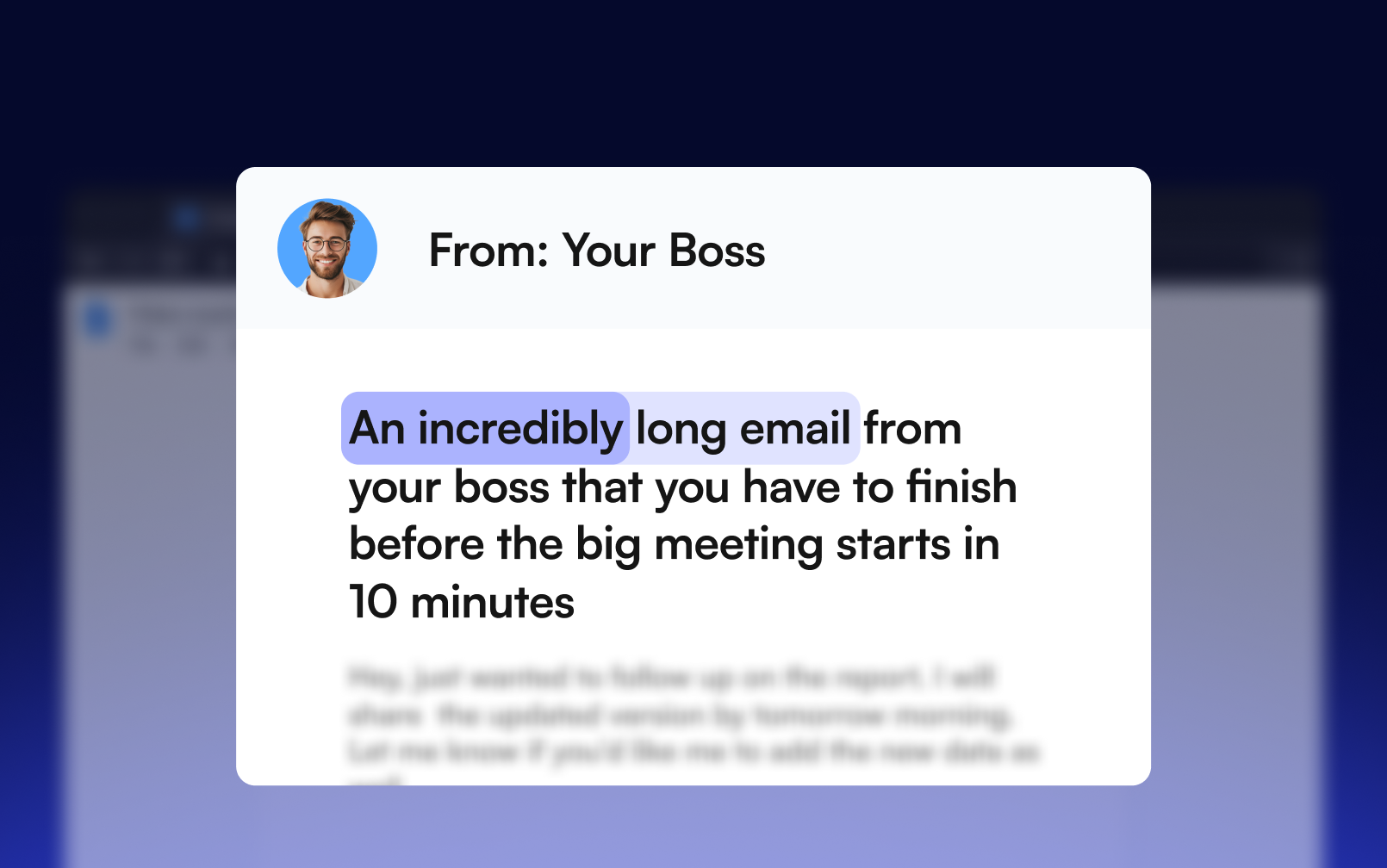
借助多语种 AI 语音,将文本转换为涵盖 60+ 种语言和地区口音的音频

在所有设备间无缝访问文件,随时接续收听,不被打断
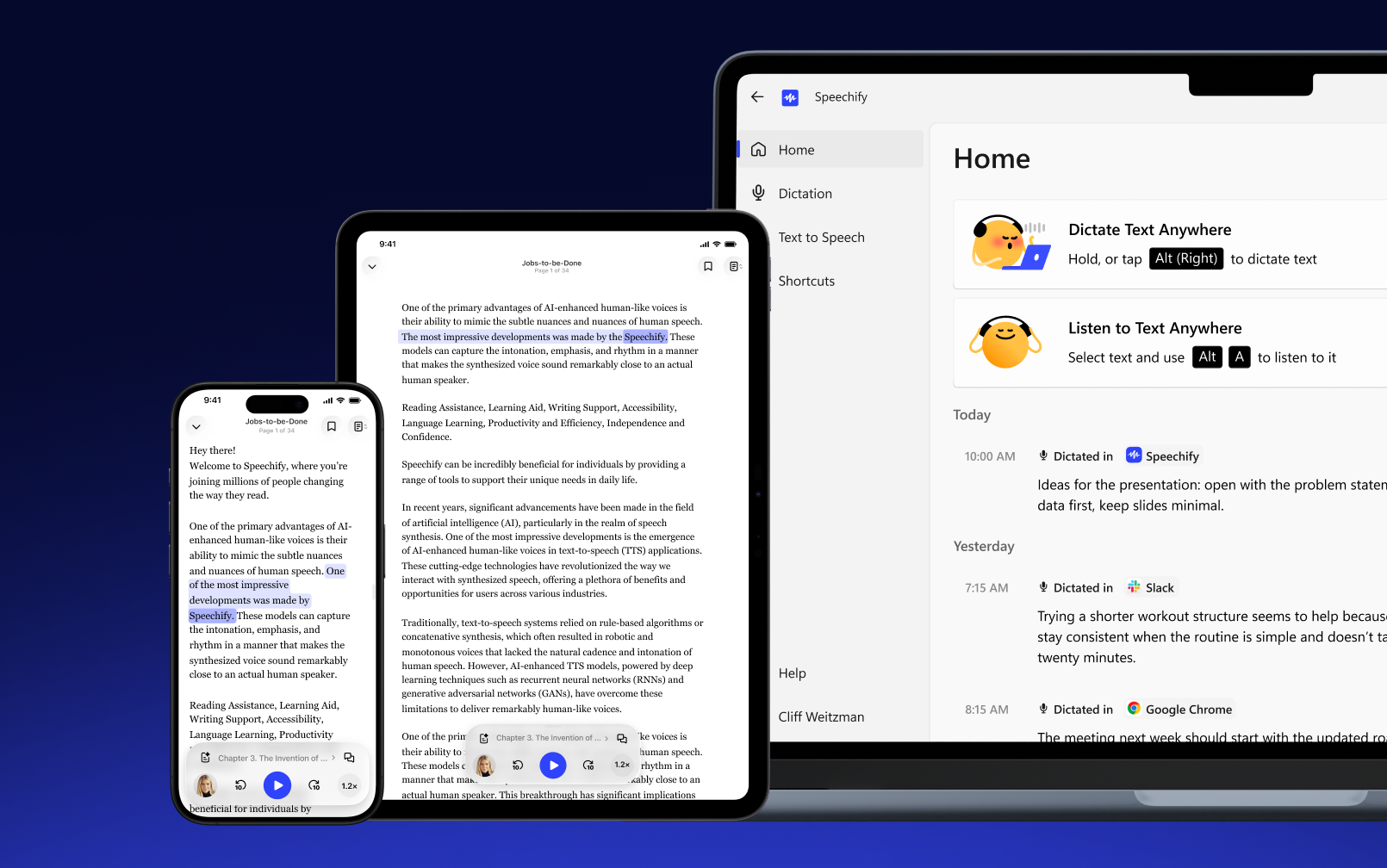
选中任意文本,按下快捷键即可立刻收听,支持全部应用
深受用户喜爱
超 100 万用户为 Speechify 打出五星好评


.png?quality=95&width=2800)
常见问题
从官方网站下载 Speechify Mac 应用,将文件拖入「应用程序」文件夹,安装完成后登录账号,即可开始使用 文字转语音 和 语音输入功能。
支持,Speechify Mac 应用 提供免费的无限次 语音输入,可在不同应用和输入框中使用。
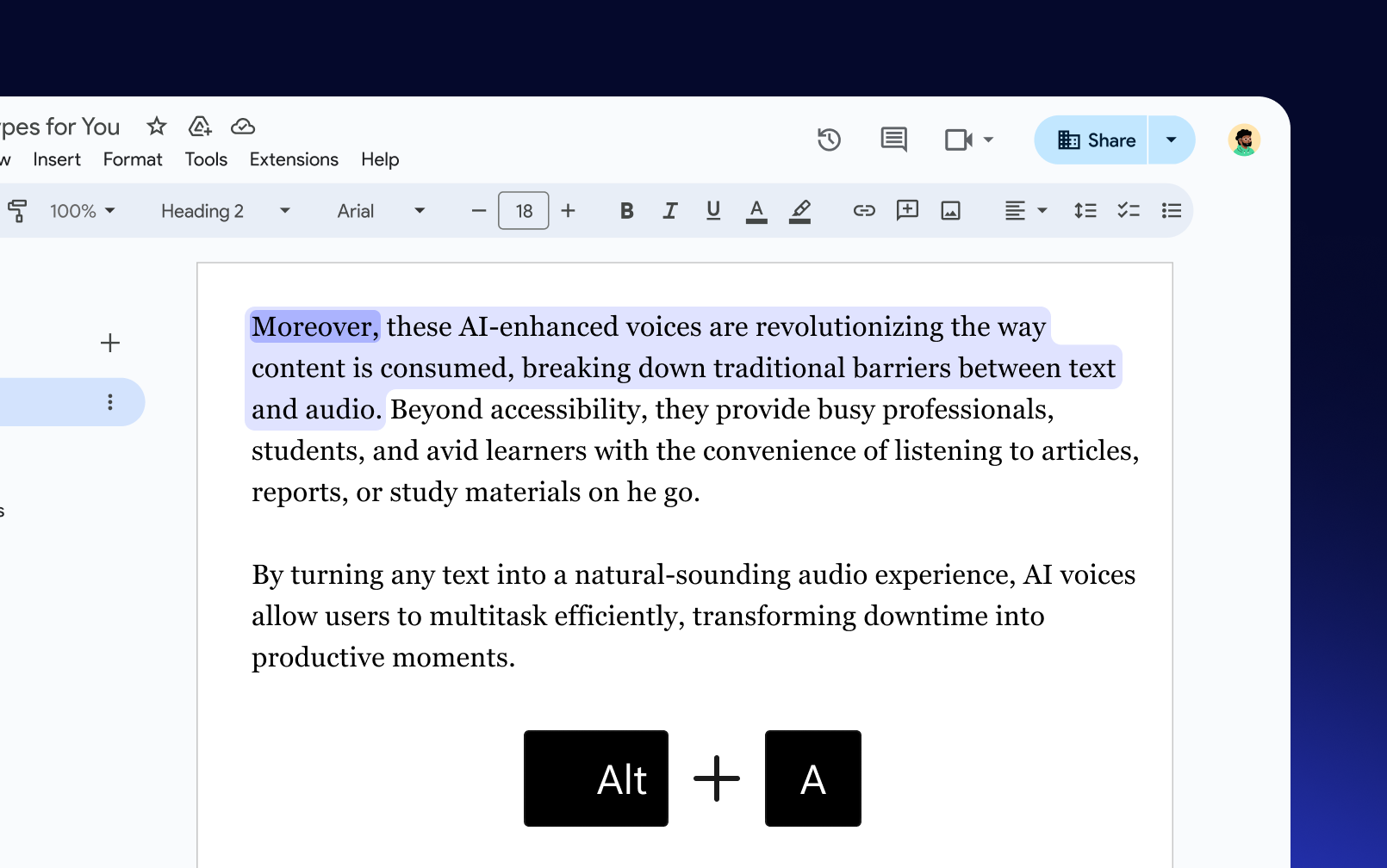
你可以在 Speechify Mac 应用 中选中文本并按下 ⌥ A 键进行朗读,或者按 ⌥ X 进行截屏朗读,也可以通过菜单栏图标使用这些功能。
Speechify 语音输入 让你可以自然口述,更快速地完成内容输入,并能自动去除口头语、纠正语法。
Speechify Mac 应用 提供 60 多种逼真的 AI 声音,带来更加自然的聆听体验。
目前,Speechify Mac 应用 支持美式和英式英语口音。
在 Speechify Mac 应用 中,将光标放在任意文本输入框,然后按住 fn 键进行语音输入,或同时按下 fn + 空格 开始,再按一次 fn 键停止,实现免提 语音听写。
你可以在 Speechify Mac 应用 的快捷键标签页中查看和自定义快捷键。点击任意快捷键,然后按下你希望设置的按键组合即可修改。
你可以使用 Speechify 语音输入,借助 语音听写功能 自动整理和格式化内容,从而在 Mac 上更快速地完成输入。