You talk faster than you type
4X faster, in fact. Speechify turns what you say into clear, polished writing in any app, the moment you let go.
 Download for macOS
  Download for Windows
 Free to use, No credit card required. Just download and talk.
Keyboard
40 Words Per Minute
27.0s
Hey Sarah, can we move the call to Friday morning? That works better for me. Let me know.
Speechify Voice Typing
160 Words Per Minute
6.8s
Hey Sarah, can we move the call to Friday morning? That works better for me. Let me know.
Speak naturally.
Speechify does the editing.
Hold a key, talk the way you'd talk to a colleague, let go. The filler, false starts and corrections are gone before the text lands.
Step 1
Hold the key and talk
Say it the way it comes out. Ums, pauses and changing your mind halfway through are all fine
Step 2
Speechify cleans up your mistakes
The raw transcript appears as you talk, then cleans itself up right in front of you, word by word
Step 3
Polished text, right where your cursor is
Let go and it’s already there, in Gmail, Slack, Docs or any app you type in.
How Speechify is different
The only dictation app
that also reads to you
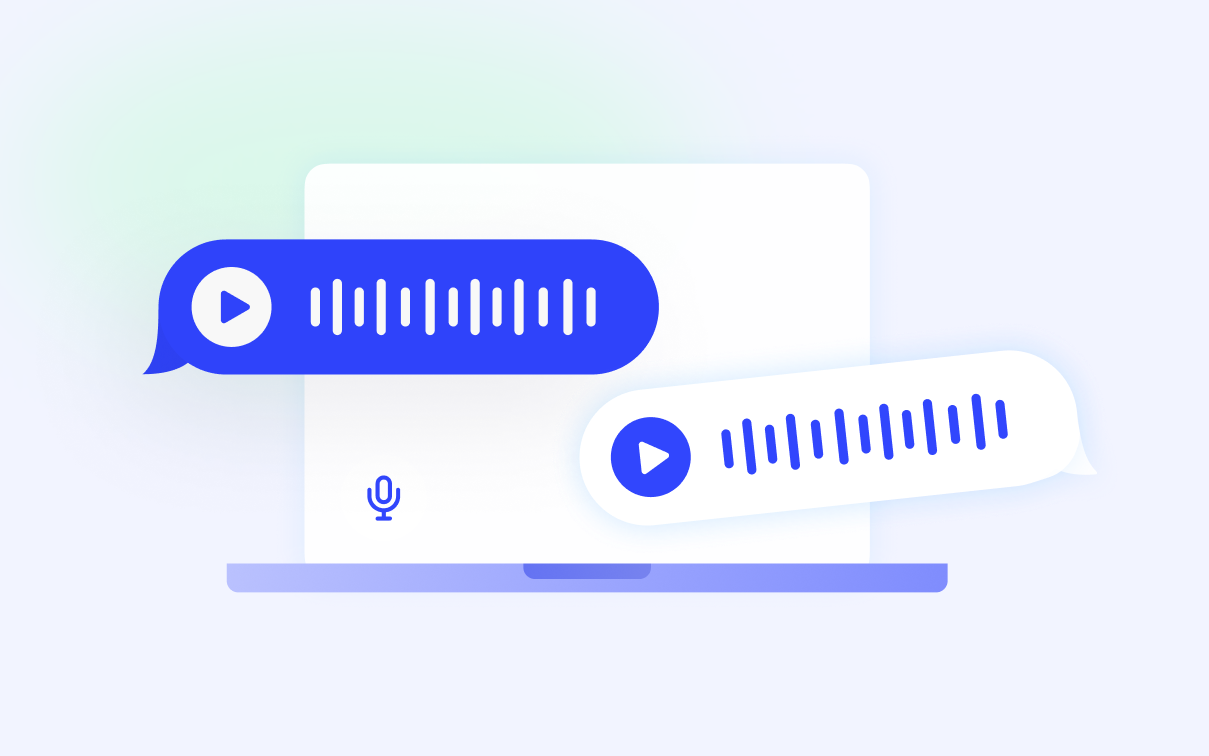
Every other dictation tool goes one way: you speak, it types. Speechify goes both ways. Listen to the thread instead of reading it, then talk your answer in.
Voice in, text out.
Dictate into any app and get polished text, not a raw transcript.
Text in, voice out.
Listen to emails, docs, threads and web pages instead of reading them.
One app for reading and writing
No other dictation app does both.


More than just transcription
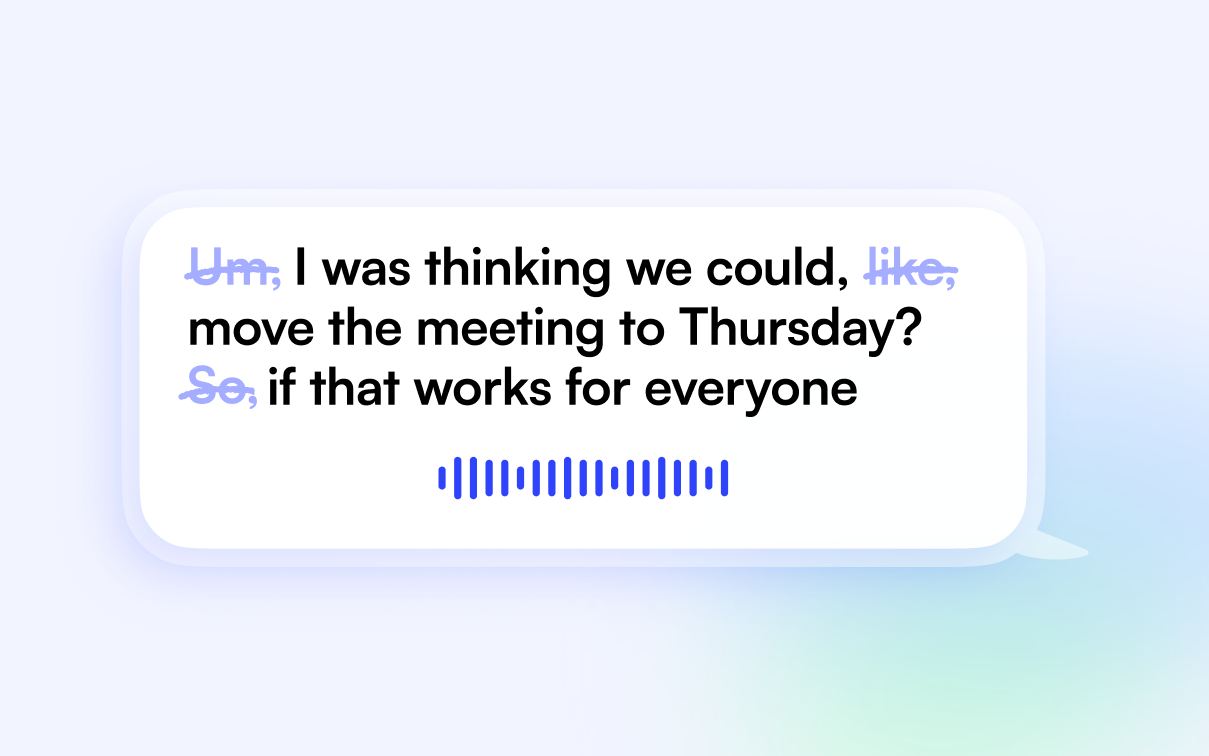
Filler removal
Ums, uhs, repeats and false starts never make it to the page. You get the sentence you meant.
50 languages, auto-detected
Speak in any of 50 languages and switch between them without touching a setting.

On-device transcription
Works with no internet, on a plane or in a dead zone. Your voice stays on your machine.
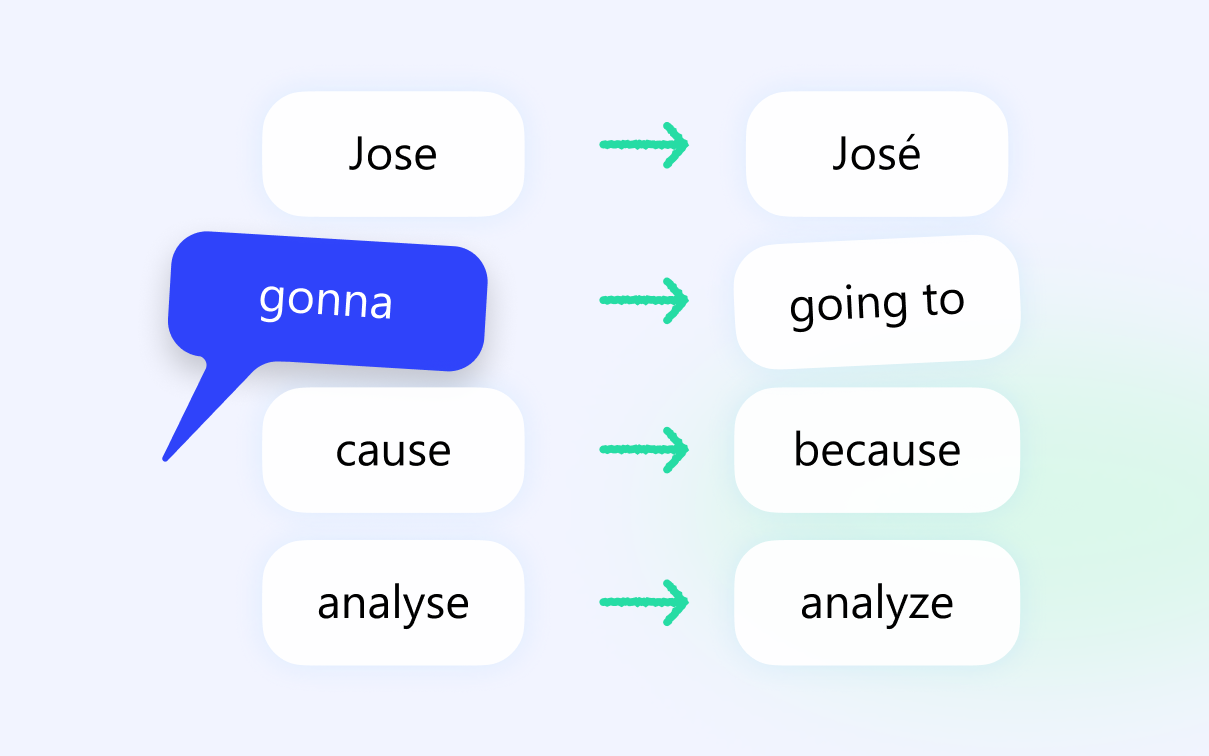
Personal dictionary
Add names, products and jargon once and Speechify spells them right every time. Correct a word and it learns.
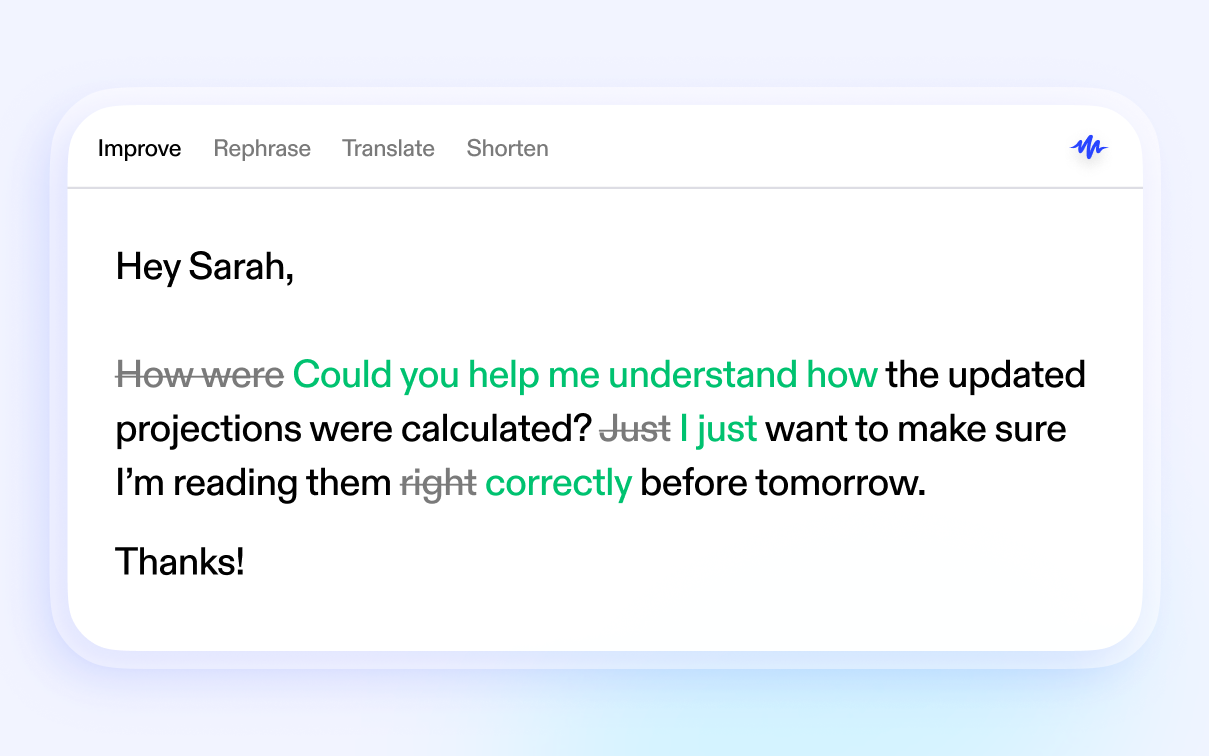
Grammar and spelling polish
Select anything you've written, dictated or not, and have it rewritten, simplified or tidied up.
Full text-to-speech
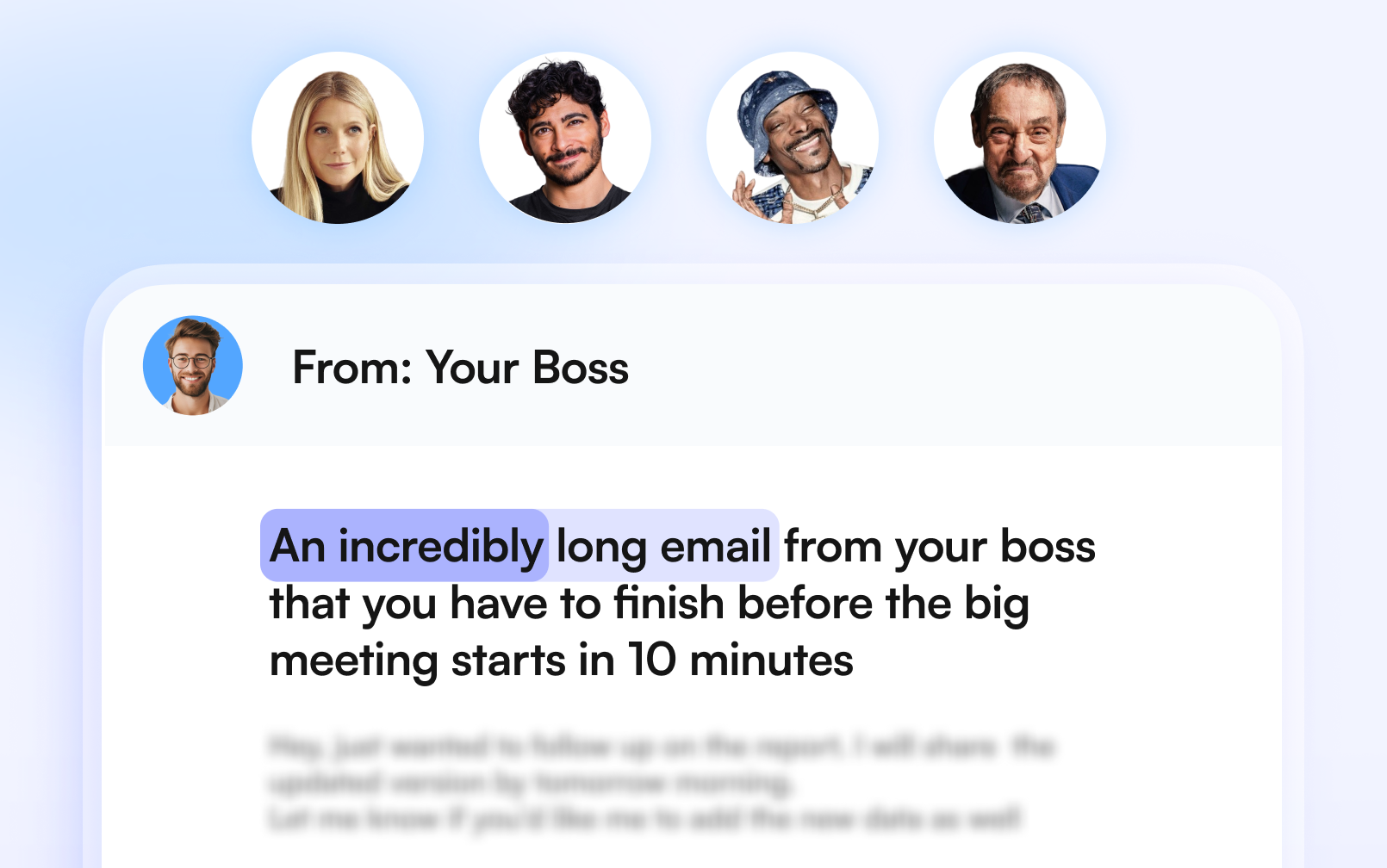
Everything Speechify Reader does, in the same app. Listen to emails, docs, PDFs and web pages in natural voices, including Snoop Dogg and Gwyneth Paltrow, at the speed you choose.
Works in every app you use

Data Protection
Private by default
Speechify is SOC 2 Type II certified, and your voice recordings are never stored unless you choose to keep them.
No screen recording.
To understand what you're replying to, Speechify reads the text in the window you're in, the same way a screen reader does. It never takes screenshots or records your screen.
Offline when you want it
With on-device transcription, your voice can stay on your machine.


From people who write with their voice
- TeoVerified User
- WayneVerified User
- NgocVerified User
FAQ
Speechify Voice Typing is an AI dictation app that turns your speech into polished text in real time, typed directly into whatever app you're working in — email, docs, Slack, browsers, and more.
Yes. Voice typing is free to use and doesn't require a subscription today, though this may change in the future.
Any app where you can type. Speechify inserts text system-wide, and people use it every day in browsers (Chrome, Safari, Edge, Firefox, Brave, Arc, Comet), AI tools (Claude, ChatGPT, Codex, Cursor), email and messaging (Outlook, Slack, Microsoft Teams, WhatsApp, Apple Messages), documents (Microsoft Word, Google Docs), and developer tools (VS Code, Terminal, iTerm2). One exception: password and other secure fields, where dictation is blocked for your security.
On Mac: hold the Fn/globe key and speak for quick phrases, or press Fn+Space for hands-free mode when you're dictating something longer. On Windows: press and hold the right Alt key to dictate, or tap it once to start and again to stop for hands-free dictation. All shortcuts are customizable in Settings.
No. Speechify ships with a built-in on-device model, so you can dictate fully offline — and if your connection drops mid-session, it automatically falls back to on-device transcription so you don't lose what you said.
Your dictation is processed with encryption, and Privacy Mode lets you opt out of your data being used to improve Speechify's speech models. On-screen context used to improve accuracy is never stored. You control your dictation history and can clear it anytime.
macOS 14 (Sonoma) or later on Mac, or Windows. It needs microphone access (only active while you're dictating) and accessibility permission so it can type into your apps.
Very, and it gets more accurate the more you use it. Speechify uses on-screen context (the app you're in, what you're replying to) to transcribe more accurately, and you can teach it your names and jargon via the personal dictionary.
Yes. Punctuation is added automatically as you speak, and you can also say punctuation out loud ("comma", "new paragraph") when you want control.
Yes. Add words to your personal dictionary (or import them via CSV), set up replacement rules, and Speechify will even notice when you correct a dictated word and offer to learn it automatically.
No. Speak naturally; Speechify cleans up your speech into readable, well-punctuated text. When dictating an email, it even formats greetings and sign-offs appropriately.
Yes. Dictate straight into Gmail, Apple Mail, Outlook, or any email client, with email-aware formatting.
Yes, it's roughly 3–4x faster. Most people speak around 150 words per minute but type only about 40, so dictating your emails, messages, and documents gets your thoughts down in a fraction of the time.
Yes. Dictation history saves your transcripts so you can copy them again, re-transcribe a session, or clear everything with one click.
Yes. Grammar Polish perfects your writing in any app. Highlight text to fix grammar, rephrase, shorten, or translate into 19 languages. And Speechify's text-to-speech reads anything on your screen aloud in lifelike AI voices.
Try it on your next email
Download, hold the key, talk. Free on Mac and Windows.