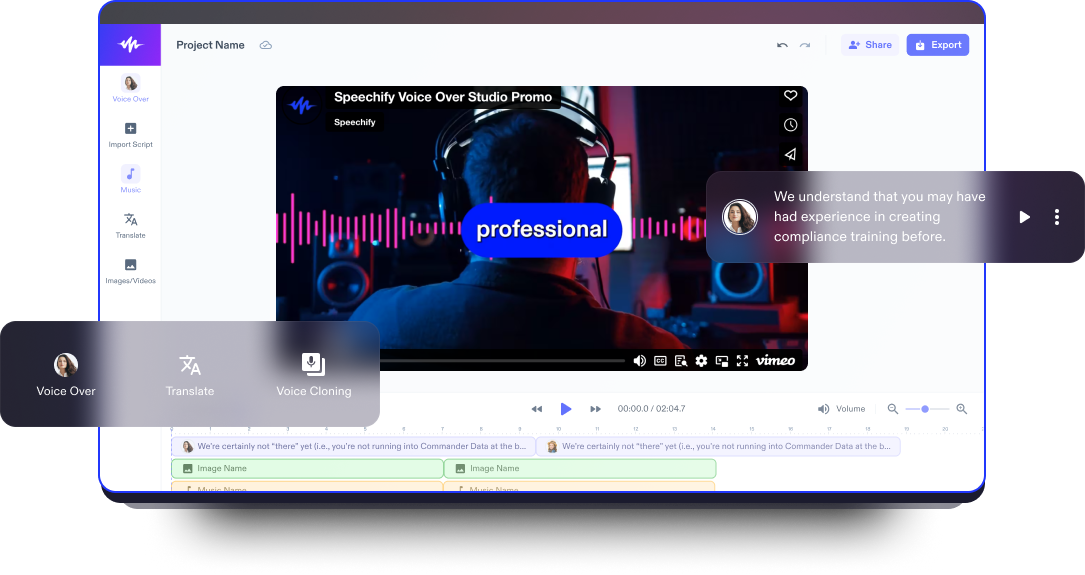
Green Screen Video Oluşturucu
En iyi green screen video düzenleyici ve arka plan temizleyici ile hayal gücünüzü gerçeğe dönüştürün, arka planları kolayca değiştirin.
Yayınlandığı Platformlar





En İyi Ücretsiz Green Screen Video Oluşturucu
Çarpıcı green screen videolar oluşturmak artık sadece Hollywood stüdyolarına veya deneyimli film yapımcılarına özel değil. Speechify Studio’nun kullanıcı dostu green screen video oluşturucusu ile hem yeni başlayanlar hem de profesyonel video düzenleyiciler, chroma key teknolojisinin gücünden yararlanarak video prodüksiyonlarını geliştirebilir.
Speechify Studio, kullanıcıların arka planları kaldırmasına, etkileyici özel efektler eklemesine ve kendilerini zahmetsizce herhangi bir sanal ortama taşımalarına olanak tanıyan yapay zeka destekli video düzenleme araçları sunar.
Speechify Studio ayrıca, arka plan değişimi ve green screen düzenleme için kullanılabilecek, telifsiz bir stok video kütüphanesine sahiptir; bu da kişisel veya ticari green screen projelerinizi bir üst seviyeye taşır.
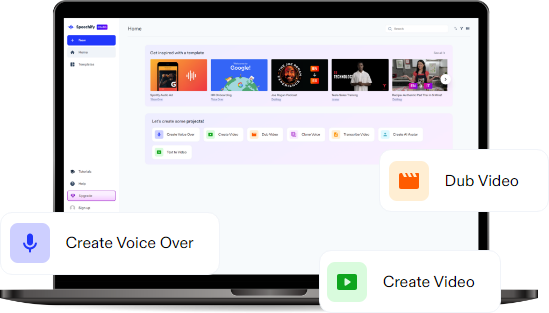
Ayrıca Speechify Studio; görseller, video klipler, arka plan müziği, yazı tipleri, geçişler, video efektleri, animasyonlar, çıkartmalar, kaplamalar, yapay zeka seslendirmeleri ve daha fazlasını ekleyerek sosyal medya videoları, reklamlar, TikTok videoları, eğitimler ve diğer profesyonel videolar gibi projeleri düzenlemenizi sağlayan kapsamlı ve yüksek kaliteli bir video düzenleyicidir.
Ücretsiz Green Screen Video Oluşturucu Şablonları
İsterseniz boş bir tuvalle başlayın, isterseniz de projenize hızlı bir başlangıç yapmak için ücretsiz Green Screen Video Oluşturucu şablonlarımızı kullanın.
Dakikalar İçinde Green Screen Video Nasıl Oluşturulur
Etkileyici green screen videolar hazırlayın ve farklı arka planları dilediğinizce deneyin.

Videonuzu İçe Aktarın
Green screen video oluşturma sürecine başlamak için, video kliplerinizi, ses dosyalarınızı veya görsellerinizi; iPhone, Android, webcam ya da Windows/Mac bilgisayarınızdan kaydetmiş olun fark etmeksizin, Videolar/Görseller’e dokunarak kolayca video düzenleyiciye aktarın.

Green Screen Videonuzu Oluşturun
Videonuzu içe aktardıktan sonra, kişiselleştirmeye başlayın. Metin ekleyin, animasyonlar, yazı tipleri ve geçişler kullanın, chroma key aracıyla çeşitli video efektlerini keşfedin. Bu aşamada, arka planı kaldırıp yerine çarpıcı yeni bir görsel yerleştirerek videonuzu bambaşka bir görünüme kavuşturabilirsiniz.

Videonuzu Dışa Aktarın
Green screen çalışmanızı son rötuşlarla mükemmelleştirdikten sonra son adım, videonuzu istediğiniz formatta dışa aktarmaktır. Sadece Dışa Aktar düğmesine tıklayın veya videonuzu farklı görüntü oranları ya da video formatlarına göre yeniden boyutlandırarak paylaşmaya hazır hale getirin – böylece her sosyal medya platformu için ideal boyutta olur.
Green Screen Videolar Ne Zaman Kullanılır?
Eğitim Videoları
Green screen videolar, eğitim içerikleri oluştururken son derece kullanışlıdır. Öğretmenler ve içerik üreticiler, green screen teknolojisini öğrencileri farklı mekânlara, tarihsel dönemlere veya sanal ortamlara götürmek için kullanarak hem öğrenme deneyimini daha etkili hale getirebilir hem de eğitim içeriğini daha ilgi çekici kılabilir.
Haber Videoları
Haber sunumlarında green screen videolar, bilgilerin dikkat çekici bir şekilde aktarılmasında önemli rol oynar. Örneğin meteorologlar, hava durumu sunumlarında dinamik grafikleri green screen arka plan üzerine sorunsuzca yerleştirir. Böylece önemli bilgiler hem net hem de etkileyici bir biçimde iletilir.
Sunum Videoları
Green screen videolar, ister iş dünyasında ister eğitim ortamında olsun, sunumlar için büyük avantaj sağlar. Sunum yapanlar, dikkat dağıtan unsurları ortadan kaldırmak ve arka planı konuyla ilgili görsellerle veya profesyonel ortamlarda çekilmiş görüntülerle değiştirmek için green screen kullanabilir. Bu da sunumlara daha şık bir görünüm kazandırır ve izleyicinin odağını doğrudan içeriğe çeker.
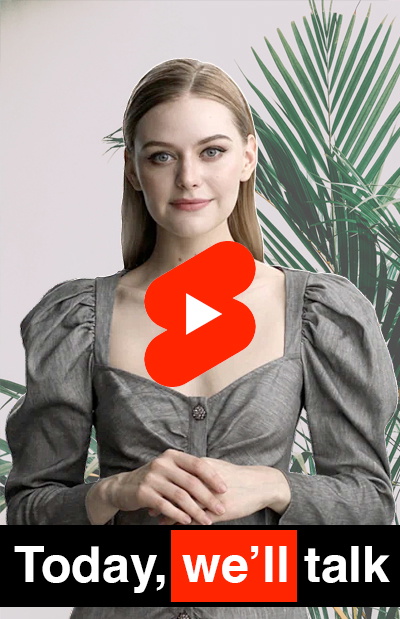
Green Screen Video Oluşturucu Eğitimi
Yapay Zeka Destekli Green Screen Video Oluşturucu Özellikleri
Green Screen Videoları Profesyonelce Düzenleyin
Speechify’ın yapay zeka destekli green screen video oluşturucusu, gelişmiş düzenleme özellikleriyle videolarınızı profesyoneller gibi düzenleme imkânı sunar. Chroma key efektini ayarlamaktan kaplamalar ve animasyonlar eklemeye kadar bu araçlar, kapsamlı bir düzenleme deneyimi sağlar.

Telifsiz Medya Kütüphanesi
Speechify Studio’nun öne çıkan özelliklerinden biri, geniş bir telifsiz stok kütüphanesidir. Bu kaynak, kişisel veya ticari bir proje hazırlarken yüksek kaliteli video kliplerine, müziğe ve arka plan görsellerine telif derdi olmadan ulaşmanızı sağlar.
Tek Tuşla Dublaj ve Yapay Zeka Seslendirme
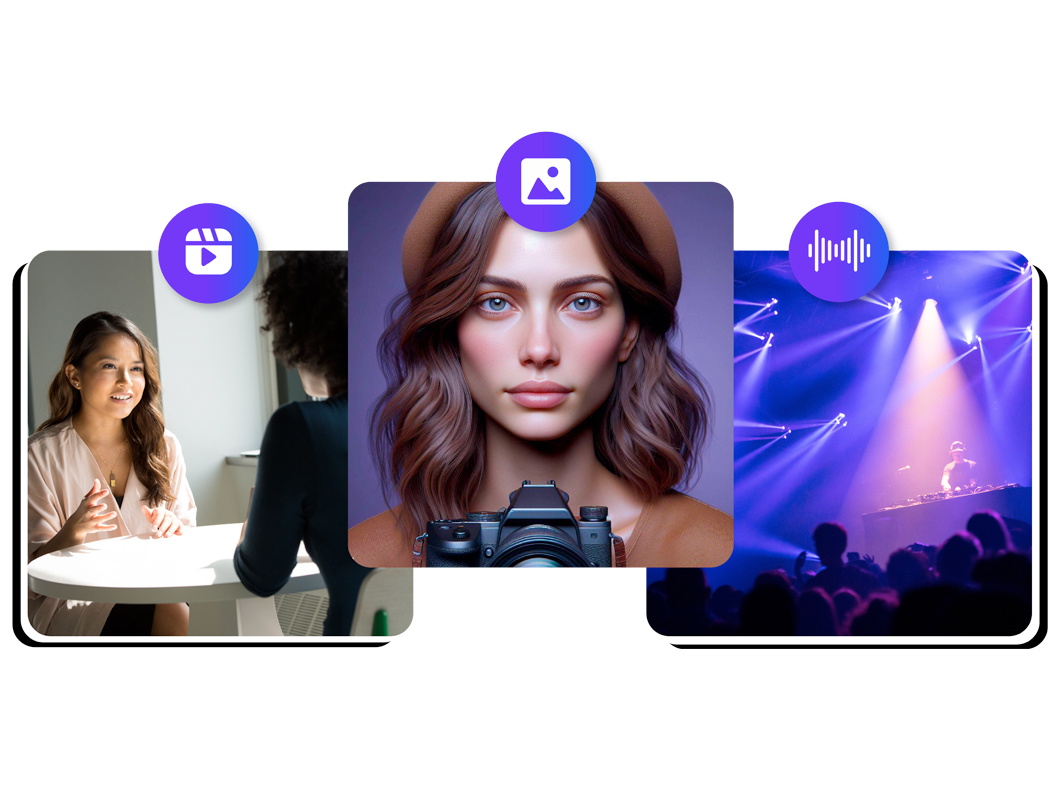
Speechify Studio, yalnızca kendi sesinizi kaydetmenize imkân vermekle kalmaz, aynı zamanda çeşitli aksan ve dillerde 200’den fazla, insan sesine son derece yakın yapay zeka seslendirme seçeneği sunar. Yapay zeka dublaj özelliğiyle videonuzu tek tıkla çevirebilirsiniz.
Daha fazlasını keşfedin:
Sıkça Sorulan Sorular
Hâlâ kafanız mı karışık?
Mavi ekran ve yeşil ekran efektleri arasındaki temel fark, hangi rengin kullanıldığıdır. Mavi ekran genellikle iç mekanda tercih edilir çünkü cilt tonlarıyla daha az çakışır. Yeşil ekran ise dış mekanda ve mavi tonlara sahip nesnelerin bulunduğu çekimlerde daha çok kullanılır; bu sayede kurgu sırasında sahnedeki unsurları ayırmak çok daha kolay olur.
Yeşil ekran efekti, videonuzdaki yeşil arka planı otomatik olarak kaldırıp yerine bambaşka bir arka plan yerleştirmenize olanak tanır. Böylece videolarınızda çok daha esnek, yaratıcı ve dikkat çekici sahneler oluşturabilirsiniz.
Speechify Studio'nun damlalık aracını kullanarak video arka planınızın rengini seçin. Ardından bu rengi metin, görsel veya diğer ögelerde kullanarak videonuzda uyumlu ve profesyonel bir görünüm yakalayabilirsiniz.
iOS'ta yeşil ekran kullanmak için en iyi video düzenleme aracı Speechify Studio'dur. Herhangi bir cihazda tarayıcı üzerinden zahmetsizce erişebilirsiniz ve ücretsiz bir planın da dahil olduğu avantajlı fiyat seçenekleri sunar.
Kendi yeşil ekran videonuzu Speechify Studio ile birkaç basit adımda kolayca hazırlayabilirsiniz.
Speechify Studio'nun yeşil ekran efektini kullanarak video görüntüleriniz için kolayca yeni bir sanal arka plan oluşturabilirsiniz. Dilediğiniz arka planı (fotoğraf veya video) içe aktararak mevcut yeşil ekranın yerine anında yerleştirebilirsiniz.
Evet. Speechify Studio, çok daha kullanıcı dostu arayüzü sayesinde videolarınıza çarpıcı görsel efektler eklemeyi son derece kolay ve pratik hale getirir.
Speechify, yazarken metinleri düzenleme işimi çok daha hızlı ve kolay hale getirdi. Bir hatayı duyar duymaz hemen düzeltebiliyorum. Artık onsuz yazı yazamıyorum.

Eskiden okuldan nefret ederdim çünkü ödevleri okumak için saatlerimi harcardım. Dinlemek ise hayatımı tamamen değiştirdi. Bu uygulama eğitimimi adeta kurtardı.

Speechify okumayı inanılmaz derecede kolaylaştırıyor. İngilizce benim ikinci dilim ve bir kitabı okurken aynı anda dinlemek, becerilerimi gerçekten çok geliştirdi.

Speechify ile Daha Fazlasını Üretin