Video Kolaj Oluşturucu
Yaratıcılık ve sadeliği buluşturan en iyi video kolaj oluşturucu ile göz alıcı video kolajlar hazırlayın.
Yayınlandığı Platformlar





En İyi Ücretsiz Video Kolaj Oluşturucu
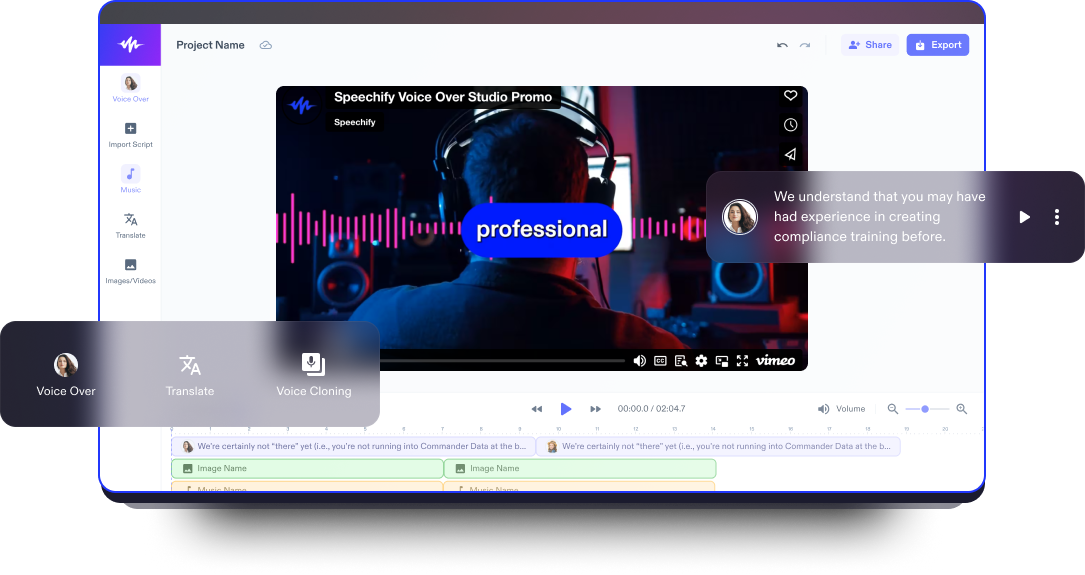
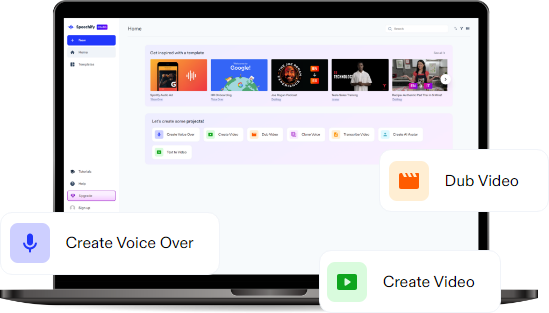
Speechify Studio’nun çevrim içi video kolaj oluşturucusu ve video düzenleyicisi oyunun kurallarını değiştiriyor. Kullanıcı dostu sürükle-bırak arayüzü sayesinde resim ya da videoları kolayca bir araya getirebilir; arka plan müziği, görseller, kolaj şablonları, bindirmeler, yapay zekâ seslendirmeleri, geçişler ve daha birçok etkileyici efektle kolajınızı zenginleştirebilirsiniz. Üstelik bunun için daha önce hiç düzenleme deneyimine sahip olmanıza gerek yok.
Video kolajları, anları ve deneyimleri dinamik bir görsel hikâyeye dönüştürmede oldukça etkilidir. Bu da onları etkinliklerin, seyahatlerin ya da kutlamaların ruhunu yansıtmak için ideal kılar. İster kişisel anılar, ister sosyal medya gönderileri, ister tanıtım materyalleri için olsun; video kolajları kendinizi ifade etmenin farklı yollarını sunar.
Ayrıca Speechify Studio’nun video düzenleme yazılımı; slayt gösterileri, eğitim videoları ve sosyal medya platformları için video içerikleri dahil olmak üzere tüm video projelerinizi düzenlemenizi kolaylaştırır.
Ücretsiz Video Kolaj Oluşturucu Şablonları
Boş bir tuvalle başlayın ya da projeye hızlıca başlamak için ücretsiz Video Kolaj Oluşturucu şablonlarımızdan birini seçin.
Dakikalar İçinde Video Kolajı Nasıl Hazırlanır?
Yaratıcılığınızı ortaya çıkarın ve anılarınızı Speechify Studio ile izleyicilerle büyüleyici bir şekilde paylaşın.

Videonuzu İçe Aktarın
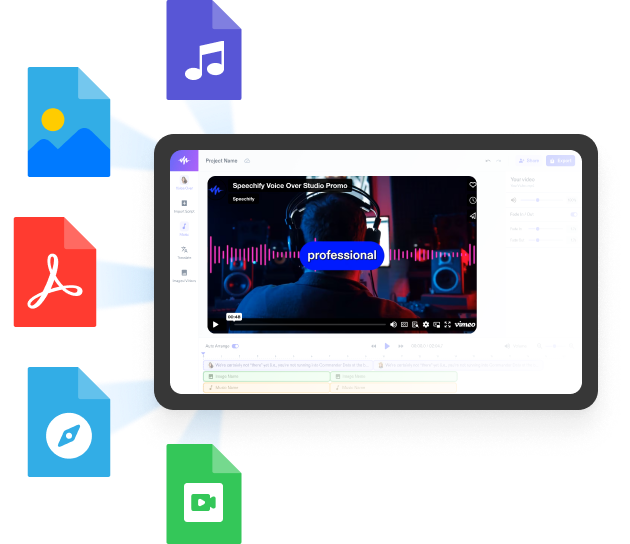
Kendi videolarınızı veya fotoğraflarınızı içe aktarmak için Görseller/Videolar’a dokunun. Stok videoya mı ihtiyacınız var? Hiç sorun değil. Kişisel ve ticari projelerinizde kullanabileceğiniz içeriklerle dolu medya kütüphanemize göz atın.

Video Kolajınızı Oluşturun
Klipleri düzenleyerek ve efektler, geçişler, sesler, görseller, videolar, etkileyici bir açılış, yapay zekâ seslendirmeleri, arka plan müziği, ses efektleri, altyazılar veya animasyonlar ekleyerek video kolajınızı hazırlayın. Başlıklar, fotoğraflar, altyazılar ya da kendi müziğinizi ekleyerek oluşturduğunuz kolaja hayat verin ve izleyicilerinizi kendinize hayran bırakın.

Video Kolajınızı Dışa Aktarın
Videonuz hazır olduğunda, ortaya çıkan çalışmanızı dışa aktarmak son derece kolaydır. Sadece Dışa Aktar butonuna tıklayın ya da önce farklı en-boy oranlarında yeniden boyutlandırarak kolajınızın çeşitli sosyal medya platformlarında kusursuz görünmesini sağlayın.
Video Kolajı Ne Zaman Kullanılır?
Ürünleri Etkileyici Şekilde Sergilemek
Ürünlerinizin işlevselliğini, özelliklerini ve çok yönlülüğünü gerçek hayatta nasıl kullanıldığını gösteren bir görsel kolajla öne çıkarın. Video kolajları, ürünlerinizin potansiyel müşterilere sağladığı değeri çarpıcı bir şekilde anlatır.
Etkinlik Anları ve Hatıraları
İster düğün, ister parti, ister kurumsal bir buluşma olsun; video kolajları en unutulmaz ve etkileyici anları bir araya getirmenizi sağlar. Etkinliklerden en iyi kareleri derleyerek hem nostaljik hem de paylaşması keyifli bir deneyim sunun.
Seyahat Günlükleri ve Maceralar
Durağan bir fotoğraf albümü yerine; seyahatlerinizin görüntü, ses ve deneyimlerini canlı bir şekilde yakalamak için video kolajlarını kullanın. Dinamik video kolajlarıyla maceralarınızı ölümsüzleştirip izleyicileri bambaşka manzaralara doğru yolculuğa çıkarın.
Video Kolaj Oluşturucu Eğitim Rehberi
Yapay Zeka Destekli Video Kolaj Oluşturucu Özellikleri
Tanıtım Videolarınızı Profesyonel Gibi Düzenleyin
Kolaj şablonları, çıkartmalar, yazı tipleri, geçişler, GIF’ler ve çok daha fazlasını sunan, kullanımı kolay platformumuzla yaratıcı olanakların tadını çıkarın. Hem yeni başlayanlar hem de deneyimli içerik üreticileri için tasarlanan sezgisel arayüzümüz; kurgu başyapıtlarınız için kapsamlı düzenleme araçları sunar.

Stok Video Kütüphanesi
Binlerce yüksek kaliteli ve telifsiz stok görsel, müzik parçası ve video klibiyle dolu kapsamlı stok kütüphanemizden yararlanın. Bu geniş koleksiyon, hem kişisel hem de ticari video kolaj projeleriniz için harika bir kaynak olup içeriğinizi görsel açıdan etkileyici öğelerle zenginleştirmenizi sağlar.
Yapay Zeka Seslendirmeler
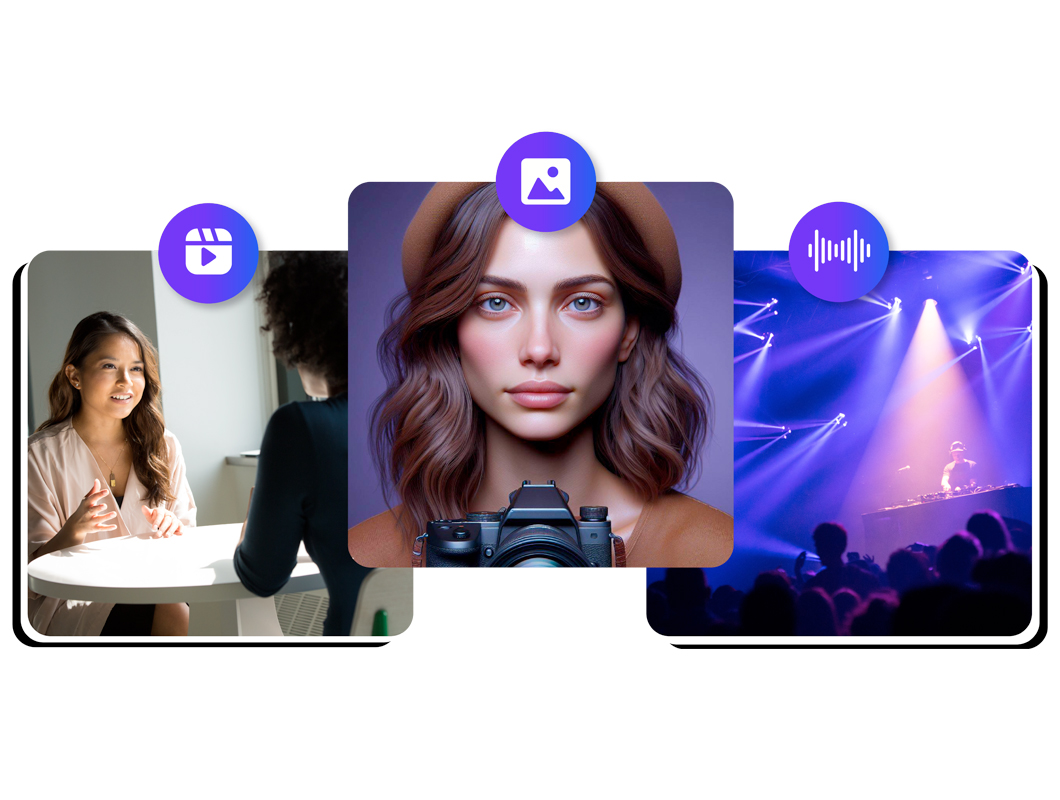
200’den fazla farklı dil ve aksanda profesyonel yapay zekâ seslendirmelerinin bulunduğu geniş arşivimize erişin ve video kolajlarınıza güçlü bir hikâye anlatımı katın. Anılarınızı, fotoğraflarınızı ve videolarınızı kendi sesli hikâyenizle süsleyin.
Daha fazlasını keşfedin:
Sıkça Sorulan Sorular
Hâlâ kafanız mı karışık?
Hem fotoğraf hem de video kolajları için, zengin video şablonları ve yapay zeka efektleri sayesinde öne çıkan platform Speechify Studio'dur.
Güncel fiyatlandırma bilgileri için Speechify Studio'nun web sitesini ziyaret edebilirsiniz. Ayrıca Speechify Studio'yu bugün ücretsiz olarak deneme şansınız da var.
Fotoğrafınıza filigran eklemek için Canva veya Adobe gibi araçlardan yararlanabilirsiniz.
Speechify Studio, iOS, Android, Mac ve Windows cihazlar da dahil olmak üzere her yerden kolayca erişebileceğiniz web tabanlı bir video düzenleme platformudur. iPhone'da video veya fotoğraf kolajı oluşturmak için tek yapmanız gereken, tercih ettiğiniz tarayıcıdan giriş yapmak. Uygulama mağazasından ayrıca bir uygulama indirmenize gerek yok.
Speechify, yazarken metinleri düzenleme işimi çok daha hızlı ve kolay hale getirdi. Bir hatayı duyar duymaz hemen düzeltebiliyorum. Artık onsuz yazı yazamıyorum.

Eskiden okuldan nefret ederdim çünkü ödevleri okumak için saatlerimi harcardım. Dinlemek ise hayatımı tamamen değiştirdi. Bu uygulama eğitimimi adeta kurtardı.

Speechify okumayı inanılmaz derecede kolaylaştırıyor. İngilizce benim ikinci dilim ve bir kitabı okurken aynı anda dinlemek, becerilerimi gerçekten çok geliştirdi.

Speechify ile Daha Fazlasını Üretin