Windows Video Maker
Windows için en iyi ücretsiz video düzenleyiciyle dikkat çeken videolar oluşturun.
Yayınlandığı Platformlar





En İyi Ücretsiz Windows Video Maker
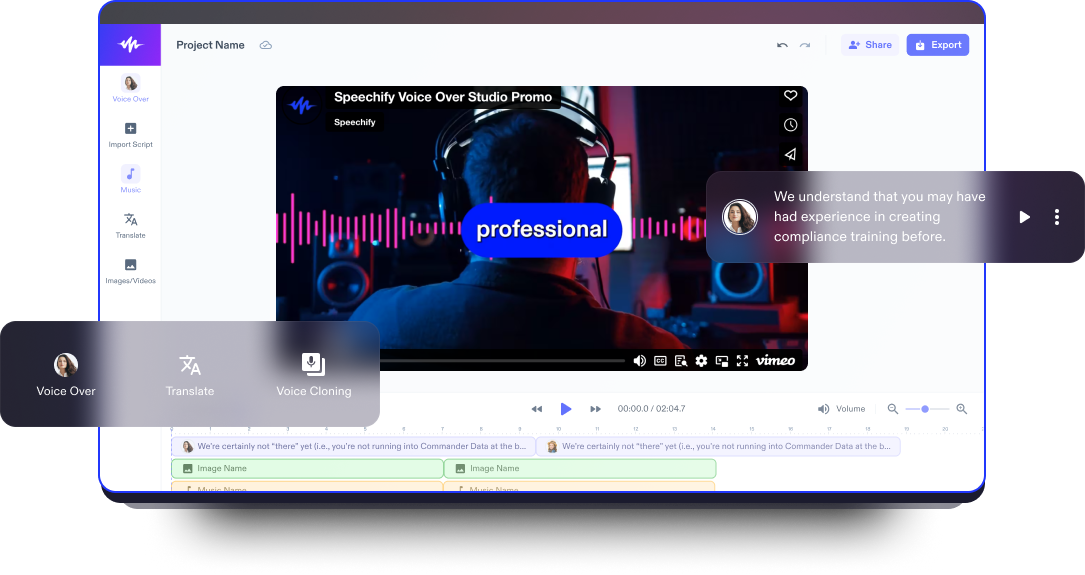
Speechify Studio’nun ücretsiz ve kullanıcı dostu Windows video yapımcısıyla profesyonel video düzenleme deneyiminin keyfini çıkarın. Sürükle-bırak özelliği, özelleştirilebilir video şablonları ve yeni başlayanlar için bile uygun çok sayıda yapay zeka destekli video düzenleme aracı sayesinde Windows videolarınızı zahmetsizce geliştirin.
Videolar, bilgiyi aktarmanın etkileyici ve sürükleyici bir yolunu sunar; görsel ve işitsel ögeleri bir araya getirerek kavramayı kolaylaştırır. Üstelik çok yönlü yapıları sayesinde pazarlamadan eğitime, hikâye anlatımından etkileşimi artırmaya kadar pek çok amaçla kullanılabilir ve izleyiciler üzerinde kalıcı bir etki bırakabilir.
Speechify Studio’nun gelişmiş video düzenleyicisi, temel videolardan sosyal medya için YouTube kanalınıza özel kısa kliplerden tam uzunlukta filmlere, animasyonlara, açılış videolarına, eğitim içeriklerine, yavaş çekim videolara, slayt gösterilerine ve çok daha fazlasına kadar her türlü video projesi için hepsi bir arada bir çözüm sunar.
Tarayıcı tabanlı bir araç olduğu için içerik üreticileri Speechify Studio'yu Windows, Android, Mac, iOS, Linux veya Apple cihazları dâhil olmak üzere diledikleri her cihazdan kullanabilir.
Ücretsiz Windows Video Maker Şablonları
İsterseniz boş bir tuvalle başlayabilir, isterseniz de projenize hızlı bir giriş yapmak için ücretsiz Windows Video Maker şablonlarımızdan yararlanabilirsiniz.
Dakikalar İçinde Windows Videosu Oluşturun
Speechify Studio’nun yeni başlayan dostu video editörüyle Windows videolarınızı kısa sürede hazırlayın.

Videonuzu İçe Aktarın
Video projenize başlamak için video dosyalarınızı, ekran kayıtlarınızı, web kamerası görüntülerinizi ve ses dosyalarınızı Görüntüler/Videolar’a dokunarak Speechify Studio'ya içe aktarın. Stok görsel mi lazım? Hiç sorun değil. Telifsiz içeriklerle dolu stok kütüphanemize göz atabilirsiniz.

Videonuzu Oluşturun
Yaratıcılığınızı serbest bırakın ve yeni videonuzu oluşturmaya başlayın. Video klipleri hikâye tahtasında düzenleyin veya bölün, geçişler ekleyin; üst katmanlar, yazı tipleri, animasyonlar ve diğer özel efektlerden yararlanın ve yeşil perde efektleri ile yapay zeka seslendirmeleri gibi gelişmiş özellikleri keşfedin.

Videonuzu Dışa Aktarın
Videonuz hazır olduğunda oynatmayı gözden geçirin, boyutunu ayarlayın ve dışa aktarmadan önce farklı format seçeneklerinden birini seçin; böylece videonuz sosyal medya platformları için ideal boyuta gelir. Dışa aktar tuşuna basmadan önce isterseniz filigran da ekleyebilirsiniz.
Windows Videoları Ne Zaman Kullanılır?
Sosyal Medya için Pazarlama Videoları
Sosyal medya için pazarlama videoları; Facebook, Instagram veya TikTok gibi platformlarda bir ürün, hizmet veya markayı tanıtmak amacıyla hazırlanan kısa ve çarpıcı kliplerdir. Dönüşümleri artırmak için idealdir ve genellikle kısa, net mesajlar ile harekete geçirici çağrılar (CTA) içerir.
Eğlence Videoları
Eğlence videoları, keyifli ve çoğunlukla hafif içerikler sunmak için hazırlanır. Bu videolar, komik skeçlerden günlük vloglara kadar uzanabilir ve duygusal tepkiler uyandırmak, izleyiciyi eğlendirmek ve ilgiyi canlı tutmak üzere tasarlanır. Sık sık özel efektler ve arka plan müzikleriyle zenginleştirilir.
Eğitici Videolar
Eğitici ya da öğretici videolar, izleyiciye bilgi vermek veya belirli bir beceriyi öğretmek için hazırlanır. Görsel destek unsurları, seslendirmeler, ekran kayıtları, marka kiti ekleme seçeneği ve yapılandırılmış bir anlatım sayesinde öğrenme sürecini kolaylaştırır.

Windows Video Maker Eğitimi
AI Windows Video Maker Özellikleri
Windows Videolarını Profesyonelce Düzenleyin
Speechify Studio'nun Windows video editörü; sürükle-bırak arayüzü, özelleştirilebilir şablonları, efektleri ve düzenleme araçlarıyla her seviyeden kullanıcıya zahmetsiz bir düzenleme deneyimi sunar. Videonuza kolayca görsellik katın ve göz alıcı video içerikleri ortaya çıkarın.

Telifsiz Medya Kütüphanesi
Birbirinden kaliteli görseller, video klipler ve arka plan müzikleriyle dolu geniş bir stok kütüphanesine erişin ve Windows videonuzun havasını belirleyecek içerikleri seçin. Yüksek kaliteli medya dosyalarını başka yerden aramakla uğraşmadan, telif hakkı endişesi duymadan projenize ekleyin.
AI Video Düzenleme Araçları
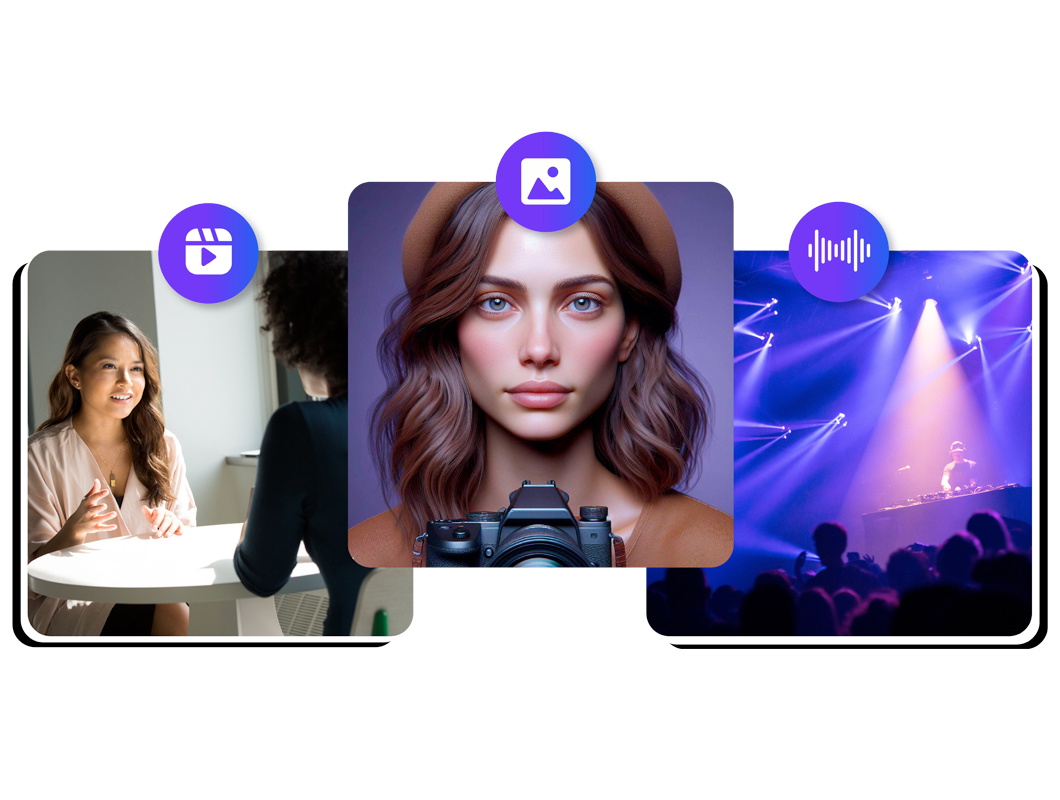
Windows videolarınızı yapay zeka seslendirmeleri, tek tıkla dublaj ve özelleştirilebilir yapay zeka avatarlarıyla güçlendirin. Bu gelişmiş özellikler, uzun düzenleme süreçlerini kolaylaştırır, video düzenleme süresini ciddi ölçüde kısaltır ve içeriğinize profesyonel bir dokunuş ekleyerek onu dijital dünyada ön plana çıkarır.

Daha fazlasını keşfedin:
Sıkça Sorulan Sorular
Hâlâ kafanız mı karışık?
Windows için Clipchamp ve Windows Movie Maker gibi pek çok ücretsiz video düzenleme programı mevcut; ancak Speechify Studio, tarayıcı tabanlı bir araç olarak ücretsiz bir sürüm sunar ve yeni başlayanlar için biçilmiş kaftan diyebileceğimiz gelişmiş yapay zeka araçlarına sahiptir.
Hayır, Speechify Studio açık kaynak değildir; ancak oldukça güçlü yapay zeka tabanlı video düzenleme araçları sunar.
Windows'ta Fotoğraflar uygulamasını açmak için Windows tuşuna basıp "Fotoğraflar" yazarak aratabilir ya da görev çubuğunda veya Başlat menüsünde yer alan simgesini kullanabilirsiniz.
Speechify Studio, tarayıcı tabanlı bir video düzenleyicidir; bu nedenle Windows 10 ve Windows 11 de dahil olmak üzere tüm Windows işletim sistemlerinde kullanılabilir.
Video kodlama, dijital bir video dosyasının bir biçimden başka bir biçime dönüştürülmesi işlemidir; bu süreç genellikle, oynatma kalitesini korurken dosya boyutunu küçültmek için sıkıştırma da içerir.
OneDrive, Microsoft tarafından sunulan bir bulut depolama hizmetidir. Kullanıcıların dosya ve klasörleri çevrimiçi olarak depolamasına, bunlara erişmesine ve paylaşmasına olanak tanır; ayrıca birden fazla cihaz arasında senkronizasyon sağlar.
Speechify, yazarken metinleri düzenleme işimi çok daha hızlı ve kolay hale getirdi. Bir hatayı duyar duymaz hemen düzeltebiliyorum. Artık onsuz yazı yazamıyorum.

Eskiden okuldan nefret ederdim çünkü ödevleri okumak için saatlerimi harcardım. Dinlemek ise hayatımı tamamen değiştirdi. Bu uygulama eğitimimi adeta kurtardı.

Speechify okumayı inanılmaz derecede kolaylaştırıyor. İngilizce benim ikinci dilim ve bir kitabı okurken aynı anda dinlemek, becerilerimi gerçekten çok geliştirdi.

Speechify ile Daha Fazlasını Yaratın