The #1 Transcription & Subtitles Platform

Easily, and quickly, transcribe any video. Simply upload your audio or video and click “Transcribe” to get the most accurate transcription. With support for 20+ languages, Speechify Video Transcription is the best AI transcription service.

下载量超 2000 万次
speechify-transcription-hero

媒体报道

  • forbes logo
  • cbs logo
  • time magazine logo
  • new york times logo
  • wall street logo

Automatically transcribe your audio or video to text

State of the art AI auto detects languages and instantly transcribes audio or video

speechify-upload-video

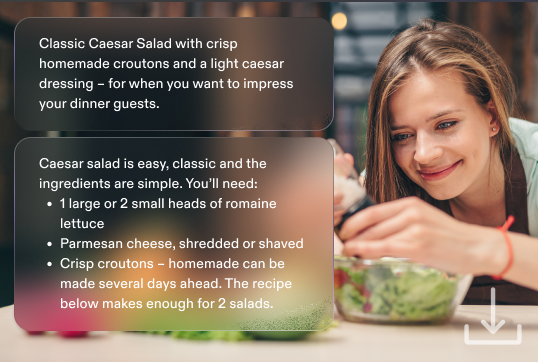
1. Upload

Upload your audio or video, or simply paste a YouTube URL and our video transcription app will automatically read your file.

speechify-auto-transcribe

2. Transcribe

Simply click on the “Transcribe” button and let our AI video transcription engine do everything else. It can auto detect the language, even.

speechify-download-transcription

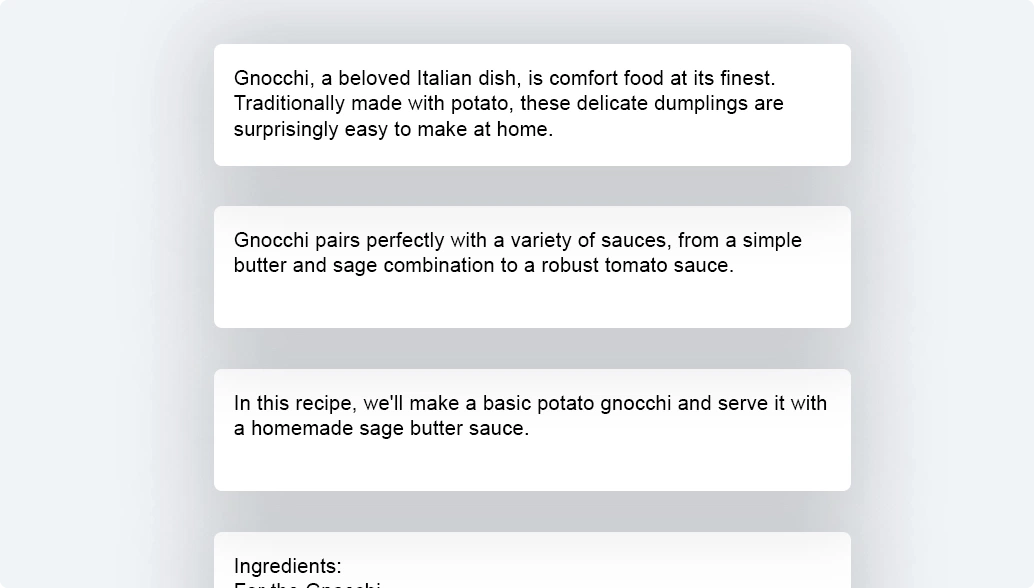
3. Download

That’s it! As soon as the transcription engine parses your video, it will generate the script instantaneously. Simply click download.

Get started today, for free

Transcribe your first audio or video

Audio & Video Transcription Use Cases

Royalty free audio, drag n’ drop, shortcuts, & more

Accessibility

Transcription services can be used to create subtitles and closed captions for video content. This makes the content accessible to the deaf or hard of hearing audience, as well as individuals who prefer or need to read along while watching a video.

Content Repurposing

Transcriptions can be used to repurpose video or audio content into blog posts, eBooks, social media posts, and more. It allows content creators to reach a wider audience on various platforms with the same piece of content.

Search Engine Optimization

Transcriptions help search engines understand the content of audio and video files. This can lead to better search engine rankings, increased web traffic, and improved visibility online.

Educational Resources

In the education sector, transcription services can be used for creating transcripts of lectures, webinars, or tutorials. This aids in study and review, as students can easily read, highlight, and make notes directly on the transcript.

In legal and medical fields, transcriptions are essential. Lawyers might need transcripts of court proceedings, while doctors might use transcription services for medical reports from audio recordings.

Research & Data Analysis

Researchers can use transcription services to convert interviews, focus group discussions, or field notes into text format. This makes it easier to analyze data, identify patterns, and draw conclusions.

Transcribe your audio or video for free

Accurate transcription across many languages

Frequently Asked Questions

视频转录是指把视频中的音频内容转换成书面文本的过程。这可以包括对话、各种声音,甚至像叹气或笑声这样的非语言交流提示。转录可以有很多用途,比如为听障人士制作字幕、提升视频内容的搜索引擎优化(SEO)、内容二次利用,以及用于研究或数据分析。

你可以使用转录软件或转录服务来完成视频转录。比如 Speechify AI 转录、Descript、Trint 和 Otter 等程序都能转录音频或视频文件。只需上传文件,让软件自动处理即可。有些工具还支持实时转录功能。

可以,Google 提供语音转文字服务,可以把视频中的音频内容转录成文本。Google 文档自带语音输入功能。此外,通过 Google 云端硬盘,你也可以借助自动识别,将视频文件转换为文本。

Google 文档的语音输入功能和 YouTube 的自动字幕功能,都是可以免费用来转录视频的选择。但需要注意的是,这些免费服务的准确率通常不如专业付费转录服务。如果你需要多语言且高准确度的转录,可以试试 Speechify 的 AI 驱动视频转录。

有,很多程序都支持视频转录。比如 Speechify 音频与视频转录、Descript、微软 Windows 视频编辑器、Otter.ai 和 Trint 等。不同软件在准确率和处理速度上都有所差异。

最好的视频转录服务要看你的具体需求,但不少专业人士会选择 Rev 的人工转录服务,其准确率很高,并且支持 .mov、.wav、.txt 和 .srt 等多种文件格式。Speechify AI 转录则是目前市面上表现最突出的 AI 转录方案之一。

除了使用自动或人工转录服务,你也可以自己手动转录视频内容。一些播放器程序(比如 VLC)提供的播放控制功能,可以帮你反复回放片段,方便你进行手动转录。

视频转录所需时间取决于你使用的服务类型。像 Sonix 这样的 AI 转录服务,通常能在比视频播放时长更短的时间内生成自动转录。人工转录员一般需要大约视频时长 4–5 倍的时间。Speechify AI 转录几乎可以实现音频或视频的即时转录。

视频转录的好处包括:通过字幕或隐藏字幕提升无障碍访问体验、增强 SEO,以及便于将内容再利用到社交媒体、播客等其他渠道。此外,有了转录文本,内容更容易被分享、检索和整理。