

App de Speechify para iOS
Escucha cualquier contenido, escribe con tu voz, crea pódcast con IA y obtén respuestas de IA desde tu móvil

 Ganadora del Apple Design Award 2025App del Día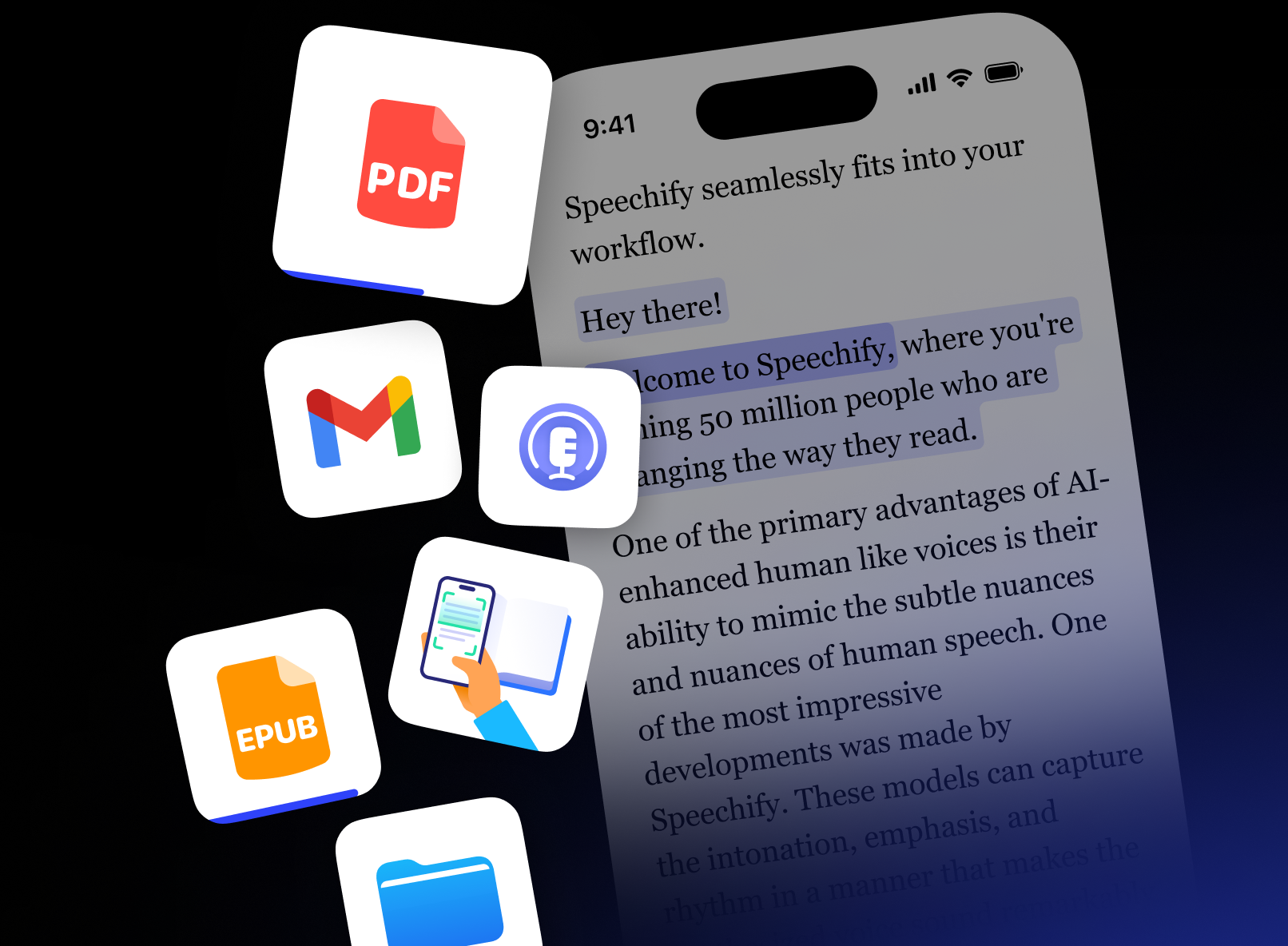
IA que te lee en voz alta
Convierte PDF, documentos y más en audio natural
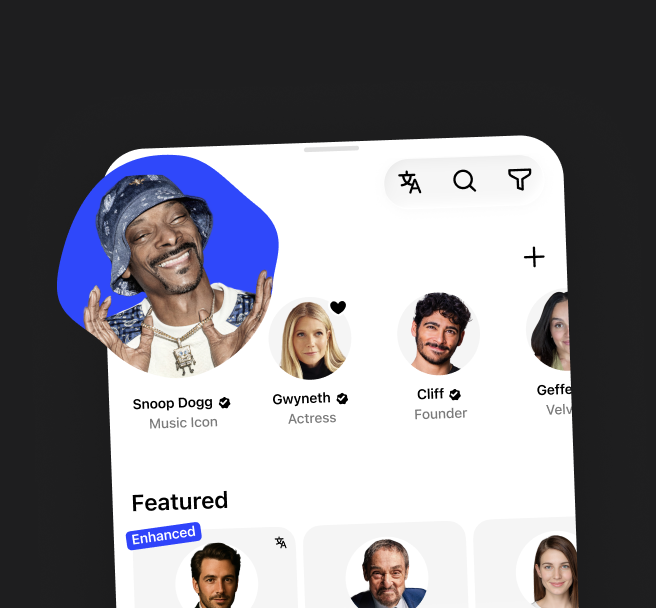
Voces naturales
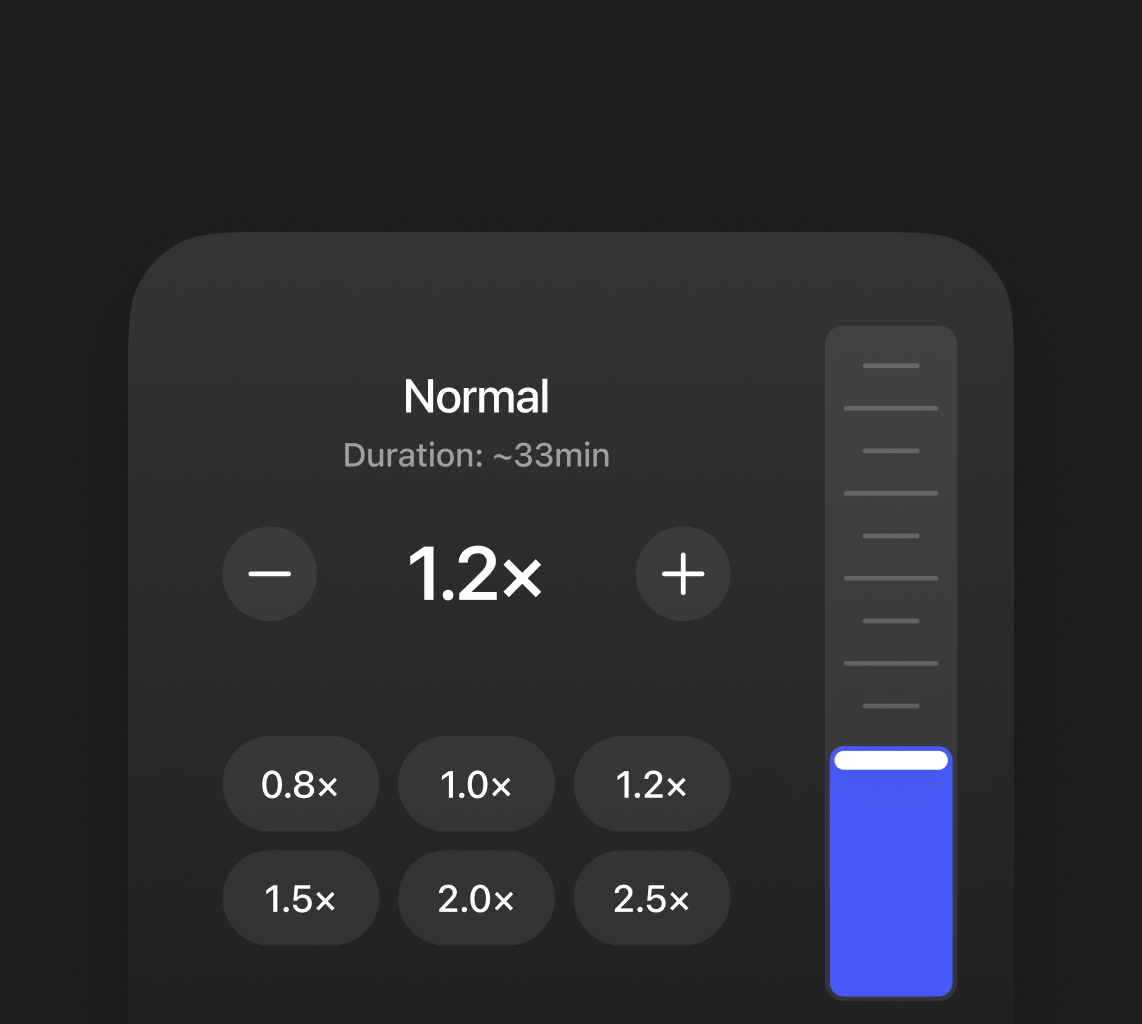
Velocidad ajustable
Convierte lo que quieras en un pódcast
Empieza con un documento o una breve descripción y crea el pódcast que quieras
Personaliza el estilo

Fácil de crear

Escribe con tu voz
Dicta texto en cualquier app — hasta 5× más rápido que teclear
Teclado
40 palabras por minuto
Hablas más rápido de lo que escribes. Entre tres y cinco veces más, [hl]de hecho[/hl]
Dictado por voz de Speechify
160 palabras por minuto
Hablas más rápido de lo que escribes. Entre tres y cinco veces más, de hecho. Y eso marca la diferencia. Solo dilo. Dictado por voz, impulsado por Speechify. Desde Google Docs hasta Gmail.
Habla con tus documentos
Chatea con IA sobre cualquier documento, libro o archivo — recibe respuestas en segundos
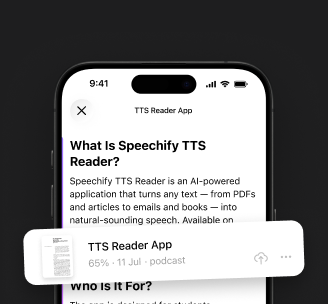
Entiende el contexto
Habla en vez de escribir
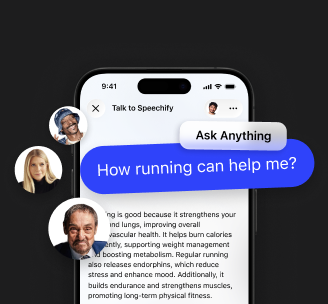

Ahorra tiempo escuchando en vez de leer. Haz varias cosas a la vez con artículos, correos y documentos
Mejora la comprensión y la memoria escuchando el contenido — oír la información ayuda a recordarla mejor que leerla sin más

Dales un descanso a tus ojos — escucha en vez de leer. Ideal para sesiones largas en las que se acumula el tiempo de pantalla
Cómo usa la gente Speechify

Estudio
Escucha libros de texto y artículos científicos, o conviértelos en pódcast con IA para aprender fácilmente estés donde estés

Productividad
Dicta ideas, toma notas de voz y obtén respuestas de IA sobre cualquier documento o libro — todo con las manos libres

Lectura por placer
Convierte libros y artículos en audio o en pódcast con IA — disfrútalos mientras viajas o te relajas

Multitarea
Escucha, dicta notas, accede a pódcast con IA y obtén respuestas — todo con las manos libres y sobre la marcha

Aprendizaje de idiomas
Mejora tu pronunciación y comprensión auditiva escuchando voces naturales y practicando con texto leído en voz alta

Accesibilidad
Haz que cualquier contenido sea más fácil de entender y recorrer con audio, IA y voces naturales
Empieza a usar Speechify hoy mismo
Todo lo que necesitas para escuchar, escribir y aprender

Descarga Speechify hoy
Una sola app para escuchar, usar el dictado por voz, crear pódcast con IA y obtener respuestas de IA
Texto a voz
Convierte la lectura en audio
Sigue la lectura mientras se resalta cada palabra al ritmo del audio, para concentrarte mejor, no perder el hilo y entender más
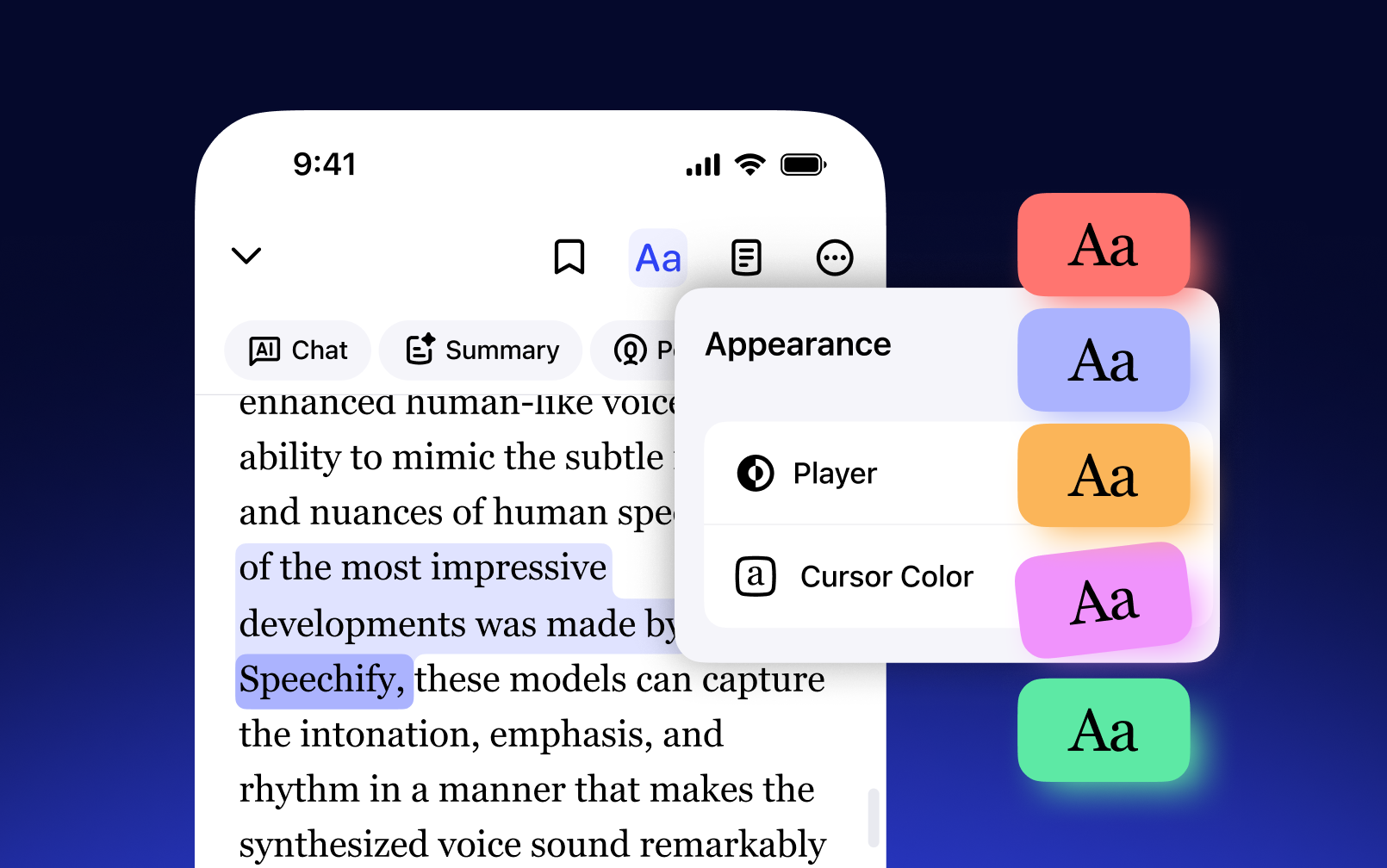
Escucha cualquier texto en más de 60 idiomas y acentos regionales — voces de IA multilingües que suenan naturales en todos ellos

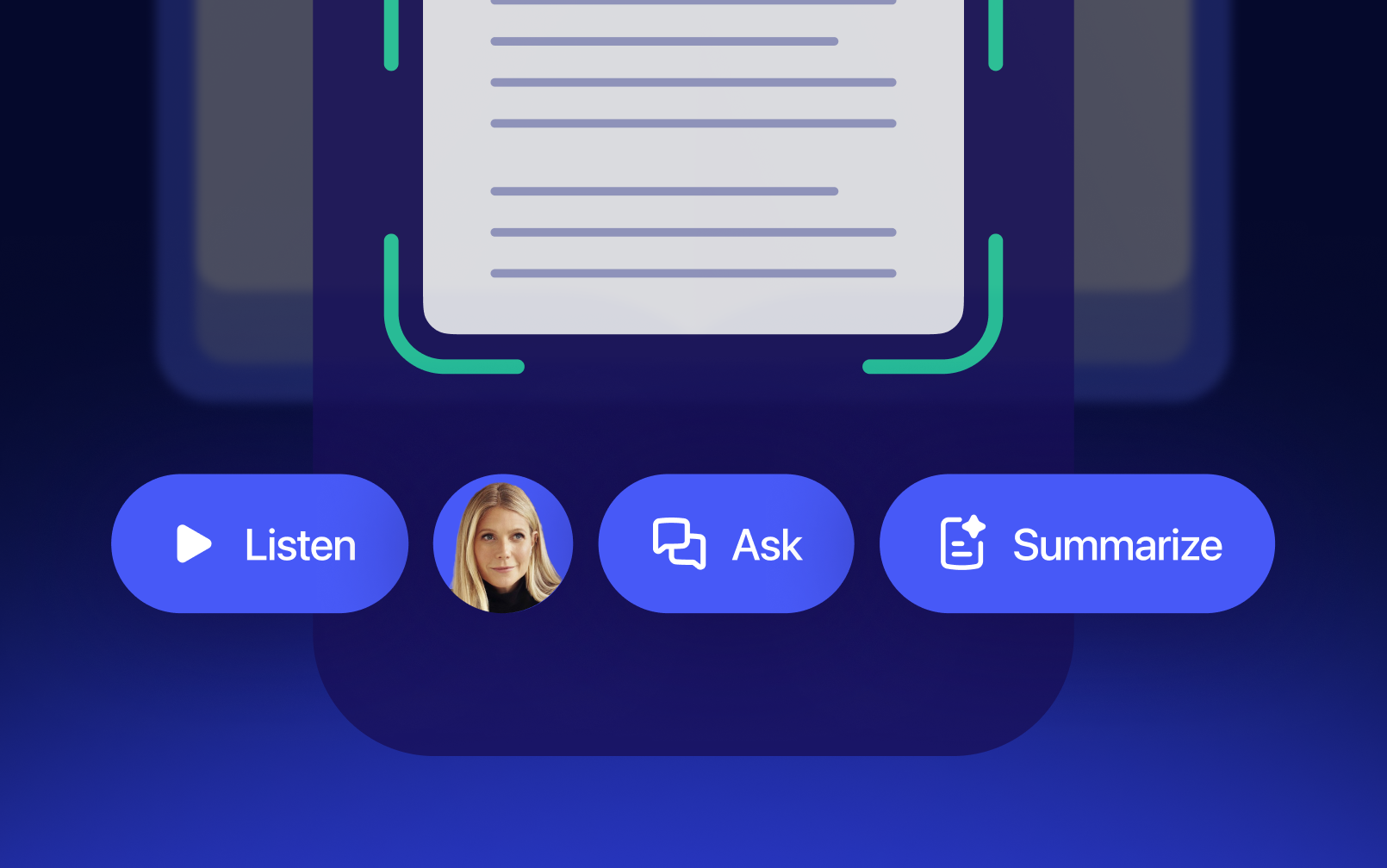
Escanea libros, apuntes o impresos con la cámara y escúchalos al instante — perfecto para estudiar, viajar o aprovechar cualquier rato
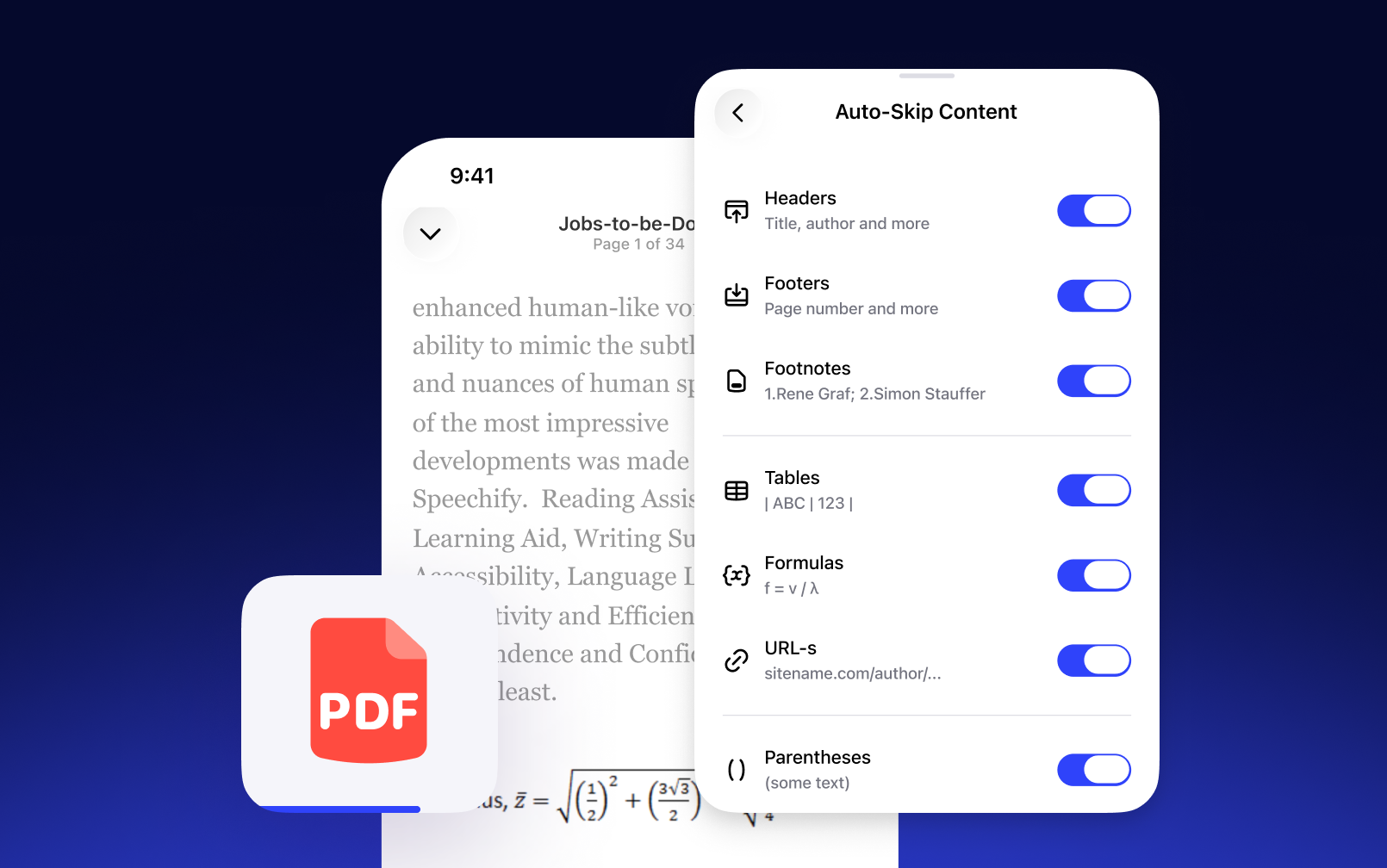
Omite automáticamente notas, citas, encabezados y otras distracciones — escucha solo lo importante, sin interrupciones
Pódcast con IA
Crea pódcast con IA a partir de cualquier documento
Sube cualquier documento, PDF, libro o artículo y conviértelo al instante en un pódcast con IA — sin necesidad de grabar
Elige el formato — conversación, debate o clase — y ajusta la profundidad según tu objetivo o tu estado de ánimo
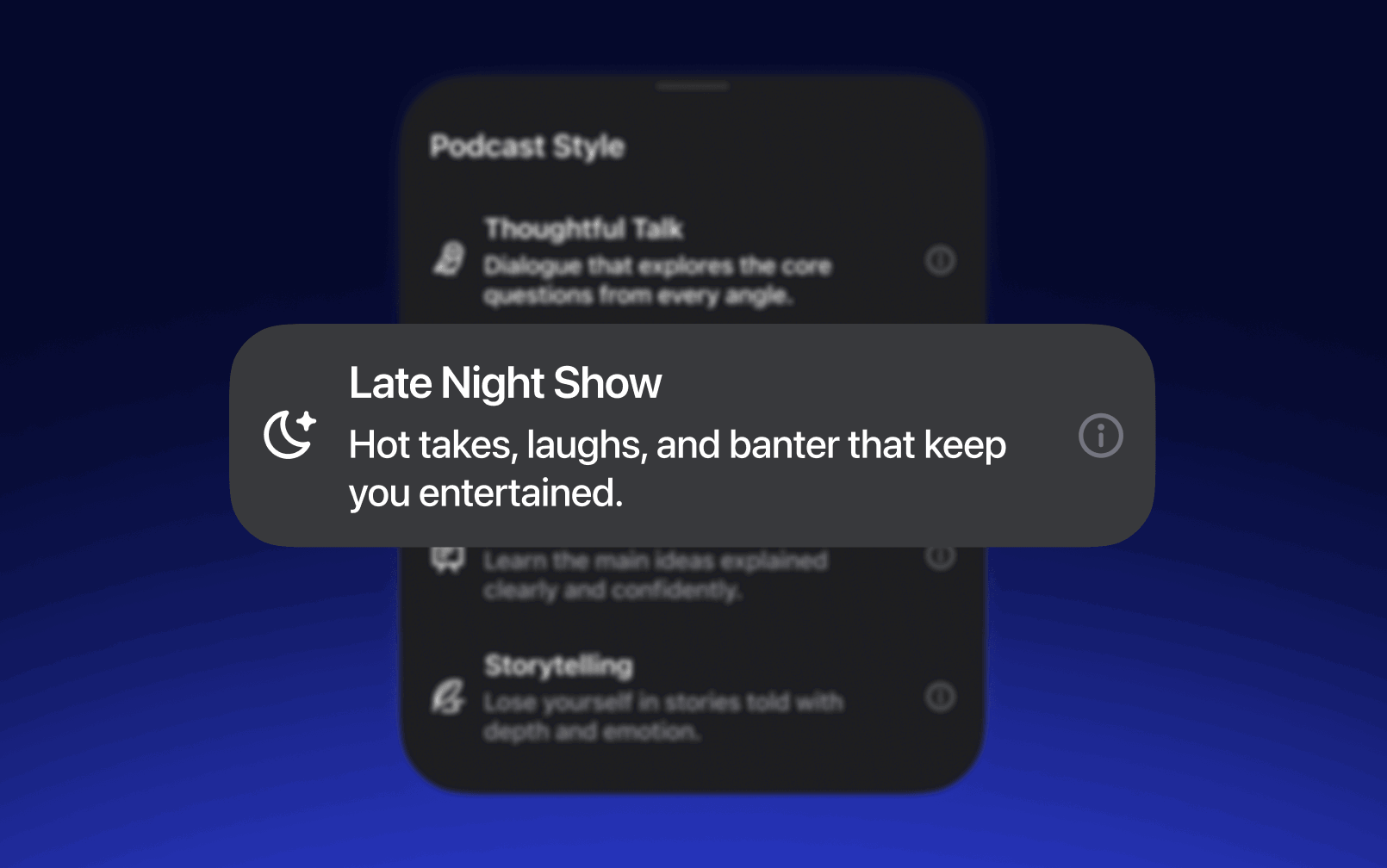
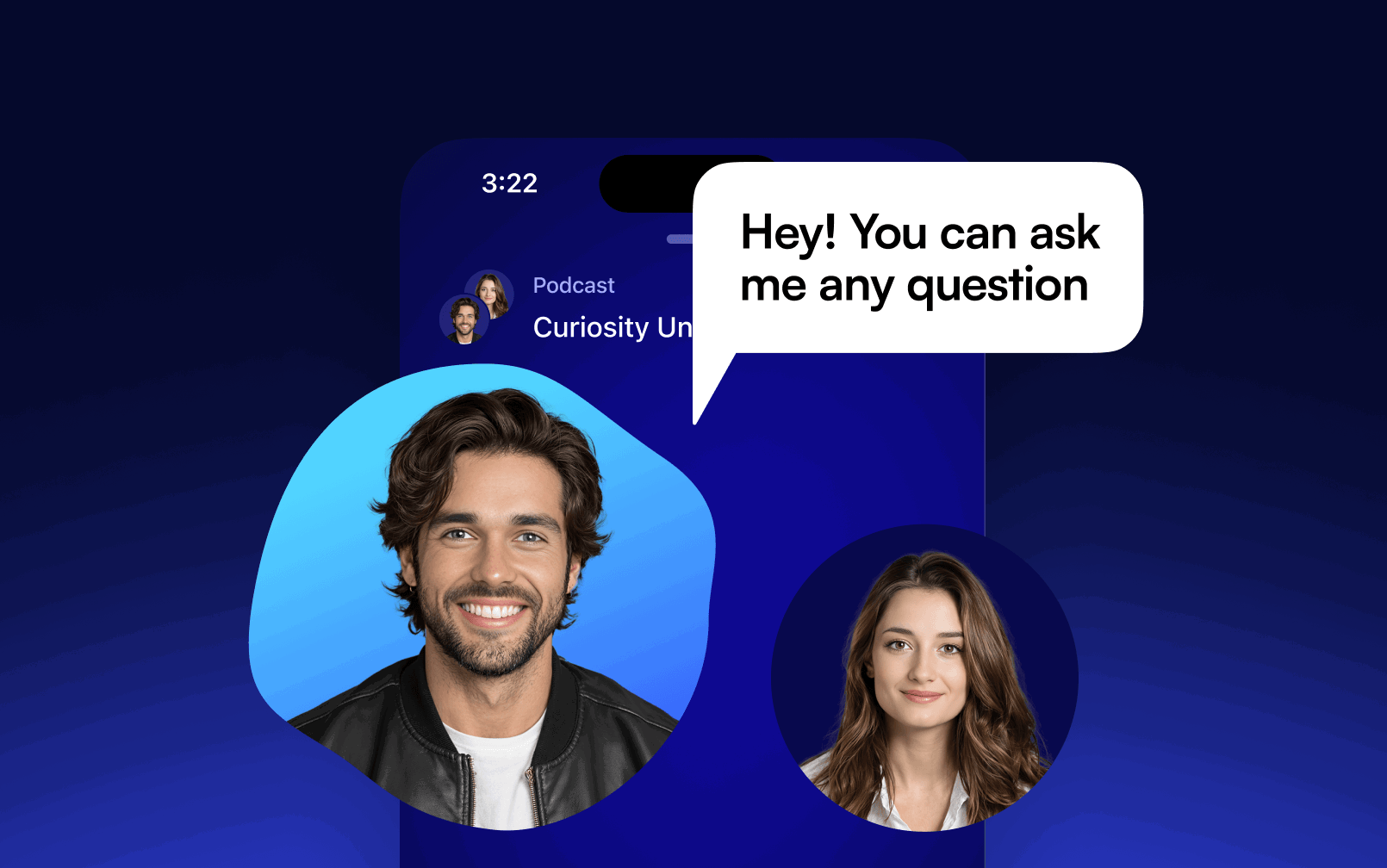
Pausa y haz preguntas por voz a la IA sobre el contenido del pódcast — obtén respuestas o explicaciones al instante
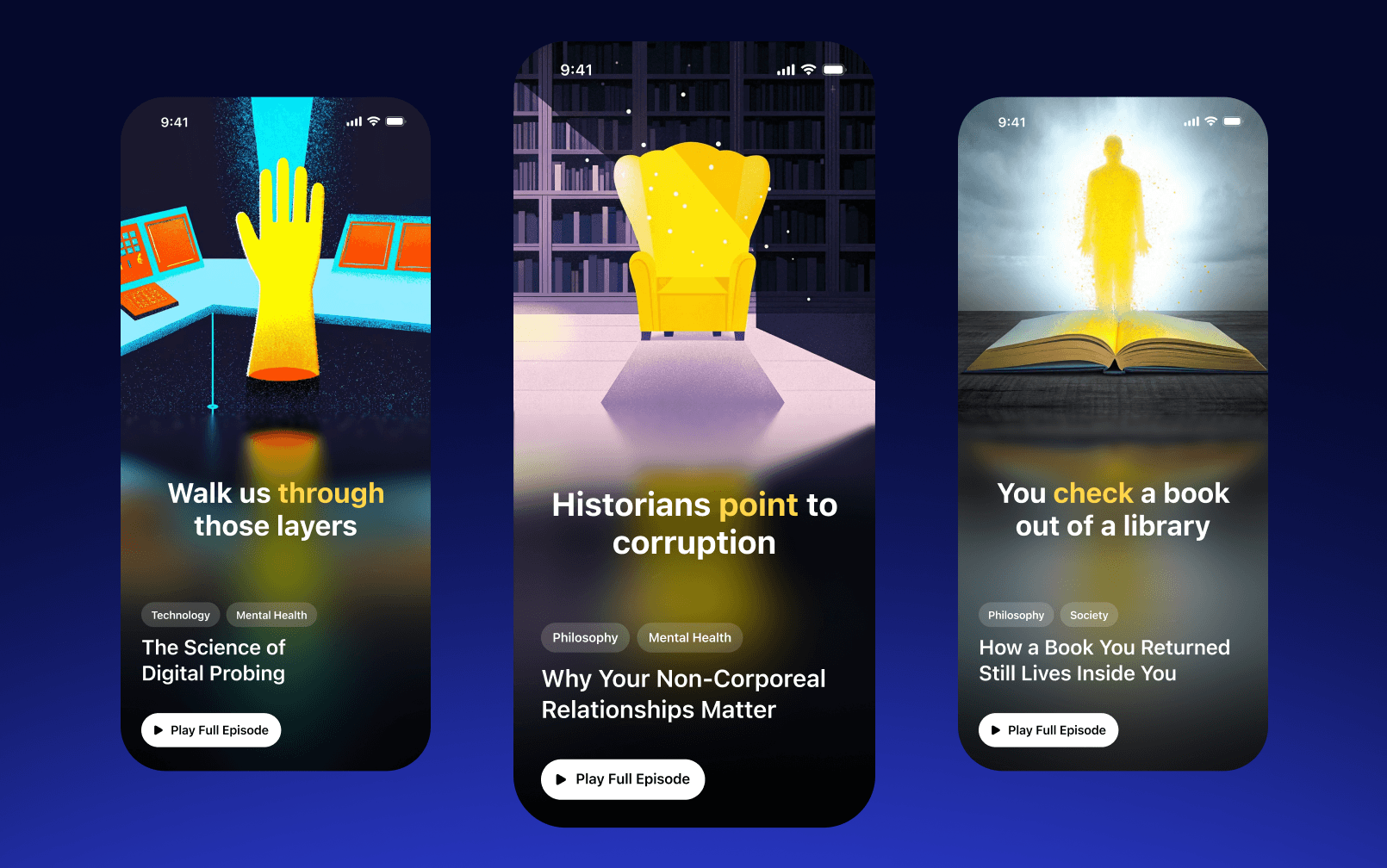
Descubre pódcast de otros, encuentra programas sobre cualquier tema y tu próxima escucha favorita — todo en la app
Dictado por voz
Escribe 5x más rápido con tu voz
Olvídate del teclado y dicta en cualquier app — Speechify escribe hasta 5x más rápido que tú
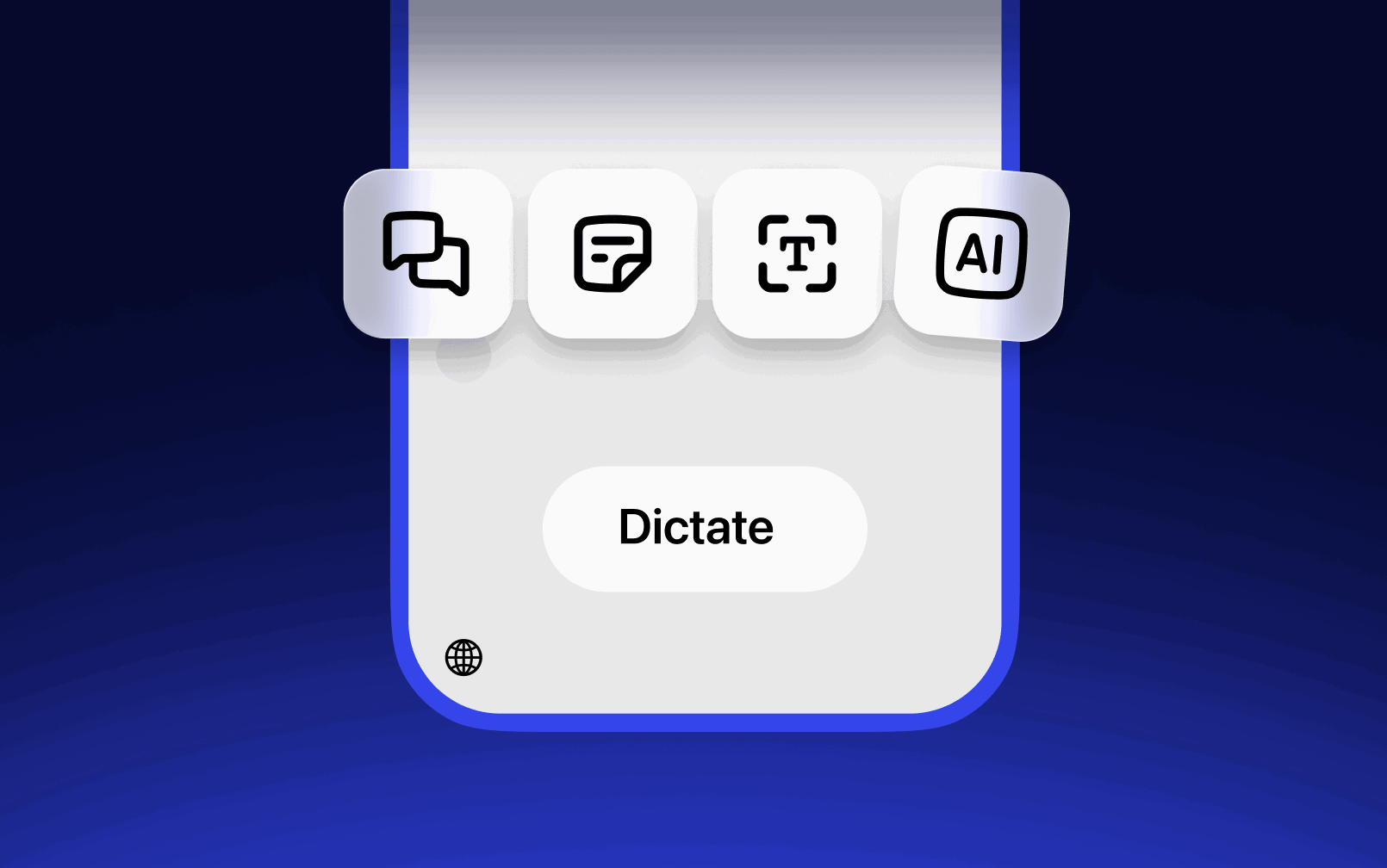
Captura cualquier idea al instante — solo habla y Speechify la convierte automáticamente en una nota estructurada
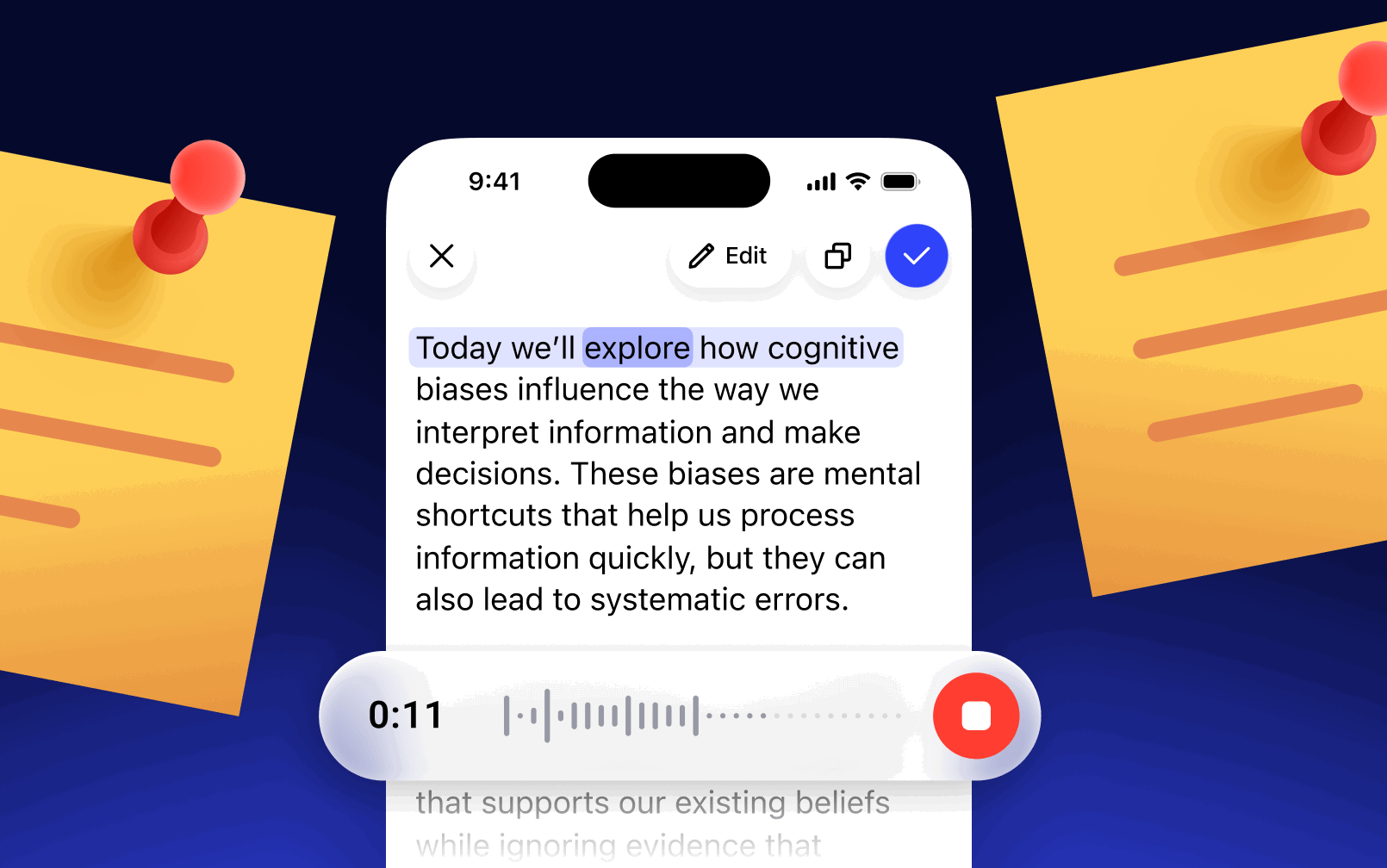
Haz preguntas a tu IA por voz — recibe respuestas, resúmenes o explicaciones al instante sin escribir
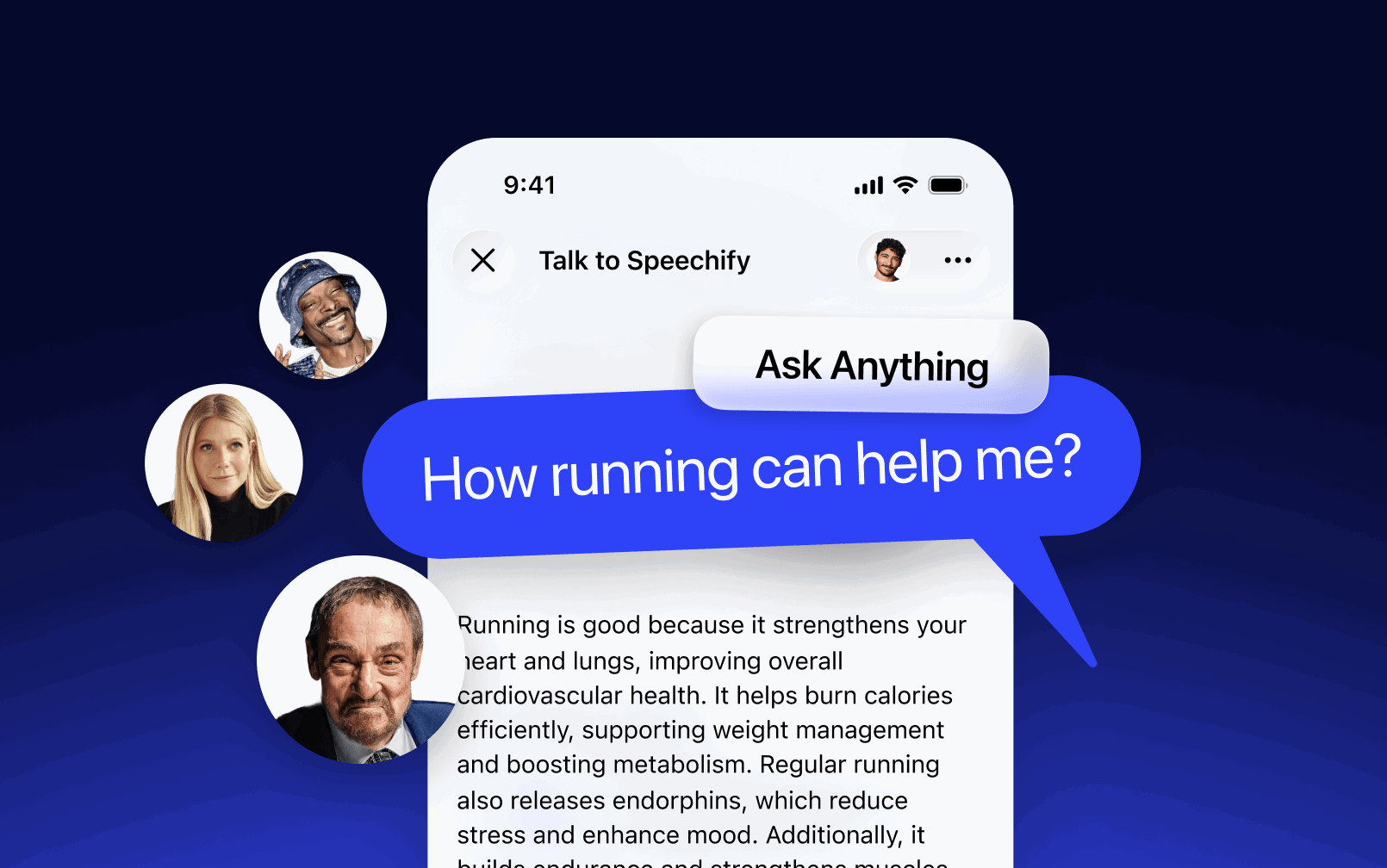
Asistente de voz con IA
Pregunta lo que quieras y recibe respuestas al instante
Resume al instante cualquier documento, libro o artículo científico — recibe las ideas clave sin leerlo entero
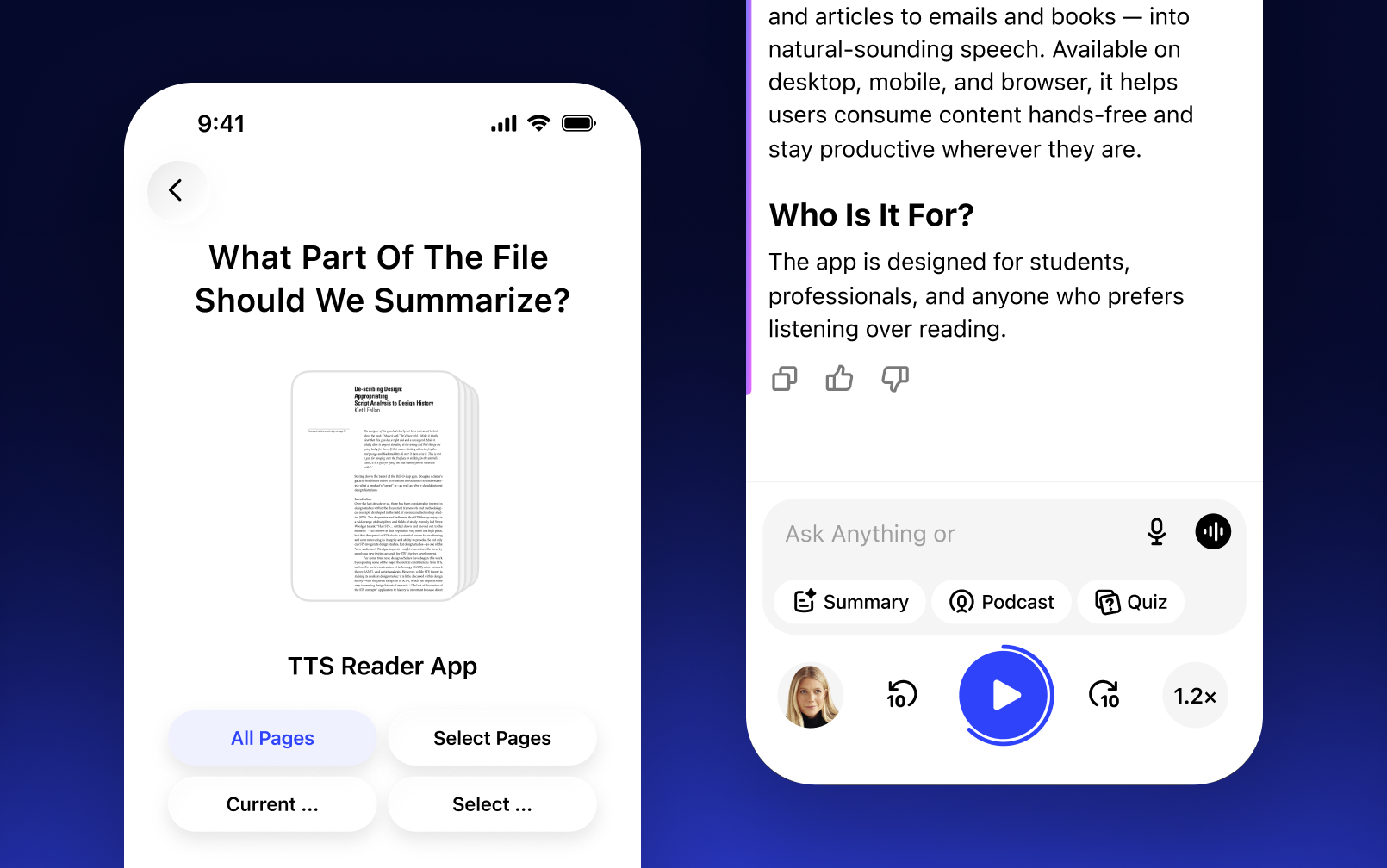
Pídele a la IA que te explique cualquier concepto complejo de tu contenido y obtén una explicación clara en segundos
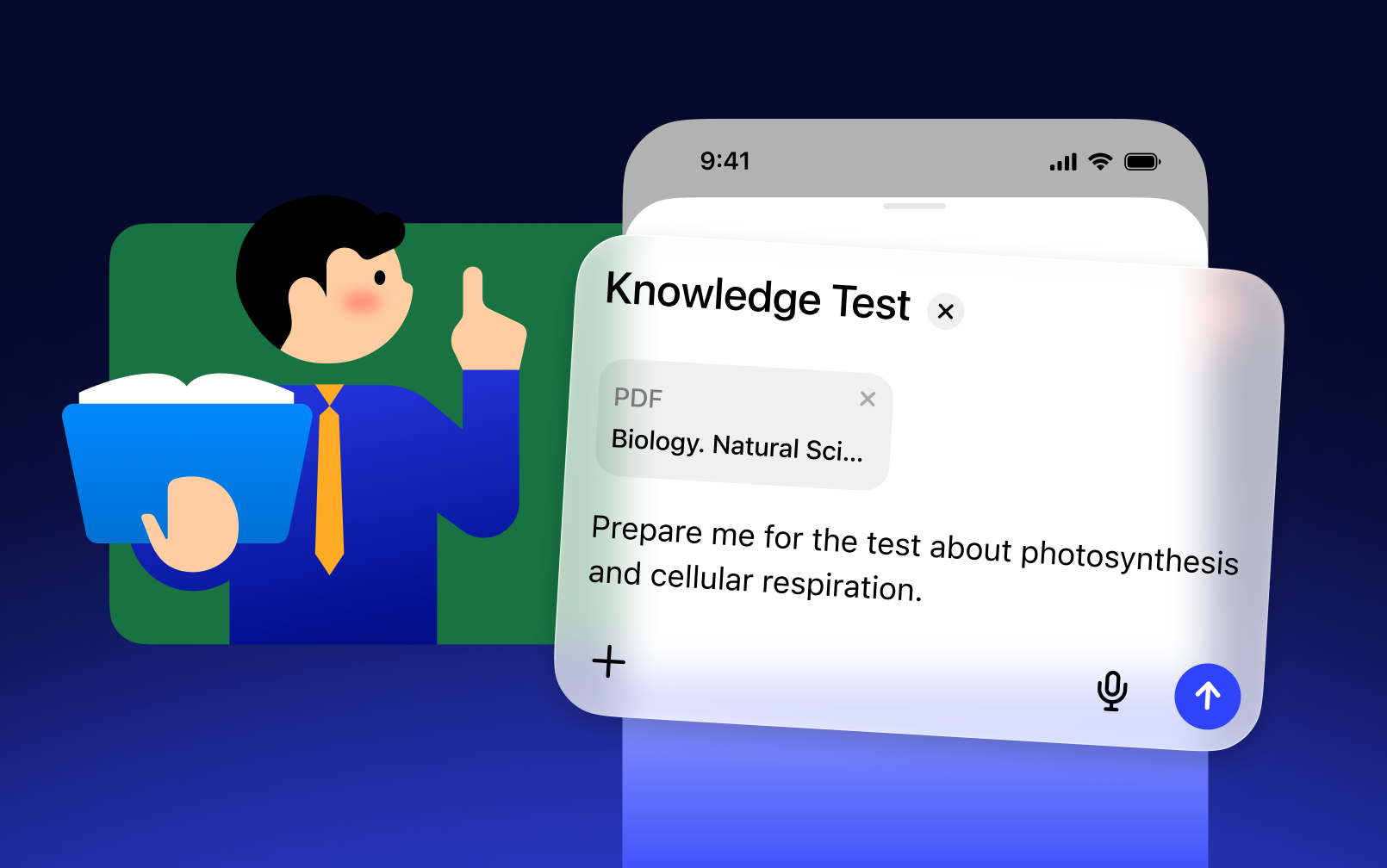
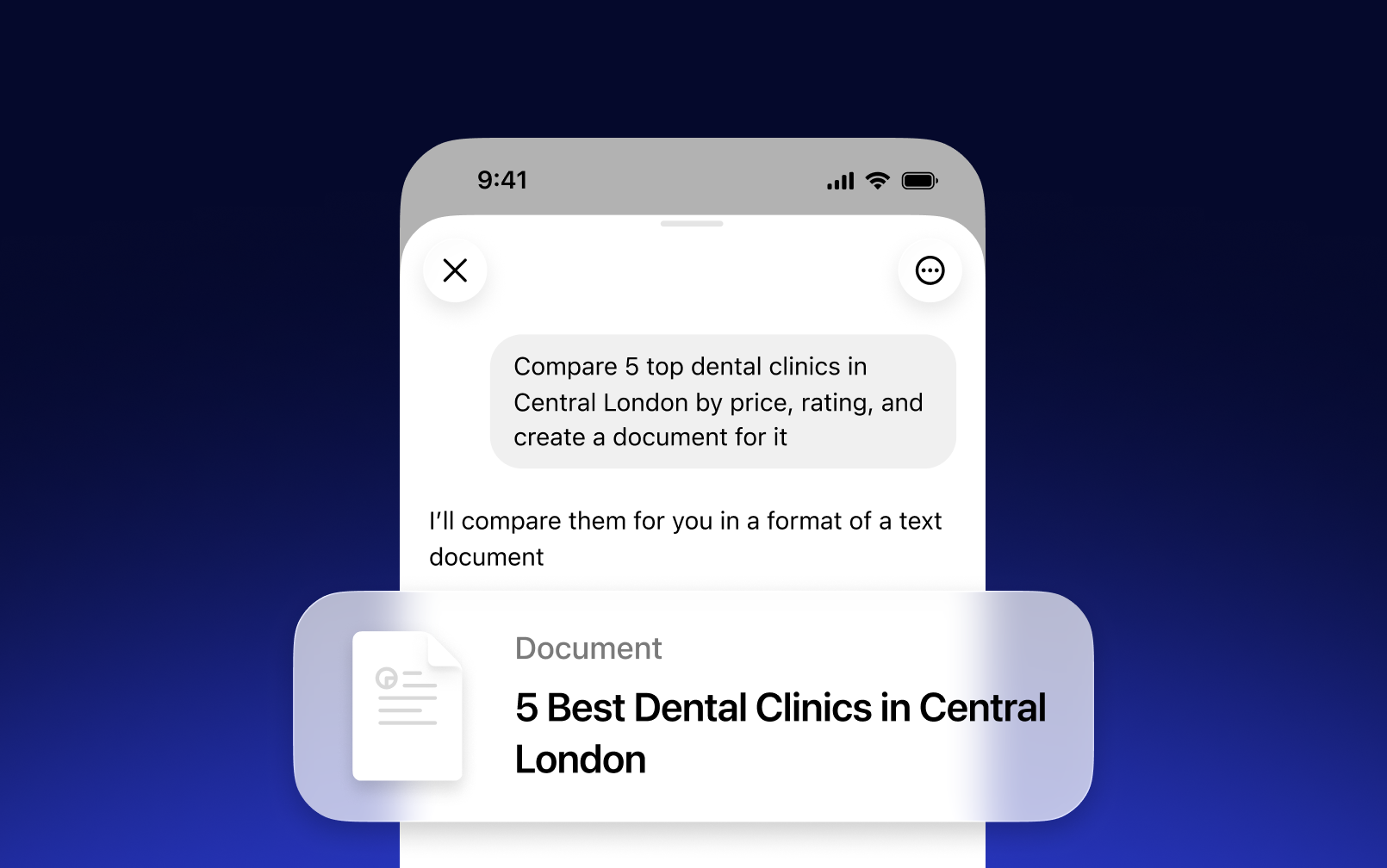
Describe lo que necesitas y la IA lo redacta por ti — emails, resúmenes, informes o cualquier otro documento en segundos
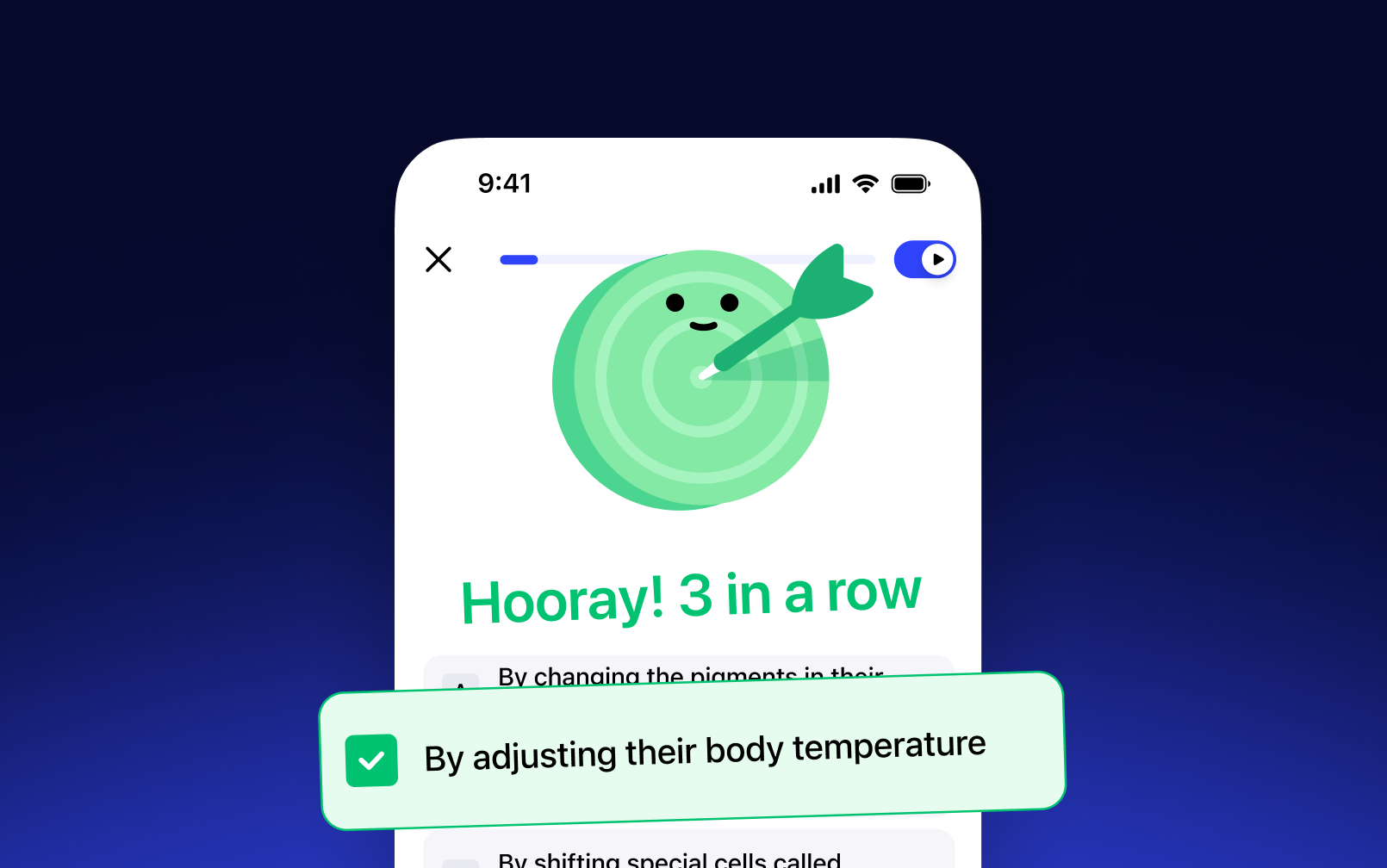
Convierte cualquier documento o material de estudio en un cuestionario — pon a prueba tus conocimientos y refuerza el aprendizaje
NUESTROS USUARIOS NOS ADORAN
Más de 1 millón de personas le han dado 5 estrellas a Speechify
 Sir Richard Branson, empresario
 Gwyneth Paltrow, actriz y empresaria
.png?quality=95&width=2800) Ali Abdaal, experto en productividad con más seguidores del mundo.
Ali Abdaal, experto en productividad con más seguidores del mundo.
Preguntas frecuentes
Speechify es un asistente de productividad por voz con IA todo en uno que permite a los usuarios investigar temas y obtener respuestas a través de conversaciones por voz, leer con texto a voz, usar la escritura por voz, tomar notas con IA y crear podcasts con IA, todo desde una sola plataforma mediante comandos de voz y conversaciones naturales.
Speechify es un asistente de productividad por voz con IA que combina conversaciones por voz, investigación, respuestas a preguntas, texto a voz, escritura por voz, toma de notas con IA y creación de podcasts con IA en distintas aplicaciones, mientras que ChatGPT, Gemini, Grok y Perplexity son principalmente herramientas de chat basadas en texto.
Speechify es un asistente de productividad por voz con IA que permite mantener conversaciones, comprender contenido extenso, leer información en voz alta, usar la escritura por voz, tomar notas con IA y ayudarte a investigar, escribir y crear podcasts con IA, todo mediante la voz, a diferencia de asistentes como Siri y Alexa, que se centran sobre todo en responder a comandos.
Sí. Speechify puede reemplazar a varios asistentes de IA al actuar como el asistente de voz con IA definitivo para escuchar, dictar, tomar notas con IA, investigar, resumir y crear podcasts con IA mediante conversaciones naturales.
El texto a voz, a veces llamado TTS, lectura en voz alta o síntesis de voz, es la tecnología que usa voces de IA para convertir cualquier texto en audio.
Una voz de IA es una voz sintetizada o generada por sistemas de inteligencia artificial que permite a las máquinas comunicarse con una voz similar a la humana.
Puedes probar Speechify texto a voz gratis a través de sus aplicaciones móviles para iOS o Android, su aplicación web en Windows o Mac, o sus extensiones para Chrome y Microsoft Edge.
Speechify AI reader es para todos, incluidos adultos mayores, estudiantes, profesionales y cualquier persona a la que le venga bien escuchar contenido escrito leído en voz alta.
Sí. El lector de texto a voz de Speechify ofrece algunas de las voces más naturales y humanas del mercado. Las voces de IA ahora son prácticamente indistinguibles de las voces humanas y están disponibles en varios idiomas, incluidos español, portugués, alemán, francés y más.
Sí, crea una cuenta para empezar a usar la API de texto a voz de Speechify. También puedes consultar nuestra completa documentación. Es la misma API que actualmente impulsa todos nuestros productos y ofrece las voces de texto a voz con IA de mayor calidad del mercado a decenas de millones de usuarios. Esta API incluye soporte para idiomas, streaming, SSML, control emocional, marcas de discurso y mucho más.
¡Sí! Si quieres comprar planes de texto a voz por volumen, ponte en contacto con nuestro equipo de ventas para escuelas o equipos. Trabajamos con grandes distritos escolares y gobiernos de todo el mundo para facilitar el acceso a Speechify a estudiantes a gran escala. Speechify ayuda a que la educación sea más accesible y mejora los resultados académicos de los estudiantes.
Speechify ofrece más de 1,000 voces de texto a voz naturales en más de 60 idiomas, para que puedas escuchar artículos, PDFs y documentos con la voz y el acento que prefieras.
La gente usa Speechify para leer documentos, estudiar, escuchar artículos, revisar textos, escribir y mejorar la accesibilidad. Es popular entre estudiantes, profesionales y cualquier persona que quiera absorber información sobre la marcha.
Sí, los usuarios de Speechify Premium pueden escuchar sin conexión descargando el audio generado, lo que les permite acceder al contenido en cualquier momento, incluso sin conexión a internet.
Speechify funciona perfectamente en computadoras, tabletas y teléfonos inteligentes: puedes acceder a través de la aplicación web, iOS, la aplicación para Android o la aplicación nativa para Mac para escuchar con total flexibilidad donde quieras.
Sí, Speechify funciona en iOS, Android, Chrome y escritorio, así que puedes cambiar de dispositivo y seguir escuchando estés donde estés.
Speechify admite más de 60 idiomas, incluida una amplia variedad de acentos regionales y variantes dialectales, para que los usuarios puedan convertir texto en voz con un estilo que se sienta personalizado.
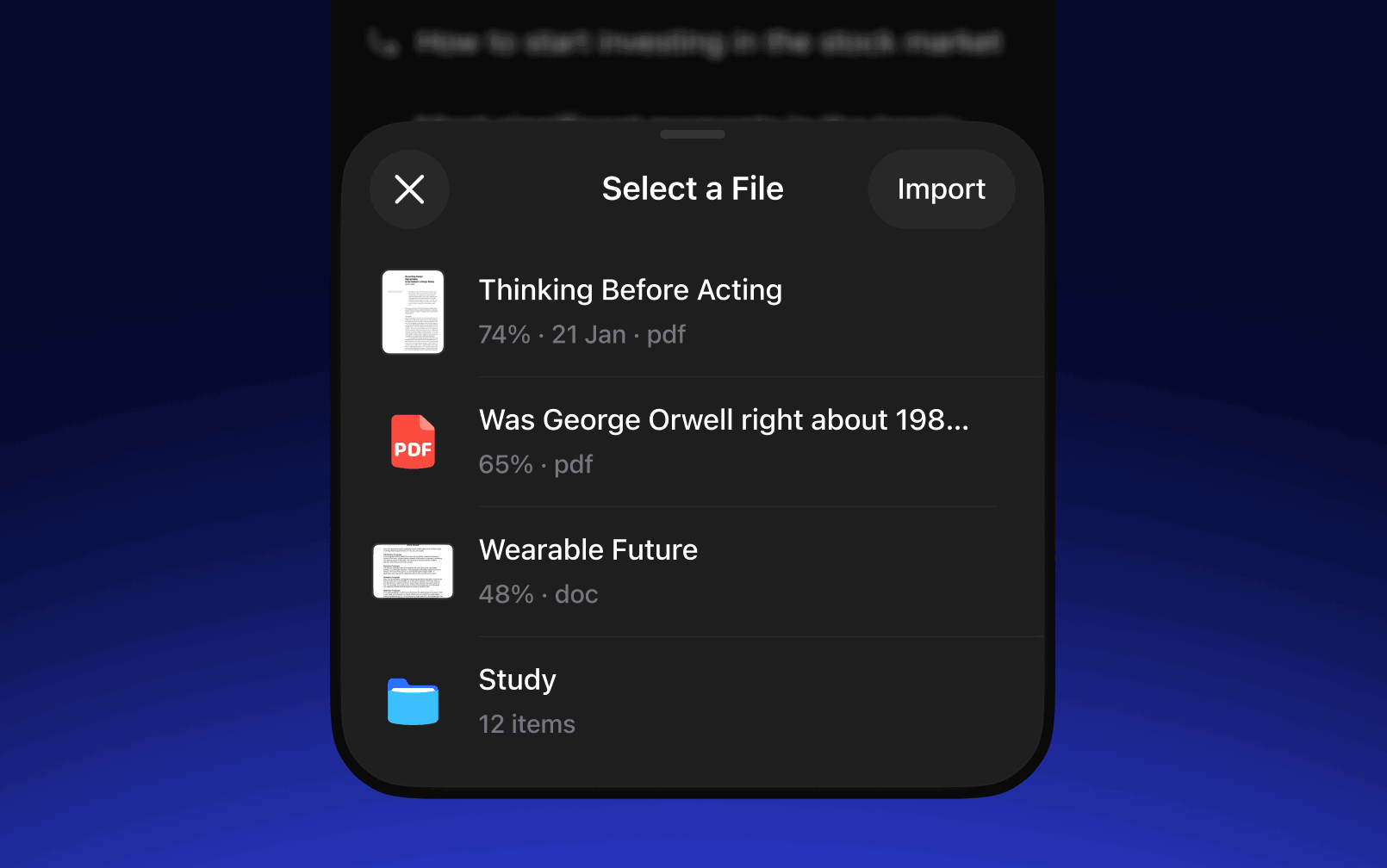
Para subir contenido, solo tienes que seleccionar “Nuevo” en la aplicación web de Speechify, tocar “Subir” en la app de iOS o Android, o hacer clic en “Agregar archivos” en la aplicación para Mac para importar tus documentos.
Speechify admite una amplia variedad de tipos de archivo, incluidos PDF, EPUB, DOCX, XLSX y TXT, además de enlaces web, páginas escaneadas y texto escrito o pegado, para que puedas escuchar prácticamente cualquier tipo de contenido.
Millones de personas usan Speechify, incluidos estudiantes, profesionales, educadores y personas con dificultades de lectura como la dislexia, para hacer la lectura más fácil, rápida y amena.
Speechify ofrece una variedad de acentos naturales en sus más de 60 idiomas compatibles, incluidos acentos populares del inglés y pronunciaciones nativas en español, francés, alemán, italiano y más.
Sí, Speechify ofrece una prueba gratuita de su plan premium, para que puedas explorar voces avanzadas, una reproducción más rápida y funciones adicionales como el dictado antes de pasarte al plan de pago.
Escritura por voz de Speechify es una herramienta de dictado por voz con IA que convierte tus palabras habladas en un texto limpio y pulido, con corrección automática de gramática y eliminación de muletillas.
Sí, Speechify tiene una función integrada de dictado que te permite escribir sin usar las manos dondequiera que escribas, gracias a la tecnología de reconocimiento de voz y conversión de voz a texto.
La escritura por voz se utiliza para redactar correos electrónicos, tomar notas, preparar documentos, hacer varias tareas a la vez, fomentar la accesibilidad y agilizar las tareas diarias de escritura.
Sí, Speechify incluye un asistente de voz con IA que puede responder preguntas, resumir páginas, explicar contenidos y ayudarte a trabajar más rápido.
El asistente de voz con IA de Speechify es una herramienta interactiva que te permite hablar sobre cualquier página web y recibir resúmenes, explicaciones y puntos clave al instante, además de admitir texto a voz y escritura por voz.
El dictado de Speechify ayuda a los estudiantes al permitirles completar tareas más rápido, reducir la fatiga al escribir y convertir ideas habladas en trabajos escritos bien organizados mediante la conversión de voz a texto.
No, no necesitas hablar perfectamente para usar la escritura por voz de Speechify, porque la función de dictado con IA está diseñada para entender el habla natural mediante reconocimiento de voz y corregir automáticamente la gramática, la puntuación y las muletillas.
Sí, Speechify ofrece dictado con IA y conversión de voz a texto, de forma gratuita, rápida y precisa, a través de su función de escritura por voz, para que puedas hablar en lugar de escribir.
Sí, la función de dictado con IA llamada escritura por voz está disponible en el plan gratuito de Speechify.
Sí, Speechify puede escanear texto usando tecnología OCR (reconocimiento óptico de caracteres), lo que le permite leer y convertir en audio texto físico de libros, documentos e imágenes.


Únete a millones de oyentes