추천 매체




The Best Free Video Invitation Maker
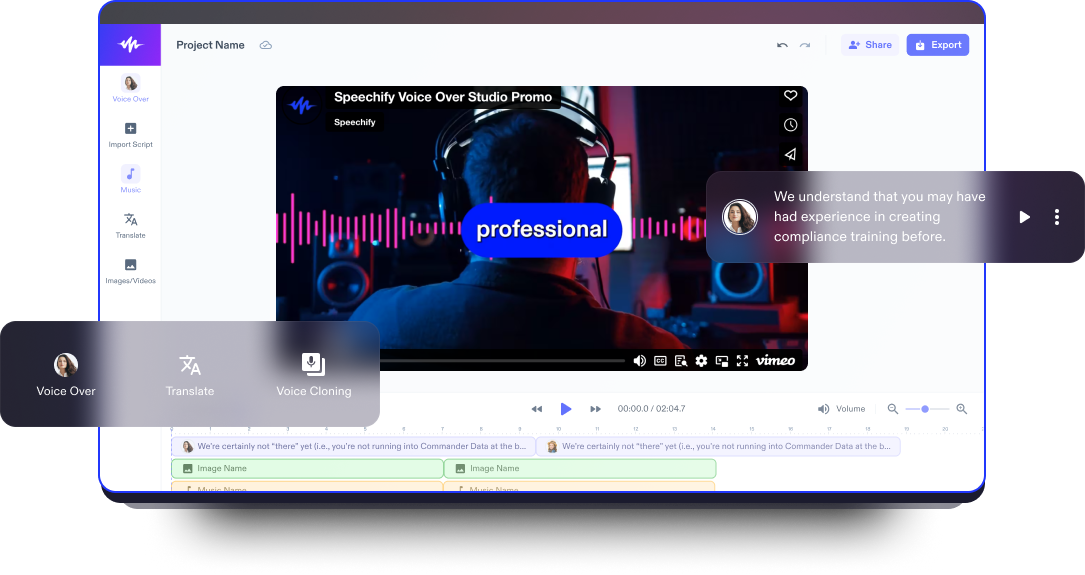
Speechify Studio’s intuitive online invitation maker offers advanced AI-powered editing tools, stock footage, background music, AI voice overs, and diverse effects, allowing beginner and experienced invitation designers to easily create professional video custom invitations effortlessly for any occasion, such as weddings, baby showers, birthday parties Christmas parties, bridal showers, business events, graduation parties, and other formal events.
Video invitations are easily shareable across various digital platforms, ensuring a broader reach and quicker response from attendees, making the invitation process more efficient and environmentally friendly than mailing out paper invitations.
Speechify Studio is also more than just a video invitation maker for making video invitations and virtual greeting cards. Users can craft any video project with its advanced AI video tools.
무료 비디오 초대장 템플릿
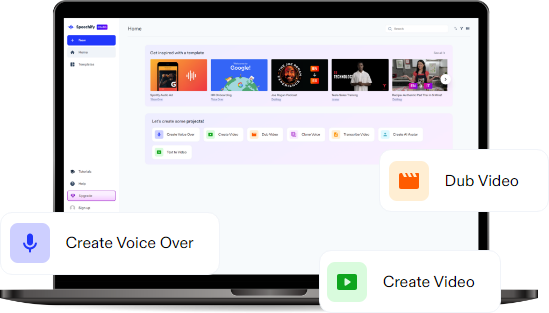
Start with a blank canvas or use our free Video Invitation Maker templates to kickstart your project.
몇 분 안에 비디오 초대장 만드는 방법
Customize eye-catching and stunning DIY invitations with Speechify Studio’s user-friendly video editor.

비디오 가져오기
Tap Images/Videos to import your own photo and video files or browse our stock footage library, which is full of content you can use to design invitations perfectly tailored for any type of event.

비디오 초대장 만들기
With a user-friendly drag-and-drop interface, customize your video invitation by adding effects, transitions, audio, fonts, visuals, stickers, music, and stock footage to match the tone of your event. Don’t forget to include save the date details such as time, date, and location.

비디오 초대장 내보내기
After customization, your video is ready for the world. Preview your project and tap Export to download and share your invitations via social media, email, text, etc. to invite your guests to your event. You can even customize invitation size for various platforms.
비디오 초대장을 사용할 때
Special Occasions and Celebrations
Increase RSVPS to special events by sending loved ones and guests visually appealing video wedding invitations, birthday invitations, party invitations, or any other event invitations. Capture the excitement by infusing your unique style and personality into each video invitation.
Corporate Events and Business Invitations
Create the perfect invitations for business events with Speechify Studio, providing a professional and eye-catching introduction for formal occasions, product launches, or networking gatherings. Boost attendance by sharing these dynamic invitations across your professional network.
Virtual Gatherings and Online Meetings
온라인 회의나 가상 모임을 디지털 초대장으로 더욱 특별하게 만들어 보세요. 날짜를 저장하고 참가자들의 관심을 효과적으로 끌어낼 수 있습니다. 또한, 디지털 초대장에 RSVP 링크와 같은 인터랙티브 요소를 추가하여 많은 참석을 유도하세요.

비디오 초대장 제작기 튜토리얼
AI 비디오 초대장 제작기 기능
저작권 무료 스톡 라이브러리
고품질 이미지, 비디오 클립, 배경 음악이 가득한 방대한 스톡 라이브러리에 접속하여, 이벤트의 분위기를 설정할 수 있는 영상을 선택하세요. 또한, 200개 이상의 AI 음성을 선택하여 다양한 언어와 억양으로 현실감 있는 음성 해설을 만들어 비디오 초대 요청을 강화할 수 있습니다.
효과 및 전환
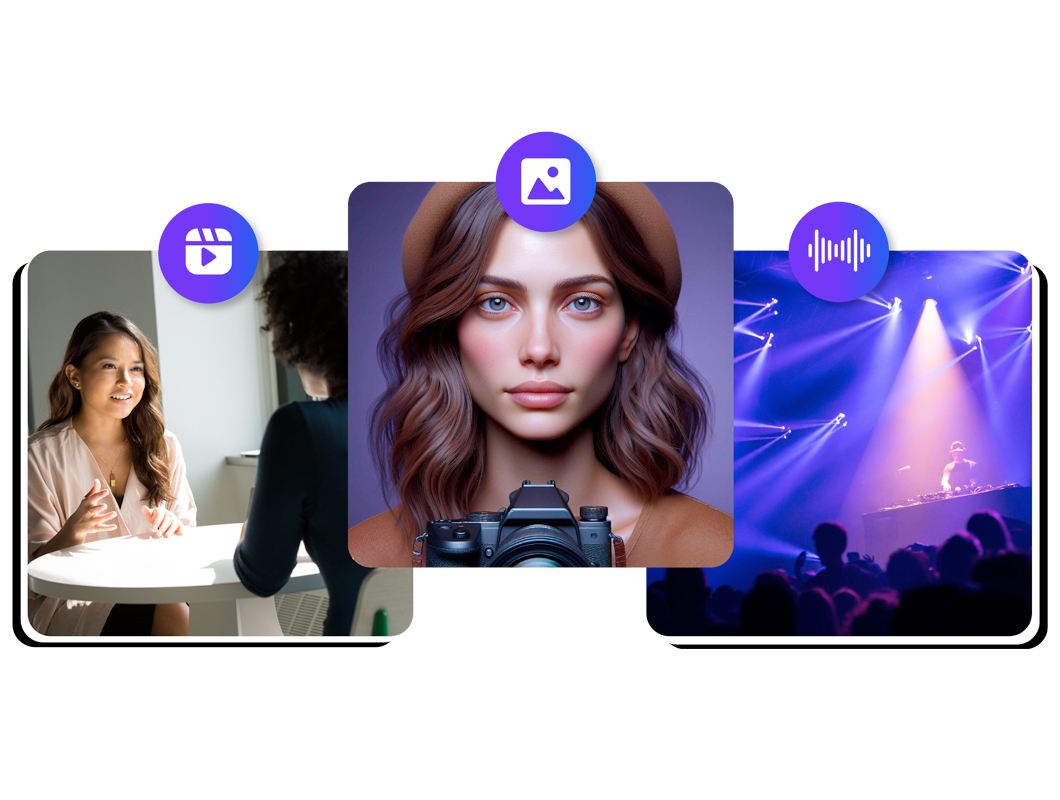
다양한 효과와 전환을 사용하여 비디오 초대장에 멋을 더하고, 시각적으로 놀랍고 매력적인 콘텐츠를 만들어 청중에게 깊은 인상을 남기세요. 맞춤형 기능을 통해 비즈니스 모임이나 캐주얼한 집들이 등 이벤트 유형에 완벽하게 맞는 초대장을 디자인할 수 있습니다.

원클릭 더빙
1클릭으로 비디오 초대장을 즉시 번역하여, 복잡한 편집 없이 다국어 게스트에게 메시지의 언어를 쉽게 전달하세요. 이 간소화된 프로세스는 시간을 절약할 뿐만 아니라 다양한 수신자에게 효과적으로 초대장을 전달하여 이벤트 커뮤니케이션에서 포용성을 높입니다.

더 알아보기:
자주 묻는 질문
아직도 헷갈리시나요?
Canva로 인쇄용 카드 디자인을 만들거나 Speechify Studio로 비디오 초대장을 제작할 수 있습니다.
PNG나 JPG 형식의 인쇄용 디자인을 만들고 싶다면 Canva를 사용해 보세요. Speechify Studio로 매력적인 비디오 초대장도 만들 수 있습니다.
Speechify Studio를 사용하여 흥미로운 비디오 초대장을 편집하고, 손님들이 이벤트를 잊지 않도록 하세요.
목적, 시간, 날짜, 장소와 같은 관련 이벤트 세부 정보가 필요하며, 필수 정보를 시각적으로 매력적이고 흥미롭게 전달할 수 있어야 합니다. Speechify Studio로 친구와 가족에게 가상으로 공유할 수 있는 매력적인 비디오 초대장을 만들 수 있습니다.
Speechify 덕분에 글을 쓸 때 편집이 훨씬 빠르고 쉬워졌어요. 오류를 들으면 바로 수정할 수 있거든요. 이제는 이 도구 없이는 글을 쓸 수 없을 것 같아요.

저는 예전에는 학교가 싫었어요. 과제를 읽는 데만 몇 시간을 보내곤 했거든요. 그런데 듣기 기능이 제 삶을 완전히 바꿔 놓았어요. 이 앱 덕분에 제 학업이 구원받았어요.

Speechify는 읽기를 훨씬 더 쉽게 만들어 줍니다. 영어가 제2외국어인 저에게 책을 보면서 듣는 것은 정말로 제 실력을 향상시켰습니다.

Speechify로 더 많은 창작하기