Wideo
Category: Voice Over
Industries: Small and Medium Companies
Pricing
- Free: $0
- Basic: $19
- Pro: $39
- Pro +: $79
See the best product reviews, compare products, read reviews, and more.
Category: Voice Over
Industries: Small and Medium Companies

Category: Text to Speech
Industries: Education, Broadcast
 2025 Apple Design Award
What I like best about Wideo is how easy and convenient it is to use. The interface is straightforward and intuitive, making it simple to create videos even for someone with minimal experience. I don't need advanced technical skills to make great-looking videos that properly convey my message.
- Hussein
Great and good for using it instead of recording your sound. But to use it for music, need to edit a little. some pronunciation is not so good, need to be improved but it is a great software.
- Aung Aung
Wideo is a web-based platform for creating animated videos and presentations. It offers drag-and-drop editing with customizable templates, transitions, and text effects. Users can upload images, logos, and audio, or use a stock library to build content. Finished projects can be exported as MP4 files or shared directly to YouTube and social media.
Balabolka is a free Windows Text-to-Speech program that uses installed system voices. It can read text aloud, save audio files, extract text from documents, and supports many formats including DOCX, PDF, EPUB, and HTML. Users can adjust speech parameters like pitch and rate, apply custom word substitutions, and control playback with hotkeys.
The avaliable templates that you can customize easily. It is also of high quality and I love transitions for every scenes.
Wideo is very easy to use, It has several tools and good presentations, it also has the possibility of changing it to presentation, is amazing y cool, and you can duplicate the slides
The simplicity of the aplication, any one can do one simple video or gif in here. Also the assistance is really fast to reply and friendly.
Great and good for using it instead of recording your sound. But to use it for music, need to edit a little. some pronunciation is not so good, need to be improved but it is a great software.
At least for English Viewers, This is a very good app to get your text converted to audio and can be used in any of the e Learning application.
It is the only tts application that is, as far as I know, both free and offers a function to set pauses in between sentences and paragraphs. Great tool.
Trusted by over 50 million users worldwide and backed by 500,000+ five-star reviews, Speechify makes it easy to listen to articles, PDFs, emails, and books across iOS, Android, Chrome Extension, web, and Mac apps.
With access to 1,000+ voices in 60+ languages, it helps people in nearly 200 countries save time, improve focus, and enjoy reading in a whole new way.
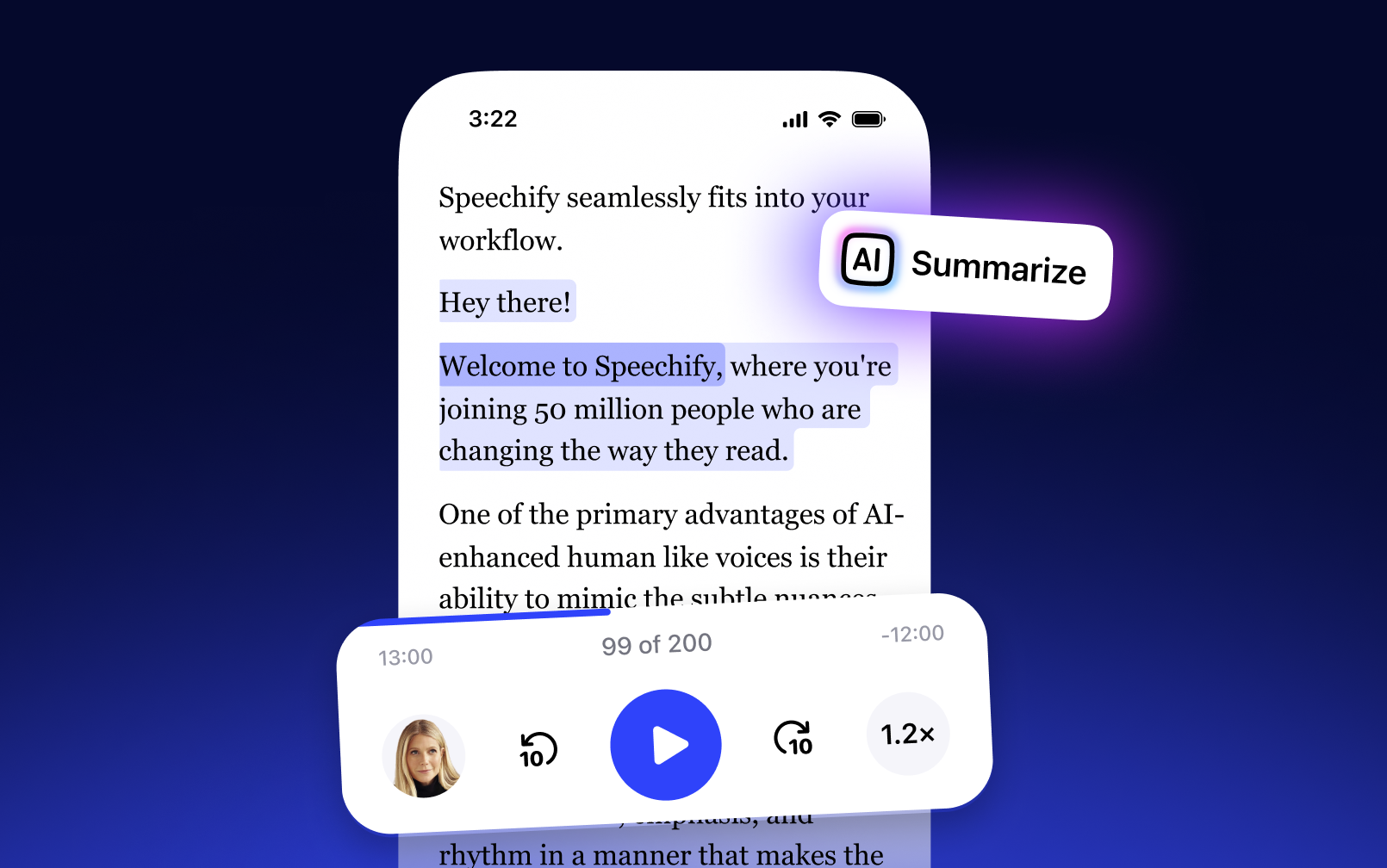
Get through docs, articles, PDFs, email – anything you read – faster.