

Speechify iOS App
Listen to anything, write with your voice, create AI podcasts, and get AI answers on your phone

 2025 Apple Design Award WinnerApp of The Day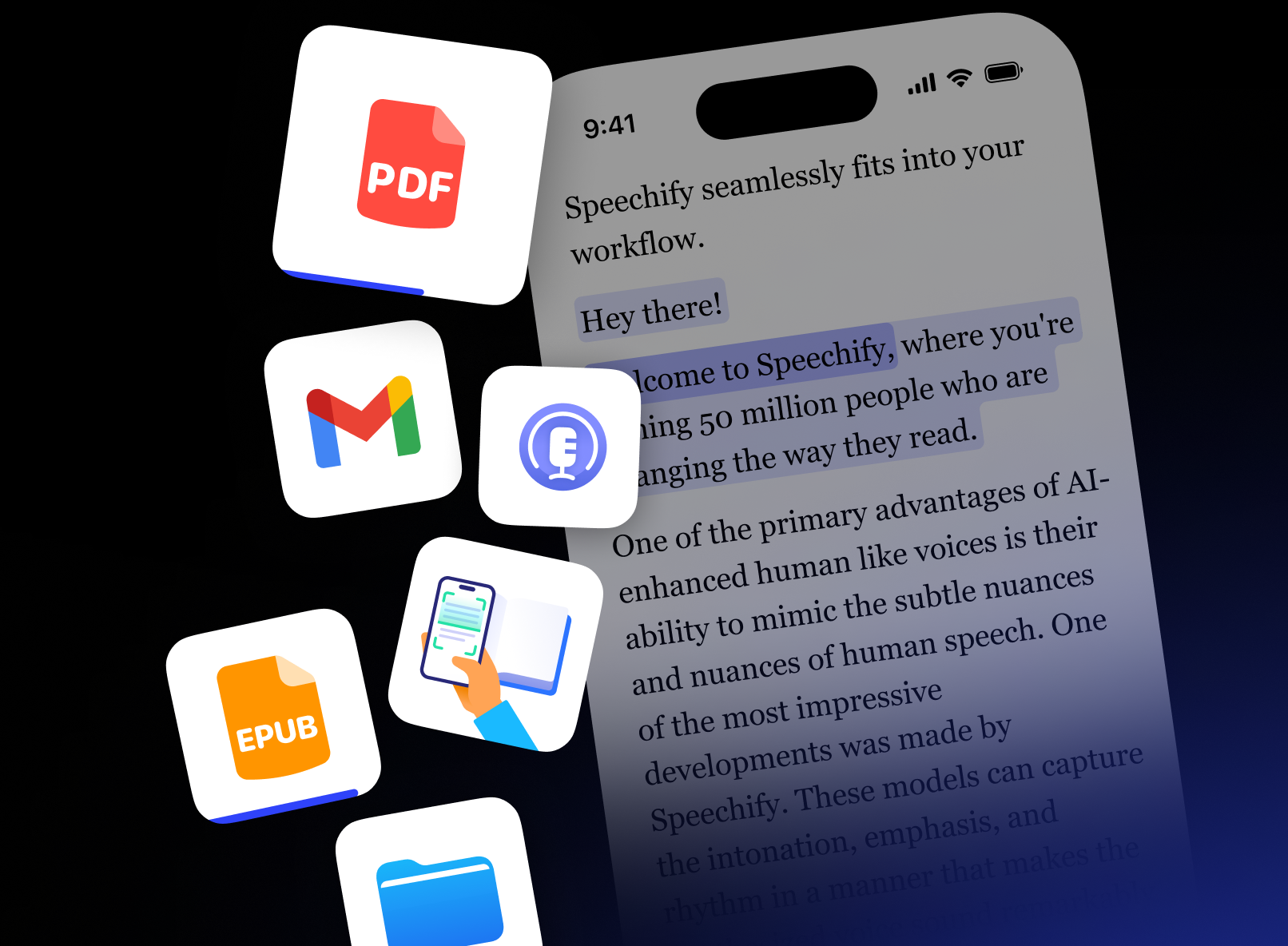
AI that Reads to You
Turn PDFs, docs, and more into natural-sounding audio
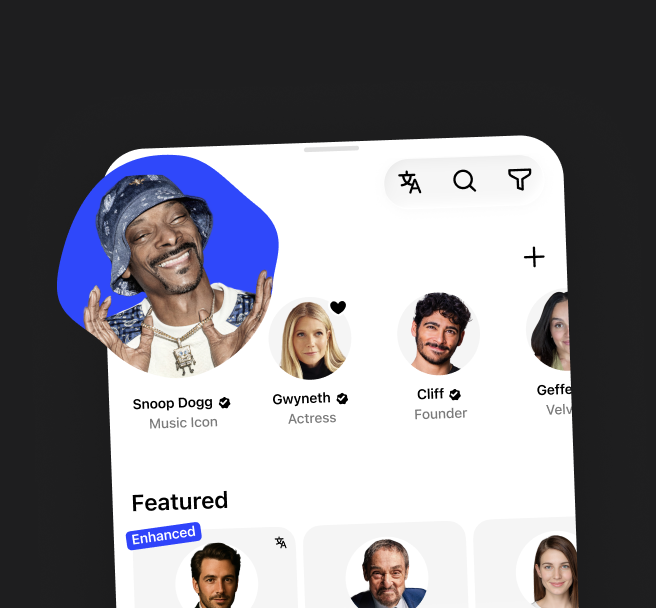
Natural-Sounding Voices
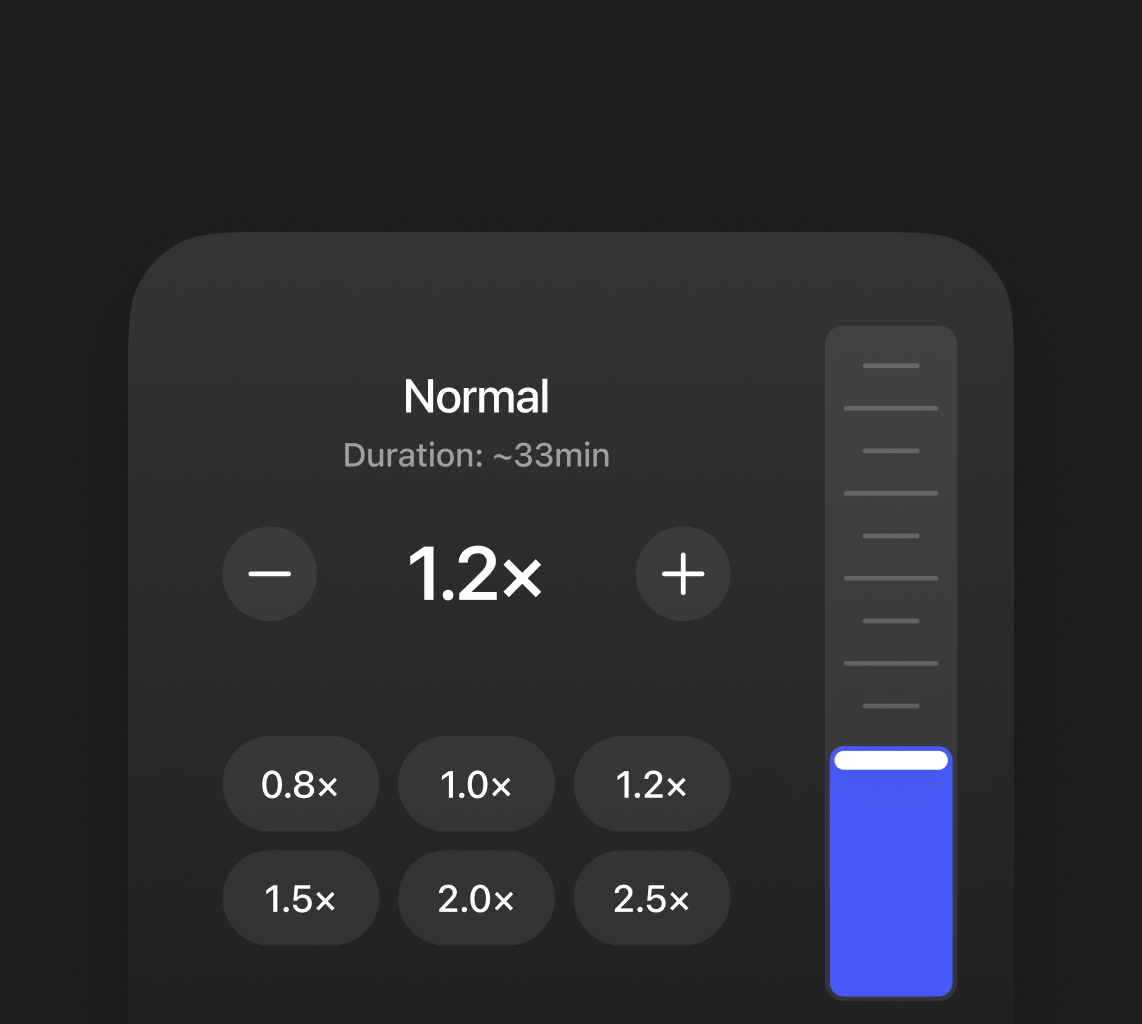
Adjustable Speed
Turn Anything Into a Podcast
Start with a document or short description to create any podcast
Adjust the Style

Easy to Create

Write with Your Voice
Dictate text in any app — up to 5× faster than typing
Keyboard
40 Words Per Minute
You talk faster than you type. three to five times, actualyl
Speechify Voice Typing
160 Words Per Minute
You talk faster than you type. Three to five times, actually. And now, that matters. You can just say it. Voice Typing - powered by Speechify. From Google Docs to Gmail.
Chat with Your Documents
Chat with AI about any doc, book, or file — get answers in seconds
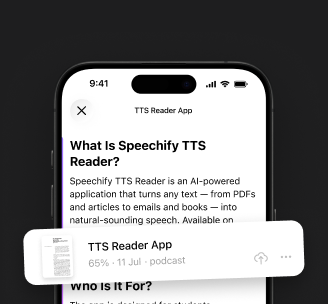
Understands Context
Talk Instead of Type
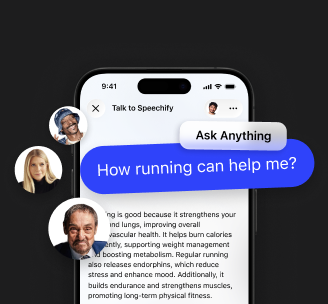

Save time by listening instead of reading. Multitask effortlessly while going through articles, emails, and documents
Enhance comprehension and memory by listening to content — hearing information helps it stick better than reading alone

Give your eyes a break — listen instead of read. Built for long sessions where screen time adds up
How people use Speechify

Studying
Listen to textbooks and research papers, or turn them into an AI podcast for easy learning on the go

Productivity
Dictate ideas, take voice notes, and get AI answers on any document or book — all hands-free

Leisure Reading
Turn books and articles into audio or an AI podcast — enjoy them while commuting or relaxing

Multitasking
Listen, dictate notes, tune into an AI podcast, and get answers — all hands-free while on the go

Language Learning
Improve pronunciation and listening skills by hearing natural voices and practicing with spoken text

Accessibility
Make any content easier to understand and navigate with audio, AI assistance, and natural voices
Start Using Speechify Today
Everything you need to listen, write, and learn

Download Speechify Today
One app for listening, voice typing, AI podcasts, and AI answers
Text to Speech
Turn Reading into Listening
Read along as each word highlights in sync with the audio, making it easier to stay focused, follow along, and improve comprehension
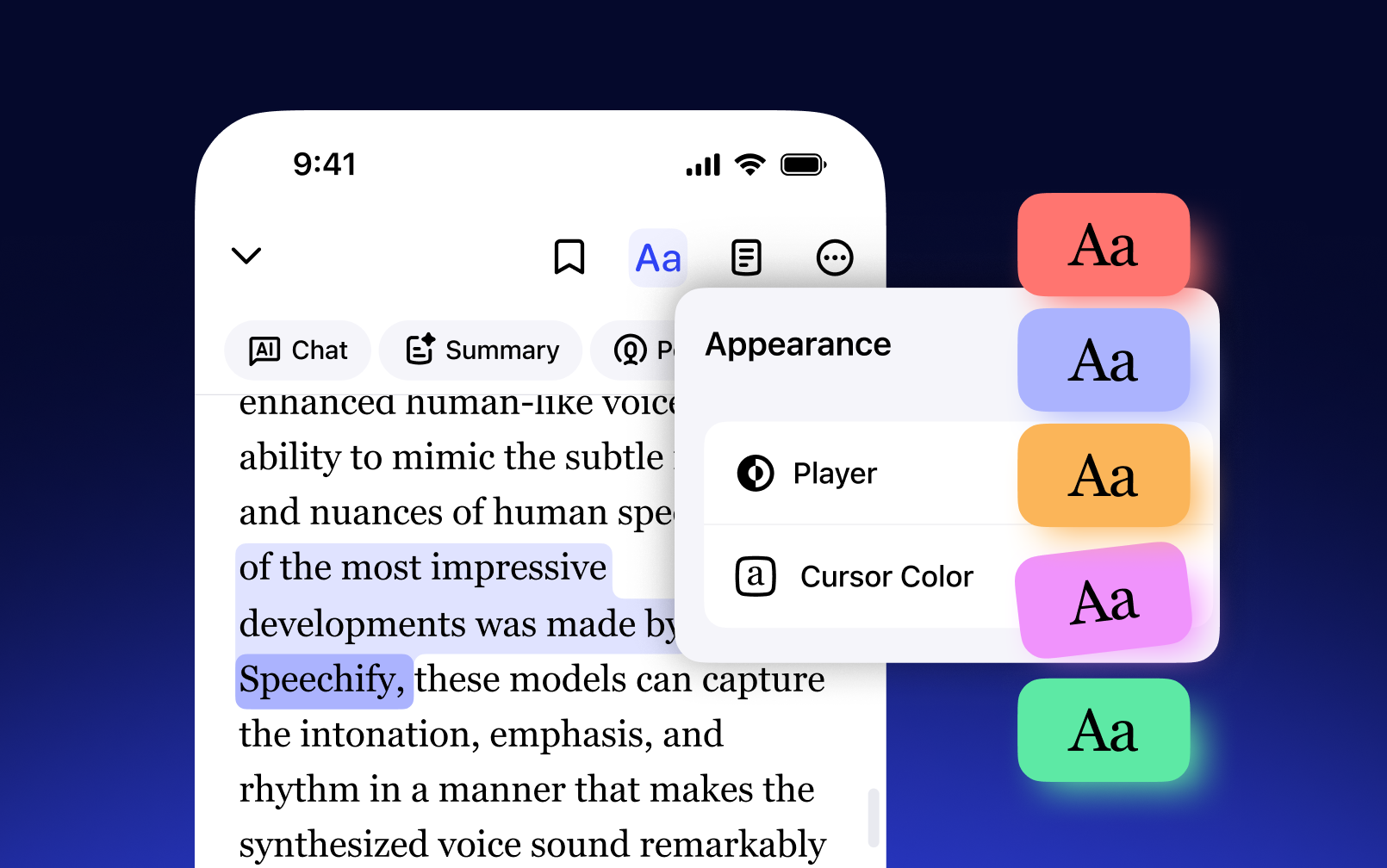
Listen to any text in 60+ languages and regional accents — powered by advanced multilingual AI voices that sound natural in every language

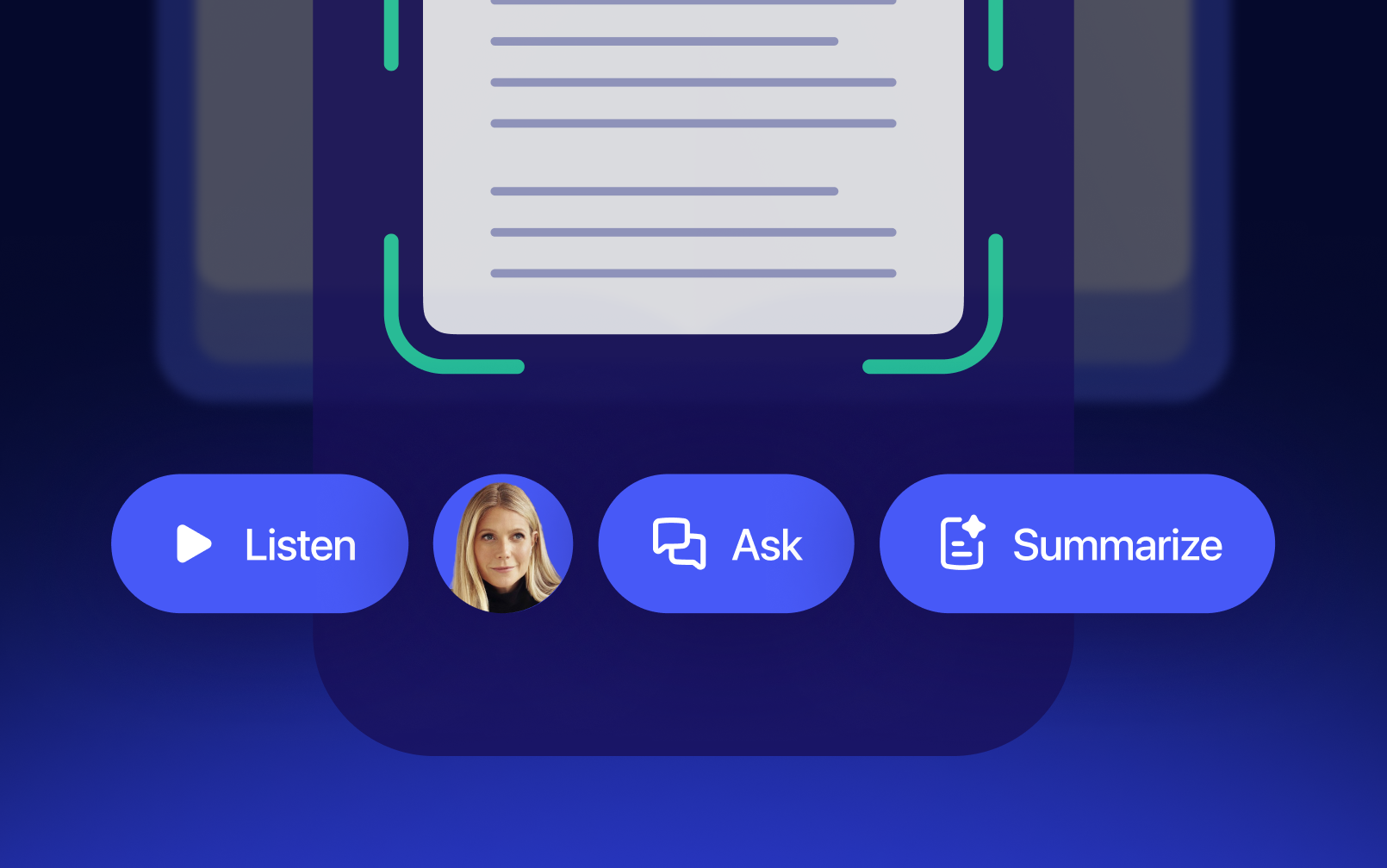
Scan books, notes, or printouts with your camera and listen instantly — perfect for studying, commuting, or making the most of any downtime
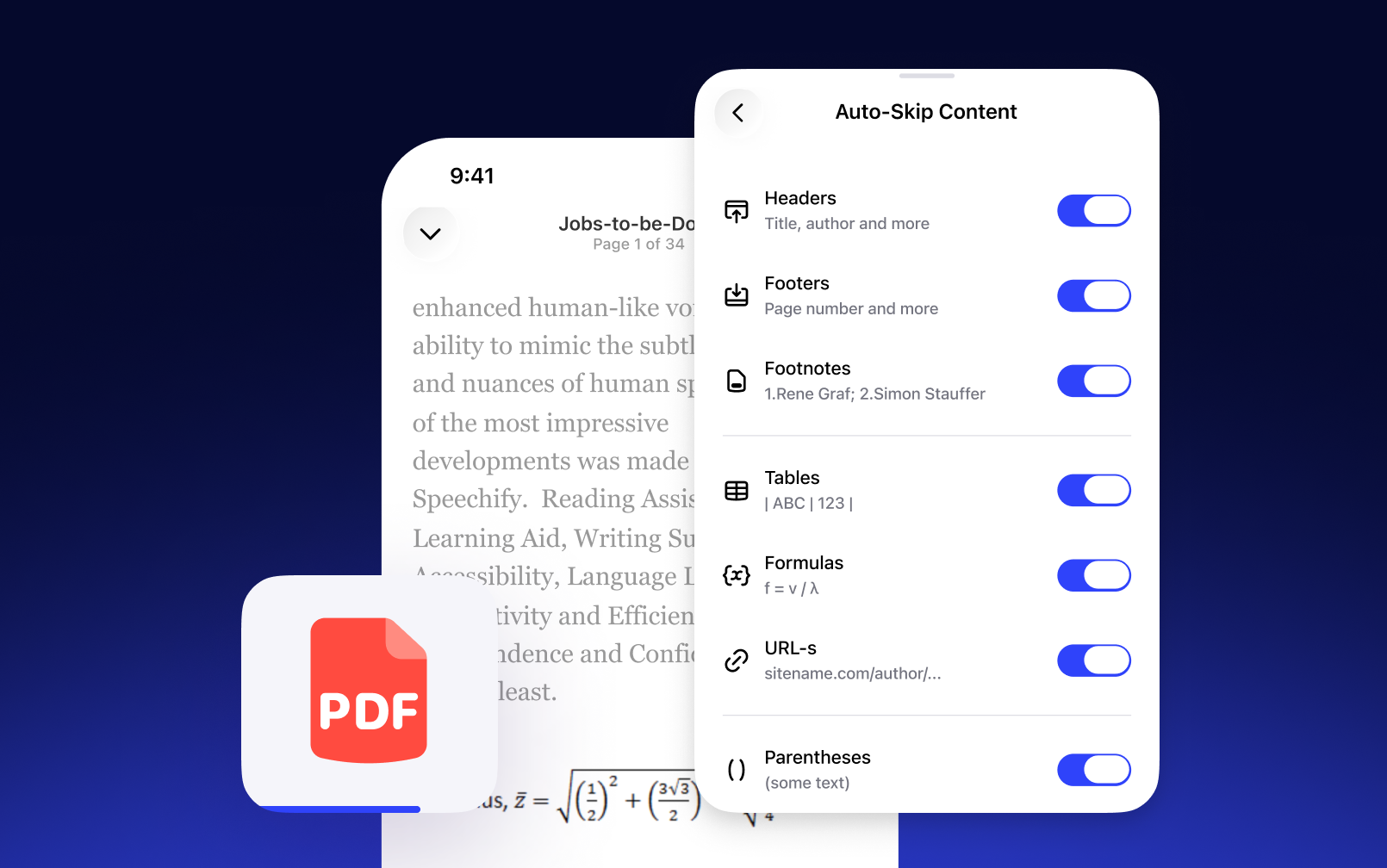
Automatically skip footnotes, citations, headers, and other distractions — so you hear only the content that truly matters, without interruption
AI Podcasts
Create AI podcasts from any document
Upload any document, PDF, book, or article and turn it into a fully voiced AI podcast instantly — no recording needed
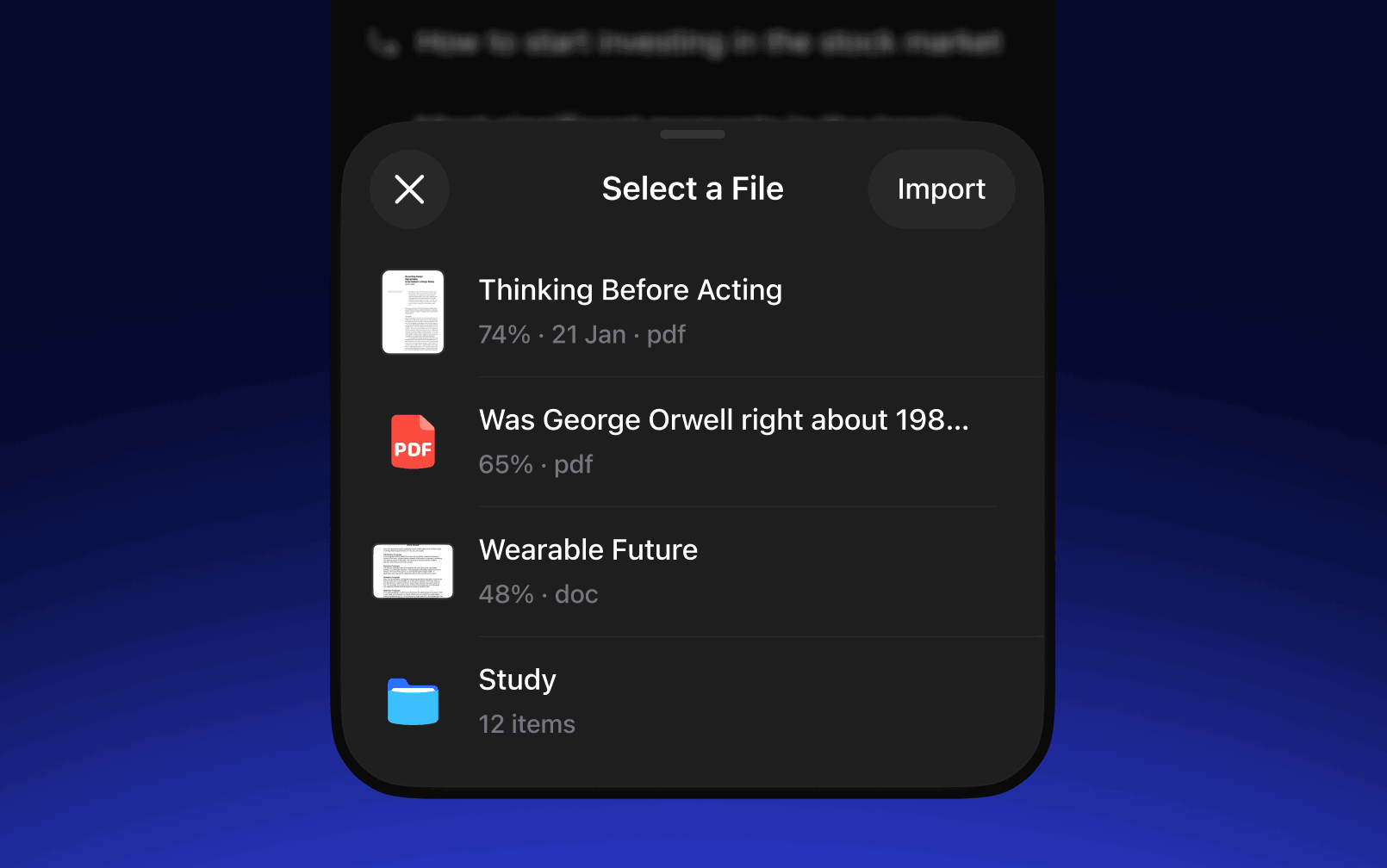
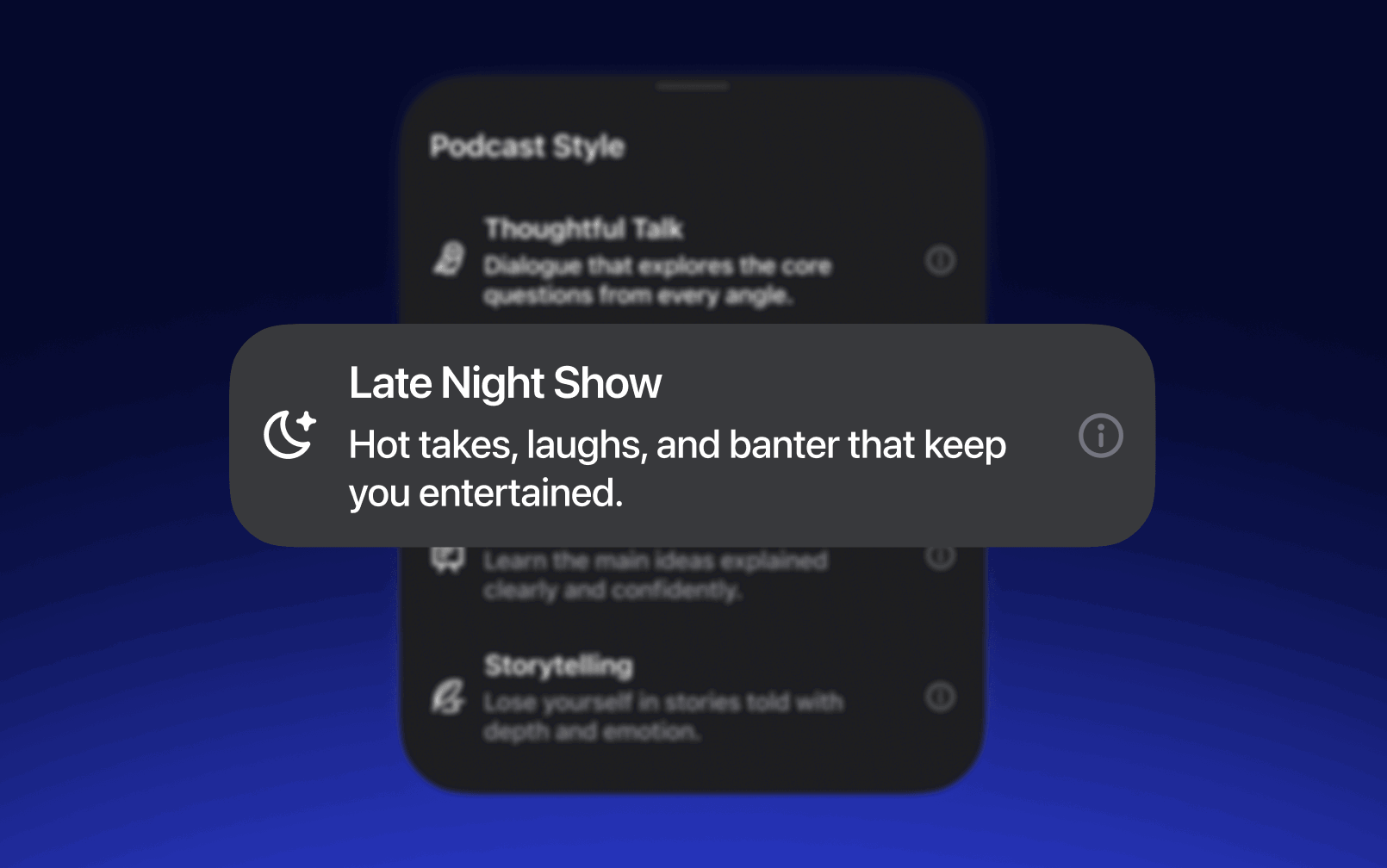
Choose your show format — conversational, debate, or lecture — and set the depth to match your mood or goal
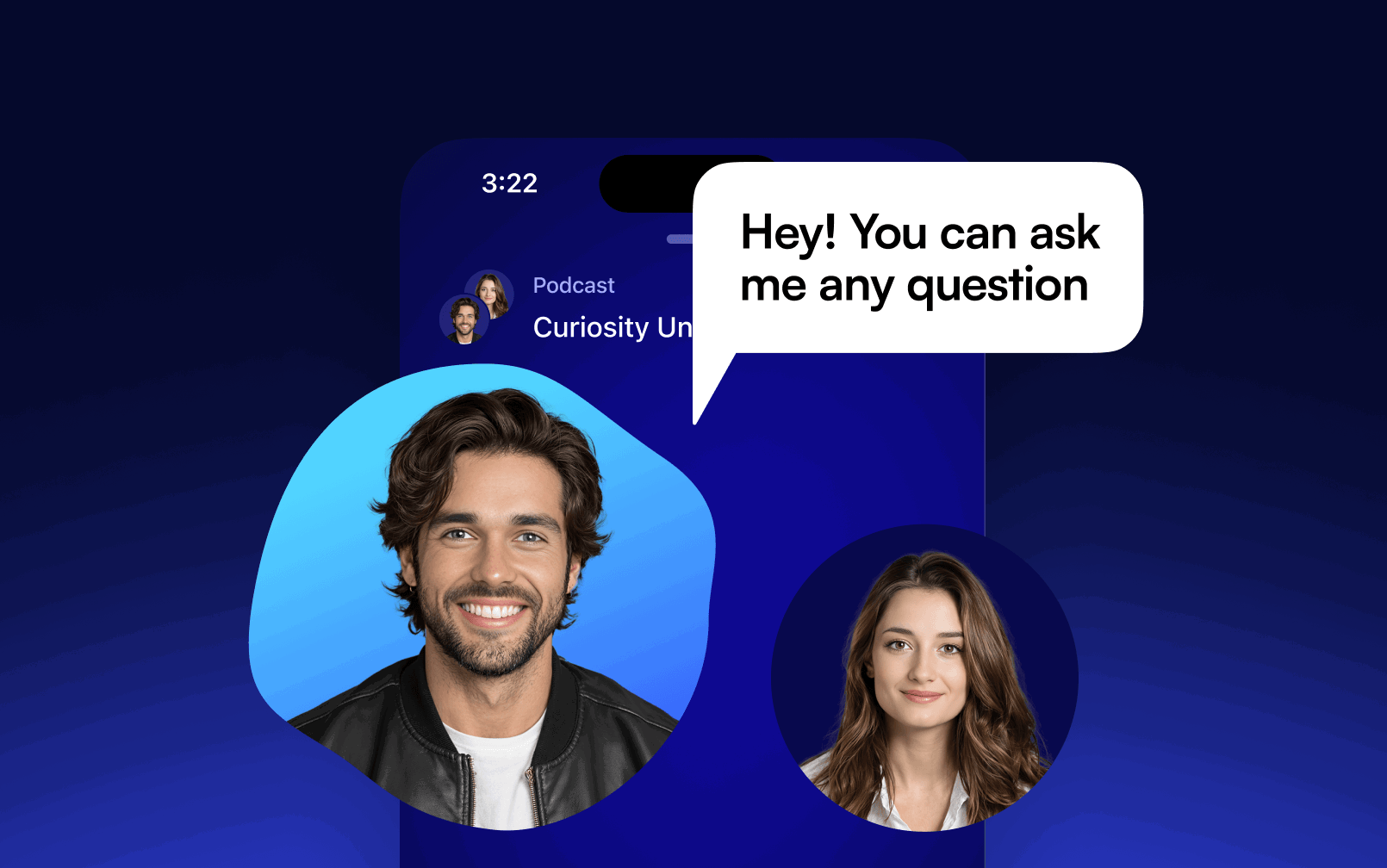
Pause and ask AI questions about the podcast content — get instant answers or deeper explanations
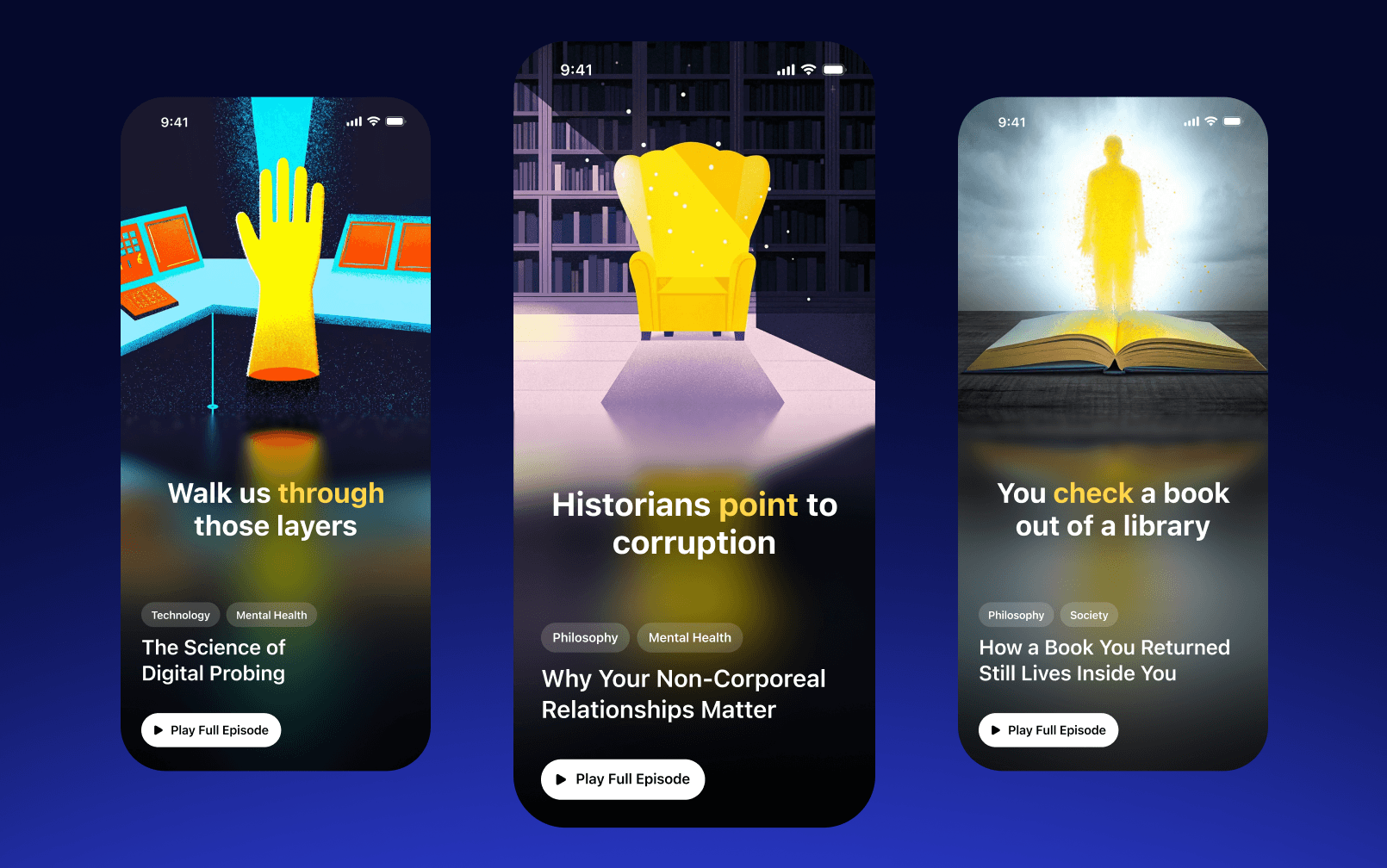
Explore podcasts created by others, discover shows on any topic, and find your next favorite listen — all inside the app
Voice Typing
Write 5x faster with Your Voice
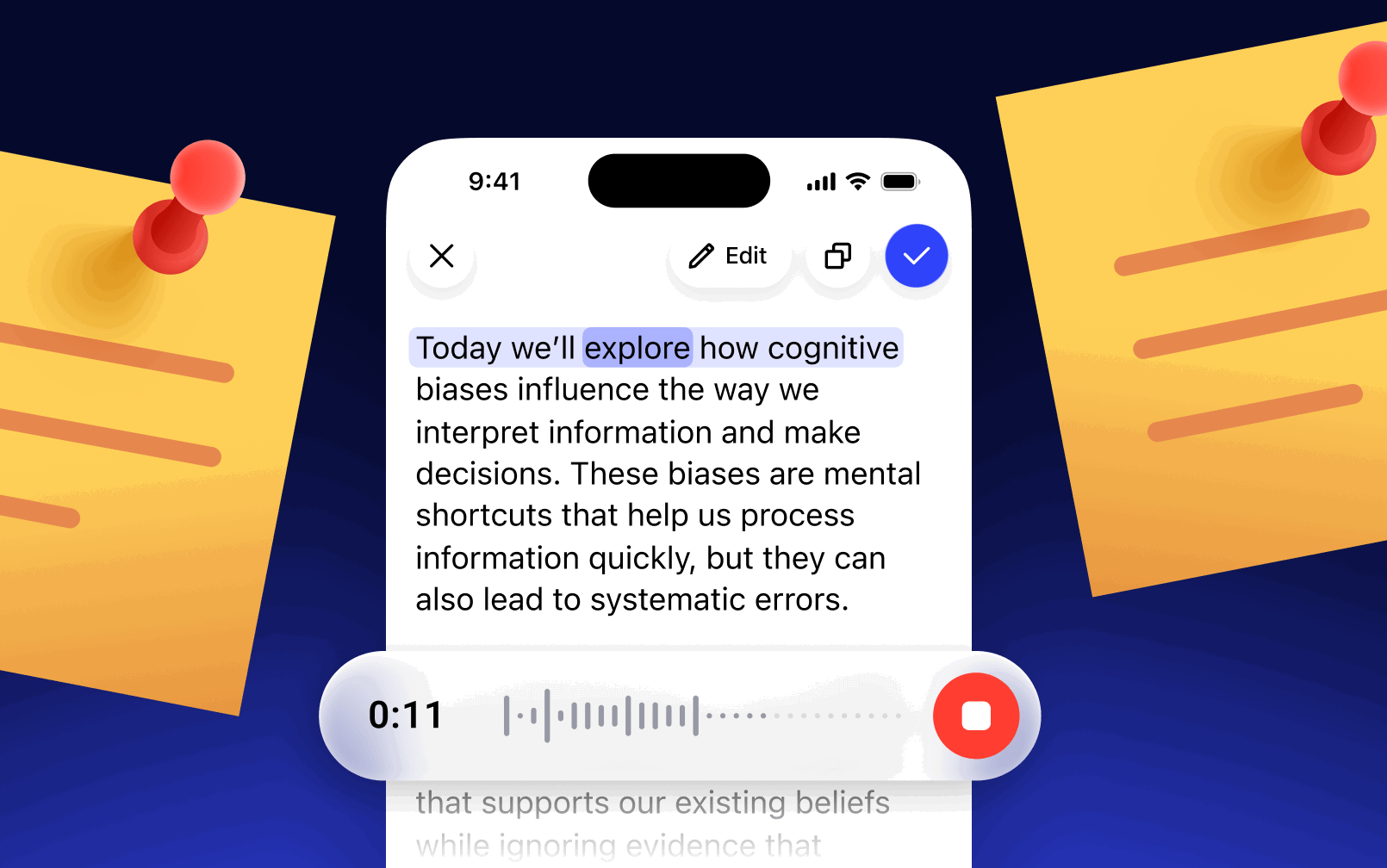
Ditch the keyboard and dictate in any app — Speechify types for you up to 5x faster than you can type
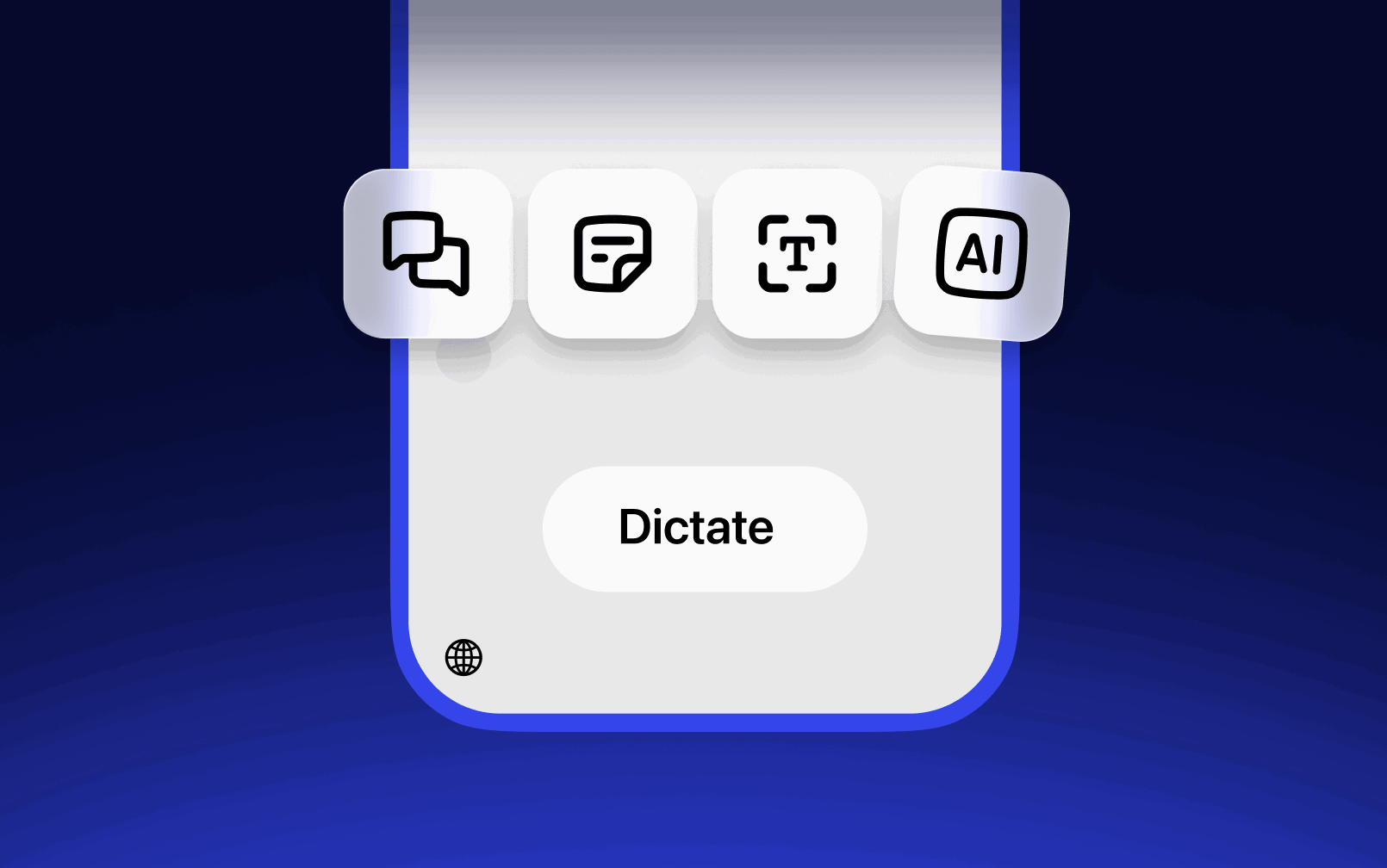
Capture any idea instantly — just speak and Speechify turns it into a clean, structured note automatically
Ask your AI anything by voice — get instant answers, summaries, or explanations without typing a word
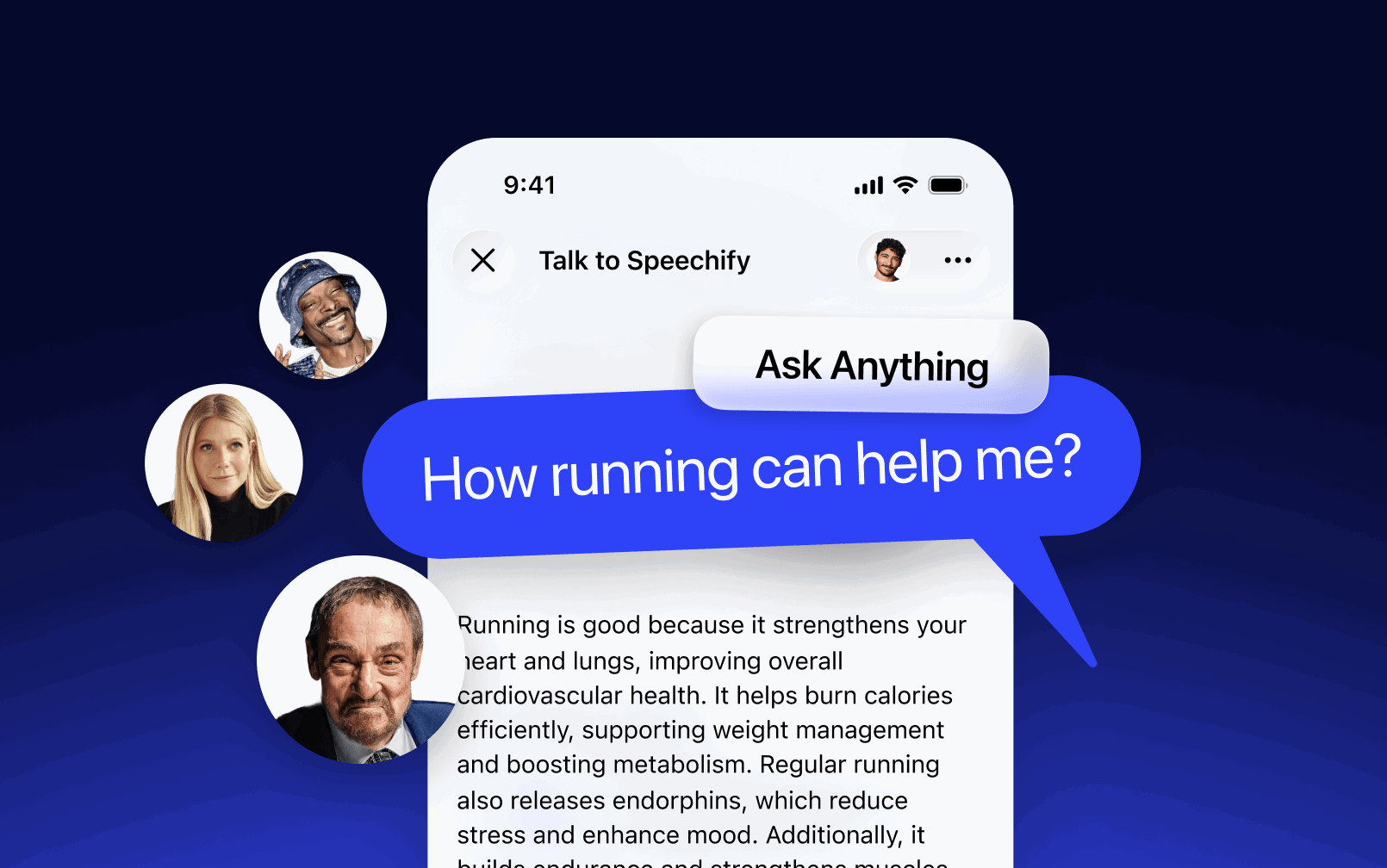
Voice AI Assistant
Ask Anything, Get Instant Answers
Instantly summarize any document, book, or research paper — get the key points without reading everything from start to finish
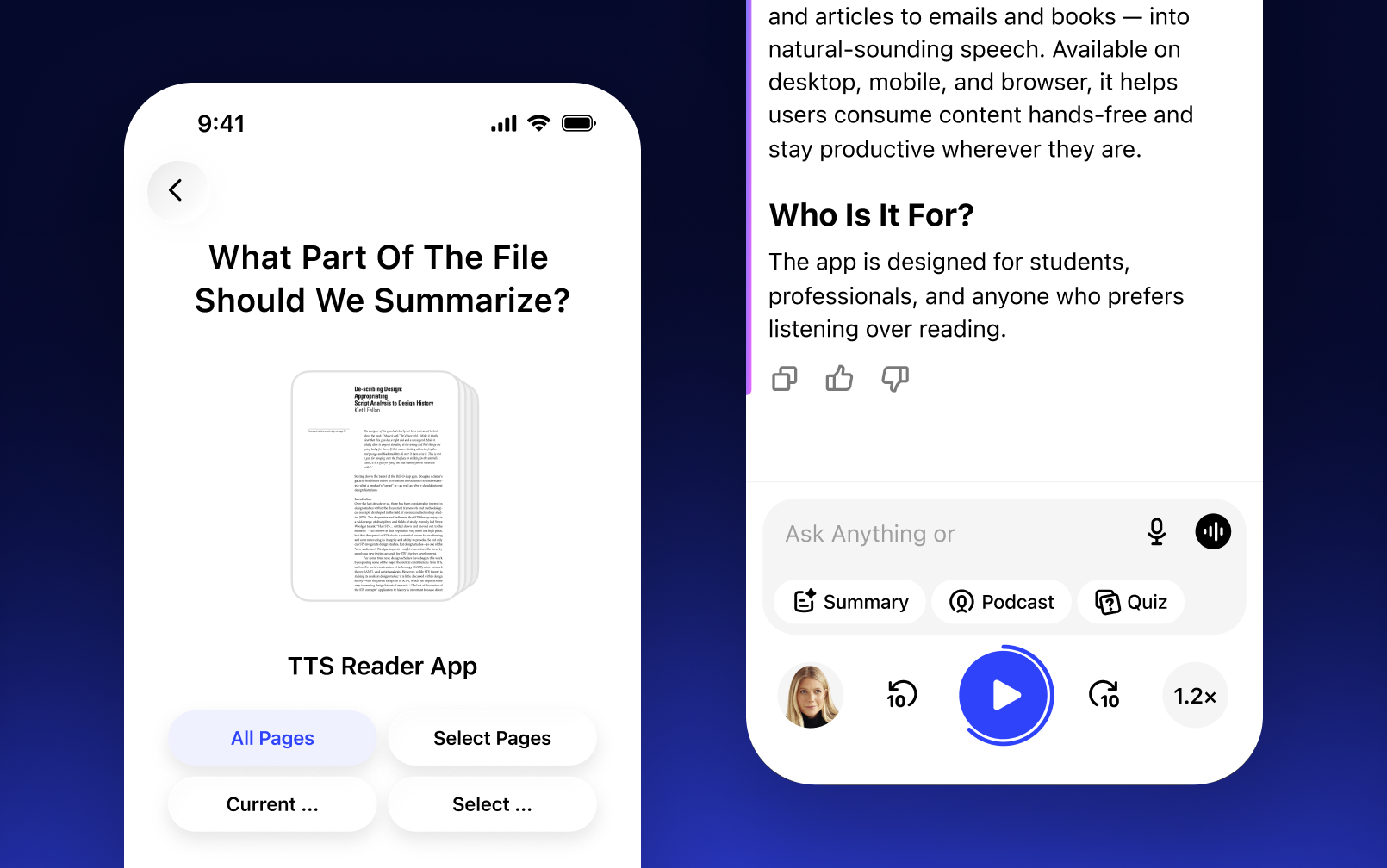
Ask the AI to break down any complex concept from your content and get a simple, clear explanation in seconds
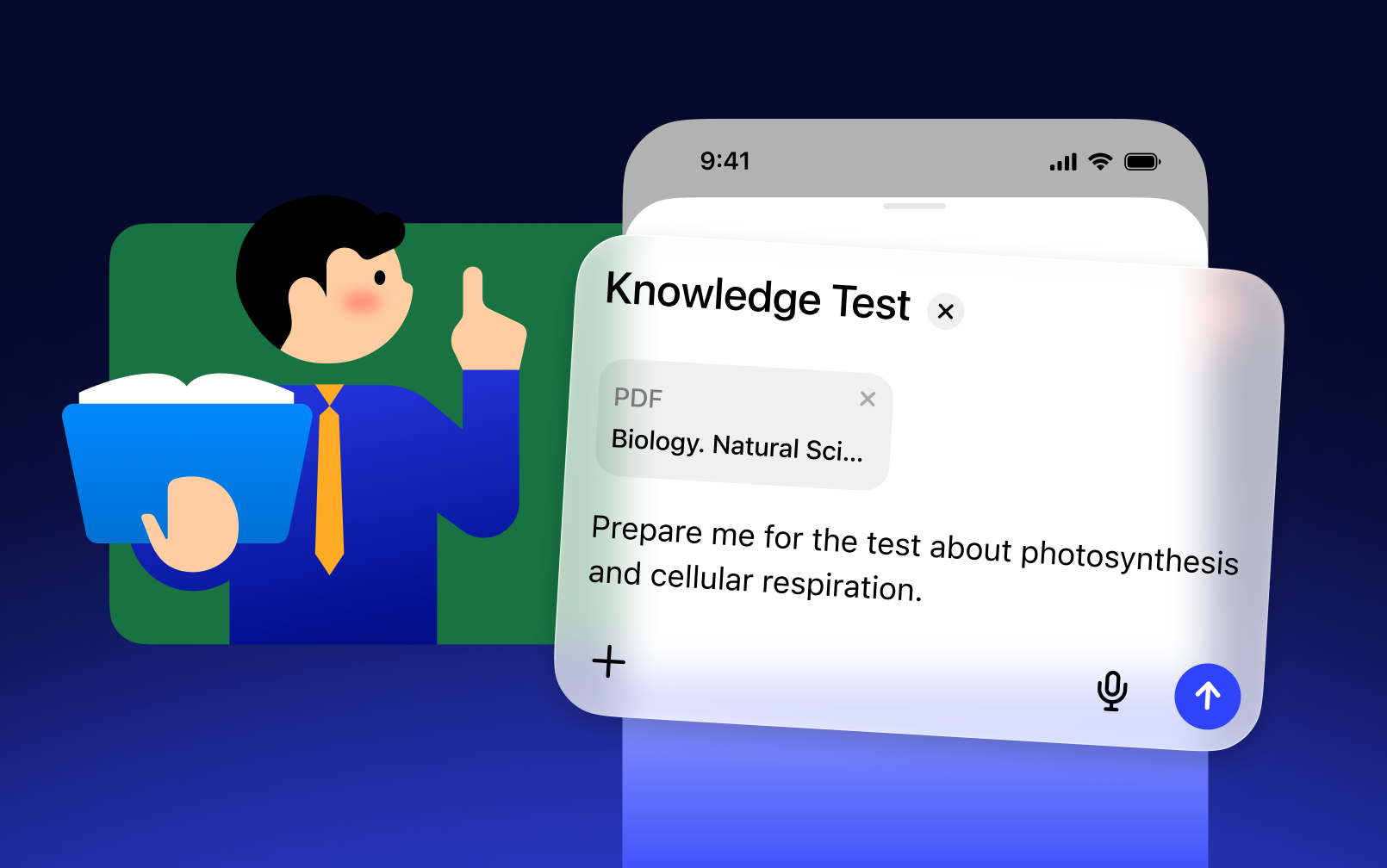
Describe what you need and the AI writes it for you — emails, summaries, reports, or any document in seconds
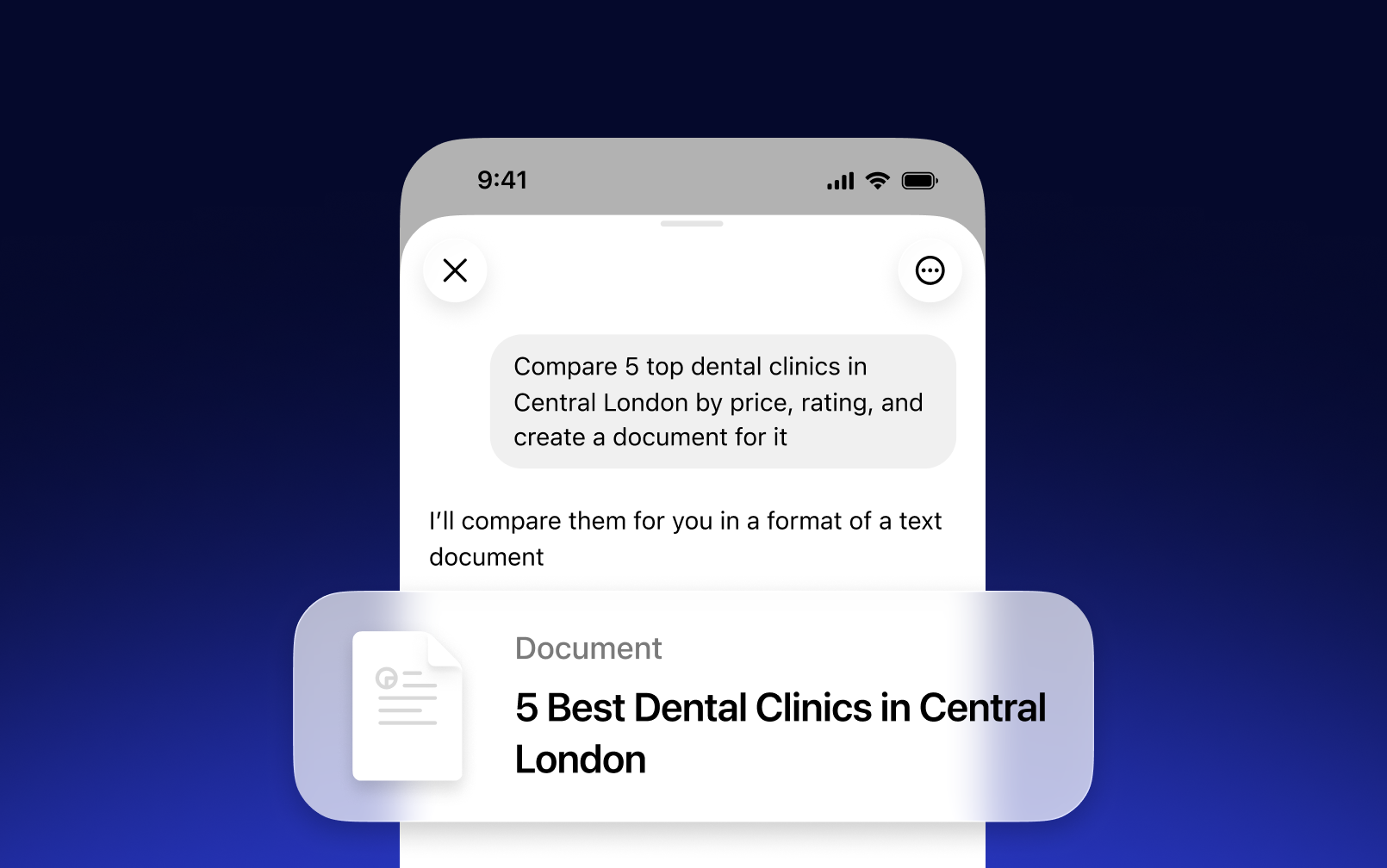
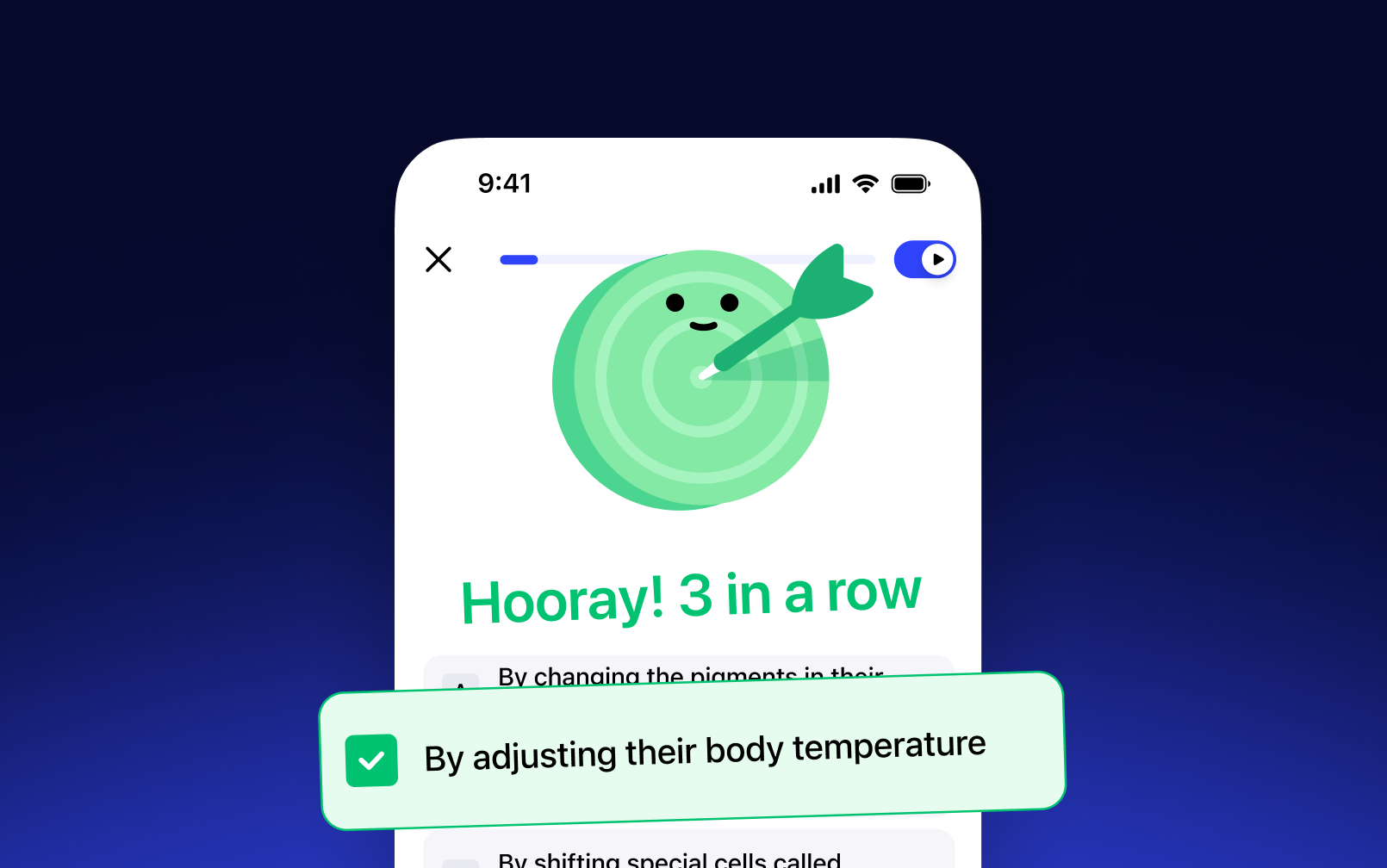
Turn any document or study material into a quiz — test your knowledge and reinforce what you've learned
OUR LISTENERS LOVE US
Over 1M people have given Speechify 5 stars
 Sir Richard Branson, Business Magnate
 Gwyneth Paltrow, Actress and Businesswoman
.png?quality=95&width=2800) Ali Abdaal, most followed Productivity Expert in the world.
Ali Abdaal, most followed Productivity Expert in the world.
FAQ
Speechify is an all-in-one Voice AI Productivity Assistant that lets users research topics and get answers through voice conversations, read with text to speech, voice type, take AI notes, and create AI podcasts in one platform via voice commands and conversational dialogue.
Speechify is a Voice AI Productivity Assistant, combining voice-activated conversations, research, question answering, text to speech, voice typing, an AI note taker, and AI podcast creation across apps, while ChatGPT, Gemini, Grok, and Perplexity are primarily text-based chat tools.
Speechify is a Voice AI Productivity Assistant that supports conversations, understands long-form content, reads information aloud, enables voice typing and AI note-taking, and helps users research, write, and create AI podcasts all with voice, rather than just responding to commands like Siri and Alexa.
Yes. Speechify can replace multiple AI Assistants by acting as the ultimate Voice AI Assistant for listening, dictating, taking AI notes, researching, summarizing, and creating AI podcasts through natural conversation.
Text to speech, sometimes called TTS, read aloud, or speech synthesis, is the term for using AI voices to turn any input text into speech.
An AI voice refers to the synthesized or generated speech produced by artificial intelligence systems, enabling machines to communicate with human-like speech.
You can try Speechify text to speech free via its iOS or Android mobile apps, its web app on Windows or Mac, or its extensions for Chrome and Microsoft Edge.
Speechify AI reader is for everyone, including seniors, students, professionals, and anyone who benefits from listening to written content read aloud.
Yes. Speechify’s text to speech reader has the most natural, human-sounding voice overs available on the market. The AI voices are now indistinguishable from human voices and available in several different languages including Spanish, Portuguese, German, French, and more.
Yes, please create an account to get started with Speechify's Text to Speech API. You can also review our extensive documentation. This is the same API that currently powers all of our products, providing the highest quality AI text to speech voices on the market to tens of millions of users. This API includes language support, streaming, SSML and emotional controllability, speech marks, and much more.
Yes! If you would like to purchase text to speech plans in bulk, please contact our sales team for schools or teams. We work with large school districts and governments around the world to provide students with access to Speechify at scale. Speechify helps make education more accessible and improves student outcomes.
Speechify offers over 1,000 natural-sounding text to speech voices in more than 60 languages, so you can listen to articles, PDFs, and documents in a voice and accent that fit your preference.
People use Speechify for reading documents, studying, listening to articles, proofreading, writing, and improving accessibility. It’s popular among students, professionals, and anyone who wants to absorb information on the go.
Yes, Speechify Premium users can listen offline by downloading their converted audio, making it easy to access content anytime, even without an internet connection.
Speechify works seamlessly across computers, tablets, and smartphones—you can access it through the Web app, iOS and Android apps, or the native Mac app for flexible listening anywhere.
Speechify supports around 60+ different languages, including a wide range of regional accents and dialect variations, so users can turn text into speech in a voice style that feels personalized.
To upload content, simply select “New” on the Speechify Web App, tap “Upload” on the iOS or Android app, or click “Add Files” on the Mac app to import your documents.
Speechify supports a wide range of file types, including PDF, EPUB, DOCX, XLSX, and TXT, as well as web links, scanned pages, and typed or pasted text, so you can listen to virtually any kind of content.
Speechify offers a variety of natural-sounding accents across its 60+ supported languages, including popular English accents and native pronunciations for Spanish, French, German, Italian, and more.
Yes, Speechify provides a free trial of its premium plan, allowing you to explore advanced voices, faster playback, and additional features such as dictation before upgrading.
Speechify Voice Typing is an AI voice dictation tool that turns your spoken words into clean, polished text with automatic grammar correction and filler-word removal.
Yes, Speechify includes a built-in dictation feature that lets you write hands-free anywhere you type through speech to text and speech recognition technology.
Voice typing is used for writing emails, taking notes, drafting documents, multitasking, boosting accessibility, and speeding up everyday writing tasks.
Yes, Speechify includes a Voice AI assistant that can answer questions, summarize pages, explain content, and help you work faster.
Speechify Voice AI assistant is an interactive tool that lets you talk to any webpage and get instant summaries, explanations, and key points while also supporting text to speech and voice typing.
No, you don’t have to speak perfectly with Speechify Voice Typing because the AI dictation feature is designed to understand natural speech through speech recognition and automatically fix grammar, punctuation, and filler words.
Yes, Speechify offers free, fast, and accurate AI dictation and speech to text through its Voice Typing feature, letting you speak your text instead of typing.
Yes, Speechify's AI dictation feature called Voice Typing is available on Speechify's free plan.
Yes, Speechify can scan text using OCR (Optical Character Recognition) technology, allowing it to read and convert physical text from books, documents, and images into audio.


Join millions of listeners