Speechify for Mac
Use Speechify from your Dock to read PDFs, Word docs, emails & anything you see on your Mac.
 Download
 Requires macOS Ventura (13.0.0) and newer
200+ Lifelike Voices




Voice Typing Dictation
Voice type across any app on your desktop – Slack, email, Word, iMessage, Chrome, and beyond. Just start talking and Speechify polishes your writing.
 Download
Just Tap and Talk
Voice typing dictation allows you to write 5x faster, so you can speed through any Google Doc, email, or message
Speechify Voice Typing
160 Words Per Minute

Keyboard
40 Words Per Minute

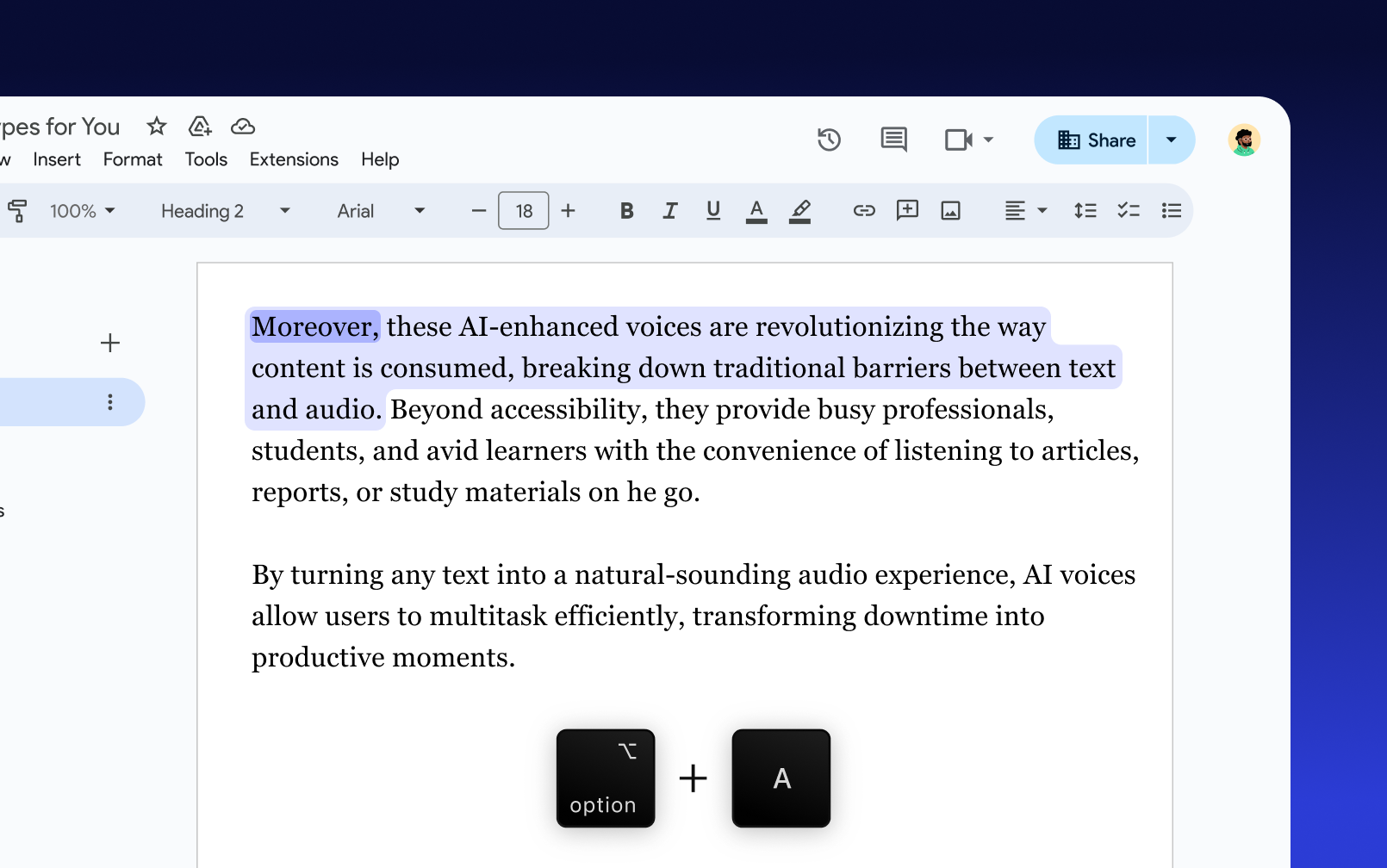
Listen to Any Text
Select any text, then press the shortcut to start listening instantly — in any app you’re using

Sir Richard Branson, Business MagnateSpeechify is absolutely brilliant. Growing up with dyslexia this would have made a big difference. I’m so glad to have it today.

Gwyneth Paltrow, Actress and BusinesswomanSpeechify makes it easy to learn at 2x or even 3x the speed you read with your eyes.
.png?quality=95&width=2800)
Ali Abdaal, most followed Productivity Expert in the world.If there’s one hill I’m going to die on, it’s that speed listening is the best way forward. Speechify is a game-changer for me.
FAQ
Text to speech goes by a few names. Some refer to it as TTS, read aloud, or even speech synthesis, for the more engineered name. Today, it simply means using artificial intelligence to read words aloud, be it from a PDF, email, docs, or any website. Instantly turn text into audio. Listen in English, Italian, Portuguese, Spanish, or more and choose your accent and character to personalize your experience.
By using speech technology or speech synthesis and machine learning. This works by installing an app like Speechify either on your mobile device or as a browser extension. AI scans the words on the page and reads it out loud in the most natural sounding voices, without any lag, in real-time. Use a custom voice, change accents, languages, and even increase or decrease the speaking rate.
Install a text to speech app like Speechify on any of your browsers or devices. After minor configurations, all you have to do is press “Play”. Text is instantly turned into natural-sounding speech. You can turn any text into an audiobook or a podcast.
There are many use cases for TTS, also known as a voice generator. From personal to text to speech API or SDK for the enterprise. Speech tools are great for anyone, including those with disabilities, students, professionals, or anyone looking to boost productivity.
Speechify can be used to read any digital or physical text aloud, including web pages, Google Docs, research articles, and even written notes or photos through its OCR feature.