Speechify for Slack
Automate Work in Slack
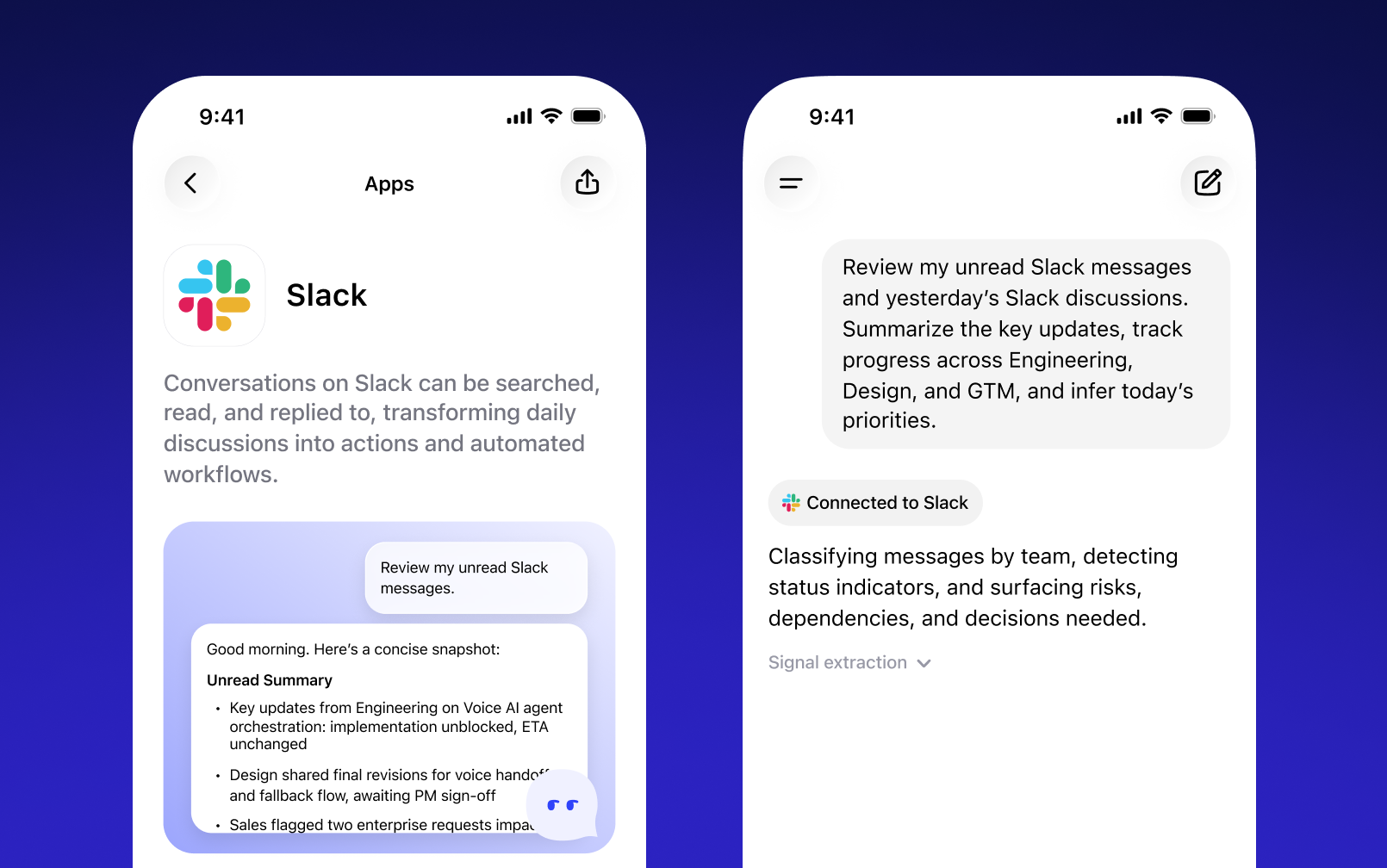
This app can search, read, and reply to messages in Slack, helping transform everyday discussions into structured actions and automated workflows.
Install it to connect your workspace and start turning conversations into measurable progress.
How to Install
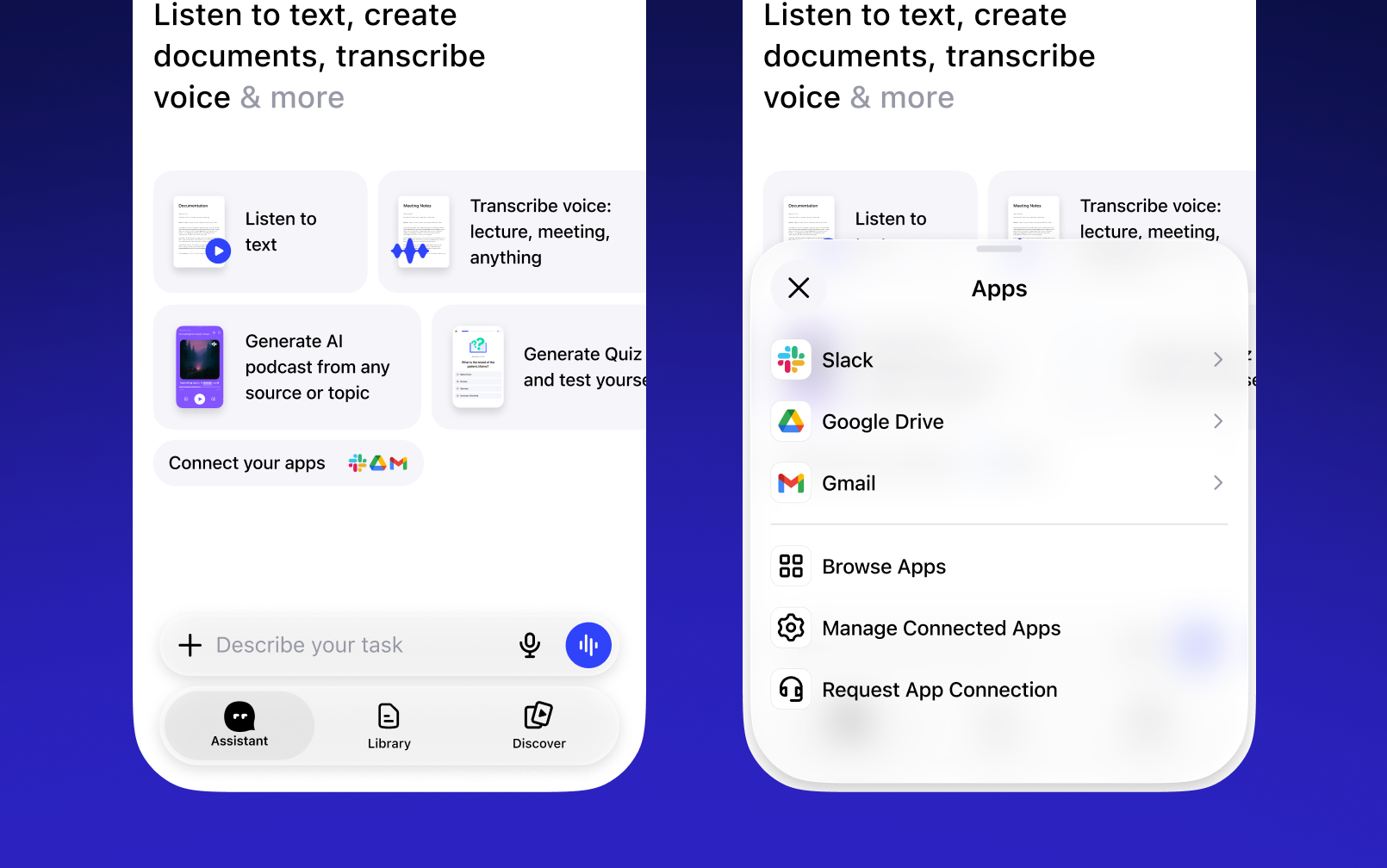
This integration is installed directly through the Speechify app
- Open Speechify and go to Voice Assistant
- Tap Connect your apps
- Select Slack and tap Connect
- Log in to Slack and approve access