How do I get started on Speechify iOS app?

Cliff Weitzman
CEO/Founder of Speechify
Speechify, Your Voice AI Assistant
Text to Speech. Voice Typing. Fast Answers.
 2025 Apple Design Award
50M+ Users
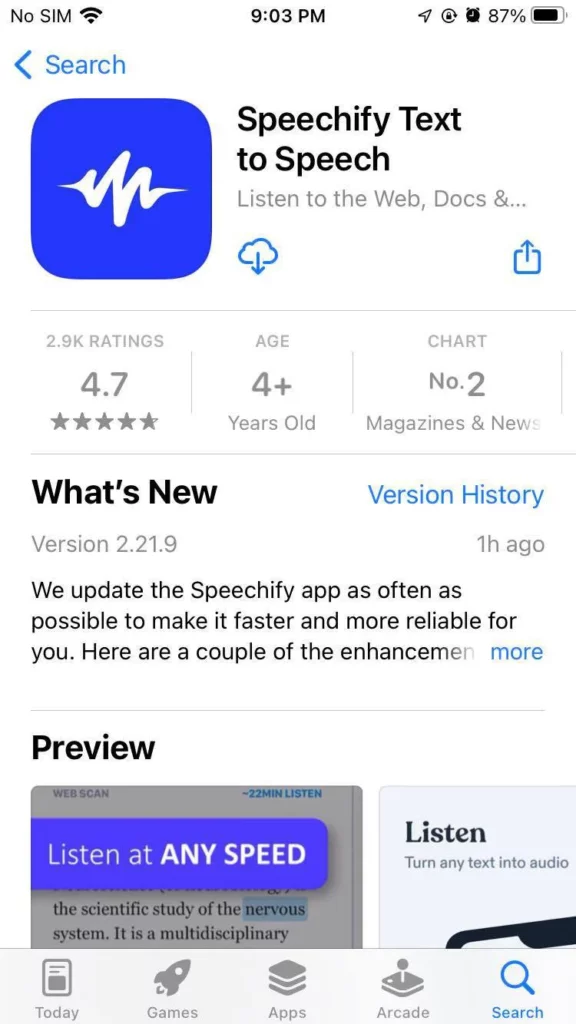
First, you'll need to download Speechify from your App Store.
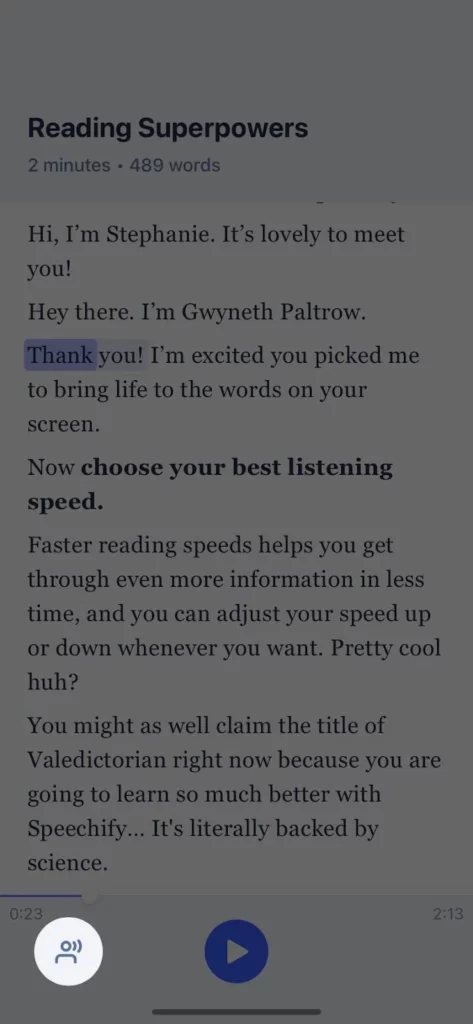
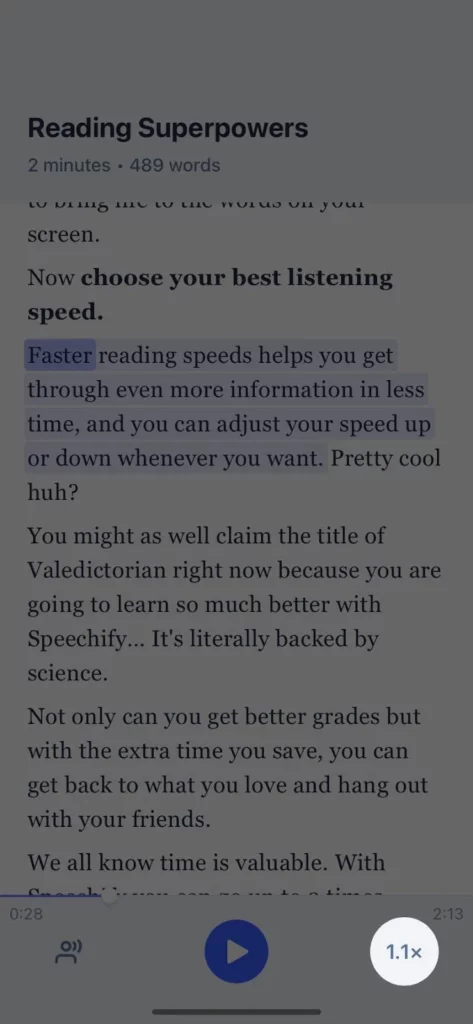
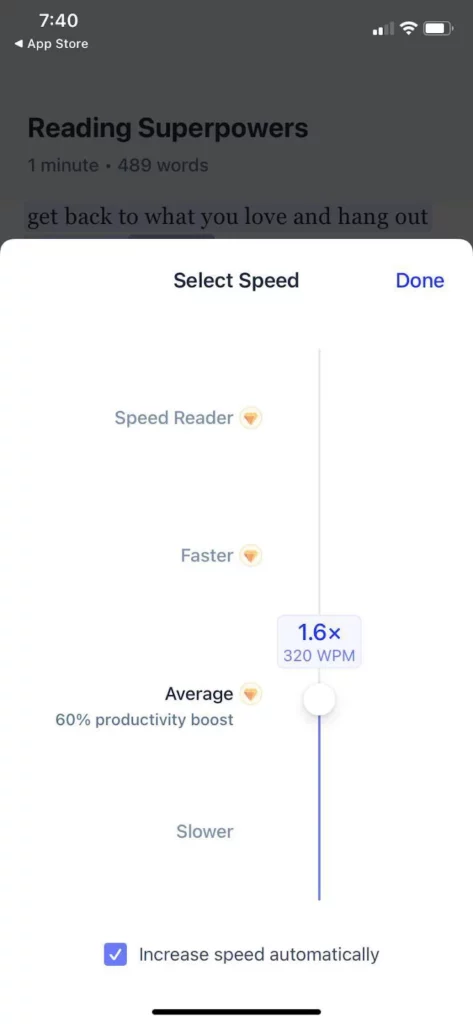
Next, open the app and answer a few questions to customize your Speechify experience. Sample screenshots below:
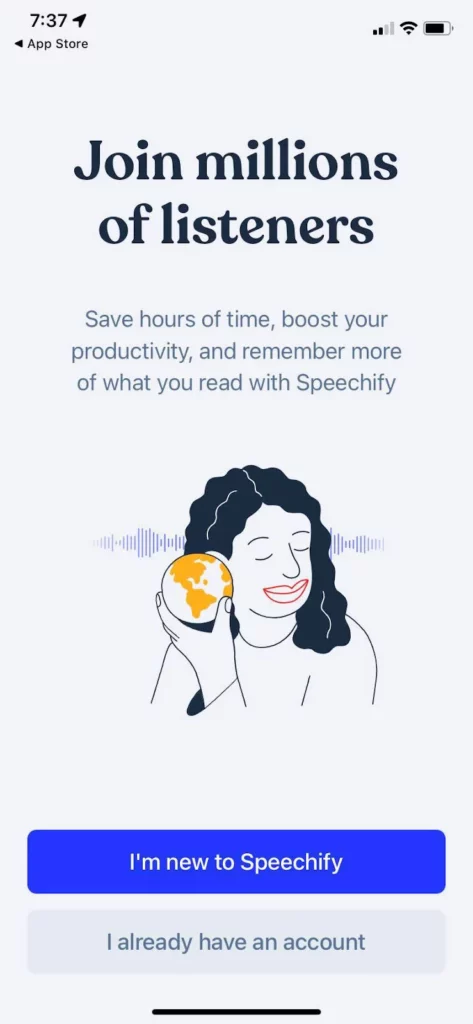
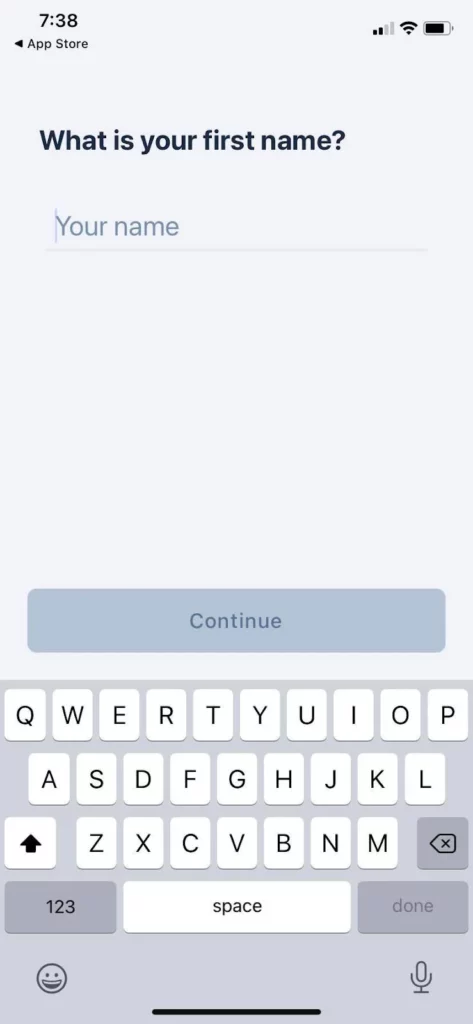
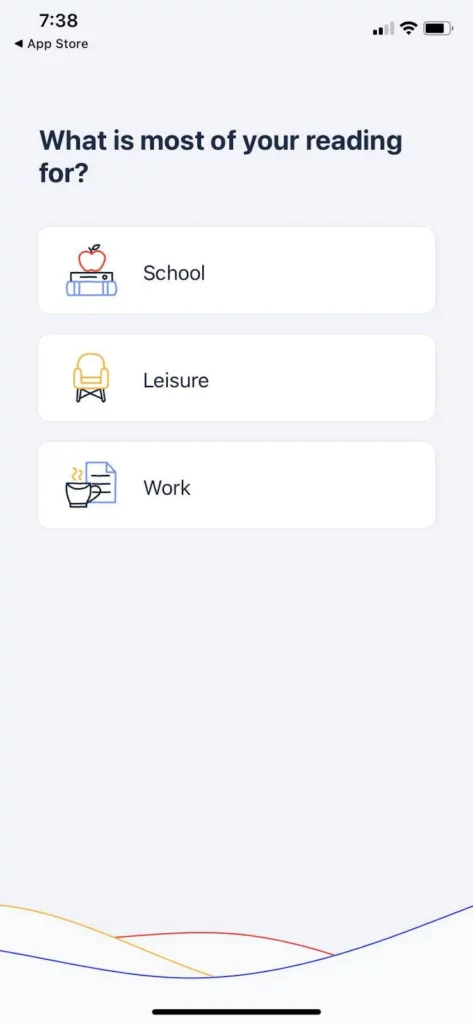
Then choose your favorite premium listening voice and adjust your listening speed.
Finally, you can either try the premium trial for 3 days or Sign in if you already have an account.
That's it! You're now ready to get Speechified. 🎧
Enjoy the most advanced AI voices, unlimited files, and 24/7 support
Try For Free