How do I link my Premium account with my Apple ID?

Cliff Weitzman
CEO/Founder of Speechify
Speechify, Your Voice AI Assistant
Text to Speech. Voice Typing. Fast Answers.
 2025 Apple Design Award
50M+ Users
Learn how to link your premium account with your Apple email address used to register on your mobile device
- Press on the Speechify icon in your browser
- Click on the Settings icon, scroll down and tap Account → Logout (if logged in to any other account)
- It should take you to a sign in page → on this page click on Continue with Apple and login with your registered Apple ID
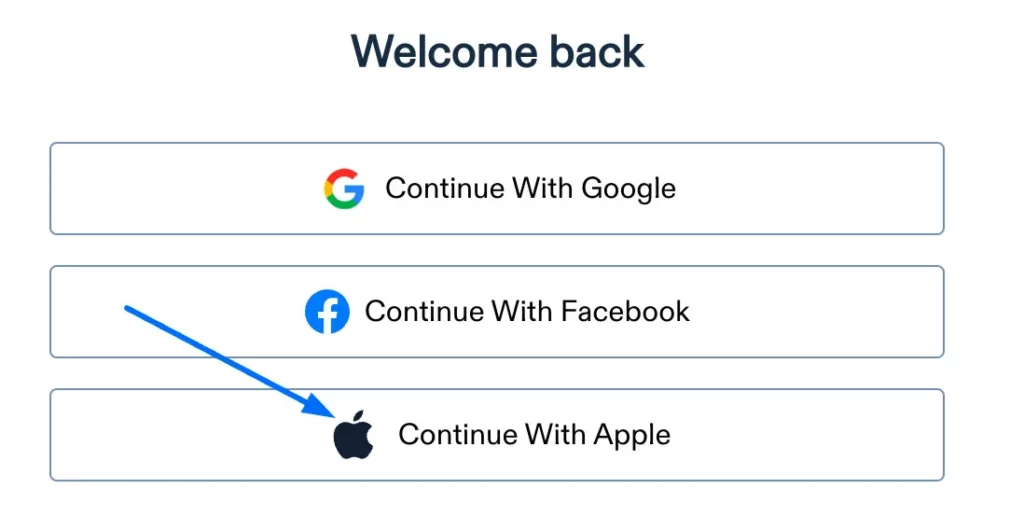
4. You should then be able to use the extension on your premium subscription
Enjoy the most advanced AI voices, unlimited files, and 24/7 support
Try For Free