
Speechify, Your Voice AI Assistant
Text to Speech. Voice Typing. Fast Answers.
 2025 Apple Design Award
50M+ Users
Learn how to save webpages, articles, documents, and other files to your Speechify Library with the Speechify Chrome extension
Speechify now supports saving all your Web articles, Google documents & links to your Speechify Library! 💃 🎊
Here's how you can save your article/file to read later on your Mobile device:
- Go to any article URL on the computer, you wish to read later on your mobile device
- Click on the Speechify icon in your browser
- Click on the 'Save' button in the widget
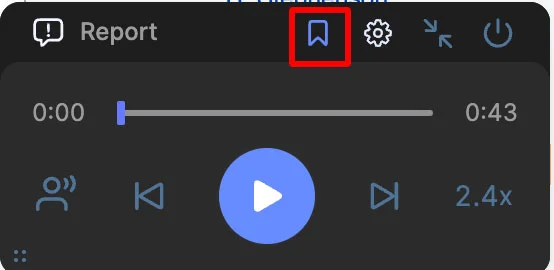
4. The saved article/document will now appear in your Library on your Speechify Mobile app
Enjoy the most advanced AI voices, unlimited files, and 24/7 support
Try For Free