Speechify, Your Voice AI Assistant
Text to Speech. Voice Typing. Fast Answers.
 2025 Apple Design Award
50M+ Users
Learn how to use speechify on any online PDF and a local PDF document
Speechify now supports reading all your PDF Documents! 💃 🎊
The easiest way to listen to your PDF files is to download them to your computer and then drag and drop them into Speechify. Here's how:
- Click on the 'Speechify' plugin at the top right in your browser

2. Click on Upload PDF
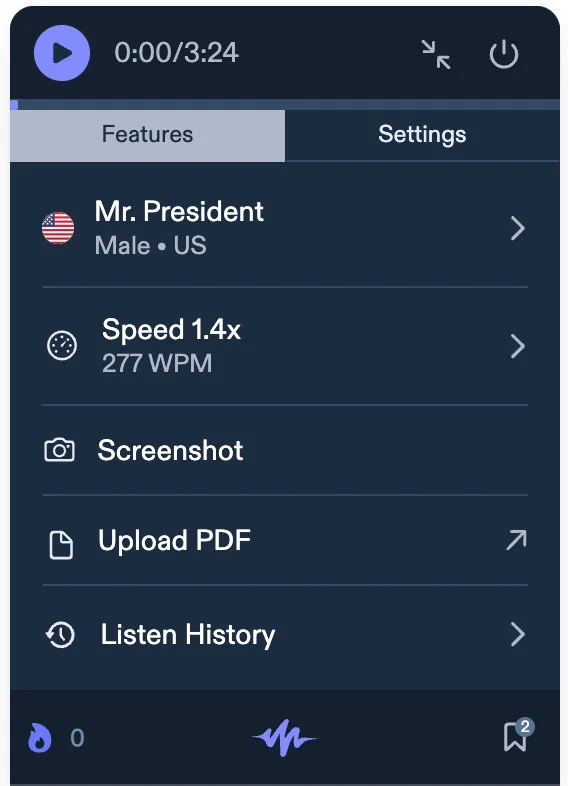
3. This will take you to a screen where you can drag and drop any PDF file from your computer
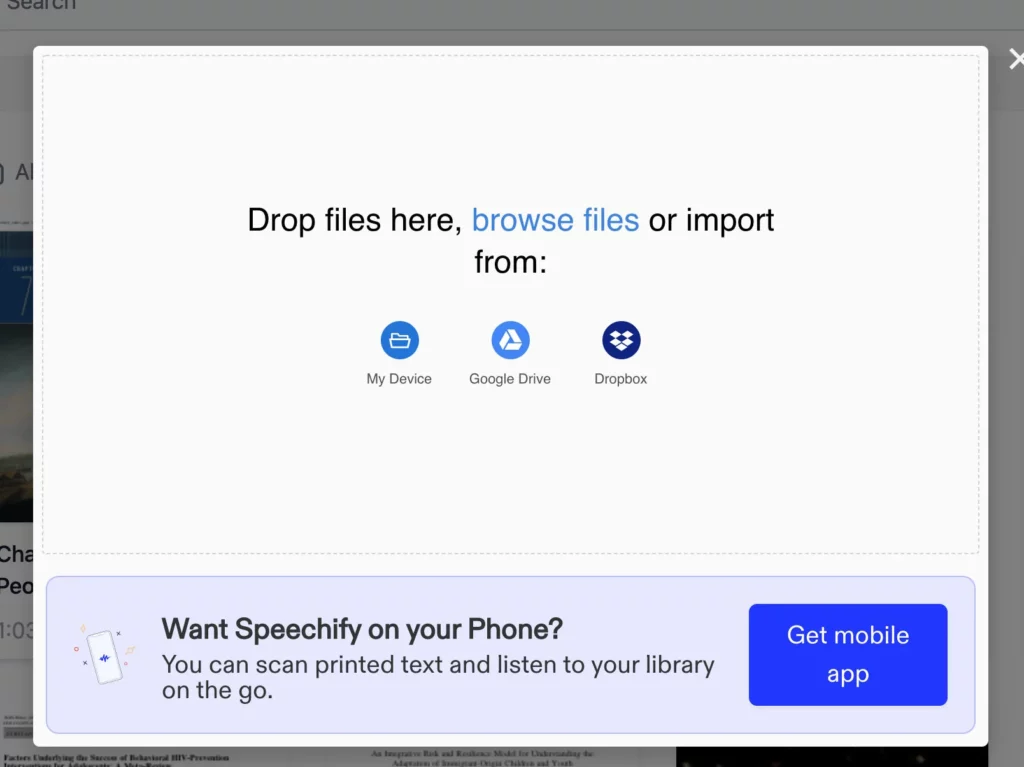
4. Once, it has been added to your library, you can click on the file you wish to read and it will automatically play the file.
Enjoy the most advanced AI voices, unlimited files, and 24/7 support
Try For Free