Don't Type, Just Talk
Write 4× faster with voice typing on any app or website. Talk naturally — Speechify perfects it with zero typos
 Download for macOS
  Download for Windows
 Available on Mac, Windows, and iPhone
 Cliff W.
Works in Every App You Use

Talk 4× Faster Than You Type
Dictation allows you to write 4x faster, so you can speed through any Google Doc, email, or message
Keyboard
40 Words Per Minute
Speechify Voice Typing
160 Words Per Minute
More Than Just Speech to Text
Filler Removal
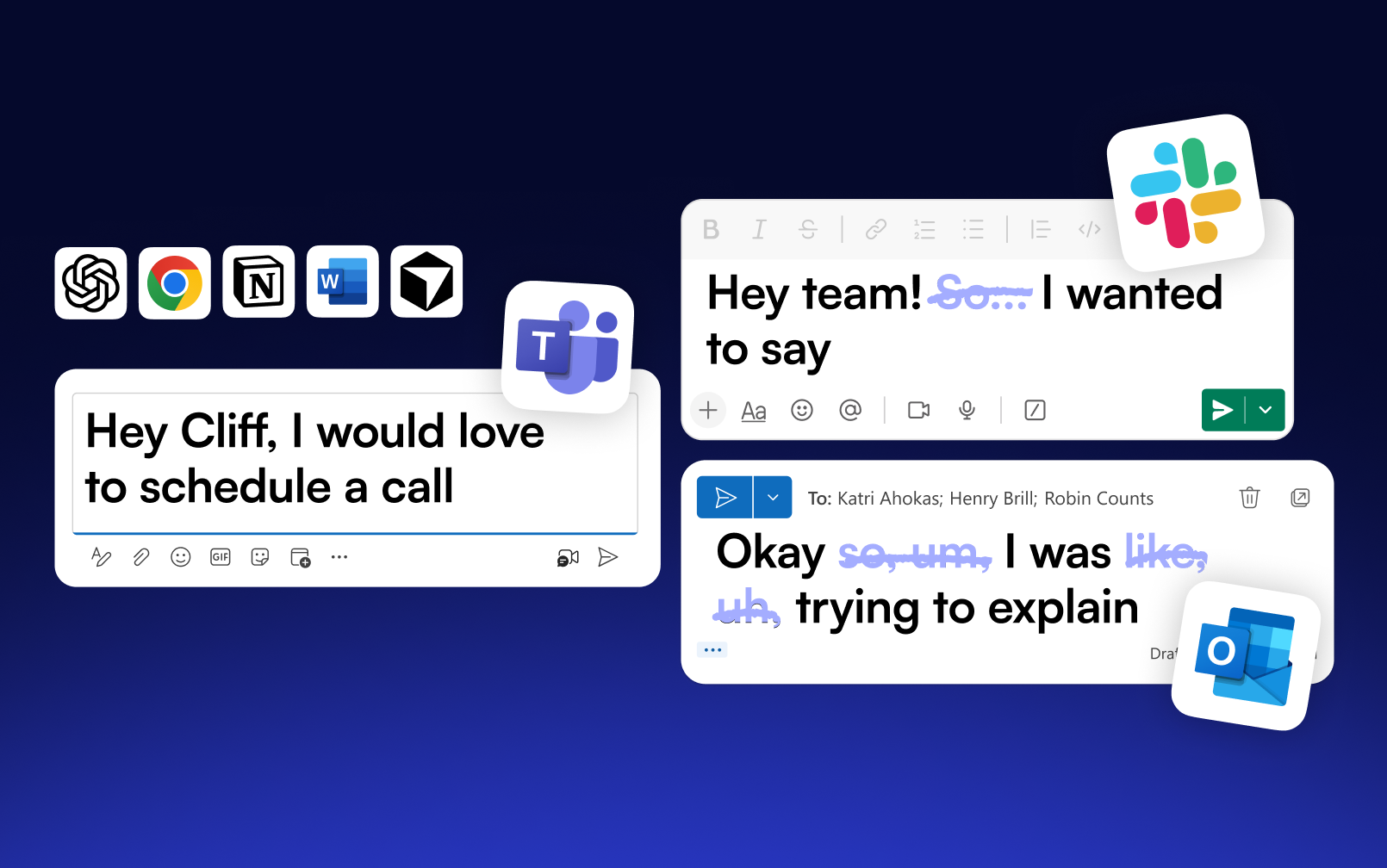
Words like "um," "uh," and "like" get stripped out, so your dictation reads clean

Multiple Languages
Dictate in over 50 languages, and Speechify switches between them on the fly

Personal Dictionary
Add names, brands, and terms once, and Speechify spells them right every time
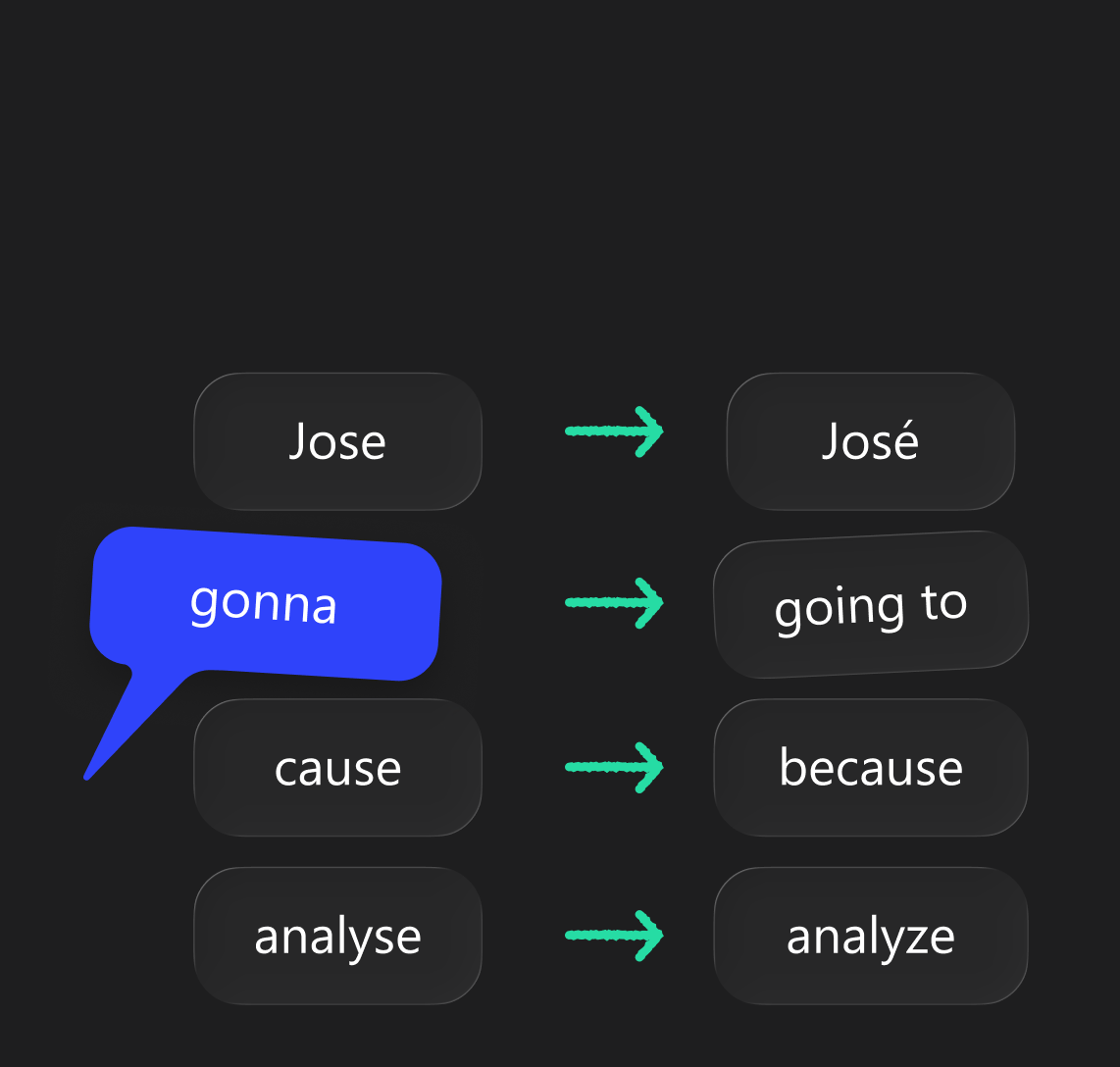
Grammar & Spelling Polish
Typos and awkward phrasing get cleaned up as you dictate, no rewrites needed

You Also Get
Speechify Reader
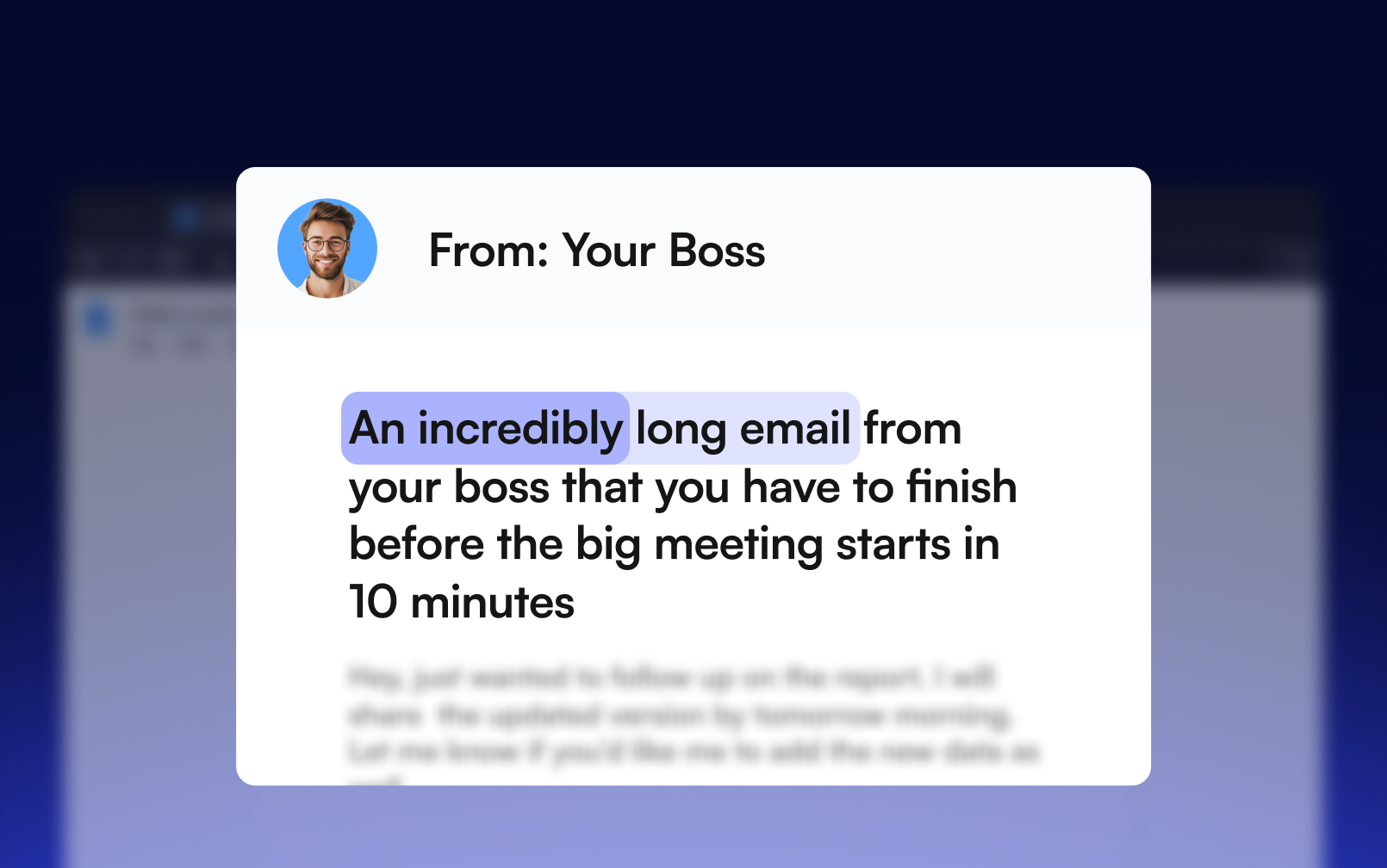
The apps comes with Speechify Reader, so you can turn any article, PDF, or email into natural-sounding audio anytime.
Works on All Your Devices
On Desktop
Voice type across any app on your desktop – Word, Slack, email, and more. Just start talking and Speechify polishes your writing.
On iPhone
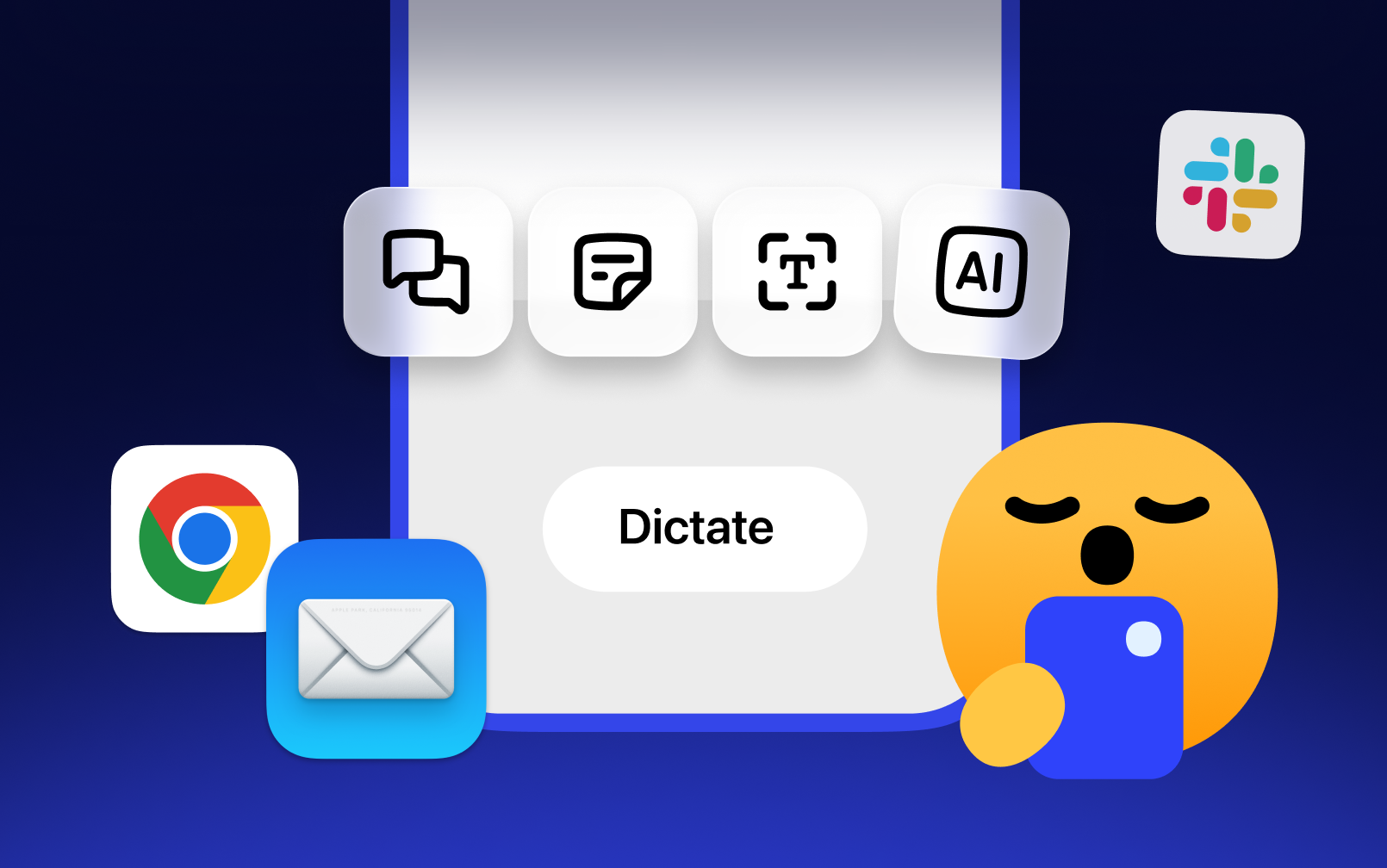
Voice type in any app on iPhone. Works wherever your keyboard does — Messages, Notes, Mail, and more. Just tap and talk


Your Privacy Is Our Priority
Your voice never gets stored by default, and Speechify is SOC 2 Type II compliant, so everything you dictate stays yours
Let Speechify Type for You
Get Speechify and start writing with your voice. Faster, easier, and more natural than typing
 Download for macOS
  Download for Windows
Made for Everyone
Dictation fits naturally into any workflow, helping you move faster, stay focused, and express ideas without ever touching the keyboard

For Professionals
Dictate emails, reports, and updates without breaking focus — perfect for busy workflows

For Students
Take notes, write essays, or record study thoughts hands-free while researching or reviewing materials

For Creators
Capture ideas, scripts, or captions as they come — voice typing keeps up with your creativity in real time

For Multitaskers
Reply, search, and summarize while cooking, walking, or working — no keyboard needed

For Accessibility
Make typing effortless for everyone. Dictation supports users who prefer or need hands-free control

And More
From brainstorming ideas to filling out forms or writing captions — Voice dictation adapts to any task
Speechify has made my editing so much faster and easier when I’m writing. I can hear an error and fix it right away. Now I can’t write without it.

I used to hate school because I’d spend hours just trying to read the assignments. Listening has been totally life changing. This app saved my education.

Speechify makes reading so much easier. English is my second language and listening while I follow along in a book has seriously improved my skills.


Let Speechify
Type for You
 Ask ChatGPT
 Ask Claude
 Ask Perplexity
FAQ
Speechify Voice Typing is an AI dictation app that turns your speech into polished text in real time, typed directly into whatever app you're working in — email, docs, Slack, browsers, and more.
Yes. Voice typing is free to use and doesn't require a subscription today, though this may change in the future.
Any app where you can type. Speechify inserts text system-wide, and people use it every day in browsers (Chrome, Safari, Edge, Firefox, Brave, Arc, Comet), AI tools (Claude, ChatGPT, Codex, Cursor), email and messaging (Outlook, Slack, Microsoft Teams, WhatsApp, Apple Messages), documents (Microsoft Word, Google Docs), and developer tools (VS Code, Terminal, iTerm2). One exception: password and other secure fields, where dictation is blocked for your security.
On Mac: hold the Fn/globe key and speak for quick phrases, or press Fn+Space for hands-free mode when you're dictating something longer. On Windows: press and hold the right Alt key to dictate, or tap it once to start and again to stop for hands-free dictation. All shortcuts are customizable in Settings.
No. Speechify ships with a built-in on-device model, so you can dictate fully offline — and if your connection drops mid-session, it automatically falls back to on-device transcription so you don't lose what you said.
Your dictation is processed with encryption, and Privacy Mode lets you opt out of your data being used to improve Speechify's speech models. On-screen context used to improve accuracy is never stored. You control your dictation history and can clear it anytime.
macOS 14 (Sonoma) or later on Mac, or Windows. It needs microphone access (only active while you're dictating) and accessibility permission so it can type into your apps.
Very — and it gets more accurate the more you use it. Speechify uses on-screen context (the app you're in, what you're replying to) to transcribe more accurately, and you can teach it your names and jargon via the personal dictionary.
Yes. Punctuation is added automatically as you speak, and you can also say punctuation out loud ("comma", "new paragraph") when you want control.
Yes. Add words to your personal dictionary (or import them via CSV), set up replacement rules, and Speechify will even notice when you correct a dictated word and offer to learn it automatically.
No. Speak naturally; Speechify cleans up your speech into readable, well-punctuated text. When dictating an email, it even formats greetings and sign-offs appropriately.
Yes — dictate straight into Gmail, Apple Mail, Outlook, or any email client, with email-aware formatting.
Yes — it's roughly 3–4x faster. Most people speak around 150 words per minute but type only about 40, so dictating your emails, messages, and documents gets your thoughts down in a fraction of the time.
Yes. Dictation history saves your transcripts so you can copy them again, re-transcribe a session, or clear everything with one click.
Yes. Grammar Polish perfects your writing in any app — highlight text to fix grammar, rephrase, shorten, or translate into 19 languages. And Speechify's text-to-speech reads anything on your screen aloud in lifelike AI voices.