Check details of your Premium subscription

Cliff Weitzman
CEO/Founder of Speechify
Speechify, Your Voice AI Assistant
Text to Speech. Voice Typing. Fast Answers.
 2025 Apple Design Award
50M+ Users
How to check the details of your subscription
- From the app, tap the Profile icon in the bottom navigation bar. On that page, you'll see your stats:
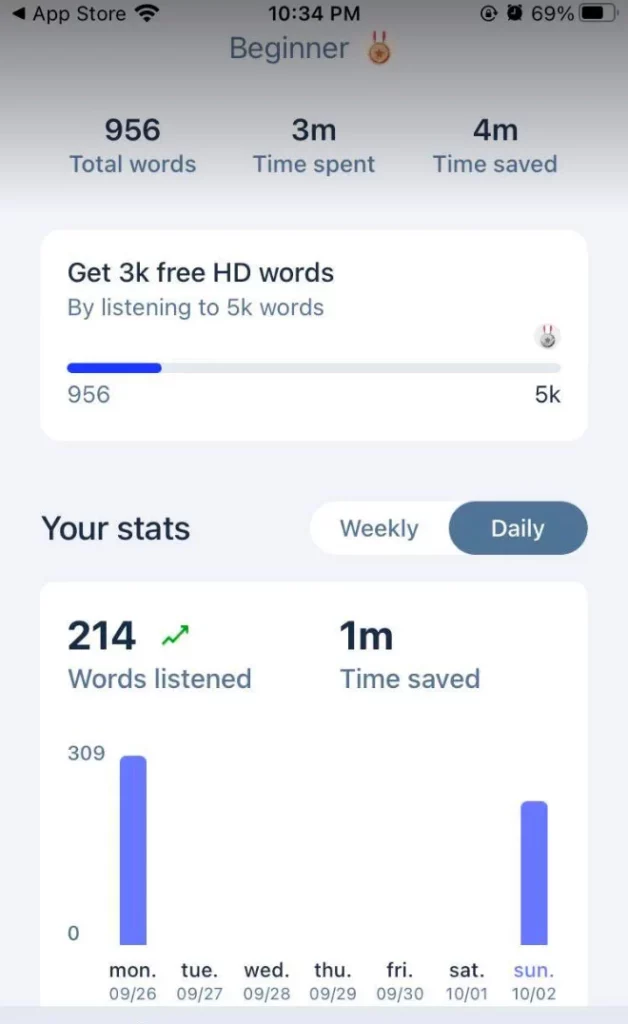
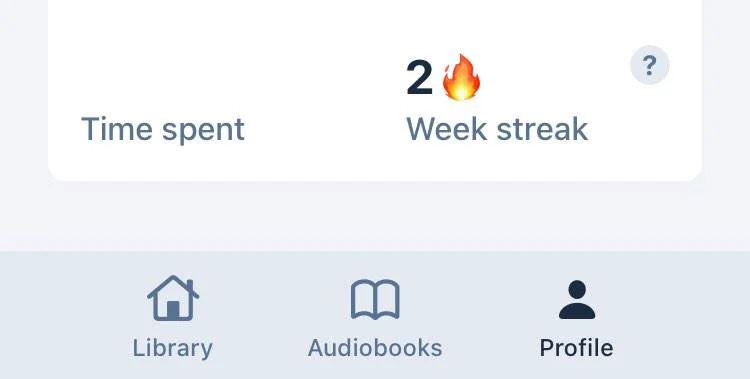
2. For more details of your subscriptions, tap the Settings gear icon and click the arrow icon > right across your name. From there you can see:
- The email associated with your account
- How long you’ve been a member
- What subscription plan you have
- The date your plan will be renewed
Need more help?
Email us at [email protected].
Enjoy the most advanced AI voices, unlimited files, and 24/7 support
Try For Free