The #1 AI Voice Changer
Create unlimited, high-quality AI voices for personal or commercial projects in-browser whether on a Windows, Mac, iOS, or Android device with Speechify’s AI Voice Changer.
Featured In




Create AI Generated Audios for any project, in minutes
Transform your projects with the best voice changer powered by Speechify’s advanced AI technology. Easily change voice in real-time, apply voice effects, and create professional-quality outputs for both personal and commercial use. Perfect for streamers, gamers, and content creators looking to elevate their voice overs.

Podcasts
Automate your podcast, intros, or ad reads. Add your script, music, and sound effects and you are ready to go.
Use Cases
Entire podcasts | Ad reads | Segments | Radio | Pre & post rolls

Course videos
Save time, money, and your vocal cords by automating your voice overs for your course videos.
Use Cases
Individual creators | Course websites | Schools | Religious teaching

YouTube scripts
Create professional-sounding social media videos in minutes. Upload your script, choose your AI voice, and save time and money.
Use Cases
YouTube creators | TikTok | Instagram | Shorts | Influencers

Video Games
Create gaming voice overs or use AI voices for in-game communication and live streaming with just a few clicks.
Use Cases
Video game voice overs | Twitch | Discord

Phone systems
Create professional-sounding messages for phone systems. Upload your script and generate humanlike AI voices.
Use Cases
SMBs | Chain stores | Contact centers | Phone directories

Sales scripts
Send personalized videos with AI voices and win more clients. Only takes minutes.
Use Cases
B2B sales | Follow up emails | Personalised sales | Customer marketing
How the free AI Voice Changer works
Using Speechify’s AI Voice Changer is simple. There is no learning curve. Simply drag and drop and get instant feedback. You’ll be creating AI-generated voices in no time. See why it’s the leading AI voice generator app with this easy tutorial:
- Upload or type your script.
- Select a different voice or multiple voices
- Optionally, add royalty-free background music.
- Add audio effects and customize your voice using the intuitive editor.
- Easily drag and arrange the script and audio on your video timeline.
- Export the high-quality audio files and voice recordings in WAV or MP3 and upload audio instantly wherever you wish.
There’s a better way to create AI-generated audios with affordable pricing!

Create AI Generated Audios from a script
Speechify AI Voice Changer will create impeccable voice overs from your script.

Maximize your productivity
Create AI generated audios in minutes, depending on the length of your script

Royalty free music
Bring your AI Voice Changer to life with a plethora of royalty-free music.
See how Speechify AI Voice Changer stacks up against other tools.
.svg)


Case Study
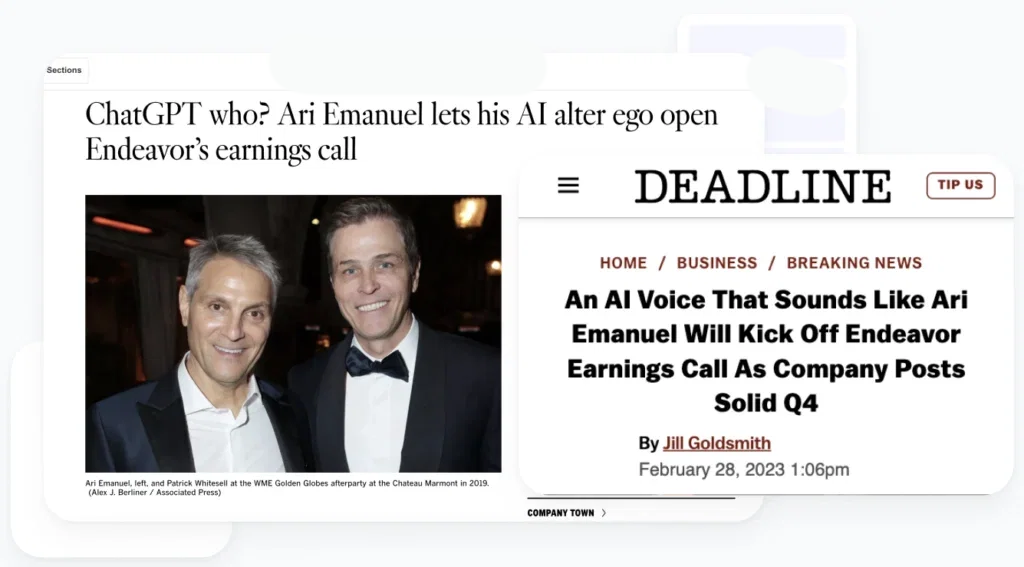
$10B Public Company uses Speechify AI Voice Over for Earnings Call
On Feb 28, 2023, Endeavor (NYSE: EDR) made history by delivering its annual earnings call using an AI voice over from Speechify.
Speechify AI Voice Changer features
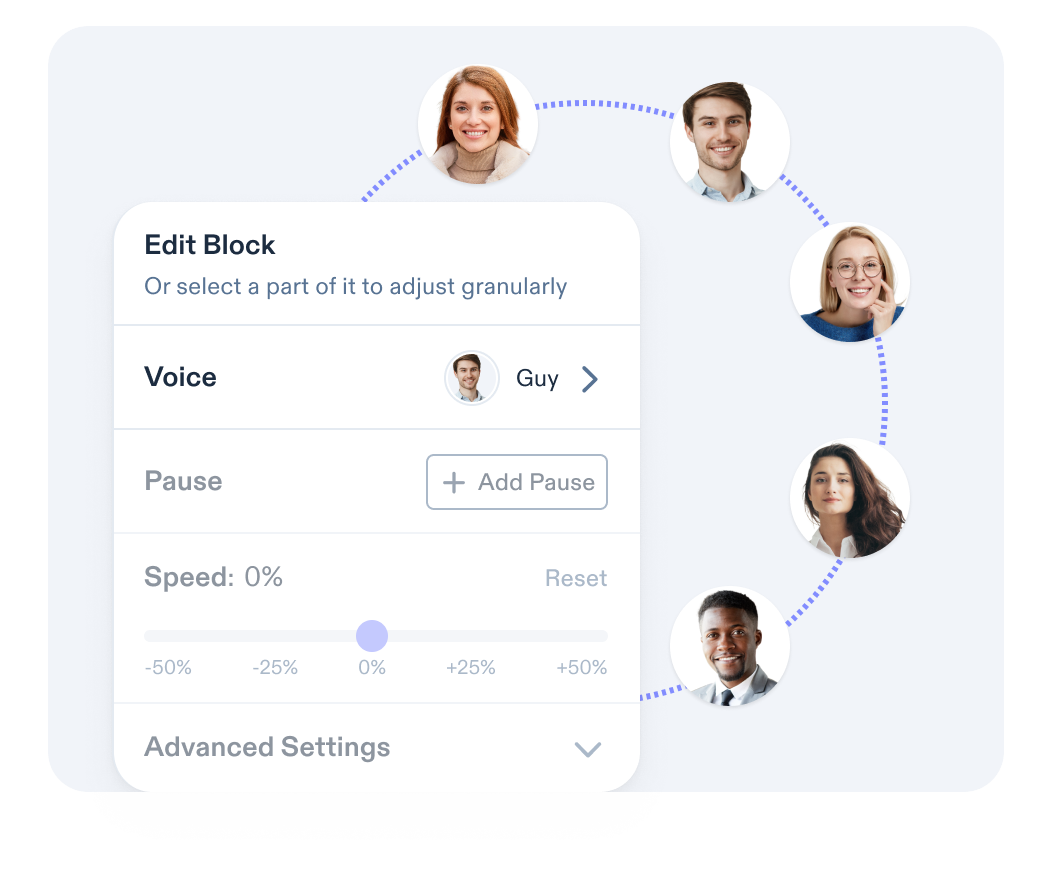
Professional voices
Speechify AI Voice Changer offers access to over 200 natural-sounding voices and accents. You can find a voice and accent to suit any project, making your content more engaging and personalized.
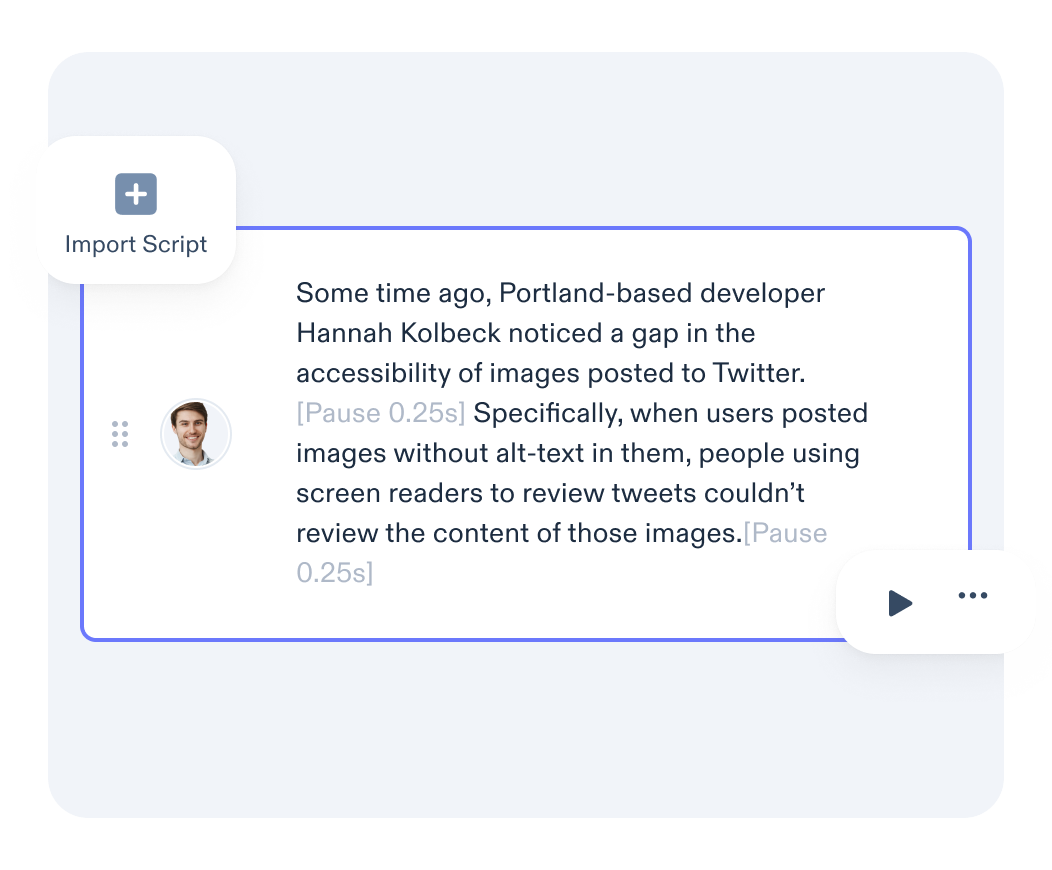
Upload your script
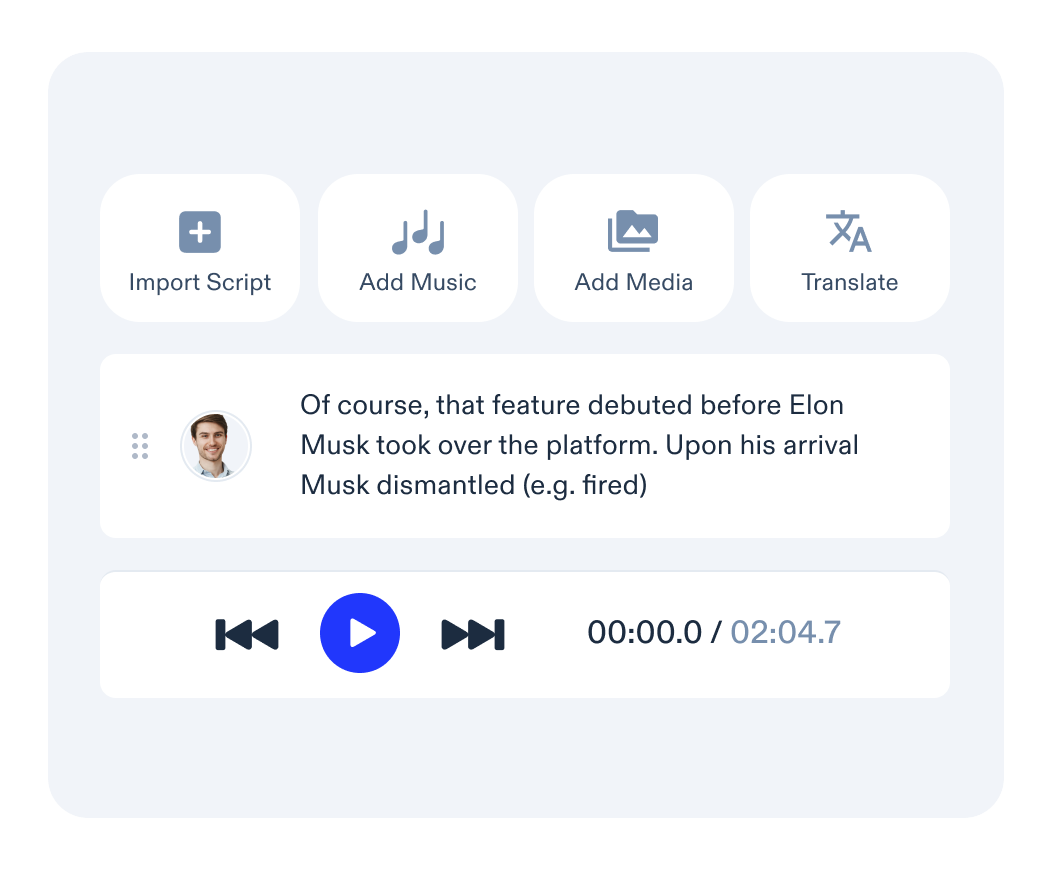
Easily type in your script or upload it directly from a PDF or Word document. You can assign different voices to each paragraph to make your project dynamic and captivating.
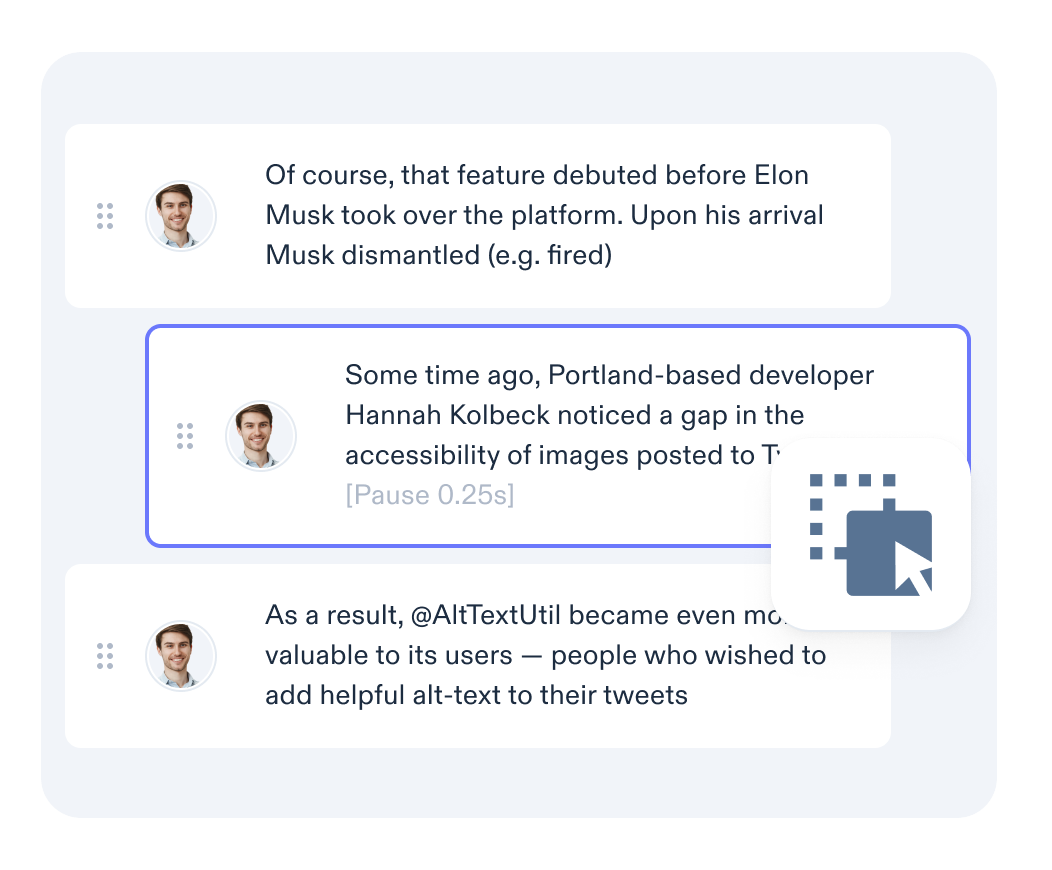
Drag and drop interface
Each paragraph is automatically converted into a separate audio block on a timeline. You can simply drag and drop these blocks to rearrange their order with ease.
Word level control
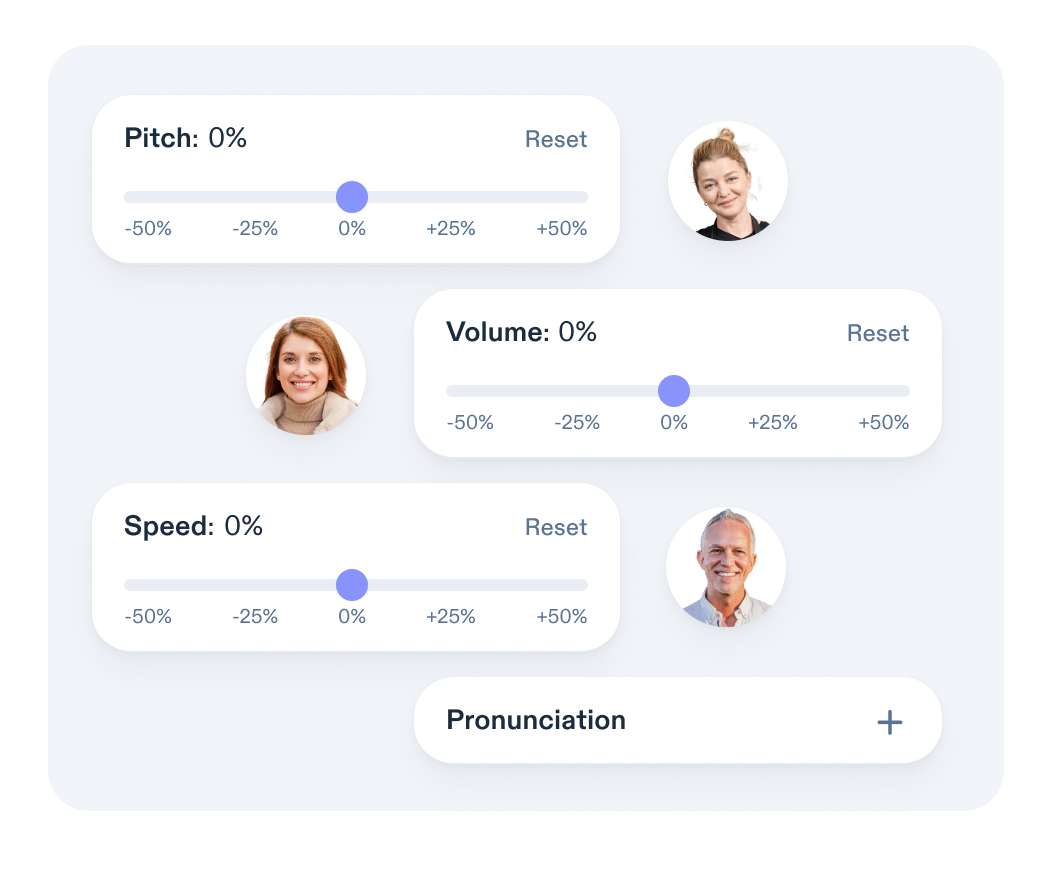
Enjoy precise control over unique words or names in your script. Ensure perfect pronunciation by adding an IPA version of the word in the settings.
Convey emotion
Bring your AI character to life by adding emotion. Choose from a variety of emotional tones, including angry, cheerful, empathetic, excited, friendly, hopeful, professional narration, newscast casual, newscast formal, sad, shouting, terrified, unfriendly, whispering, and more.

No learning curve
With a user-friendly drag-and-drop interface, a highly visual editor, and instant feedback, Speechify AI Voice Changer is incredibly easy to use. Create professional-quality AI voice overs in just minutes.
Speechify AI Voice Changer reviews
Other use cases
Frequently Asked Questions
Yes, Speechify AI Voice Changer allows users to create high-quality, human-sounding voice overs for content, such as podcasts, videos, and audiobooks, while Speechify’s text to speech app reads any text aloud in a natural-sounding voice for personal consumption.
Speechify AI Voice Changer is unique in that it allows users to create high-quality and natural-sounding voice overs through text to speech or voice cloning technology.
Use cases for Speechify AI Voice Changer include creating voice overs for podcasts, videos, audiobooks, e-learning materials, and dubbing content into multiple languages.
Yes, Speechify AI Voice Changer offers a variety of voices, including female voices, allowing users to select a girl voice for their projects.
To change your voice during a live stream with Speechify, you can generate the desired AI voice using the platform and play the audio during your live stream.
To change your voice during a phone call with Speechify, you can generate the desired AI voice using the platform and play the audio during your phone call.
Yes! The whole point of Speechify Voice Over is to help you quickly scale your content. If you want to turn your English content into 20 other languages and do it fast, we can help.
Yes, Speechify offers support anytime you have questions 7 days a week. We’re here for you.
Yes, please reach out through this form: https://speechify.com/voiceover-studio-contact.
Yes, you can also adjust the pitch, speed, volume, pronunciation, and so much more. We built this to emulate human voice overs. We’re adding more features every week.
Yes, try Speechify Voice Over Studio today.
Absolutely, Speechify is SOC2 approved and you will own everything you create.
The key difference between Speechify AI Voice Changer and a real-time voice changer is that Speechify focuses on generating new voice overs via text to speech, while a real-time voice changer, like VoiceMod, modifies your live voice instantly during calls or streams using voice changing technology.
There are many free voice changer online platforms that allow users to modify or alter their voice in real-time or through recordings, often with various effects, tones, or accents, such as VoiceMod or Clownfish.
No, it is not. Unlike traditional voice modulators like VoiceMod or voice changer apps that alter your existing voice in real-time, Speechify Voice Changer uses AI to generate entirely new voices. These AI-generated voices can be utilized for text to speech applications, and you can play them during live streams, phone calls, and more—even to prank your friends!
Unlike conventional voice modulators or soundboards that alter live input with voice filters such as anime or alien sounds, Speechify focuses on generating new, natural-sounding voices through text to speech technology. However, you can alter the pitch, speed, etc. of these AI voices.