Natural-Sounding Voices
Listen with voices that feel real

Text Highlighting
Follow along as you listen

Speed Control
Listen at your own pace

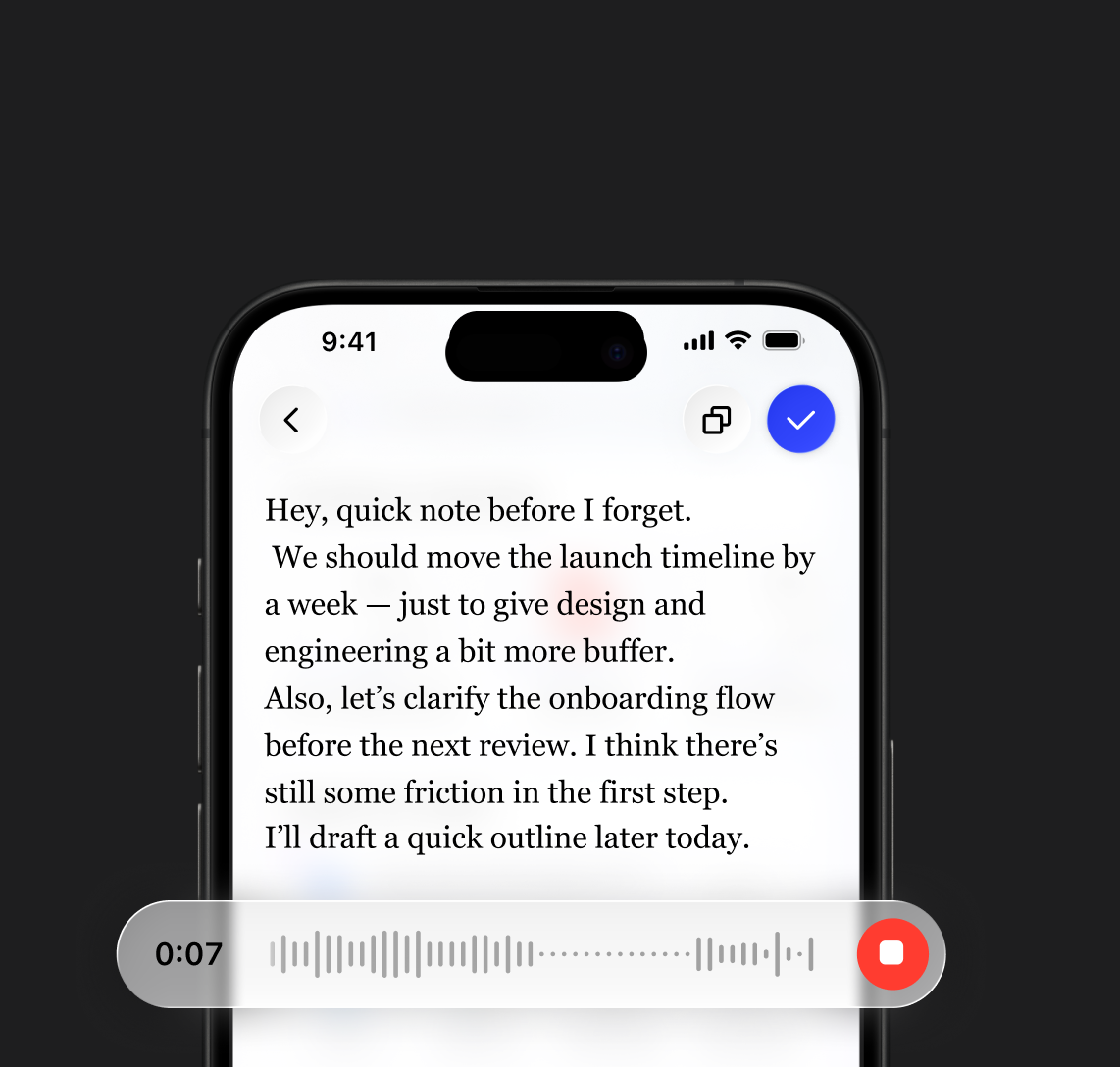
Write 5× faster with voice typing
Voice AI Assistant
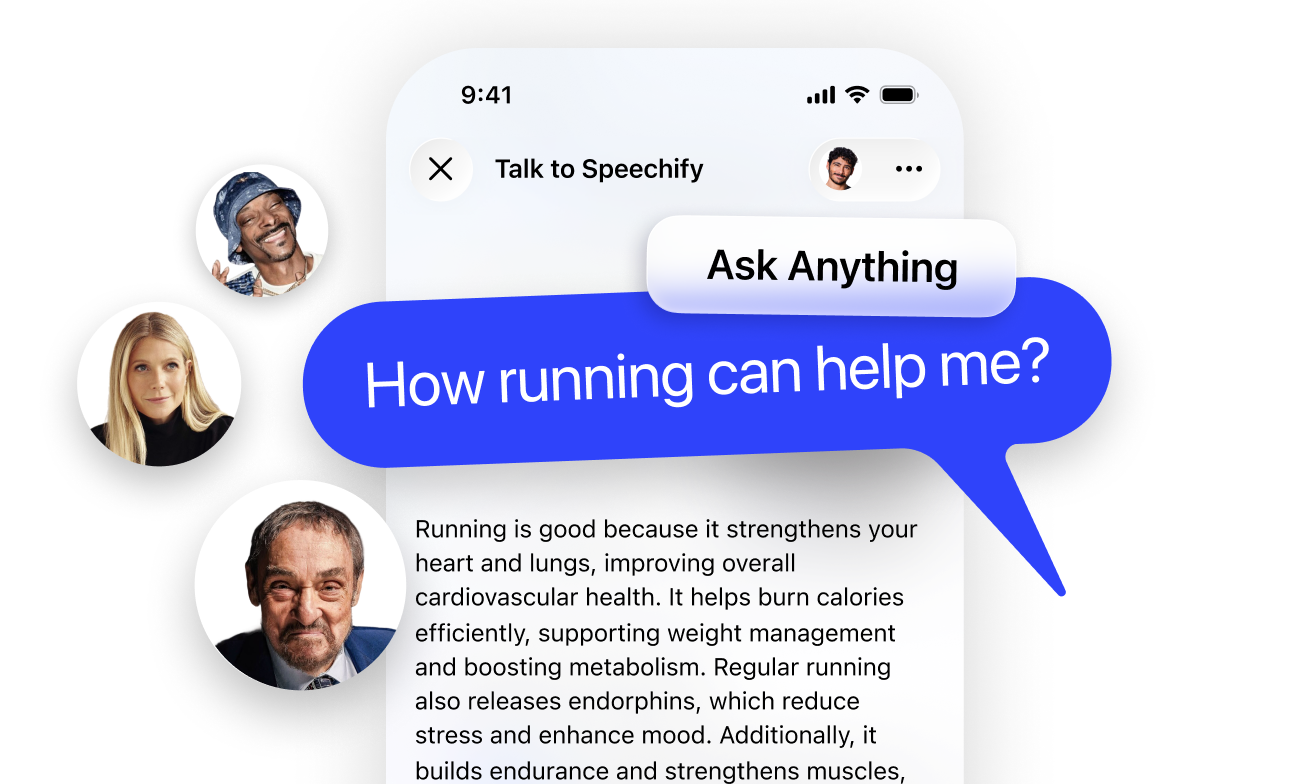
Ask Speechify on any page and get answers
Scan & Listen
Snap a photo and read aloud

Listen to Anything
Books, PDFs, Docs, and more

LISTEN ANYWHERE
Let Speechify read aloud to you while you commute, exercise, and run errands. Breeze through PDFs, books, articles, emails — anything.
Let Speechify read aloud to you while you walk to work, go for a run, or do laundry. Get through PDFs, books, articles, docs & emails twice as fast.
Read up to 4.5x faster by listening with Speechify. Listen to Google Docs, emails, articles & more seamlessly on Chrome.
The fastest way to read any PDF, book, or doc and make it stick. Integrates with Google Drive, Dropbox, Canvas & more.
Use Speechify from your Dock to read PDFs, Word docs, emails & more. Listen and read at the same time to read faster and retain more.
SPEECHIFY PODCAST
Turn anything into a podcast in the style of lecture, debates, or even late-night shows

“Speechify is more than a great app; it’s a critical resource that helps people live their lives”
Cut Your Reading Time in Half
Start free and see how easy reading can be

Best Way to Listen to PDFs
Save time with Speechify’s text reader by auto-skipping headers, footers, and other distractions so you hear only the content that truly matters read aloud
Mac App
Voice type across any app on your desktop – Slack, email, Word, iMessage, Chrome, and beyond. Just start talking and Speechify polishes your writing.
Chrome Extension
Use voice typing on any website. Perfect for Gmail, Google Docs, ChatGPT, and more. Voice typing is 5x faster without typos
Save Time & Improve Retention
Speed up your learning with Speechify by listening to content read aloud at adjustable speeds up to 4x

Instantly turn long documents into clear, concise takeaways with Speechify’s AI Summaries

Reinforce what you’ve read by generating personalized quizzes with Speechify’s AI Quiz feature

Made for Everyone

Sir Richard Branson, Business MagnateSpeechify is absolutely brilliant. Growing up with dyslexia this would have made a big difference. I’m so glad to have it today.

Gwyneth Paltrow, Actress and BusinesswomanSpeechify makes it easy to learn at 2x or even 3x the speed you read with your eyes.
.png?quality=95&width=2800)
Ali Abdaal, most followed Productivity Expert in the world.If there’s one hill I’m going to die on, it’s that speed listening is the best way forward. Speechify is a game-changer for me.
.png?quality=95&width=2800)

200+ Human Voices
Enjoy over 200 lifelike AI text to speech voices across 60+ languages or clone your voice.

Read 4.5x Faster
Our TTS users save up to 9hrs a week by using Speechify to speed read aloud.

Text Highlighting
Read along with Speechify AI Reader, featuring synchronized text highlighting

Join Millions of Listeners
Start free and see how easy reading can be
FAQ
Speechify是一款集多种功能于一体的语音AI效率助手,你可以通过语音对话来研究话题并获取答案,使用文字转语音、语音输入、AI记笔记以及创建AI播客,通过语音指令和对话在同一平台完成多项操作。
Speechify是一款语音AI效率助手,集语音对话、研究、答疑、文字转语音、语音输入、AI记笔记以及AI播客制作于一体;而ChatGPT、Gemini、Grok和Perplexity主要还是以文字聊天为主的工具。
可以。Speechify可以替代多款AI助手,作为你的终极语音AI助手,通过自然对话实现听书、语音输入、AI记笔记、内容研究、摘要整理以及创建AI播客等多种功能。
所谓AI语音,是指由人工智能系统合成或生成的语音,让机器能够用接近人类的说话方式与人交流。
你可以通过Speechify文字转语音免费版进行体验,也可以在其iOS或Android移动应用、网页应用(Windows或Mac),或其Chrome与Microsoft Edge扩展程序中使用。
Speechify AI朗读器适合所有人使用,包括老人、学生、职场人士,以及任何希望把文字内容听出来的用户。
是的,Speechify的文字转语音朗读器拥有目前市面上最自然、最接近真人的语音。现在这些声音已经和真人语音几乎难以区分,并且支持包括西班牙语、葡萄牙语、德语、法语在内的多种语言。
语音克隆允许你上传或录制任意说话者几秒钟的语音(需取得说话者许可),并生成该语音的数字克隆。这样,你就可以用这新克隆的声音来收听任何电子邮件、PDF或网页内容。
有,请先创建账号即可开始使用。你还可以查阅我们详细的文档。这是与我们所有产品同源的API,提供市场上最高质量的AI文字转语音服务,已为数千万用户提供支持。此API包含即时语音克隆、多语言支持、流式播放、SSML与情感控制、语音标记等丰富功能。
当然可以!如需批量购买文字转语音套餐,请联系销售团队,了解适合你们学校或团队的方案。我们与全球各地大型学区和政府合作,让学生大规模接入Speechify,助力教育公平,提升学习成效。
支持。Speechify高级用户可以下载处理好的音频离线收听,即使没有网络也能随时访问内容。
Speechify可在电脑、平板和智能手机之间无缝联动,你可以通过网页应用、iOS与Android应用,或原生Mac应用,随时随地听读内容。
Speechify支持约60多种语言,涵盖丰富的区域口音和方言变体,你可以选择最符合自己习惯的语音风格来实现文字转语音。
Speechify支持多种文件类型,包括PDF、EPUB、DOCX、XLSX和TXT,还支持网页链接、扫描页面以及手动输入或粘贴的文字,几乎可以朗读任何内容。
数百万人都在使用Speechify,包括学生、职场人士、教育工作者,以及有阅读困难(如阅读障碍)的人士,让阅读变得更加轻松、高效且有趣。
Speechify在其60多种支持语言中,提供多样的自然口音,包括热门的英语口音,以及西班牙语、法语、德语、意大利语等母语发音。
有。Speechify为高级套餐提供免费试用,你可以先体验更多高级语音、更快播放速度以及语音输入等其他功能,再决定是否升级。
有。Speechify内置语音转写功能,让你借助语音识别技术,在任何需要输入的地方实现免手打字写作。
是的,Speechify自带语音AI助手,可以回答问题、总结页面、解释内容,帮助你大幅提升工作与学习效率。
Speechify语音AI助手是一款交互式工具,允许你直接和任意网页“对话”,并即时获取总结、解释和重点内容,同时还能配合文字转语音和语音输入一起使用。
Speechify语音转写可以帮助学生更快完成作业,减轻打字负担,并通过语音转文字,把脑海中的想法快速整理成有条理的书面作业。
不需要。使用Speechify语音输入时不必刻意咬字很标准,因为AI语音转写功能能够通过语音识别理解自然表达,并自动纠正语法、标点和填充词。