

 Premio Apple Design 2025
 Extensión de Chrome del Año
Tu Texto a Voz en cualquier dispositivo
Sube cualquier PDF en la app web de Speechify y deja que Speechify lo lea en voz alta con voces realistas, lo resuma por ti o cree un podcast
Speechify en su extensión de Chrome lee cualquier cosa en tu navegador con texto a voz, escribe mientras hablas y responde preguntas sobre lo que lees
 Añadir a Chrome
 4.6
4.6Speechify en iOS sirve para investigar, leer, narrar, hablar, escribir, dictar, entretener, dar clases, hacer tests, navegar, resumir, tomar notas y crear podcasts todo por voz y texto a voz

Habla en vez de escribir: Speechify dicta tus palabras y lee en voz alta todo, en cualquier app para Windows
 Descargar para Windows
Deja de escribir y solo habla: Speechify en Mac convierte tu voz en texto fluido en Slack, Outlook, Cursor y cualquier app, y también lee cualquier cosa en tu pantalla
 Descargar para macOS
Convierte cualquier texto a voz, crea podcasts desde documentos o descripciones y pregunta al Asistente de Voz AI de Speechify cualquier duda en la app de Android

Elige entre más de 1,000 voces AI y escucha hasta a 4.5x de velocidad mientras Speechify convierte texto a voz en tu navegador Edge y responde preguntas como tu asistente con PhD
 Añadir a Edge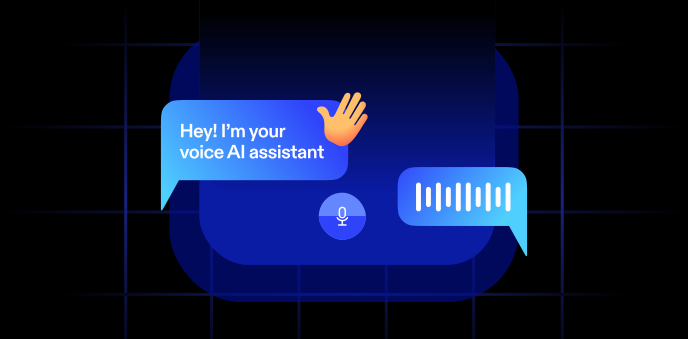
Un asistente de voz AI.
Muchas formas de usarlo.
Speechify es tu capa de voz AI en todos tus dispositivos
Texto a voz AI que lee por ti
Convierte PDFs, documentos y más en voces AI realistas y emocionales voces AI
Voces naturales
Escucha con voces realistas

Resaltado de texto
Sigue mientras escuchas

Control de velocidad
Escucha a tu ritmo

Escanea y escucha
Haz una foto y léelo en voz alta

Escucha cualquier cosa
Libros, PDFs, documentos y más

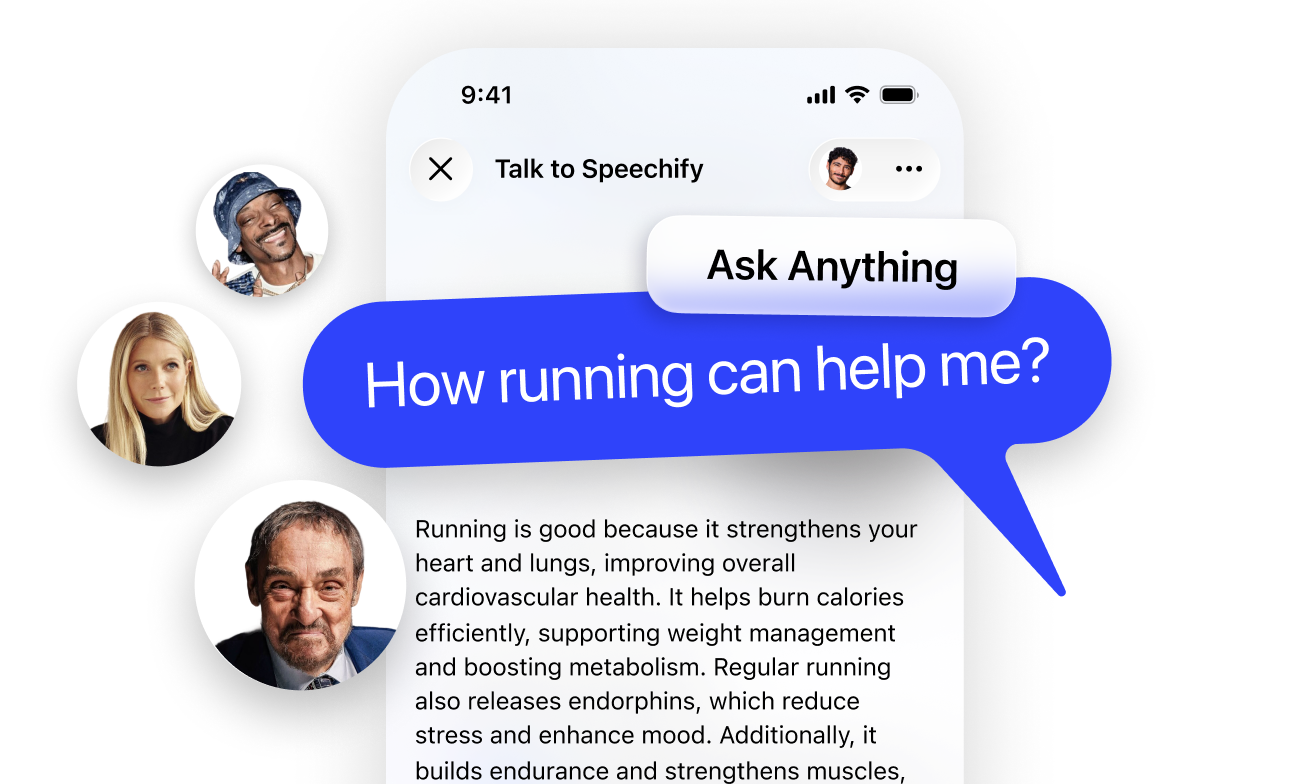
Pregunta lo que quieras y consigue respuestas
Obtén resúmenes y entiende páginas más rápido con el Asistente de Voz AI
Manos libres y rápido
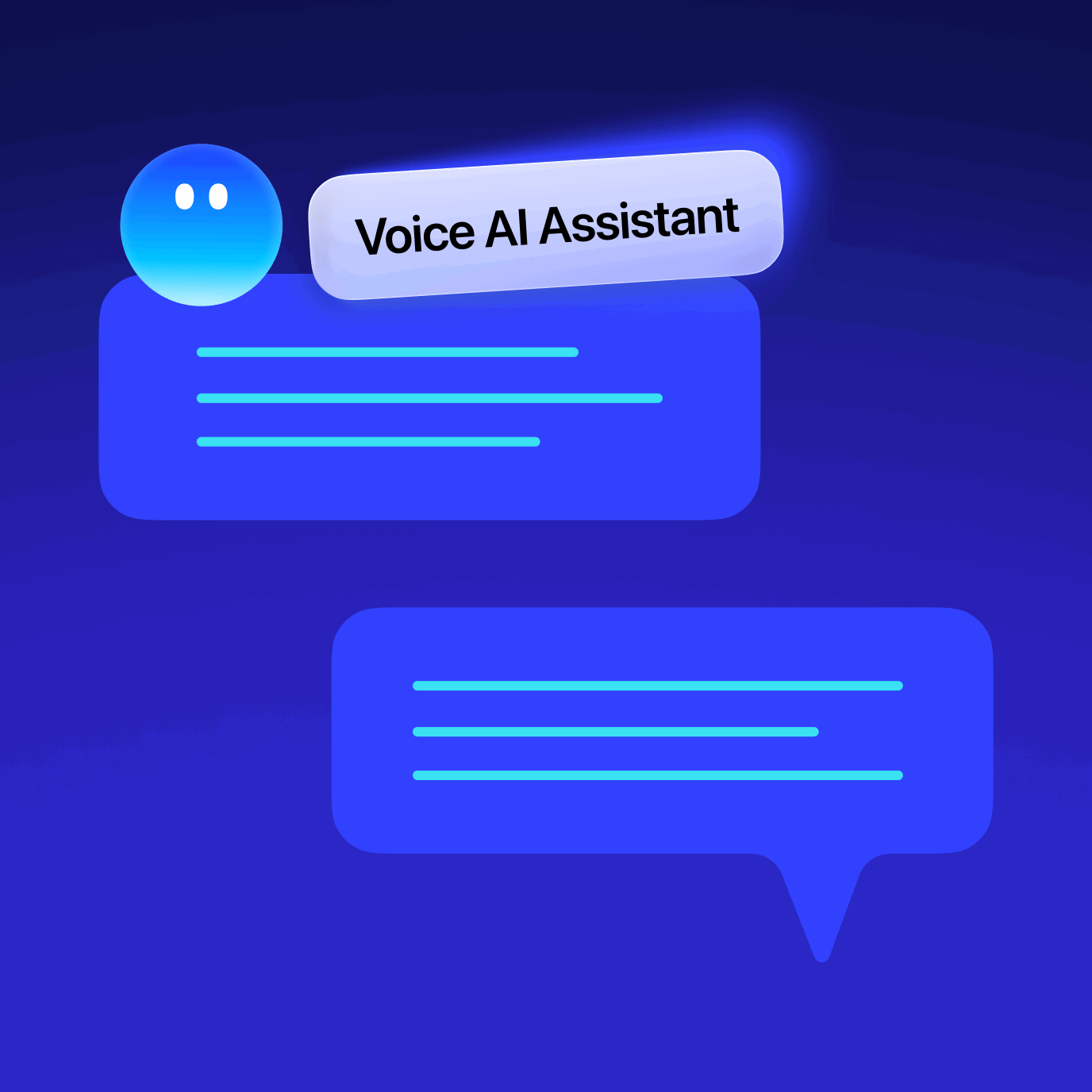
La mejor forma de hablar con AI

Entiende el contexto
Responde según lo que oye

Escribe con tu voz
Dicta texto en cualquier app, hasta 5× más rápido que escribiendo
Teclado
40 palabras por minuto
Dictado por voz
160 palabras por minuto
Crea cualquier podcast con un clic
Empieza con un documento o una descripción corta para crear el podcast que quieras
Ajusta el estilo
Elige tono, profundidad y más

Fácil de crear
De idea a podcast en poco tiempo

AI para notas de reuniones
Tu Asistente de Voz AI para reuniones y llamadas
Pregunta sobre la reunión
Respuestas de tu llamada

Resumen de la reunión
Puntos clave, automáticamente

Espacio de trabajo por voz para documentos
Todo lo que esperas de un workspace, pero basado en voz
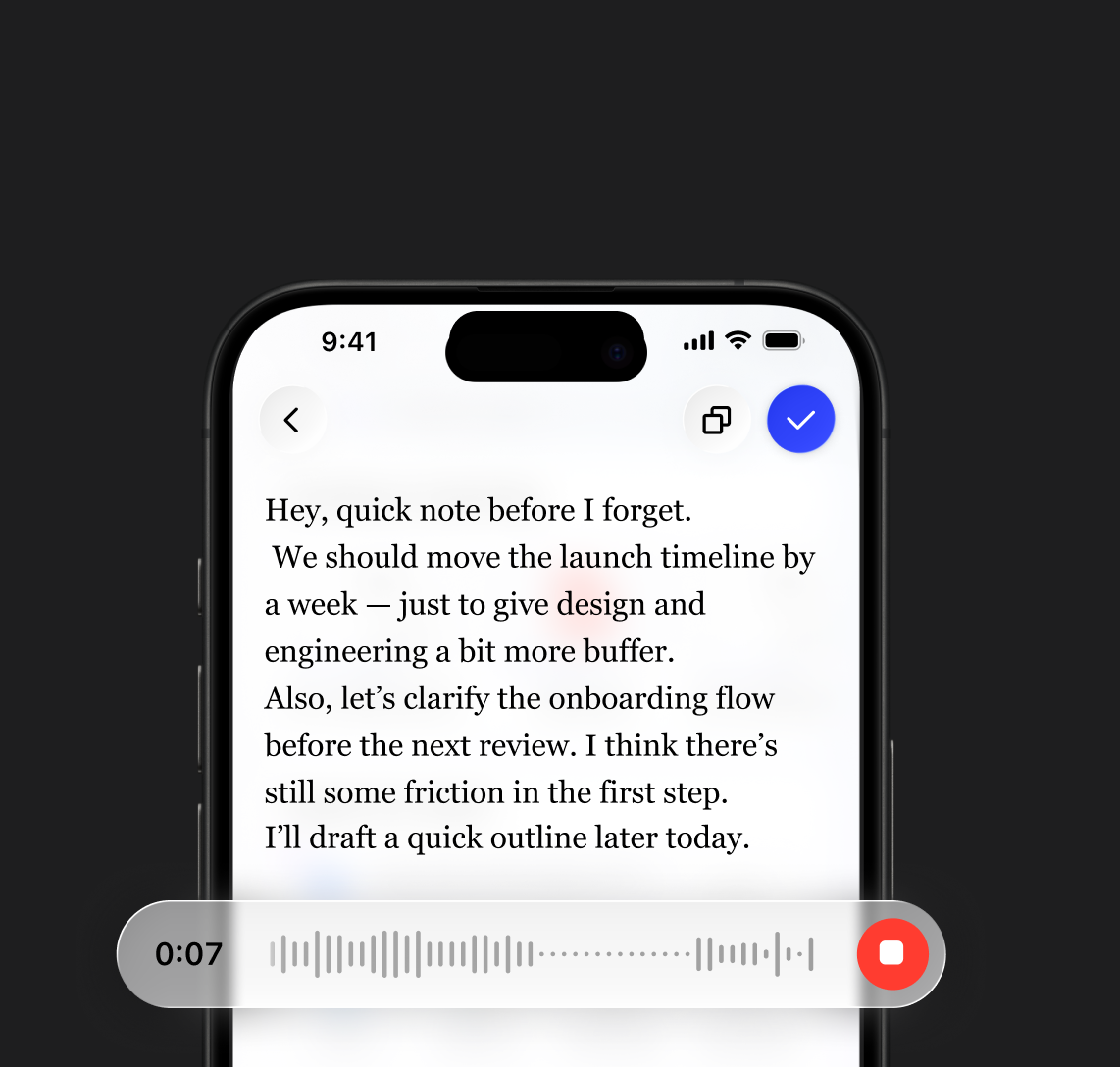
Docs creados por voz
De notas rápidas a documentos completos
Pregunta entre tus docs
Obtén respuestas de tus archivos

 Premio Apple Design 2025
“Speechify es más que una gran app; es un recurso clave que ayuda a las personas en su día a día”
Empieza con Speechify Texto a Voz
Lee, escribe, escucha y obtén respuestas, todo con Voz AI
Más formas en que el
asistente de voz AI te ayuda


Hecho para todos

Trabaja documentos y correos escuchando, dictando respuestas y obteniendo respuestas rápidas cuando las necesitas

Aprende más rápido con resúmenes, podcasts y notas de voz, ya sea preparando exámenes o repasando materia
Diviértete hablando con Speechify, escuchando tu contenido favorito con voces de famosos y creando podcasts de cualquier tema

Convierte ideas, artículos o enlaces en podcasts, escribe con tu voz y explora contenido en nuevos formatos
Lee cómodo escuchando texto, ajustando voces y velocidad, y mantén el enfoque sin esfuerzo

Sir Richard Branson, magnate de negociosSpeechify es absolutamente brillante. De niño, con dislexia, esto me habría cambiado la vida. Me alegra tenerlo hoy.

Gwyneth Paltrow, actriz y empresariaSpeechify hace fácil aprender al doble o triple de velocidad que al leer con los ojos.
.png?quality=95&width=2800)
Ali Abdaal, el experto en productividad más seguido del mundoSi tengo una opinión fuerte, es que escuchar rápido es el futuro. Speechify lo cambió todo para mí.
.png?quality=95&width=2800)


Empieza con Speechify
Texto a Voz
Lee, escribe, escucha y obtén respuestas, todo con Voz AI



FAQ
Speechify is an all-in-one Voice AI Productivity Assistant that lets users research topics and get answers through voice conversations, read with text to speech, voice type, take AI notes, and create AI podcasts in one platform via voice commands and conversational dialogue.
Speechify is a Voice AI Productivity Assistant, combining voice-activated conversations, research, question answering, text to speech, voice typing, an AI note taker, and AI podcast creation across apps, while ChatGPT, Gemini, Grok, and Perplexity are primarily text-based chat tools.
Speechify is a Voice AI Productivity Assistant that supports conversations, understands long-form content, reads information aloud, enables voice typing and AI note-taking, and helps users research, write, and create AI podcasts all with voice, rather than just responding to commands like Siri and Alexa.
Yes. Speechify can replace multiple AI Assistants by acting as the ultimate Voice AI Assistant for listening, dictating, taking AI notes, researching, summarizing, and creating AI podcasts through natural conversation.
La conversión de texto a voz, también conocida como TTS, lectura en voz alta o síntesis de voz, se refiere al uso de voces de IA para transformar cualquier texto en audio.
Una voz de IA se refiere al habla sintetizada o generada por sistemas de inteligencia artificial, lo que permite a las máquinas comunicarse con una voz similar a la humana.
Puedes probar Speechify texto a voz de forma gratuita a través de sus aplicaciones móviles para iOS o Android, su aplicación web en Windows o Mac, o sus extensiones para Chrome y Microsoft Edge.
El lector de IA de Speechify es para todos, incluyendo personas mayores, estudiantes, profesionales y cualquier persona que se beneficie de escuchar contenido escrito.
Sí. La conversión de texto a voz de Speechify ofrece las voces más naturales y de sonido humano disponibles del mercado. Las voces son ahora indistinguibles de las voces humanas y están disponibles en varios idiomas, incluyendo español, portugués, alemán, francés, y más.
La clonación de voz te permite subir o grabar unos segundos de la voz de cualquier persona (con su permiso) y generar un clon de esa voz. Esto te permite escuchar cualquier correo electrónico, PDF o sitio web en la nueva voz clonada.
Sí, te invitamos a crear una cuenta para empezar. También puedes consultar nuestra extensa documentación. Esta es la misma API que actualmente impulsa todos nuestros productos, proporcionando las voces de texto a voz de IA de la más alta calidad del mercado a decenas de millones de usuarios. Esta API incluye clonación de voz instantánea, soporte de idiomas, transmisión, SSML, control emocional, marcadores de habla y mucho más.
¡Sí! Si deseas adquirir planes de conversión de texto a voz al por mayor, por favor contacta a nuestro equipo de ventas para escuelas o equipos. Trabajamos con grandes distritos escolares y gobiernos de todo el mundo para facilitar el acceso a Speechify a los estudiantes a gran escala. Speechify contribuye a que la educación sea más accesible y mejora los resultados de los estudiantes.
Speechify offers over 1,000 natural-sounding text to speech voices in more than 60 languages, so you can listen to articles, PDFs, and documents in a voice and accent that fit your preference.
People use Speechify for reading documents, studying, listening to articles, proofreading, writing, and improving accessibility. It’s popular among students, professionals, and anyone who wants to absorb information on the go.
Yes, Speechify Premium users can listen offline by downloading their converted audio, making it easy to access content anytime, even without an internet connection.
Speechify works seamlessly across computers, tablets, and smartphones—you can access it through the Web app, iOS and Android apps, or the native Mac app for flexible listening anywhere.
Speechify supports around 60+ different languages, including a wide range of regional accents and dialect variations, so users can turn text into speech in a voice style that feels personalized.
To upload content, simply select “New” on the Speechify Web App, tap “Upload” on the iOS or Android app, or click “Add Files” on the Mac app to import your documents.
Speechify supports a wide range of file types, including PDF, EPUB, DOCX, XLSX, and TXT, as well as web links, scanned pages, and typed or pasted text, so you can listen to virtually any kind of content.
Speechify offers a variety of natural-sounding accents across its 60+ supported languages, including popular English accents and native pronunciations for Spanish, French, German, Italian, and more.
Yes, Speechify provides a free trial of its premium plan, allowing you to explore advanced voices, faster playback, and additional features such as dictation before upgrading.
Speechify Voice Typing is an AI voice dictation tool that turns your spoken words into clean, polished text with automatic grammar correction and filler-word removal.
Yes, Speechify includes a built-in dictation feature that lets you write hands-free anywhere you type through speech to text and speech recognition technology.
Voice typing is used for writing emails, taking notes, drafting documents, multitasking, boosting accessibility, and speeding up everyday writing tasks.
Yes, Speechify includes a Voice AI assistant that can answer questions, summarize pages, explain content, and help you work faster.
Speechify Voice AI assistant is an interactive tool that lets you talk to any webpage and get instant summaries, explanations, and key points while also supporting text to speech and voice typing.
No, you don’t have to speak perfectly with Speechify Voice Typing because the AI dictation feature is designed to understand natural speech through speech recognition and automatically fix grammar, punctuation, and filler words.
Yes, Speechify offers free, fast, and accurate AI dictation and speech to text through its Voice Typing feature, letting you speak your text instead of typing.
Yes, Speechify's AI dictation feature called Voice Typing is available on Speechify's free plan.
Yes, Speechify can scan text using OCR (Optical Character Recognition) technology, allowing it to read and convert physical text from books, documents, and images into audio.